2 Best Free Alternatives to Nitro PDF in 2026
By Noahlast updated
Compared: free alternatives to Nitro PDF
| Alternative | Best for | Standout | Biggest weakness | Learning curve | Price |
|---|---|---|---|---|---|
| Nitro PDFreference | mid-size and enterprise teams that need centralized admin controls, SSO, and AI-assisted redaction across Windows, macOS, and web, not just individual PDF editing | Smart Redact, an AI feature that automatically detects and removes sensitive data from documents, paired with a centralized Admin Portal and Analytics dashboard for organization-wide usage tracking. | No dollar prices are published anywhere on the site; every tier is 'calculated at checkout' or requires a sales conversation, which makes it hard to comparison-shop against competitors like Adobe Acrobat or Foxit that publish list prices. | Low | Custom pricing |
| Adobe Acrobat | teams and individuals who need pixel-perfect PDF editing plus legally binding e-signatures in one subscription, especially those already using other Adobe products | Acrobat Sign's built-in e-signature workflow combined with an AI Assistant that summarizes and answers questions about a PDF's content without leaving the document. | Adobe paid a $150 million FTC settlement in 2024 over hidden early termination fees and hard-to-cancel subscriptions; cancelling an annual-billed-monthly Acrobat plan within the first year can still trigger a fee equal to roughly half the remaining months owed. | Moderate | Free tier · paid from $14.99/mo |
| Smallpdf | individuals and small teams who need quick browser-based PDF conversion, compression, e-signing, and editing without installing desktop software | An all-in-one PDF toolkit covering compress, convert, merge, split, e-sign, and edit in one browser-based product, with native Windows and mobile apps plus direct Google Workspace and Dropbox integrations. | The free tier caps users to a small number of daily tasks with ads shown before requiring an upgrade, and the newer AI features (summarization, translation, chat) are gated entirely behind the paid Pro tier rather than offered in any free capacity. | Low | Free tier · paid from $9/mo |
 Nitro PDF
 Adobe Acrobat
 Smallpdf
1.Adobe Acrobat — best Nitro PDF alternative for teams and individuals who need pixel-perfect PDF editing plus legally binding e-signatures in one subscription, especially those already using other Adobe products
Adobe Acrobat is the best Nitro PDF alternative for teams and individuals who need pixel-perfect PDF editing plus legally binding e-signatures with actual published prices, something Nitro PDF's checkout-only pricing model doesn't offer. Acrobat Standard starts at $14.99/month billed annually, Pro is $19.99/month, and Studio is $24.99/month and adds an AI Assistant that summarizes documents and answers questions about their content, all shown directly on Adobe's pricing page rather than calculated at checkout the way every Nitro PDF tier is. Adobe Acrobat holds a 4.7/5 rating from 4,255 Capterra reviews, a review base Nitro PDF has none of. Acrobat Sign provides built-in e-signature workflows comparable to Nitro's separate Nitro Sign product. Nitro PDF is still the better choice for organizations that specifically want a centralized Admin Portal and AI-powered Smart Redact bundled into the core product without an extra subscription tier: Adobe paid a $150 million FTC settlement in 2024 over hidden early termination fees on annual-billed-monthly plans, and cancelling within the first year can still trigger a fee, a risk Nitro PDF's pricing structure, opaque as it is, doesn't carry in the same documented way.
Compared to Nitro PDF: publishes exact starting prices ($14.99/month Standard) instead of calculating everything at checkout, holds a 4.7/5 rating from 4,255 Capterra reviews versus none for Nitro PDF, Acrobat Sign and AI Assistant are built into named, priced tiers
Wins:Publishes exact starting prices ($14.99/month Standard, $19.99/month Pro, $24.99/month Studio) directly on its pricing page, unlike Nitro PDF's checkout-only or sales-quote pricing · Holds a 4.7/5 rating from 4,255 Capterra reviews, a review base that lets buyers comparison-shop in a way Nitro PDF's zero captured reviews doesn't · AI Assistant summarizes long PDFs and answers questions about their content, available directly in the named Studio tier rather than requiring a sales conversation
Loses:Adobe paid a $150 million FTC settlement in 2024 over hidden early termination fees on annual-billed-monthly plans, a documented risk Nitro PDF's pricing, while opaque, hasn't been penalized for in this data · AI Assistant Plus is a separate $4.99/month add-on on top of the base subscription, an extra layer Nitro PDF's Smart Redact doesn't require since it's bundled into the Plus tier · Core editing requires a paid tier; the free Acrobat Reader only views, comments, and signs, the same paid-tier gate Nitro PDF applies to its own core editing
Pros
- Sets the PDF fidelity standard: documents retain exact layout, fonts, and formatting across viewers and devices.
- Acrobat Sign provides legally binding e-signature workflows integrated directly into the PDF.
- AI Assistant summarizes long PDFs and answers questions about their content in seconds.
- OCR and Liquid Mode make scanned documents searchable and reflow text for mobile reading.
Cons
- Cancelling an annual-billed-monthly plan within the first year can trigger an early termination fee, the subject of a 2024 $150 million FTC settlement against Adobe.
- Core editing (edit text, combine files, convert formats) requires a paid tier; the free Acrobat Reader only views, comments, and signs.
- AI Assistant Plus is a separate $4.99/month add-on on top of the base subscription.
- Menu-heavy interface can feel slower to navigate than lightweight single-purpose PDF tools for occasional users.
Pricing: Free tier · paid from $14.99/mo — Adobe Acrobat Standard starts at $14.99/month billed annually; Nitro PDF publishes no dollar figures at all, with every tier calculated at checkout or quoted by sales (verified undefined NaN, NaN)
2.Smallpdf — best Nitro PDF alternative for individuals and small teams who need quick browser-based PDF conversion, compression, e-signing, and editing without installing desktop software
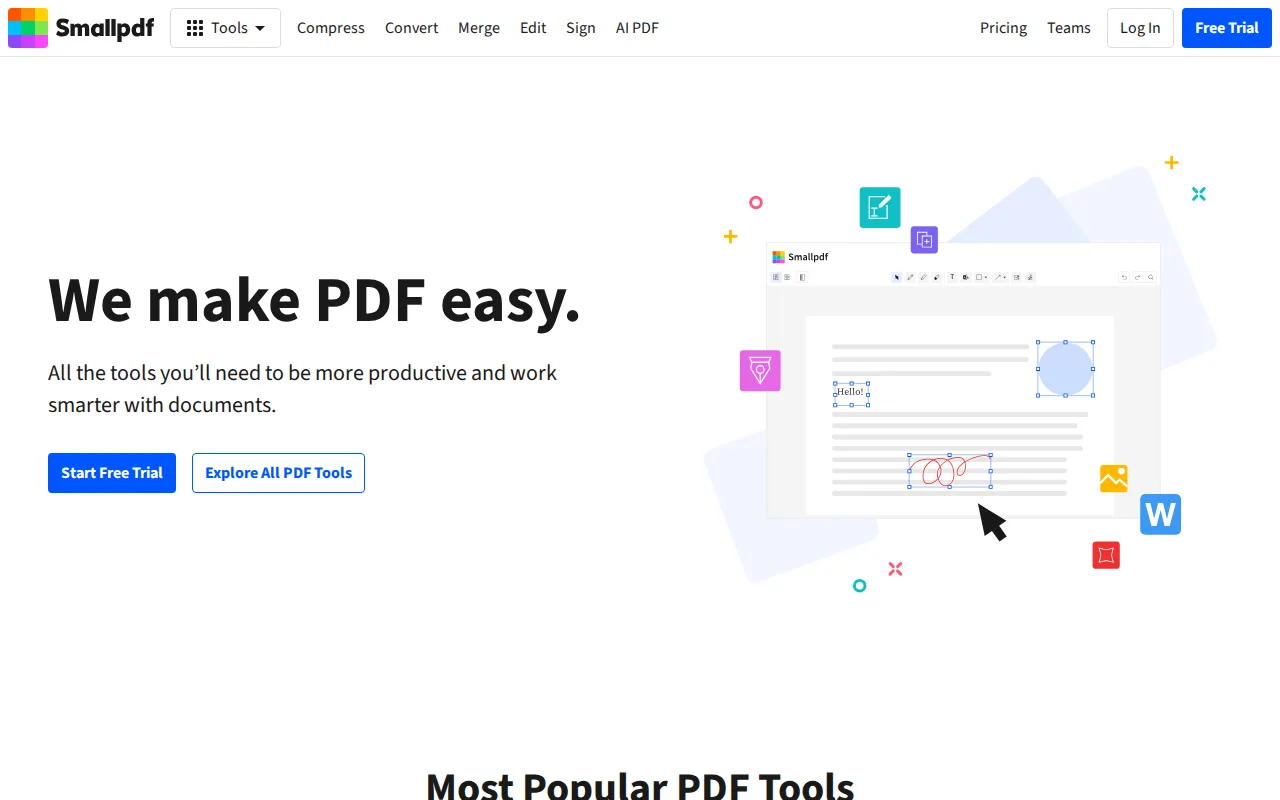
Smallpdf is the best Nitro PDF alternative for individuals and small teams who need quick browser-based PDF conversion, compression, e-signing, and editing without installing desktop software, at a price that's actually published: Pro is $9/month billed annually, unlike any of Nitro PDF's checkout-only tiers. Smallpdf holds a 4.7/5 rating from 997 Capterra reviews plus a 5.0/5 from 1 Product Hunt review, a far larger sample than Nitro PDF's uncaptured rating, and it reports serving over a billion users globally with more than 30 external tool integrations. Its free tier gives limited daily use of core tools with ads, and a 7-day unlimited trial lets users test Pro before paying. Nitro PDF is still the better choice for mid-size and enterprise teams that need centralized admin controls, SSO, and audit trails: Smallpdf's Team plan pricing isn't published without contacting sales, the same opacity Nitro PDF has at every tier, but Smallpdf's AI features (summarization, translation, chat) are entirely paid-tier with no free allowance, while Nitro PDF's Smart Redact is positioned as a core enterprise feature rather than a consumer add-on.
Compared to Nitro PDF: Pro tier is published at $9/month billed annually, holds a 4.7/5 rating from 997 Capterra reviews versus none for Nitro PDF, reports serving over a billion users with 30+ integrations
Wins:Publishes an actual Pro price ($9/month billed annually), unlike any of Nitro PDF's checkout-only or sales-quoted tiers · Holds a 4.7/5 rating from 997 Capterra reviews plus a 5.0/5 from 1 Product Hunt review, a review base Nitro PDF has none of · Reports serving over a billion users globally with more than 30 external tool integrations, a stated scale Nitro PDF's materials don't quantify
Loses:Free tier limits users to a small number of daily tasks and shows ads, a friction point Nitro PDF's paid-only model avoids by not offering a free tier at all · AI features (summarization, translation, chat) are entirely paid-tier with no free allowance, while Nitro PDF bundles AI-assisted document analysis into its core Standard and Plus tiers · Team plan pricing isn't published without contacting sales, the same lack of transparency Nitro PDF has at every tier
Pros
- Covers the full PDF workflow (compress, convert, merge, split, edit, sign) in one browser-based product.
- Native Windows, iOS, and Android apps plus a Chrome extension for use outside the browser.
- Direct integrations with Google Workspace and Dropbox streamline document workflows.
- 7-day unlimited free trial lets users test Pro features before committing.
Cons
- Free tier limits users to a small number of daily tasks and shows ads.
- AI features (summarization, translation, chat) are entirely paid-tier, with no free allowance.
- Team plan pricing isn't published without contacting sales or starting checkout.
Pricing: Free tier · paid from $9/mo — Smallpdf Pro is $9/month billed annually, a published figure; Nitro PDF publishes no dollar prices at all, with every tier calculated at checkout