5 Best Alternatives to Microsoft Copilot for Android in 2026
By Noahlast updated
All 5 Microsoft Copilot alternatives
Compared: Microsoft Copilot alternatives that run on Android
| Alternative | Best for | Learning curve | Price |
|---|---|---|---|
| Microsoft Copilotreference | Windows and Microsoft 365 users who want an AI assistant already built into their browser, OS, and Office apps rather than a separate standalone chat product | Low | Free tier · paid from $18/mo |
| ChatGPT | individuals and teams who want a general-purpose AI assistant for writing, coding, research, and file analysis inside one chat interface | Low | Free tier · paid from $8/mo |
| Google Gemini | individuals and developers already inside the Google ecosystem who want an AI assistant with deep Google Workspace and Google One storage integration | Low | Free |
| Claude | developers and knowledge workers who need strong coding assistance and long-document reasoning, particularly teams already using Claude Code | Low | Free tier · paid from $17/mo |
| Perplexity | researchers, students, and professionals who want sourced, citation-backed answers to factual questions faster than manual search-and-read | Low | Free tier · paid from $20/mo |
| Meta AI | people already living inside WhatsApp, Instagram, or Messenger who want a free AI assistant without installing or subscribing to a separate chatbot app | Low | Free tier · paid from $7.99/mo |
 Microsoft Copilot
 ChatGPT
 Google Gemini
 Claude
 Perplexity
 Meta AI
1ChatGPT — best Microsoft Copilot alternative for individuals and teams who want a general-purpose AI assistant for writing, coding, research, and file analysis inside one chat interface
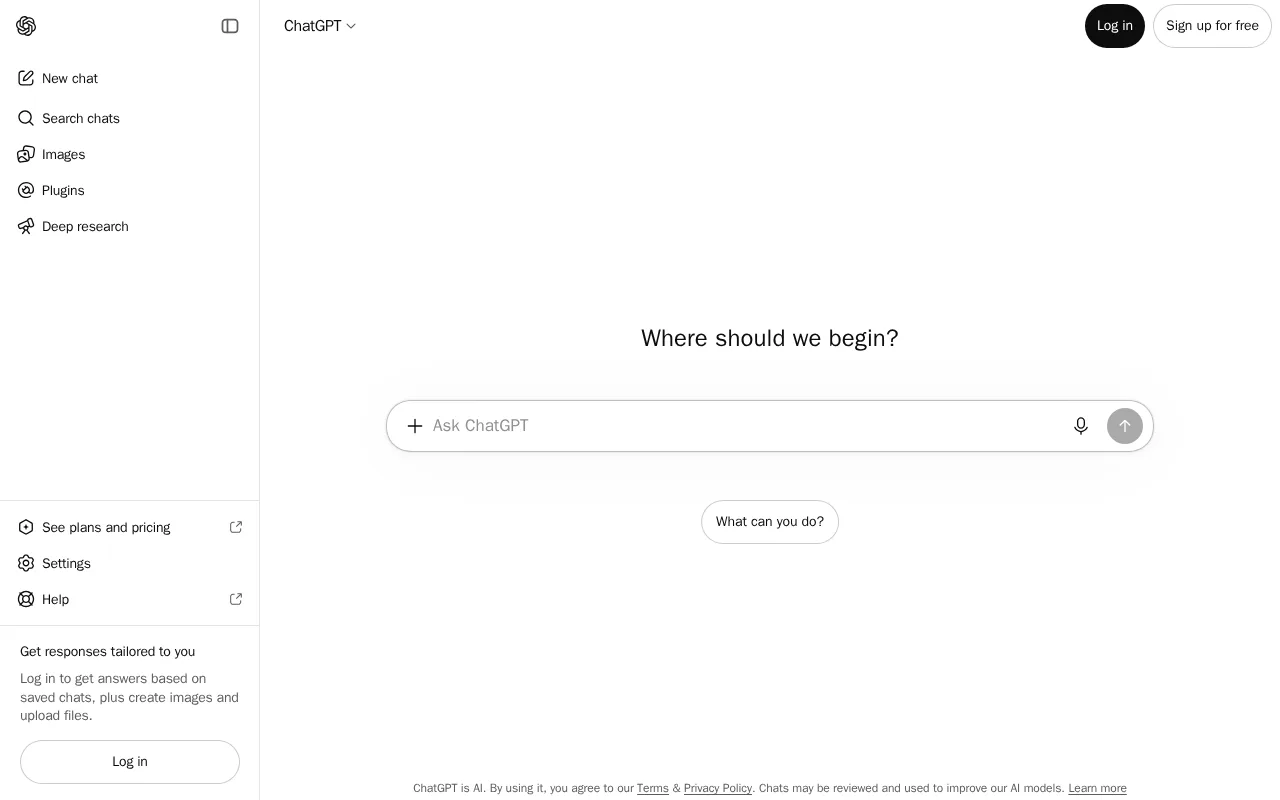
ChatGPT is the best Microsoft Copilot alternative for individuals and teams who want one general-purpose AI assistant for writing, coding, research, and file analysis, without navigating Copilot's split between a free consumer tier, Copilot Pro, and a separately priced Microsoft 365 Copilot business add-on. ChatGPT's pricing is a single clear ladder: free, then Go at $8/month, Plus at $20/month, and Pro at $200/month for the highest usage limits, all published directly on its pricing page. ChatGPT holds a 4.4/5 rating from 389 Capterra reviews, more review evidence than Microsoft Copilot's single 3/5 Product Hunt rating from 2 reviews. ChatGPT Business and Enterprise plans also guarantee workspace conversations aren't used for model training by default, similar to Microsoft's own data-governance posture. Microsoft Copilot is still the better choice for organizations already paying for Microsoft 365 that want AI embedded directly inside Word, Excel, PowerPoint, and Outlook without switching to a separate chat app: Microsoft 365 Copilot's $18/user/month price (promotional through September 30, 2026) layers AI drafting and analysis into tools those teams already use daily, something ChatGPT's standalone chat interface doesn't replicate natively inside Office documents.
Compared to Microsoft Copilot: one clear subscription ladder (free, $8, $20, $200/month) instead of three separately priced products, higher review evidence (389 Capterra reviews vs 2 Product Hunt reviews), no requirement to already hold a qualifying Microsoft 365 subscription
Wins:Single, published pricing ladder (free, $8, $20, $200/month) instead of Copilot's free/Pro/Microsoft 365 add-on split · 4.4/5 rating from 389 Capterra reviews vs Microsoft Copilot's 3/5 rating from 2 Product Hunt reviews · No prerequisite Microsoft 365 subscription required to access higher usage tiers
Loses:Not natively embedded inside Word, Excel, PowerPoint, or Outlook the way Microsoft 365 Copilot is · No equivalent to Copilot Vision's ability to analyze on-screen content directly inside a browser or OS · Business plan monthly billing (without annual commitment) is noticeably higher per seat
Pros
- Broad feature set (chat, image generation, code execution, voice, web browsing) under one subscription.
- Free tier is genuinely usable for casual, low-volume use, not just a demo.
- Business and Enterprise plans exclude workspace conversations from model training by default.
- Available on web, desktop, and mobile with consistent conversation history across devices.
Cons
- Can produce confident-sounding but factually incorrect answers, requiring users to verify important claims.
- Large price jump from Plus ($20/month) to Pro ($200/month) for users who outgrow Plus's usage caps.
- Free tier usage limits reset periodically and can interrupt longer work sessions.
- Business plan monthly pricing (versus annual) is noticeably higher per seat.
Pricing: Free tier · paid from $8/mo — Free / $8 (Go) / $20 (Plus) / $200 (Pro) per month vs Microsoft Copilot's free tier plus $18/user/month Microsoft 365 Copilot add-on (requires a qualifying Microsoft 365 plan) (verified )
2Google Gemini — best Microsoft Copilot alternative for individuals and developers already inside the Google ecosystem who want an AI assistant with deep Google Workspace and Google One storage integration
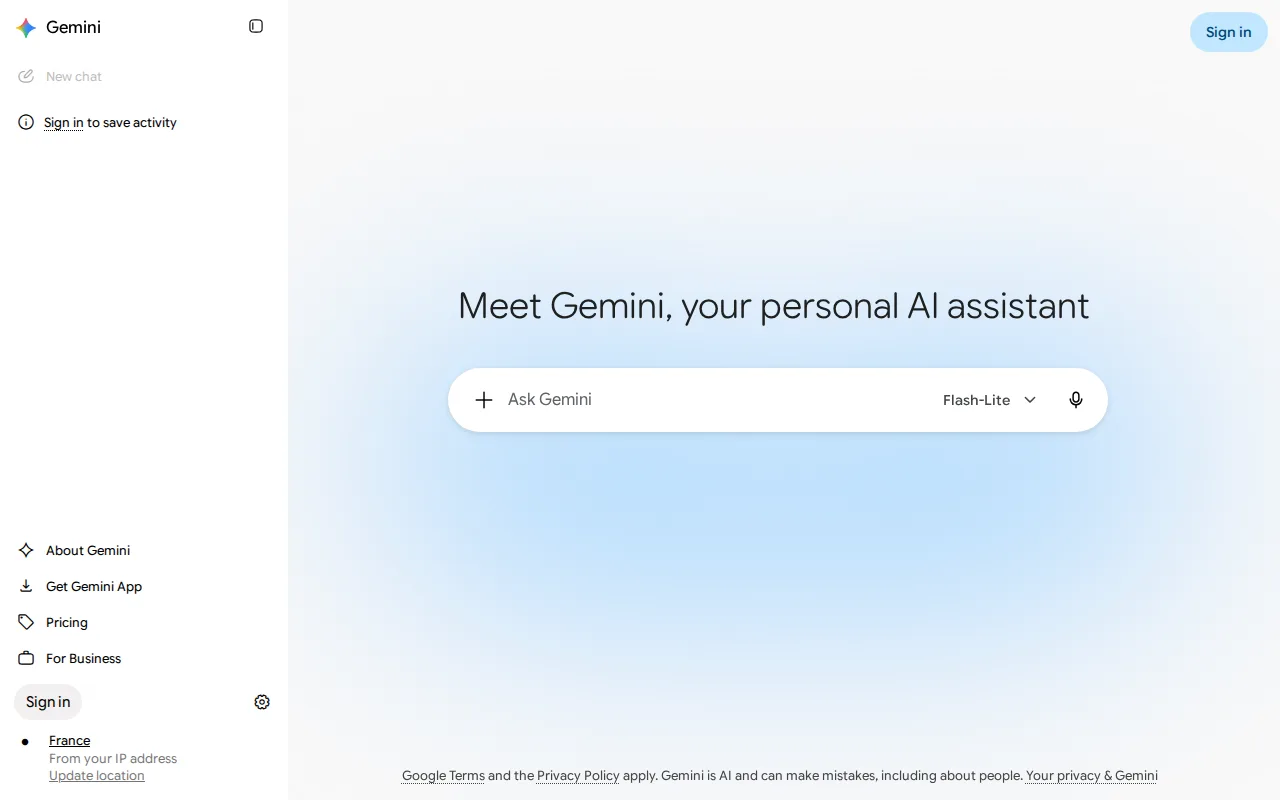
Google Gemini is the best Microsoft Copilot alternative for individuals and developers already inside the Google ecosystem who want an AI assistant paired with Google One storage rather than Microsoft 365. Gemini is free to use at gemini.google.com and on iOS/Android with standard usage limits, matching Microsoft Copilot's free consumer tier, and paid Google AI Plus, Pro, and Ultra plans bundle increasing Google One storage (400GB, 5TB, 20TB+) alongside expanded AI usage, a combination Microsoft Copilot's tiers don't offer. Developers building on Gemini also get a metered API: Gemini 2.5 Pro costs $1.25 per million input tokens and $10 per million output tokens under 200k tokens, giving programmatic pricing transparency Copilot's business tier lacks. Microsoft Copilot is still the better choice for organizations standardized on Microsoft 365 that want AI embedded directly inside Word, Excel, PowerPoint, and Outlook: Gemini's deepest integration is with Gmail, Docs, and Workspace, not Microsoft's productivity suite, and unlike Copilot's published $18/user/month business price, Google does not publish exact monthly dollar prices for its AI Plus, Pro, and Ultra consumer plans in static page content.
Compared to Microsoft Copilot: paid plans double as Google One storage upgrades (5TB on Pro, 20TB+ on Ultra), a metered developer API with published per-token rates, deep integration with Gmail, Docs, and Workspace instead of Microsoft 365
Wins:Paid plans bundle Google One storage (5TB Pro, 20TB+ Ultra) alongside AI usage limits, a combination Copilot's tiers don't offer · Gemini API publishes exact per-token developer pricing ($1.25/$10 per million input/output tokens under 200k on 2.5 Pro) · Free tier covers real day-to-day chat use with no credit card required, same as Copilot's free tier
Loses:No native desktop app; the consumer product is web- and mobile-only, unlike Copilot's Windows integration · Exact monthly prices for AI Plus, Pro, and Ultra consumer plans are not shown in plain text on Google's comparison page · Not embedded inside Word, Excel, PowerPoint, or Outlook the way Microsoft 365 Copilot is
Pros
- Free tier covers real day-to-day chat use with no credit card required.
- Paid plans bundle Google One storage (5TB on Pro, 20TB+ on Ultra) alongside AI usage limits, adding value beyond the assistant itself.
- Deep integration with Gmail, Docs, and Workspace for users already in the Google ecosystem.
- Gemini API offers a genuinely free tier for developers to prototype before paying per token.
Cons
- Exact monthly prices for the AI Plus, Pro, and Ultra consumer plans are not shown in plain text on Google's own comparison page, requiring a purchase flow to see the charge.
- No native desktop app; the consumer product is web- and mobile-only.
- Highest-usage Ultra tier bundles YouTube Premium and Project Genie, features unrelated to AI assistant use that some buyers don't want but pay for anyway.
- Gemini API pricing for Flash models is time-limited (rates rise January 1, 2027), adding future cost uncertainty for developers budgeting long-term.
Pricing: Free — Free tier plus unconfirmed Google AI Plus/Pro/Ultra prices vs Microsoft Copilot's free tier plus $18/user/month Microsoft 365 Copilot add-on
3Claude — best Microsoft Copilot alternative for developers and knowledge workers who need strong coding assistance and long-document reasoning, particularly teams already using Claude Code
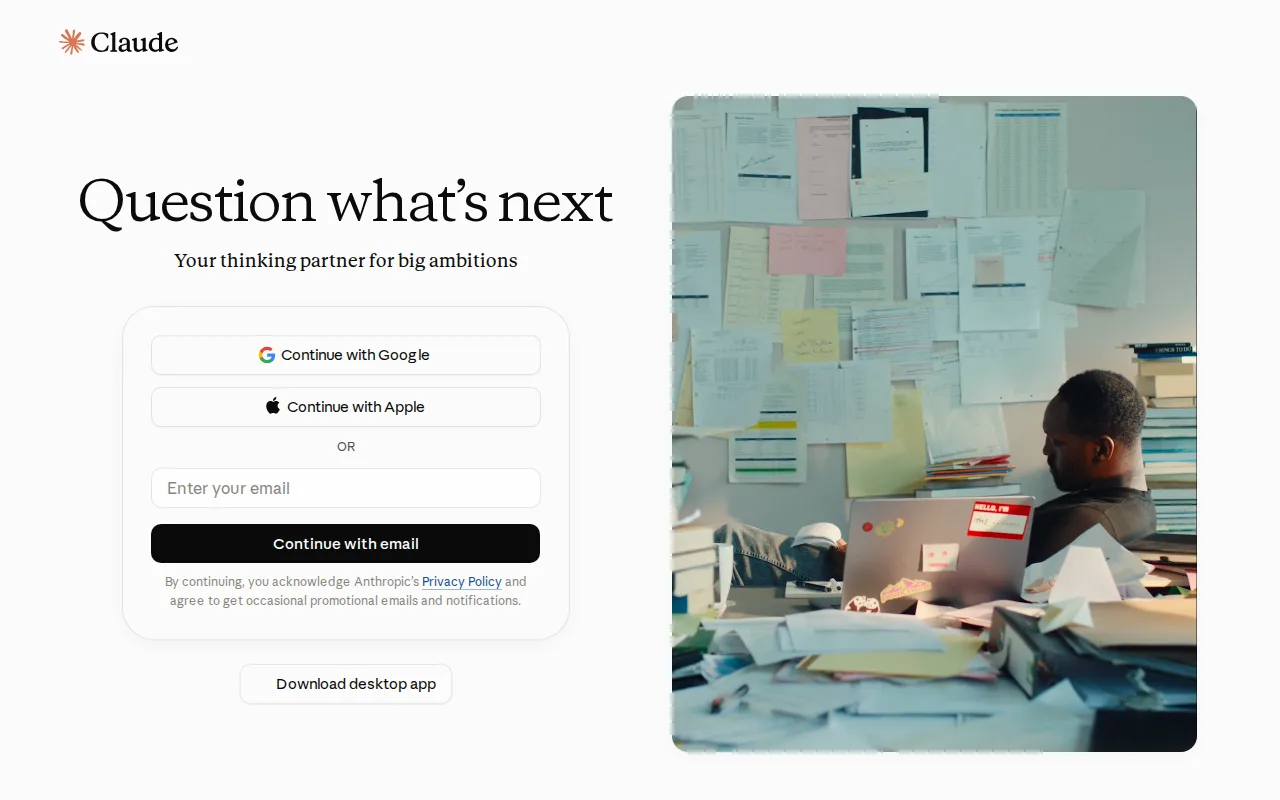
Claude is the best Microsoft Copilot alternative for developers and knowledge workers who need strong coding assistance and long-document reasoning rather than AI features layered on top of Office apps. Claude Pro costs $17/month billed annually and bundles Claude Code, an agentic coding tool that works directly in the terminal and IDE, a capability none of Microsoft Copilot's tiers offer natively. Claude's pricing was independently verified, on-site, more current than Microsoft Copilot's listing, whose pricing hasn't been independently verified at all. Claude holds a 4.4/5 rating from 53 Capterra reviews, more concrete review evidence than Microsoft Copilot's single 3/5 Product Hunt rating from 2 reviews. Microsoft Copilot is still the better choice for organizations already paying for Microsoft 365 who want AI drafting and analysis embedded directly inside Word, Excel, PowerPoint, and Outlook rather than a separate chat app: Claude does integrate with Microsoft 365 on Pro and above, but it isn't built into the Office ribbon the way Microsoft 365 Copilot is, and Claude's Pro usage limits feel restrictive to heavy users per Capterra reviews, pushing power users toward the considerably more expensive $100+/month Max tiers.
Compared to Microsoft Copilot: Claude Code brings agentic coding assistance into the terminal and IDE, verified pricing vs Copilot's unverified pricing, a 4.4/5 rating from 53 Capterra reviews vs Copilot's 3/5 from 2 reviews
Wins:Claude Code, Claude Cowork, and Claude Design bundle agentic coding and task automation into Pro and above · Pricing was independently verified on-site, unlike Microsoft Copilot's unconfirmed pricing · 4.4/5 rating from 53 Capterra reviews vs Copilot's 3/5 rating from 2 Product Hunt reviews
Loses:Not natively built into the Office ribbon inside Word, Excel, PowerPoint, or Outlook the way Microsoft 365 Copilot is · Pro plan usage limits feel restrictive to heavy daily users, per Capterra reviews, pushing them toward the $100+/month Max tiers · Smaller third-party plugin and integration ecosystem than Copilot's native Windows/Edge/Office footprint
Pros
- Claude Code brings agentic coding assistance into the terminal and IDE, not just a chat window.
- Long-context handling suits large document analysis and research tasks well.
- Free tier is usable for casual work, with a clear upgrade path to Pro.
- Enterprise tier offers a HIPAA-ready configuration and a Compliance API for regulated industries.
Cons
- Pro plan usage limits feel tight for heavy daily users, per Capterra reviews.
- Can lose context on large files or ambiguously worded prompts, per user reports.
- Jumping from Pro ($17-20/month) to Max ($100+/month) is a steep price increase for users who outgrow Pro's limits.
- Smaller third-party plugin and integration ecosystem than ChatGPT's.
Pricing: Free tier · paid from $17/mo — $17/month Pro (billed annually) vs Microsoft Copilot's free tier plus $18/user/month Microsoft 365 Copilot add-on (verified )
4Perplexity — best Microsoft Copilot alternative for researchers, students, and professionals who want sourced, citation-backed answers to factual questions faster than manual search-and-read
Perplexity is the best Microsoft Copilot alternative for researchers, students, and professionals who want direct answers with inline citations rather than a chat assistant layered across a browser and Office suite. Perplexity's Free tier gives limited daily searches, and Pro costs $20/month (or $200/year) for unlimited standard searches, a model picker across multiple underlying AI models, and file upload, all published directly on its pricing page. Perplexity holds a combined external rating from 35 Capterra reviews (4.2/5) and 97 Product Hunt reviews (4.9/5), considerably more review evidence than Microsoft Copilot's single 3/5 Product Hunt rating from 2 reviews. Every generated answer carries inline source citations, a structural difference from Copilot's more general-purpose chat responses. Microsoft Copilot is still the better choice for Windows and Microsoft 365 users who want AI embedded directly inside Edge, the OS, and Office apps rather than a separate research-focused product: Perplexity's daily search cap on the free tier is restrictive for regular use, and its Enterprise pricing, like much of Copilot's own business pricing, is not published and requires a sales conversation.
Compared to Microsoft Copilot: inline source citations on every generated answer, a model picker across multiple underlying AI models on Pro, higher combined review evidence (35 Capterra + 97 Product Hunt reviews vs Copilot's 2 Product Hunt reviews)
Wins:Inline citations on every answer make source-checking faster than Copilot's general chat responses · Model picker on Pro lets users choose which underlying AI model handles a query · 35 Capterra reviews (4.2/5) plus 97 Product Hunt reviews (4.9/5) vs Copilot's 2 Product Hunt reviews (3/5)
Loses:Not built into Windows, Edge, or Office apps the way Microsoft Copilot is natively embedded · Free tier's daily search limit is restrictive for regular use · Enterprise pricing is not published and requires a sales conversation, similar to Copilot's own opaque business pricing structure
Pros
- Inline citations on every answer make source-checking faster than a typical chatbot response.
- Pro tier lets users pick which underlying AI model answers a query.
- Native apps across web, Windows, macOS, iOS, and Android.
- File and document upload for question-answering over PDFs on paid tiers.
Cons
- Free tier's daily search limit is restrictive for regular use.
- Generated answers can misrepresent or overstate what cited sources actually say.
- Pro pricing ($20/month) is comparable to ChatGPT Plus and Claude Pro, so switching costs are mainly about search behavior, not price.
- Enterprise pricing is not published and requires a sales conversation.
Pricing: Free tier · paid from $20/mo — $20/month Pro (or $200/year) vs Microsoft Copilot's free tier plus $18/user/month Microsoft 365 Copilot add-on
5Meta AI — best Microsoft Copilot alternative for people already living inside WhatsApp, Instagram, or Messenger who want a free AI assistant without installing or subscribing to a separate chatbot app
Meta AI is the best Microsoft Copilot alternative for people who want a free AI assistant built directly into apps they already use daily, WhatsApp, Instagram, Messenger, and Facebook, rather than into Windows and Office. Meta AI's free tier requires no credit card and covers chat, image generation, translation, and conversation memory, capped around 100,000 tokens per month, 60 voice exchanges per day, and 25 image generations per day, comparable in spirit to Microsoft Copilot's free consumer tier's own usage limits. Meta AI is built on the openly licensed Llama model family, a different foundation from Copilot's underlying OpenAI-based models. Microsoft Copilot is still the better choice for Windows and Microsoft 365 users who want AI embedded inside Word, Excel, PowerPoint, and Outlook: Meta AI has no desktop integration or Office-document features at all, and every downloaded image carries a visible "Imagined with Meta AI" watermark that rules out the kind of professional document or presentation work Microsoft 365 Copilot is built for. Meta AI's new Meta One paid tiers, starting at $7.99/month, were also still rolling out region by region as of mid-2026.
Compared to Microsoft Copilot: built directly into WhatsApp, Instagram, Messenger, and Facebook instead of Windows and Office, no credit card required for the free tier, built on the openly licensed Llama model family instead of Copilot's OpenAI-based models
Wins:Native integration inside WhatsApp, Instagram, Messenger, and Facebook, apps most people already use daily · Free tier requires no credit card and covers chat, image generation, translation, and conversation memory · Built on the openly licensed Llama model family rather than a closed, proprietary model
Loses:No desktop integration or Office-document features, unlike Microsoft 365 Copilot's embedding inside Word, Excel, PowerPoint, and Outlook · Downloaded images carry a visible "Imagined with Meta AI" watermark, ruling out professional or commercial document use · New Meta One paid tiers were still rolling out region by region as of mid-2026, unlike Copilot's more established pricing
Pros
- Free tier requires no credit card and covers chat, image generation, translation, and conversation memory.
- Built directly into WhatsApp, Instagram, Messenger, and Facebook, not just a standalone app.
- Standalone app and meta.ai web client both exist for users who don't want it inside a social app.
- Built on the openly licensed Llama model family.
Cons
- Downloaded images carry a visible "Imagined with Meta AI" watermark, limiting professional use.
- Free tier caps usage around 100,000 tokens/month, 60 voice exchanges/day, and 25 image generations/day.
- New Meta One paid tiers (from $7.99/month) were still rolling out region by region as of mid-2026, so availability is inconsistent.
- Thinking mode and video generation are capped or unavailable on the free tier.
Pricing: Free tier · paid from $7.99/mo — Free, with Meta One Plus/Premium from $7.99/$19.99 per month, vs Microsoft Copilot's free tier plus $18/user/month Microsoft 365 Copilot add-on