2 Best Open-Source Alternatives to KeePassXC in 2026
By Noahlast updated pricing verified
Compared: open-source alternatives to KeePassXC
| Alternative | Best for | Standout | Biggest weakness | Learning curve | Price |
|---|---|---|---|---|---|
| KeePassXCreference | privacy-conscious individuals and technical teams who want a fully offline password vault they control, rather than a cloud-synced subscription service | The entire vault is a single locally encrypted file with no vendor cloud account required, and browser integration prompts for per-site access confirmation rather than auto-filling silently. | There is no built-in cross-device sync, so keeping the vault current across a phone and multiple computers requires manually configuring a third-party sync tool (Dropbox, Nextcloud, Syncthing), and the mobile experience relies on separate community apps rather than a first-party KeePassXC app for iOS or Android. | Moderate | Free |
| Bitwarden | individuals and teams who want an open-source, independently audited password manager they can self-host, at roughly half the price of 1Password or Dashlane | Fully open-source client and server code (GPL-3.0), independently audited, with an official self-hosting option and a community-maintained lightweight server (Vaultwarden) for running your own vault infrastructure. | The official self-hosted server carries a mixed license (GPL-3.0 core plus a Bitwarden-specific license for some enterprise features), and the interface is generally considered less polished than 1Password's, with fewer built-in extras like a bundled VPN. | Low | Free tier · paid from $1.65/mo |
| Proton Pass | individuals and small teams who want a zero-knowledge, open-source password manager with unlimited free logins and built-in email alias masking | Unlimited hide-my-email aliases (10 free, unlimited on Pass Plus) let a user mask their real email address per signup without a separate aliasing service. | The free plan caps hide-my-email aliases at 10 and lacks the built-in 2FA authenticator and dark web monitoring bundled into Pass Plus; like the rest of Proton's product line, getting the best per-dollar value requires bundling into the pricier Proton Unlimited plan rather than buying Pass alone. | Low | Free tier · paid from $1.99/mo |
 KeePassXC
 Bitwarden
 Proton Pass
1.Bitwarden — best KeePassXC alternative for individuals and teams who want an open-source, independently audited password manager they can self-host, at roughly half the price of 1Password or Dashlane
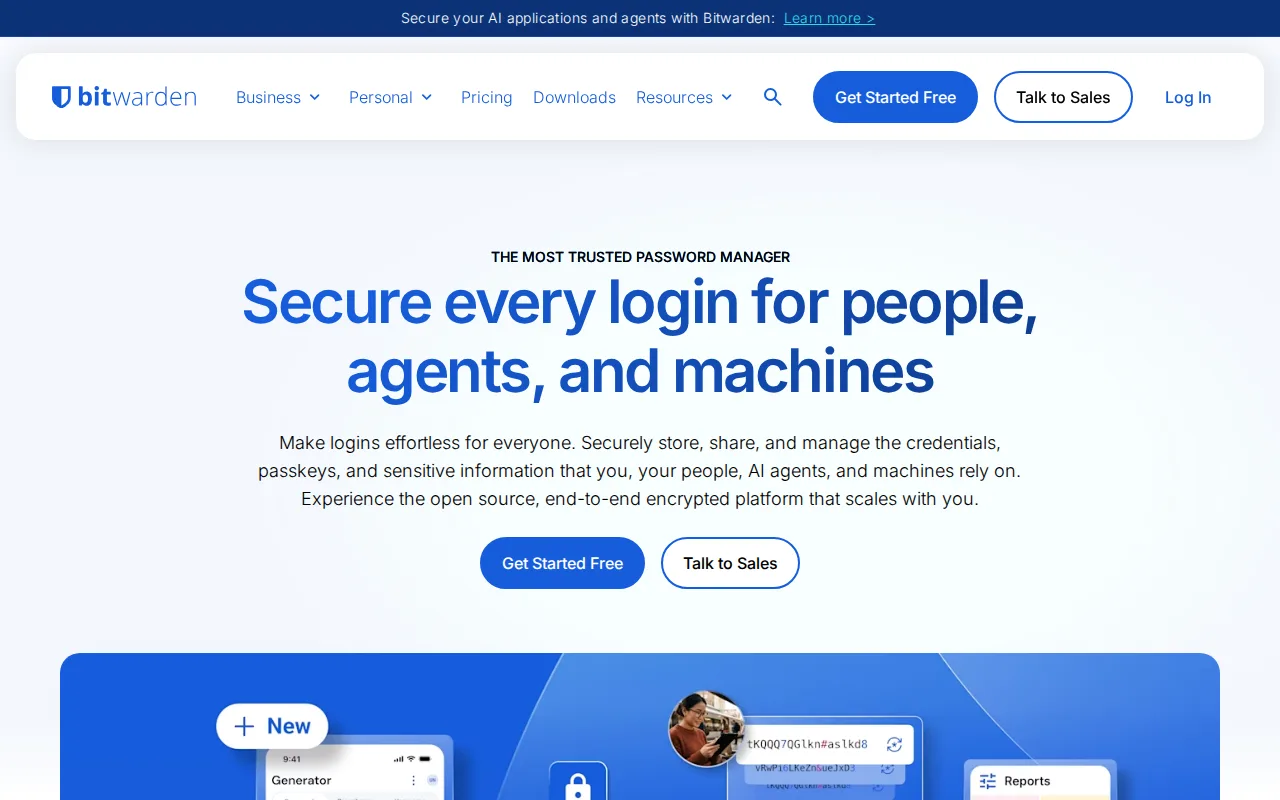
Bitwarden is the best KeePassXC alternative for users who want the same open-source auditability KeePassXC offers but with first-party mobile apps and built-in cloud sync, features KeePassXC's own listing states it doesn't provide directly. Bitwarden's client and server code is published on GitHub under GPL-3.0 and independently audited, matching KeePassXC's own open-source commitment, and its Free tier covers unlimited passwords and devices at no cost, the same $0 starting price as KeePassXC. Bitwarden's Premium tier costs $1.65/month billed annually and adds a built-in authenticator and 5GB of encrypted attachments, while organizations can self-host their own server or the community-maintained Vaultwarden project rather than trusting Bitwarden's cloud, similar in spirit to KeePassXC's fully local-first design. Bitwarden holds a 4.7/5 rating from 216 Capterra reviews, a verified sample KeePassXC's own listing doesn't have on file. KeePassXC is still the better choice for users who want zero cloud dependency by default and per-site access confirmation rather than silent autofill: Bitwarden's official self-hosted server carries a mixed license, with some enterprise components under a separate Bitwarden license alongside the GPL-3.0 core, unlike KeePassXC's fully local vault file with no server component at all.
Compared to KeePassXC: first-party mobile apps and built-in cloud sync vs KeePassXC's local-only vault requiring manual sync setup, genuinely free unlimited-device tier matching KeePassXC's $0, but a mixed-license server unlike KeePassXC's fully local model
Wins:First-party iOS and Android apps, unlike KeePassXC which relies on separate, third-party KeePass-compatible mobile apps · Built-in cloud sync across devices out of the box, without the manual Dropbox/Nextcloud/Syncthing setup KeePassXC requires · 4.7/5 rating from 216 Capterra reviews, a verified external rating KeePassXC's own listing doesn't carry
Loses:Official self-hosted server carries a mixed license (GPL-3.0 core plus a separate Bitwarden license for some enterprise features), unlike KeePassXC's fully local vault with no server component at all · Free tier excludes the integrated authenticator and file attachments, which require upgrading to the $1.65/month Premium tier · Relies on Bitwarden's cloud by default, a trust dependency KeePassXC's fully offline vault avoids entirely
Pros
- Open-source, independently audited client and server code that anyone can inspect on GitHub.
- Free tier includes unlimited passwords and devices with no artificial time limit.
- Roughly half the price of 1Password or Dashlane at every comparable tier.
- Official self-hosting option, plus a community Vaultwarden server for lighter-weight self-hosting.
Cons
- Free tier excludes the integrated authenticator and file attachments, which require upgrading to Premium.
- Server code isn't purely open source; some enterprise components ship under a separate Bitwarden license alongside the GPL-3.0 core.
- Interface and browser extension are generally considered less polished than 1Password's.
- No bundled VPN or dark-web monitoring the way some competitors include at similar price points.
Pricing: Free tier · paid from $1.65/mo — Free tier matches KeePassXC's $0; Premium at $1.65/month for features (authenticator, attachments) beyond KeePassXC's core scope (verified undefined NaN, NaN)
2.Proton Pass — best KeePassXC alternative for individuals and small teams who want a zero-knowledge, open-source password manager with unlimited free logins and built-in email alias masking
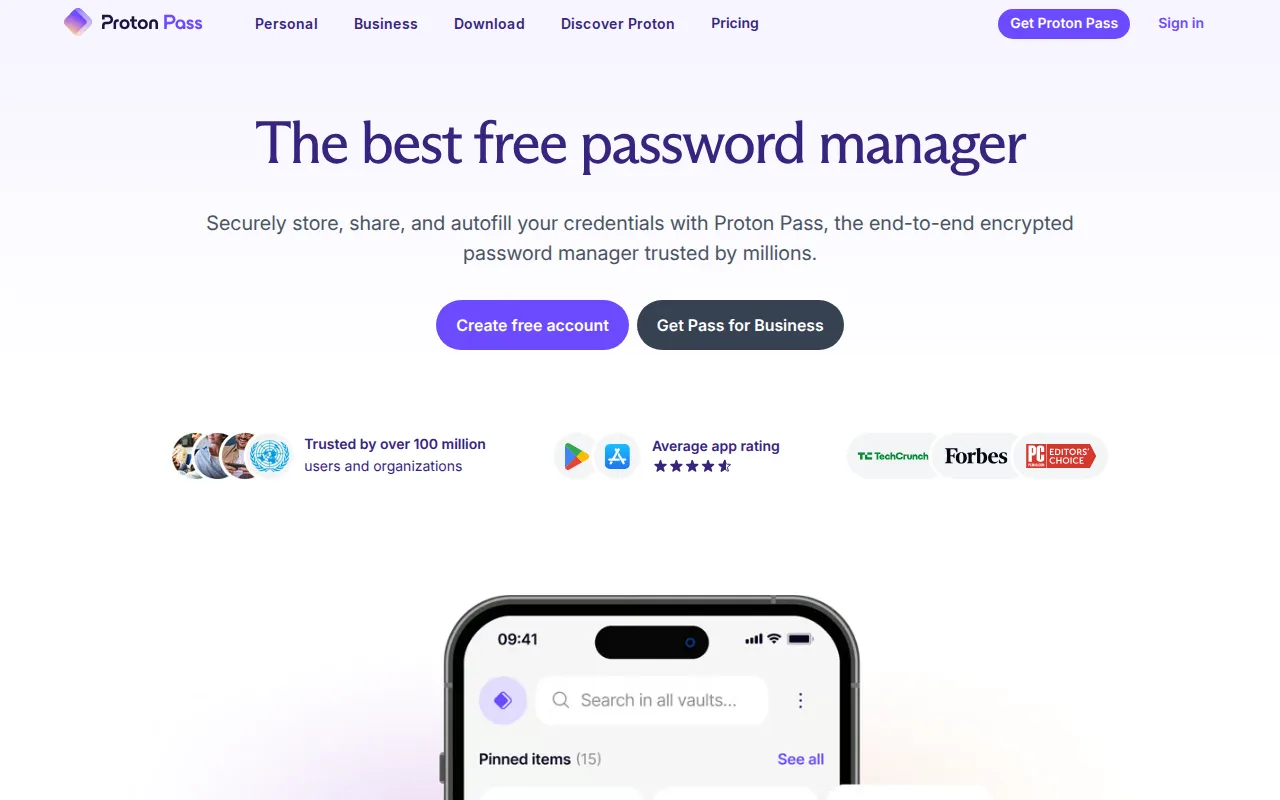
Proton Pass is the best KeePassXC alternative for users who want KeePassXC's open-source commitment plus built-in email alias masking, letting a compromised alias be disabled without exposing a real inbox, a feature KeePassXC's core vault-storage design doesn't include. Proton Pass's client apps are open source under GPL-3.0, matching KeePassXC's own GPL-2.0/GPL-3.0 licensing, and its Free tier includes unlimited logins, notes, and credit cards plus 10 hide-my-email aliases at the same $0 starting price as KeePassXC. Pass Plus costs $1.99/month, Proton's own lowest published rate, and adds unlimited aliases, a built-in 2FA authenticator, and dark web monitoring, capabilities beyond KeePassXC's built-in TOTP generator alone. Proton Pass holds a 4.9/5 rating from 7 Capterra reviews, a small but verified sample KeePassXC's own listing doesn't have. KeePassXC is still the better choice for users who want zero dependency on any company's servers: Proton Pass's free plan caps aliases at 10 and requires a Proton account to sync, while KeePassXC's vault is a single locally encrypted file with no vendor cloud account required at all.
Compared to KeePassXC: unlimited free hide-my-email aliasing (10 on Free, unlimited on Pass Plus) vs KeePassXC's account-free local vault with no aliasing, both open source under GPL, but requires a Proton account to sync
Wins:Hide-my-email aliasing (10 free, unlimited on Pass Plus) masks a user's real email per signup, a feature KeePassXC's core vault storage doesn't include · Built-in cross-device sync out of the box, without the manual Dropbox/Nextcloud/Syncthing setup KeePassXC requires · 4.9/5 rating from 7 Capterra reviews, a verified external rating KeePassXC's own listing doesn't carry
Loses:Requires a Proton account to use and sync, unlike KeePassXC's fully local, account-free vault file · Free plan's hide-my-email aliases are capped at 10; unlimited aliases require the $1.99/month Pass Plus tier · Best per-dollar value comes from the pricier Proton Unlimited bundle at $12.99/month rather than Pass alone
Pros
- Free plan includes unlimited logins, notes, and credit cards, not just a capped vault size.
- Hide-my-email aliasing is built in rather than sold as a separate product.
- Client apps are open source (GPL-3.0) across desktop, mobile, and browser extensions.
- 4.9-star rating from 7 Capterra reviews.
Cons
- Free tier's hide-my-email aliases are capped at 10.
- Built-in 2FA authenticator and dark web monitoring require the paid Pass Plus tier.
- Best per-dollar value comes from the pricier Proton Unlimited bundle rather than Pass alone.
Pricing: Free tier · paid from $1.99/mo — Free tier matches KeePassXC's $0; Pass Plus at $1.99/month for features (unlimited aliases, 2FA, dark web monitoring) beyond KeePassXC's scope (verified undefined NaN, NaN)