4 Best Free Alternatives to Google Meet in 2026
By Noahlast updated
All 5 Google Meet alternatives
Compared: free alternatives to Google Meet
| Alternative | Best for | Standout | Biggest weakness | Learning curve | Price |
|---|---|---|---|---|---|
| Google Meetreference | individuals and teams already using Gmail, Calendar, and Google Workspace who want video calls that launch directly from a calendar invite with no separate app install | Gemini-powered automatic note-taking, live meeting summaries, and real-time translation are built into paid tiers, generated directly inside the call rather than through a separate transcription add-on. | The free tier caps group calls at 60 minutes with no recording, and Google Workspace's plan-comparison page does not display exact per-user dollar prices without going through a purchase or sign-in flow, making cost comparison against Zoom or Microsoft Teams harder upfront. | Low | Free |
| Zoom | hybrid teams that need reliable HD video meetings, phone, and chat under one login, from solo users on the free plan up to 1,000-participant company town halls | AI Companion generates meeting summaries, smart chapters, and next-step suggestions automatically, included free on every paid plan rather than sold as a separate add-on. | Zoom's own pricing page no longer publishes exact per-tier dollar amounts for Pro and Business, pushing buyers toward sales calls or third-party trackers to get a real number, and the free Basic plan's 40-minute group-meeting cap pushes small teams to upgrade quickly. | Low | Free tier · paid from $14.16/mo |
| Microsoft Teams | organizations already using Microsoft 365 that need chat, video meetings, and calling tightly integrated with Word, Excel, Outlook, and SharePoint, from small teams under 300 people up to large enterprises | Native integration with the rest of Microsoft 365 (SharePoint, OneDrive, Office apps, Loop components) plus Copilot-generated meeting notes and Teams Phone calling add-ons in one platform. | Reviewers report recurring bugs — crashes, login errors, sync failures, and unreliable presence/status indicators — and the free tier caps group video calls at 60 minutes; unlocking the full desktop Office apps requires bundling into a Microsoft 365 Business plan at $23.50/user/month rather than a standalone upgrade, and there's no official Linux client. | Moderate | Free tier · paid from $4/mo |
| Whereby | coaches, consultants, and client-facing professionals who want guests to join a video call from one reusable link with no download or account | Guests join any meeting directly from a browser with no app download, plugin, or account creation required, and hosts get a permanent reusable room URL instead of generating a new link per call. | The Business plan enforces a 3-host minimum at $13.99/month per host, so a 2-person team that outgrows Pro's 3-room limit has to pay for a phantom third seat just to unlock unlimited rooms. | Low | Free tier · paid from $10.99/mo |
| Webex | organizations already inside the Cisco ecosystem (phones, networking, security) that want video meetings, calling, and messaging from one vendor instead of stitching together Zoom, a separate phone system, and a separate contact center | Free tier allows up to 100 meeting attendees, and the Enterprise tier scales to 1,000 attendees with an integrated AI Assistant for summaries and follow-ups. | Cisco doesn't publish per-user pricing for the mid-tier Webex Suite plan on its public pricing page — buyers have to start a self-serve checkout flow or talk to sales to learn the real monthly cost, making Webex harder to comparison-shop against Zoom's transparently published tiers. | Moderate | Free |
 Google Meet
 Zoom
Zoom Microsoft Teams
 Whereby
 Webex
Webex1.Zoom — best Google Meet alternative for hybrid teams that need reliable HD video meetings, phone, and chat under one login, from solo users on the free plan up to 1,000-participant company town halls
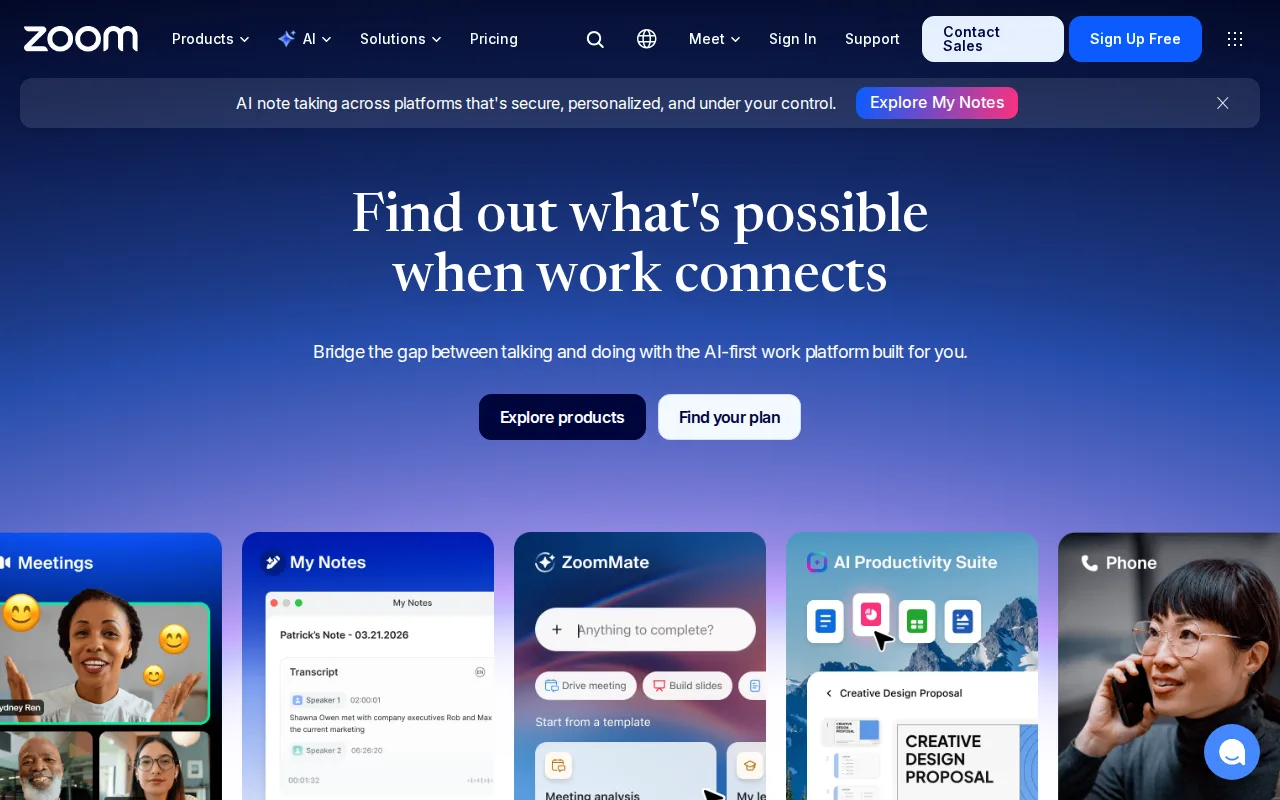
Zoom is the best Google Meet alternative for hybrid teams that need video meetings, VoIP phone calling, and team chat under a single login rather than a video-only tool. Zoom's free Basic plan allows unlimited one-on-one calls and group meetings up to 100 participants, matching Google Meet's own 100-participant cap, and Zoom's Pro tier extends group meetings to 30 hours for around $14.16/month billed annually, well past Google Meet's 60-minute free-tier limit. Zoom holds a 4.6/5 rating from 14,659 Capterra reviews, more independently verified review volume than Google Meet has on file. AI Companion, which generates meeting summaries, smart chapters, and follow-up suggestions, is included free on every paid Zoom plan, similar in scope to Google Meet's Gemini-powered notetaking on paid Workspace tiers. Zoom also ships native desktop apps for Windows, macOS, and Linux, platforms Google Meet does not support outside the browser. Google Meet is still the better choice for teams already living inside Gmail and Google Calendar: meetings launch directly from a calendar invite with no separate app, and Google Meet's free tier needs no billing conversation at all, while Zoom's own pricing page no longer publishes exact Pro and Business dollar amounts, pushing buyers toward sales calls or third-party trackers to get a real number.
Compared to Google Meet: matches the 100-participant free-tier cap, bundles phone calling (Zoom Phone) and team chat with meetings instead of video alone, native Windows/macOS/Linux desktop apps Google Meet doesn't offer outside the browser.
Wins:Native desktop apps for Windows, macOS, and Linux; Google Meet only runs in a browser or as a PWA · Bundles Zoom Phone (VoIP) and team chat with video meetings; Google Meet is video-only · 4.6/5 rating from 14,659 Capterra reviews on record, while Google Meet has no external rating listed
Loses:Free Basic plan caps group meetings at 40 minutes, tighter than Google Meet's 60-minute free cap · Zoom's Pro and Business dollar pricing is no longer published on Zoom's own site, sourced instead from third-party trackers · Meetings launch from a Google Calendar invite with zero setup on Google Meet; Zoom requires separate calendar integration
Pros
- AI Companion (meeting summaries, smart chapters, follow-up suggestions) is included free on paid plans rather than a paid add-on.
- Consistently reliable HD video and audio even on weaker connections, thanks to adaptive bandwidth handling.
- One platform covers meetings, phone (Zoom Phone), team chat, whiteboard, and docs instead of stitching together separate tools.
- Native apps for Windows, macOS, Linux, iOS, and Android, including a full Linux client many competitors skip.
Cons
- Free Basic plan limits group meetings to 40 minutes, forcing an upgrade for most recurring team calls.
- Exact Pro and Business pricing is no longer published on Zoom's own site, requiring a sales conversation or third-party source to confirm.
- Zoom Phone, large-meeting capacity, and webinar capabilities are separate paid add-ons on top of the base per-user license.
- Business Plus was folded into a bundled add-on rather than sold as its own standalone tier, complicating plan comparisons.
Pricing: Free tier · paid from $14.16/mo — $14.16/user/month Zoom Pro billed annually (third-party-sourced) vs Google Meet's free tier; Google Meet's own paid Workspace per-user prices are not published
2.Microsoft Teams — best Google Meet alternative for organizations already using Microsoft 365 that need chat, video meetings, and calling tightly integrated with Word, Excel, Outlook, and SharePoint, from small teams under 300 people up to large enterprises
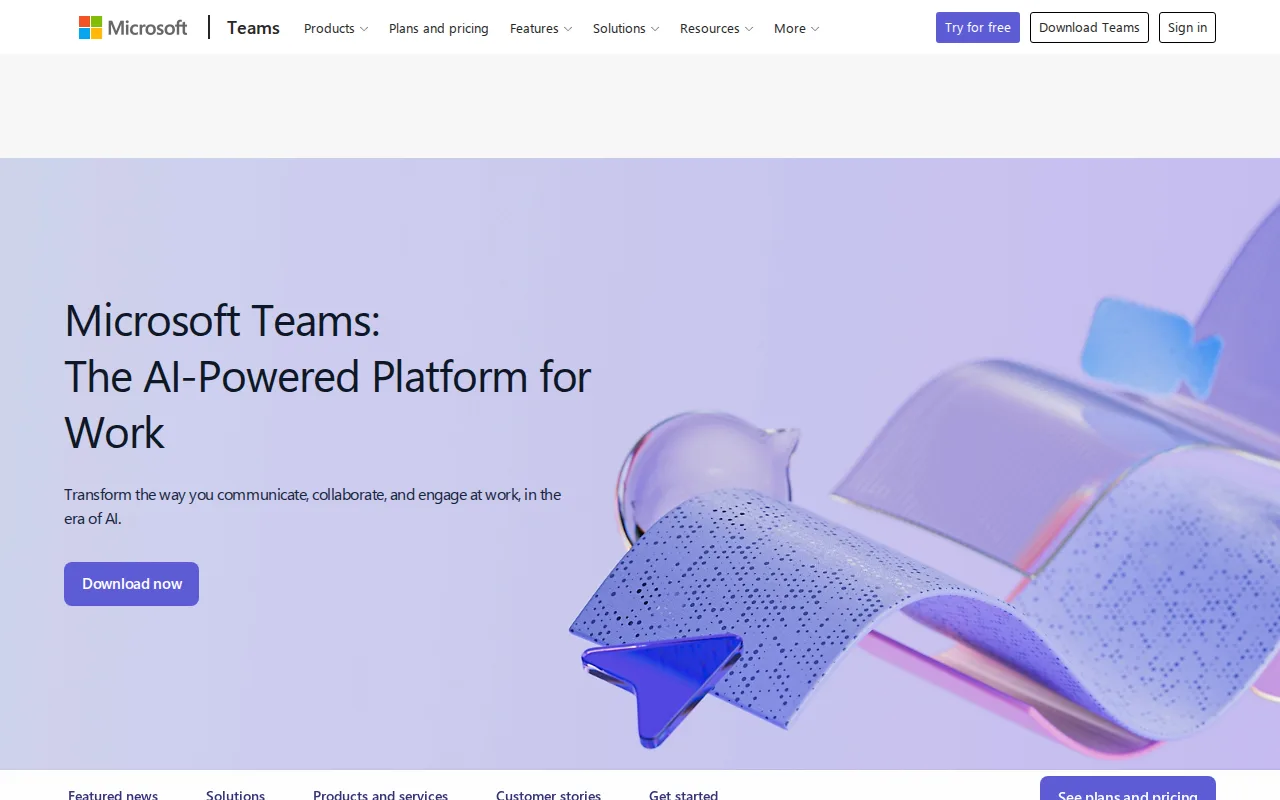
Microsoft Teams is the best Google Meet alternative for organizations that already run on Microsoft 365 rather than Google Workspace. Teams Essentials starts at a published $4/user/month billed annually, a concrete listed price Google Meet's own Workspace Business Starter, Standard, and Plus tiers do not show without starting a sign-in or purchase flow. Microsoft Teams holds a 4.5/5 rating from 11,129 Capterra reviews, more independently verified review volume than Google Meet has on record, and its meeting recording, AI-generated notes, and live captions become available starting at that same $4/user/month Essentials tier, compared with Google Meet's Gemini-powered notetaking, which requires at least a Workspace Business Standard subscription with an unlisted price. Teams also integrates natively with Word, Excel, PowerPoint, and SharePoint, the Microsoft-ecosystem equivalent of Google Meet's tie-in with Docs, Sheets, and Slides. Google Meet is still the better choice for teams that specifically live inside Gmail and Google Calendar: meetings launch straight from a calendar invite with no separate app, and reviewers report Microsoft Teams has recurring bugs, including crashes, login errors, and sync failures, along with no official Linux client, issues Google Meet's browser-only model avoids entirely.
Compared to Google Meet: Teams Essentials publishes a concrete $4/user/month starting price where Google Meet's Workspace tiers hide dollar figures behind sign-in, higher Capterra review volume (11,129 vs none on record), meeting recording and AI notes available from the $4/user/month tier.
Wins:$4/user/month Essentials publishes a real price; Google Meet's Workspace tiers show no per-user dollar figure without a sign-in flow · 4.5/5 rating from 11,129 Capterra reviews; Google Meet has no external rating on file · Meeting recording and AI-generated notes available starting at the $4/user/month tier
Loses:Reviewers report recurring bugs: crashes, login errors, and sync failures, issues not noted for Google Meet · No official native Linux client, while Google Meet works in any browser regardless of OS · Full desktop Office apps require jumping to the $23.50/user/month Business Standard plan
Pros
- Free tier is usable for small teams with unlimited 1:1 messaging and calling.
- Tight native integration with Word, Excel, PowerPoint, Outlook, and SharePoint.
- AI-generated meeting notes, live captions, and real-time translation on paid tiers.
- Scales from a $4/user/month Essentials plan up to enterprise-grade Teams Phone and Teams Premium add-ons.
Cons
- Users report recurring bugs: crashes, login errors, sync failures, and unreliable status indicators.
- Free tier caps group video calls at 60 minutes.
- Full desktop Office apps require a $23.50/user/month Microsoft 365 Business Standard plan, not a lower-cost Teams-only upgrade.
- No official native Linux client.
Pricing: Free tier · paid from $4/mo — $4/user/month Teams Essentials vs Google Meet's Workspace tiers, which publish no per-user dollar figure (verified undefined NaN, NaN)
3.Whereby — best Google Meet alternative for coaches, consultants, and client-facing professionals who want guests to join a video call from one reusable link with no download or account
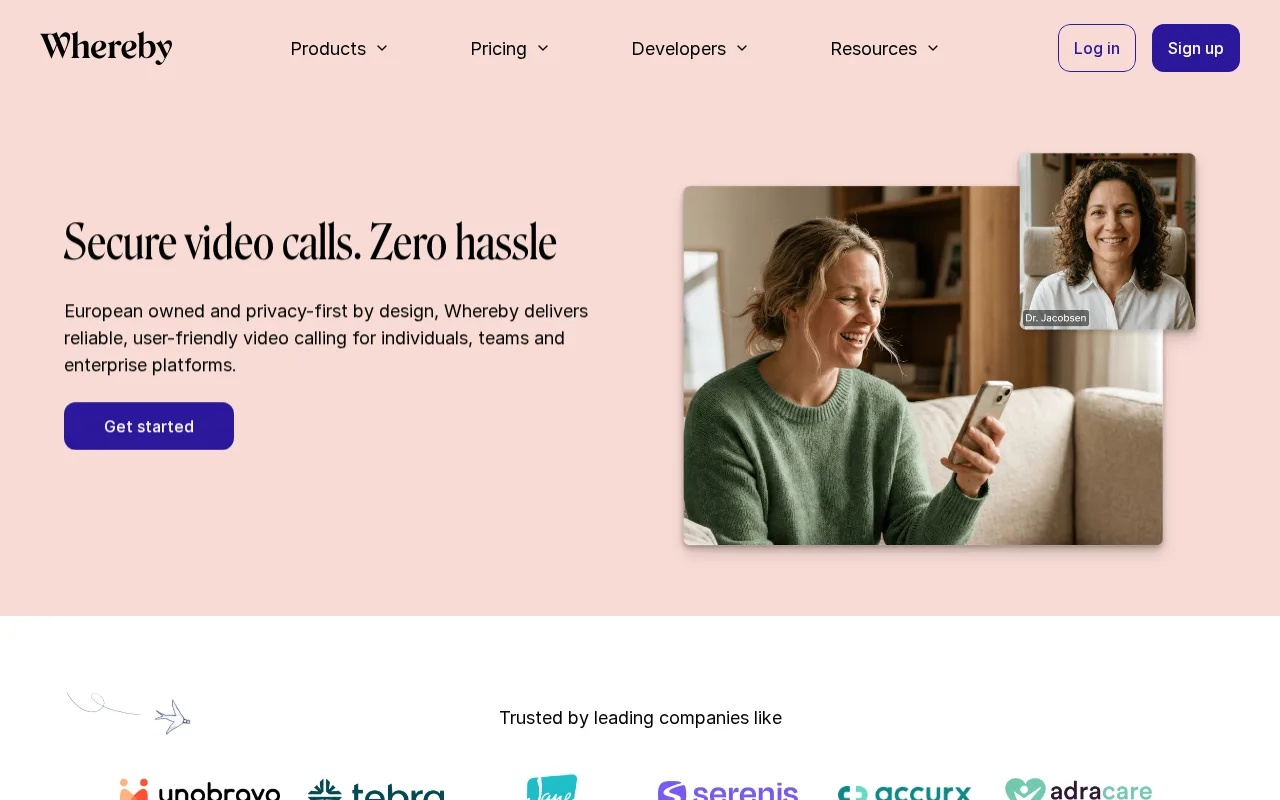
Whereby is the best Google Meet alternative for coaches, consultants, and client-facing professionals who want every guest to join from a browser link with zero download, matching Google Meet's own no-install model but built around a single permanent room URL instead of a new link per call. Whereby's free plan covers 1 room and 4 attendees for 30-minute meetings, and its Pro tier removes the time limit entirely for $10.99/month, unlike Google Meet's free tier, which caps every group call at 60 minutes regardless of plan. Whereby holds a 4.5/5 rating from 117 Capterra reviews, independently verified review volume Google Meet doesn't have on record. Whereby is web-only with no native app on any platform, the same browser-first approach Google Meet takes on desktop. Google Meet is still the clearly better choice for anyone running meetings above 4 attendees without paying: Whereby's free tier caps attendees at 4, far below Google Meet's 100-participant free cap, and Whereby lacks Google Meet's tight Calendar scheduling integration and Gemini-powered live captions, translation, and automatic meeting notes, none of which Whereby offers at any price.
Compared to Google Meet: Pro tier removes the meeting time cap for $10.99/month versus Google Meet's fixed 60-minute free-tier limit, permanent reusable room URL instead of a new link per meeting, 4.5/5 rating from 117 Capterra reviews versus none for Google Meet.
Wins:Pro tier ($10.99/month) removes the meeting time limit entirely; Google Meet's free tier stays capped at 60 minutes regardless · Permanent reusable room URL for recurring meetings instead of a new link each time · 4.5/5 rating from 117 Capterra reviews; Google Meet has no external rating on file
Loses:Free tier caps attendees at just 4, far below Google Meet's 100-participant free cap · No Gemini-style live captions, real-time translation, or automatic meeting notes at any price · No native desktop or mobile app; web-only across every platform
Pros
- No download or account required for guests to join a meeting from a browser link.
- Permanent, reusable room URLs suit recurring client or coaching calls better than one-off meeting links.
- Separate Embedded API/SDK lets developers add WebRTC video directly into their own apps.
- European-owned with GDPR-oriented positioning, relevant for privacy-conscious teams.
Cons
- Business plan requires a minimum of 3 paid hosts, adding cost for small teams that don't need three seats.
- Free plan caps meetings at 30 minutes and a single room, tighter than some competing free tiers.
- Attendee caps (100 on Pro, 200 on Business) are lower than large webinar-focused platforms.
- Fewer built-in productivity integrations (calendar scheduling, transcription) than Zoom or Google Meet.
Pricing: Free tier · paid from $10.99/mo — $10.99/month Whereby Pro (unlimited duration) vs Google Meet's free tier (60-minute cap, no time-unlimited option without an unpublished Workspace price) (verified undefined NaN, NaN)
4.Webex — best Google Meet alternative for organizations already inside the Cisco ecosystem (phones, networking, security) that want video meetings, calling, and messaging from one vendor instead of stitching together Zoom, a separate phone system, and a separate contact center

Webex is the best Google Meet alternative for organizations that want a larger free-tier feature set without committing to a Google Workspace subscription. Webex's free plan allows up to 100 attendees per meeting, the same ceiling as Google Meet's free tier, and Webex adds local recording and Cisco's noise cancellation at no cost, features Google Meet's free tier doesn't include at all. Webex holds a 4.4/5 rating from 7,410 Capterra reviews, independently verified review volume Google Meet lacks. Cisco's Enterprise tier scales to 1,000 attendees with an AI Assistant for summaries and follow-ups, similar in concept to Google Meet's Gemini-powered notetaking, and Webex ships native apps for Windows, macOS, and Linux, platforms Google Meet supports only through the browser. Google Meet is still the better choice for anyone who wants a longer free-meeting duration: Webex's free meetings are capped at 40 minutes each, tighter than Google Meet's 60-minute cap, and Webex's mid-tier Webex Suite plan doesn't publish per-user pricing at all, requiring a self-serve checkout or sales call, the same opacity problem Google Meet's own paid Workspace tiers have.
Compared to Google Meet: matches the 100-attendee free-tier cap and adds free local recording and noise cancellation, 4.4/5 rating from 7,410 Capterra reviews versus none for Google Meet, native Windows/macOS/Linux desktop apps Google Meet lacks.
Wins:Free tier includes local recording and Cisco noise cancellation; Google Meet's free tier has no recording option · 4.4/5 rating from 7,410 Capterra reviews; Google Meet has no external rating on record · Native desktop apps for Windows, macOS, and Linux; Google Meet runs only in a browser or as a PWA
Loses:Free meetings cap at 40 minutes, shorter than Google Meet's 60-minute free cap · Mid-tier Webex Suite pricing isn't published; requires checkout or a sales call, similar to Google Meet's own unpublished Workspace tiers · Interface and admin console are described as more complex than simpler competitors for small teams without dedicated IT
Pros
- Free tier supports up to 100 meeting attendees, more generous than many competitors' free plans.
- Deep integration with Cisco's broader collaboration and networking hardware for organizations already using Cisco infrastructure.
- AI Assistant and FedRAMP-authorized security available at the Enterprise tier for regulated and government customers.
- Single platform covers meetings, calling, messaging, webinars, and whiteboarding instead of requiring separate tools.
Cons
- Mid-tier Webex Suite pricing isn't published; users must start checkout or contact sales to see the real monthly cost.
- Free tier caps individual meetings at 40 minutes, pushing active users toward a paid plan quickly.
- Interface and admin console are frequently described as more complex than Zoom's for smaller teams without dedicated IT support.
Pricing: Free — Both start free ($0); above that, Webex Suite and Google Meet's paid Workspace tiers are both unpublished, so no direct dollar comparison is possible (verified undefined NaN, NaN)