3 Best Open-Source Alternatives to Google Analytics in 2026
By Noahlast updated pricing verified
All 6 Google Analytics alternatives
Compared: open-source alternatives to Google Analytics
| Alternative | Best for | Standout | Biggest weakness | Learning curve | Price |
|---|---|---|---|---|---|
| Google Analyticsreference | businesses that want free, event-based web and app analytics tightly integrated with Google Ads for campaign measurement | Free, unlimited-scale analytics for most businesses, with machine-learning-driven insights and direct integration into Google Ads for measuring campaign ROI without a separate tool. | The GA4 event-based data model and reorganized interface represented a steep relearning curve for teams used to the older Universal Analytics, and standard GA4 properties still apply data sampling and shorter retention windows that only Google Analytics 360's custom, undisclosed pricing removes. | Moderate | Free |
| Plausible | website owners and agencies who need GDPR-compliant analytics without a cookie consent banner or Google Analytics' complexity | A tracking script reported to be 54 times smaller than Google Analytics', combined with a fully open-source, self-hostable codebase under AGPLv3. | There is no permanent free tier, only a 30-day trial, and the hosted cloud plans are priced by pageview volume, so a high-traffic site can hit tier limits and need to upgrade even if it only wants basic metrics. | Low | From $9/mo |
| PostHog | product and engineering teams who want analytics, session replay, feature flags, and error tracking in one platform instead of stitching together separate tools | One platform combining product analytics, session replay, feature flags/A-B testing, error tracking, and a data warehouse, each billed on its own usage-based rate that drops at higher volume. | Usage-based pricing across many separate products (events, replays, flags, surveys, data warehouse rows) makes total monthly cost harder to predict than a single flat per-seat price, and some enterprise features live in a separate proprietary ('ee') license rather than the fully open-source core. | Moderate | Free |
| Matomo | organizations that need GDPR-compliant web analytics with full ownership of raw visitor data, either self-hosted for free or on a paid Cloud/On-Premise support plan | A choice between a genuinely free, unlimited self-hosted Community edition and paid Cloud/On-Premise tiers that include all features (heatmaps, session recording, A/B testing) rather than gating them behind higher-priced plans. | Cloud and On-Premise pricing is published only in EUR, not USD, which complicates budgeting for US-based buyers, and self-hosting the free Community edition requires ongoing server maintenance and updates that a hosted tool like Google Analytics doesn't require. | Moderate | Free |
 Google Analytics
 Plausible
 PostHog
 Matomo
1.Plausible — best Google Analytics alternative for website owners and agencies who need GDPR-compliant analytics without a cookie consent banner or Google Analytics' complexity
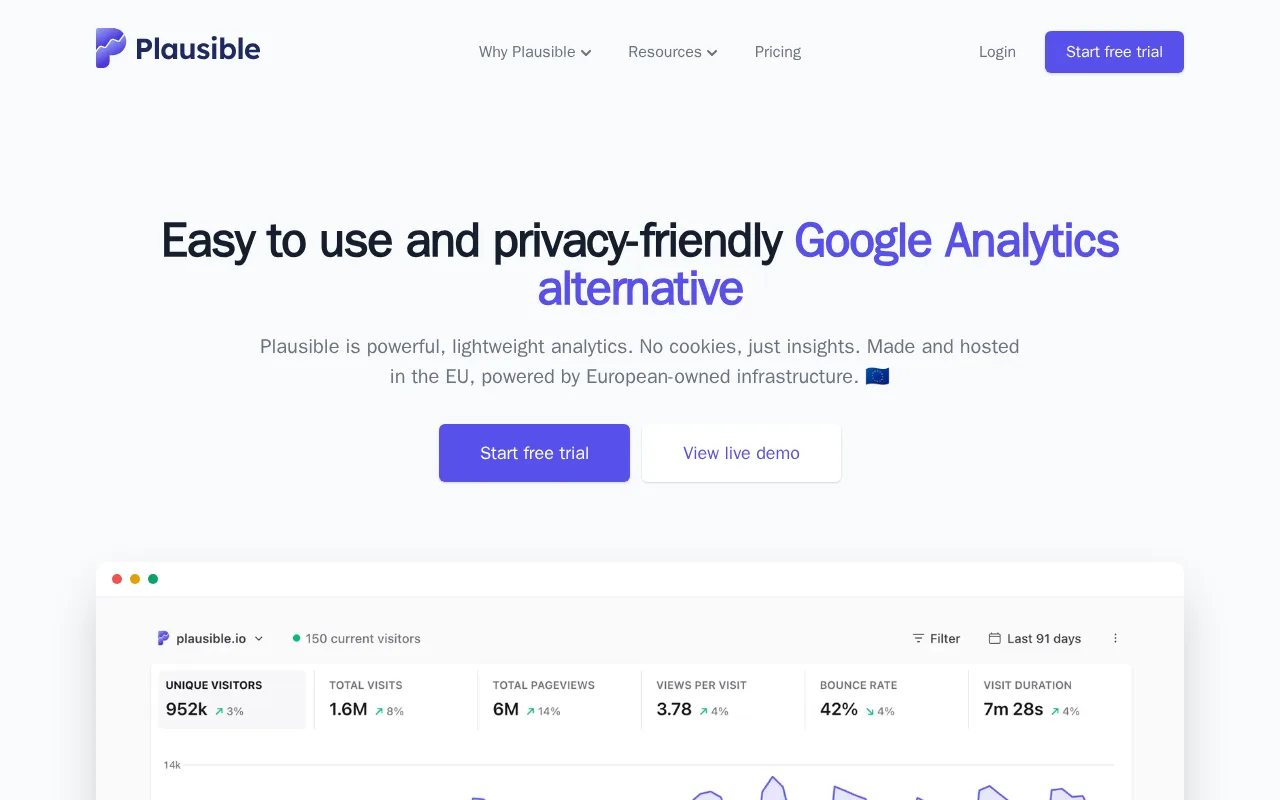
Plausible and Google Analytics both track website traffic, but Plausible's tracking script carries no cookies or persistent identifiers, which the company positions as removing the legal requirement for a cookie-consent banner under GDPR — a real difference from Google Analytics' cookie-based GA4 tracking. Plausible's script is reported to be 54 times smaller than Google Analytics' script, reducing page-load overhead, and its source code is fully open source on GitHub under AGPLv3 with a free self-hosted community edition, an option Google Analytics' closed, Google-hosted-only platform doesn't offer at all. Plausible's single-page dashboard surfaces the metrics most site owners actually check without GA4's deeper, more complex reporting maze. Where Google Analytics still wins: it's completely free for businesses of any size, while Plausible has no permanent free tier at all beyond a 30-day trial, with hosted cloud pricing starting at $9/month for up to 10k monthly pageviews, and Google Analytics' machine-learning-driven insights and direct Google Ads integration go well beyond Plausible's intentionally simpler visitor, referral, and goal-conversion metrics.
Compared to Google Analytics: no cookies or persistent identifiers at all, removing the need for a cookie-consent banner, a tracking script reported to be 54 times smaller, and no permanent free tier at all versus Google Analytics' fully free GA4 tier.
Wins:No cookies or persistent identifiers, avoiding GDPR consent banners Google Analytics' cookie-based tracking requires · Tracking script reported to be 54 times smaller than Google Analytics', reducing page-load impact · Fully open-source (AGPLv3) with a free self-hosted community edition, unlike Google Analytics' closed platform
Loses:No permanent free tier at all, only a 30-day trial, unlike Google Analytics which is free for any business size · Pricing scales with monthly pageviews, so high-traffic sites pay more even for basic reporting · No machine-learning-driven insights or native Google Ads integration for campaign ROI
Pros
- No cookies or persistent identifiers, avoiding GDPR consent banners.
- Tracking script is dramatically smaller than Google Analytics', reducing page-load impact.
- Fully open-source (AGPLv3) with a free self-hosted community edition.
- Single-page dashboard is faster to read than Google Analytics' multi-report interface.
Cons
- No permanent free tier on the hosted cloud plans, only a 30-day trial.
- Pricing scales with monthly pageviews, so high-traffic sites pay more even for basic reporting.
- Funnels, custom properties, and the Stats API are locked behind the Business tier.
- Reporting depth (e.g., multi-touch attribution, custom audiences) is intentionally simpler than Google Analytics.
Pricing: From $9/mo — Plausible Starter is $9/month for up to 10k pageviews vs Google Analytics' fully free GA4 tier (verified undefined NaN, NaN)
2.PostHog — best Google Analytics alternative for product and engineering teams who want analytics, session replay, feature flags, and error tracking in one platform instead of stitching together separate tools
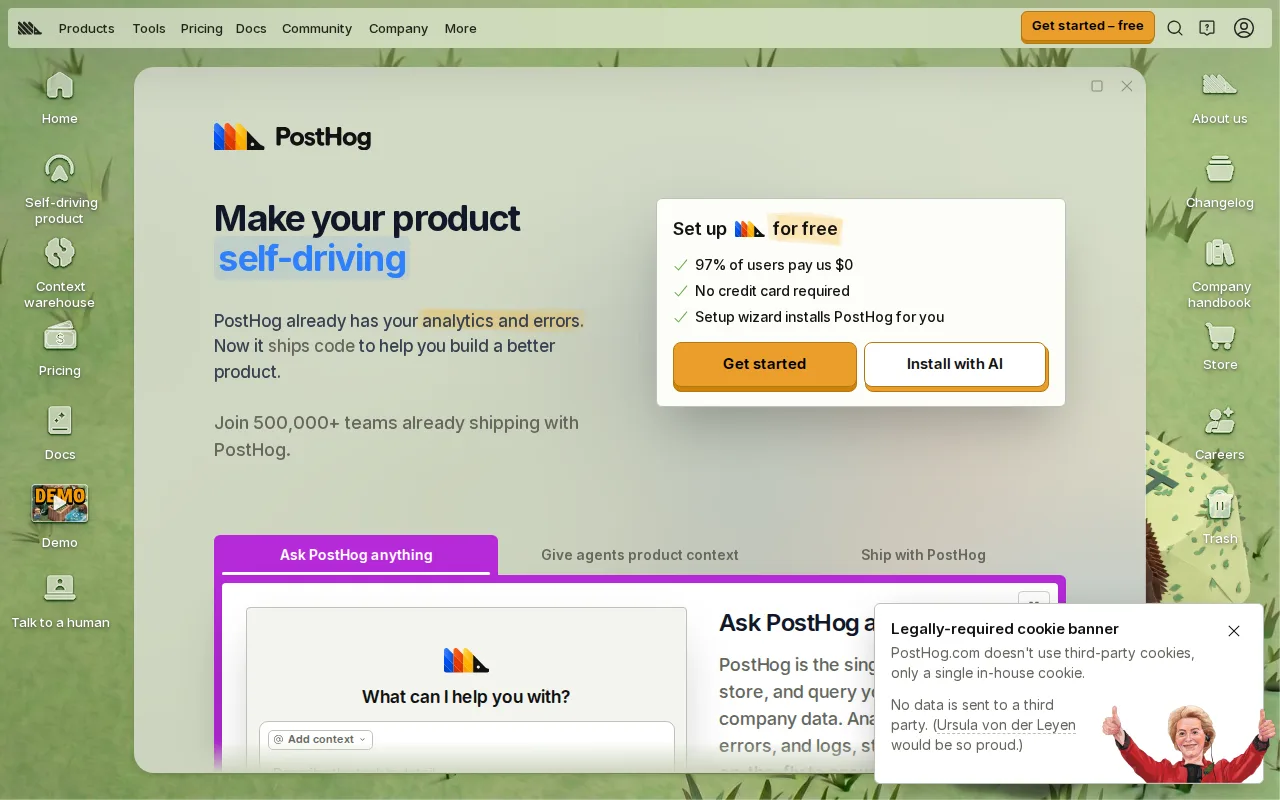
PostHog and Google Analytics both track user behavior, but PostHog bundles analytics, session replay, feature flags/A-B testing, error tracking, surveys, and a data warehouse into one product, an all-in-one scope Google Analytics' traffic-focused GA4 platform doesn't attempt to match. PostHog's core is MIT-licensed with source on GitHub, and a dedicated posthog-foss repository exists for teams wanting strictly open-source code, an option that has no counterpart in Google Analytics' fully closed platform. PostHog's free tier requires no credit card and includes 1M analytics events, 5,000 session replays, and 1M feature flag requests a month, genuinely usable for early-stage products. PostHog holds a 5.0/5 rating from 253 Product Hunt reviews, a smaller sample than Google Analytics' 8,101 Capterra reviews but a strong score in its own right. Where Google Analytics still wins: it remains completely free at any traffic volume, while PostHog's usage-based pricing spans multiple separately metered products (events, replays, flags, surveys, data warehouse rows), making total monthly cost harder to forecast than Google Analytics' zero-cost model, and some PostHog enterprise features live behind a separate proprietary ('ee') license rather than the fully open-source core.
Compared to Google Analytics: bundles analytics, session replay, feature flags, error tracking, and a data warehouse in one MIT-licensed open-source product, a generous no-credit-card-required free tier, and usage-based pricing across multiple metered products once free limits are exceeded.
Wins:Combines analytics, session replay, feature flags, error tracking, and surveys in one platform, unlike GA4's traffic-only focus · MIT-licensed core with source available on GitHub, plus a dedicated posthog-foss repository for open-source-only use · Choice of US or EU cloud region, or self-hosting entirely
Loses:Not free at scale — usage-based pricing spans multiple separately metered products, unlike Google Analytics' free-for-any-size model · Some enterprise features are gated behind a separate proprietary ('ee') license, not the fully open-source core · Wider surface area (analytics, replay, flags, surveys, warehouse) means more to learn than a single-purpose tool
Pros
- Combines analytics, session replay, feature flags, error tracking, and surveys in one platform.
- Generous free tier: 1M analytics events and 5,000 session replays per month with no credit card required.
- MIT-licensed core with source available on GitHub, plus a dedicated posthog-foss repository for strictly open-source use.
- Choice of US or EU cloud region, or self-hosting.
Cons
- Usage-based pricing spans multiple products independently, making total monthly cost harder to forecast than flat per-seat pricing.
- Some enterprise features are gated behind a separate proprietary license (the 'ee' directory), not the fully open-source core.
- Self-hosting PostHog at scale requires more operational overhead than using the managed cloud.
- The breadth of bundled tools (analytics, replay, flags, surveys, data warehouse) means new users face a wider surface area to learn than a single-purpose analytics tool.
Pricing: Free — PostHog is free up to 1M events/month, then usage-based per product, vs Google Analytics' fully free GA4 tier (verified undefined NaN, NaN)
3.Matomo — best Google Analytics alternative for organizations that need GDPR-compliant web analytics with full ownership of raw visitor data, either self-hosted for free or on a paid Cloud/On-Premise support plan
Matomo and Google Analytics both track pages, traffic sources, and conversions, but Matomo's Community edition is free forever, self-hosted, and open source under GPL-3.0-or-later with no limit on users or monthly hits, a data-ownership option Google Analytics' Google-hosted-only platform doesn't offer at all. Matomo's GitHub repository has over 21,000 stars and 31,000+ commits, and unlike some competitors, Matomo markets 'all features included' across its paid tiers — heatmaps, session recording, and A/B testing come with every Cloud or On-Premise plan rather than being gated to a higher tier. Matomo supports first-party, cookieless tracking modes for GDPR compliance, a stronger default privacy posture than Google Analytics' standard cookie-based GA4 tracking. Where Google Analytics still wins: it's completely free for businesses of any size with no self-hosting burden, while Matomo's Cloud and On-Premise pricing is published only in EUR, not USD, complicating budgeting for US buyers, and self-hosting the free Community edition requires ongoing server maintenance and updates that a fully hosted tool like Google Analytics doesn't require.
Compared to Google Analytics: Community edition is free forever, self-hosted, and open source (GPL-3.0) with no limit on users or hits, all paid tiers include heatmaps, session recording, and A/B testing rather than gating them, and self-hosting requires ongoing server maintenance Google Analytics doesn't require.
Wins:Free, self-hosted Community edition has no traffic or user caps and is open source under GPL-3.0 · All plans include the same core feature set (heatmaps, session recording, A/B testing) rather than gating advanced features · GDPR-friendly first-party and cookieless tracking modes without a separate compliance add-on
Loses:Cloud and On-Premise pricing is listed in EUR only, adding currency-conversion friction for USD-budgeting buyers · Self-hosting the free edition requires ongoing server maintenance and updates a hosted tool avoids · Community edition support is limited to community forums, unlike Google Analytics' broader documentation and support base
Pros
- Free, self-hosted Community edition has no traffic or user caps and is open source under GPL-3.0.
- All plans include the same core feature set (heatmaps, session recording, A/B testing) rather than gating advanced features behind higher tiers.
- GDPR-friendly first-party and cookieless tracking modes without requiring a separate compliance add-on.
- Raw, unsampled data access and 100+ integrations, including BigQuery data warehouse connectors.
Cons
- Cloud and On-Premise pricing is listed in EUR only, adding currency-conversion friction for USD-budgeting buyers.
- Self-hosting the free edition requires ongoing server maintenance, updates, and scaling that a fully hosted tool avoids.
- Community edition support is limited to community forums, with paid email/priority support reserved for Cloud and On-Premise plans.
- Enterprise-scale pricing (EUR3,400/month and above) is significantly higher than pure-cloud analytics competitors at similar traffic volumes.
Pricing: Free — Matomo Community edition is free to self-host vs Google Analytics' fully free GA4 tier (verified undefined NaN, NaN)