5 Best Alternatives to Filmora for macOS in 2026
By Noahlast updated pricing verified
Compared: Filmora alternatives that run on macOS
| Alternative | Best for | Learning curve | Price |
|---|---|---|---|
| Filmorareference | social media creators and small business marketers who want AI-assisted video editing without the learning curve of Premiere Pro or DaVinci Resolve | Low | Free tier · paid from $49.99/yr |
| DaVinci Resolve | colorists and post-production editors who want node-based, Hollywood-grade color grading and a full VFX/audio suite without paying a monthly subscription | Steep | Free tier · paid from $295 one-time |
| CapCut | social media creators and marketers making short-form video for TikTok, Reels, and YouTube Shorts who want templates and AI tools over a professional timeline | Low | Free tier · paid from $9.99/mo |
| Adobe Premiere Pro | professional video editors and filmmakers who need frame-accurate multi-track editing, broadcast color grading, and Frame.io review workflows | Steep | Free tier · paid from $22.99/mo |
| Descript | podcasters, YouTubers, and marketing teams who want to cut video and audio by editing a transcript instead of scrubbing a timeline | Low | Free tier · paid from $24/mo |
| Final Cut Pro | professional and prosumer video editors on Mac who want a one-time-purchase alternative to Adobe Premiere Pro's monthly subscription | Moderate | From $2.99/mo |
 Filmora
 DaVinci Resolve
 CapCut
 Adobe Premiere Pro
 Descript
 Final Cut Pro
1DaVinci Resolve — best Filmora alternative for colorists and post-production editors who want node-based, Hollywood-grade color grading and a full VFX/audio suite without paying a monthly subscription
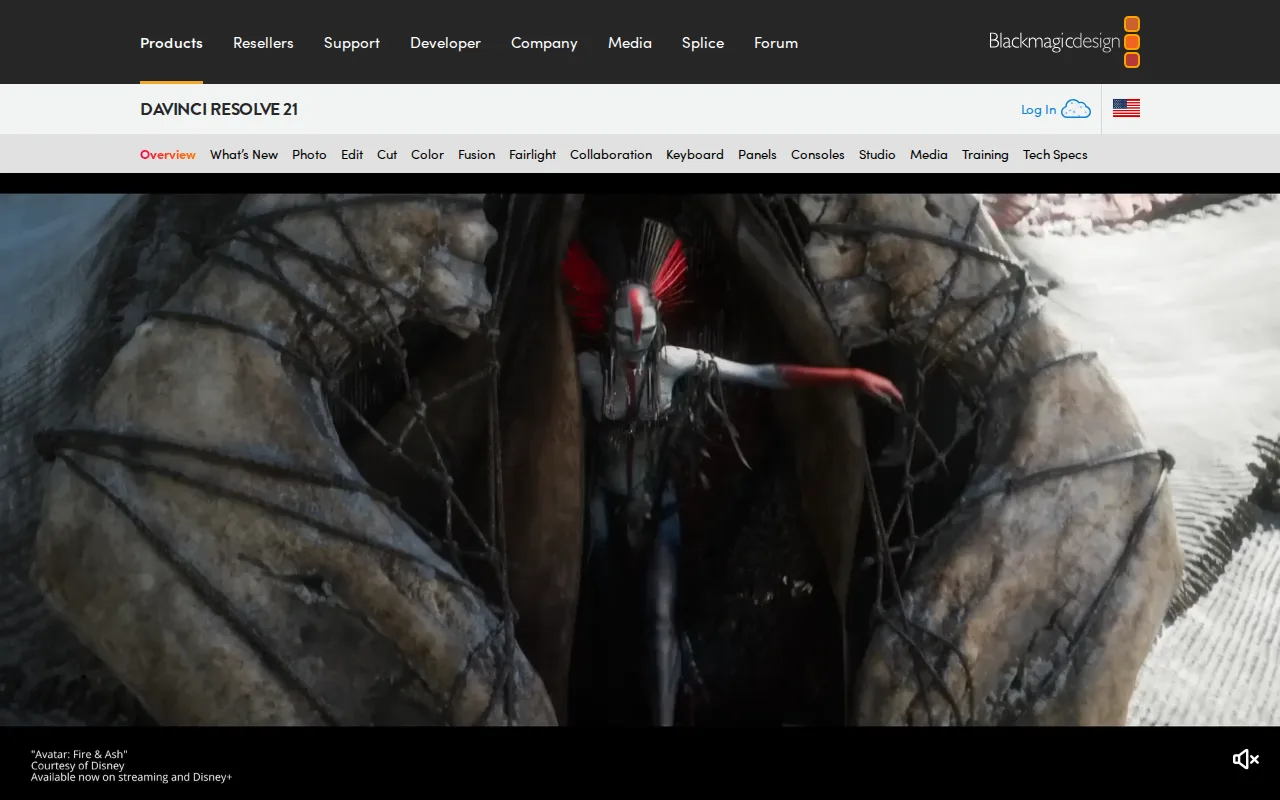
DaVinci Resolve is the best Filmora alternative for anyone who has outgrown Filmora's beginner-focused toolset and wants Hollywood-grade color grading, visual effects, and audio mixing in one free application with no watermark. The free version supports editing up to Ultra HD at 60fps in 8-bit at zero cost, unlike Filmora's free tier, which stamps a watermark on every export, and the one-time $295 DaVinci Resolve Studio upgrade adds the Neural Engine AI tools with no recurring subscription, unlike Filmora's confusing mix of annual plans, platform-specific perpetual licenses, and AI credit allotments. DaVinci Resolve holds a 4.8/5 rating from 272 Capterra reviews, higher than Filmora's own 4.5/5 from 736 Capterra reviews. Filmora is still the better choice for total beginners who want AI text-to-video generation and dynamic captions without a learning curve: DaVinci Resolve's node-based, multi-page workflow is steep for editors coming from simpler timeline tools, and it recommends at least 16GB of RAM, so it can lag on the lighter hardware Filmora runs comfortably on.
Compared to Filmora: free with no watermark vs Filmora's watermarked free tier, one-time $295 Studio upgrade vs Filmora's confusing subscription/perpetual mix, 4.8/5 from 272 Capterra reviews vs Filmora's 4.5/5
Wins:Free version is fully professional-grade with no watermark, unlike Filmora's free tier which watermarks every export · Studio upgrade is a one-time $295 purchase with no recurring subscription, a simpler model than Filmora's mixed pricing · 4.8/5 rating from 272 Capterra reviews, higher than Filmora's 4.5/5 from 736 Capterra reviews
Loses:Steep learning curve for editors coming from simpler, layer-based tools like Filmora · Recommends at least 16GB of RAM; performance lags on the lighter hardware Filmora runs comfortably on · No AI text-to-video generation or dynamic auto-captions the way Filmora's beginner-focused AI tools provide
Pros
- Free version is fully professional-grade, not a crippled trial, supporting Ultra HD 60fps 8-bit editing and grading.
- Studio upgrade is a one-time $295 purchase with no recurring subscription.
- Node-based color grading is used industry-wide on film and TV productions.
- Native support for Windows, macOS, and Linux in a single application.
Cons
- Steep learning curve for editors transitioning from layer-based tools like Premiere Pro.
- Recommends at least 16GB of RAM; performance lags on underpowered systems.
- Project database and media management model confuses users coming from simpler NLEs.
- Advanced AI features (Neural Engine) and higher bit depths/frame rates are locked behind the $295 Studio upgrade.
Pricing: Free tier · paid from $295 one-time — $0 free (watermark-free) or $295 one-time Studio vs Filmora's $49.99-59.99/year subscriptions or $79.99 perpetual license (verified )
2CapCut — best Filmora alternative for social media creators and marketers making short-form video for TikTok, Reels, and YouTube Shorts who want templates and AI tools over a professional timeline
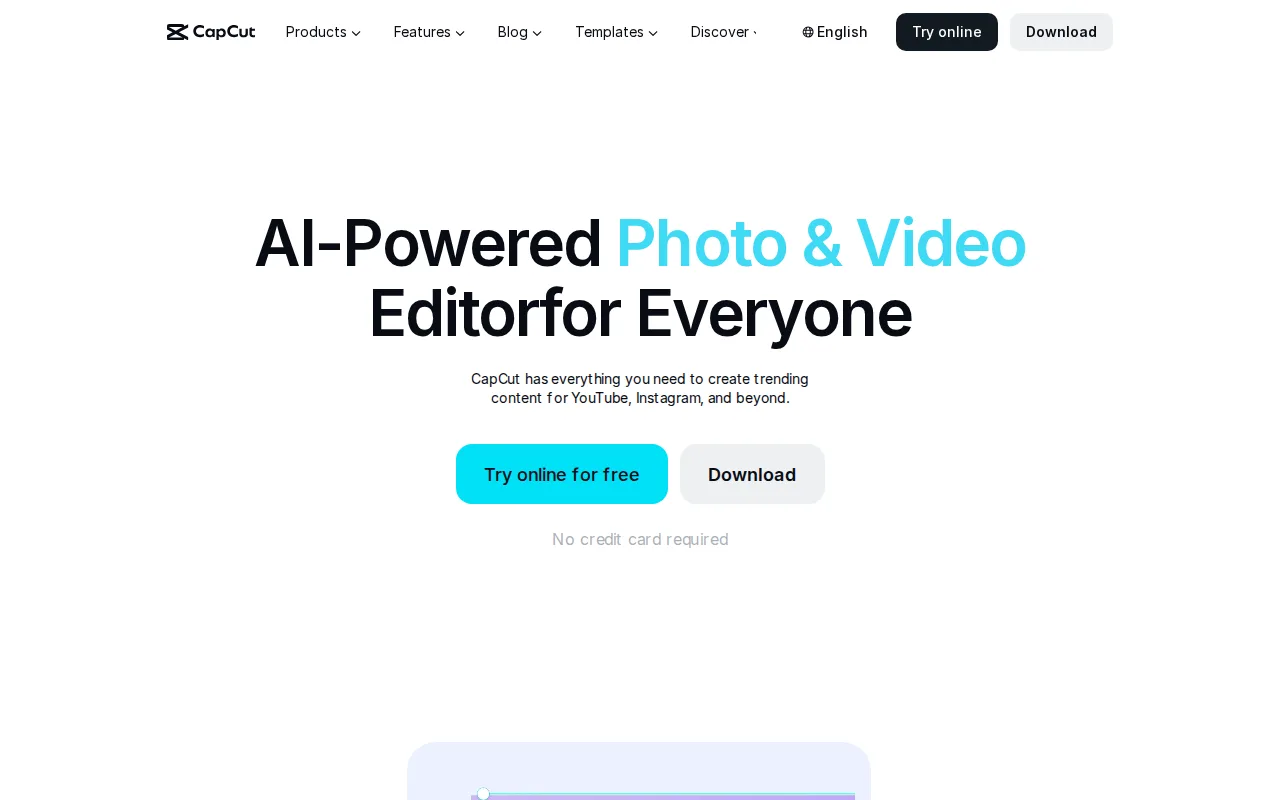
CapCut is the best Filmora alternative for social media creators making short-form content for TikTok, Reels, and YouTube Shorts, offering a constantly refreshed library of trending templates and transitions rather than Filmora's more general-purpose editing toolset. CapCut's free tier covers a full multi-track editor with 1080p export, and its Standard plan runs about $9.99/month, well under Filmora's $49.99-59.99/year subscription tiers, while its auto-captioning and AI voiceover speed up short-form production the way Filmora's AI tools aim to. Filmora is still the better choice for anyone concerned about billing trust: CapCut carries a 1.2/5 TrustScore on Trustpilot driven by recurring complaints about subscriptions renewing after card expiration at a higher price, a reputational issue not documented for Filmora in our listing data, and CapCut's Pro-marked templates and effects export with a watermark unless subscribed, while Filmora's paid tiers grant access to its full 2.9-million-item asset library outright rather than gating individual templates.
Compared to Filmora: free multi-track editor with trending templates for social content, Standard at $9.99/month vs Filmora's $49.99-59.99/year, but a 1.2/5 Trustpilot TrustScore over billing complaints
Wins:Free tier covers a genuinely usable multi-track editor with 1080p export, not just a stripped-down demo · Large, constantly refreshed template and effects library tuned specifically for social platforms · Auto-captioning and AI voiceover save real editing time for solo short-form creators
Loses:1.2/5 Trustpilot TrustScore reflects widespread billing and cancellation complaints, a documented reputational risk Filmora doesn't carry in our listing data · Pro-marked templates and effects export with a watermark unless subscribed · No professional color grading or motion tracking depth comparable to what more advanced editors offer
Pros
- Free tier covers a genuinely usable multi-track editor, not just a stripped-down demo.
- Large, constantly refreshed template and effects library tuned for social platforms.
- Auto-captioning and AI voiceover save real editing time for solo creators.
- Available on desktop, web, and mobile with projects that sync across devices.
Cons
- 1.2/5 Trustpilot TrustScore reflects widespread billing and cancellation complaints.
- Templates and effects marked Pro export with a watermark unless subscribed.
- 4K export and the full AI toolkit require the Pro plan, not just Standard.
- Pricing varies by platform and region, and buying through the iOS App Store can cost more than through CapCut's own site.
Pricing: Free tier · paid from $9.99/mo — $0 free (watermarked Pro templates) or $9.99/month Standard vs Filmora's $49.99-59.99/year Basic/Advanced (verified )
3Adobe Premiere Pro — best Filmora alternative for professional video editors and filmmakers who need frame-accurate multi-track editing, broadcast color grading, and Frame.io review workflows
Adobe Premiere Pro is the best Filmora alternative for filmmakers and video editors who need frame-accurate, multi-track editing and broadcast-grade color grading beyond Filmora's beginner-friendly toolset. Premiere Pro's text-based editing and Media Intelligence let editors search and cut footage by transcript, and Generative Extend adds frames or ambient sound using AI, capabilities beyond Filmora's text-to-video generation. Premiere Pro's single-app plan starts at $22.99/month billed annually, and it holds a 4.7/5 rating from 573 Capterra reviews, higher than Filmora's 4.5/5 from 736 Capterra reviews. Filmora is still the better choice for creators who want a gentler learning curve and lower cost: Premiere Pro has a steep learning curve and heavy CPU/GPU demands compared to consumer editors like Filmora, it's subscription-only with no perpetual license option, and cancelling an annual-billed-monthly plan within the first year can trigger an early termination fee tied to Adobe's 2024 $150 million FTC settlement, a cost risk Filmora's simpler annual plans don't carry.
Compared to Filmora: frame-accurate multi-track editing and text-based cuts via Media Intelligence, 4.7/5 from 573 Capterra reviews, but a steeper learning curve and an early-termination fee risk on annual plans
Wins:Multi-track timeline and Color Mode grading tools built for professional finishing work, beyond Filmora's toolset · Text-based editing and Media Intelligence speed up rough cuts by searching footage like a transcript · 4.7/5 rating from 573 Capterra reviews, higher than Filmora's 4.5/5 from 736 Capterra reviews
Loses:Steep learning curve and heavy CPU/GPU demands compared to Filmora's more beginner-friendly interface · Subscription-only with no perpetual license option, unlike Filmora's one-time-purchase alternative · Cancelling an annual-billed-monthly plan within the first year can trigger an early termination fee tied to Adobe's 2024 $150 million FTC settlement
Pros
- Multi-track timeline and Color Mode grading tools built for professional finishing work.
- Text-based editing and Media Intelligence speed up rough cuts by searching footage like a transcript.
- Frame.io integration streamlines client review and approval directly from the timeline.
- Tight integration with After Effects and Audition for motion graphics and audio finishing.
Cons
- Steep learning curve; overkill for short-form social content compared to template-driven editors.
- Demanding on CPU/GPU, especially with multi-cam or high-resolution footage.
- Subscription-only, and cancelling an annual-billed-monthly plan within the first year can trigger an early termination fee.
- No perpetual license option for editors who prefer a one-time purchase.
Pricing: Free tier · paid from $22.99/mo — $22.99/month single app (annual) vs Filmora's $49.99-59.99/year Basic/Advanced (verified )
4Descript — best Filmora alternative for podcasters, YouTubers, and marketing teams who want to cut video and audio by editing a transcript instead of scrubbing a timeline
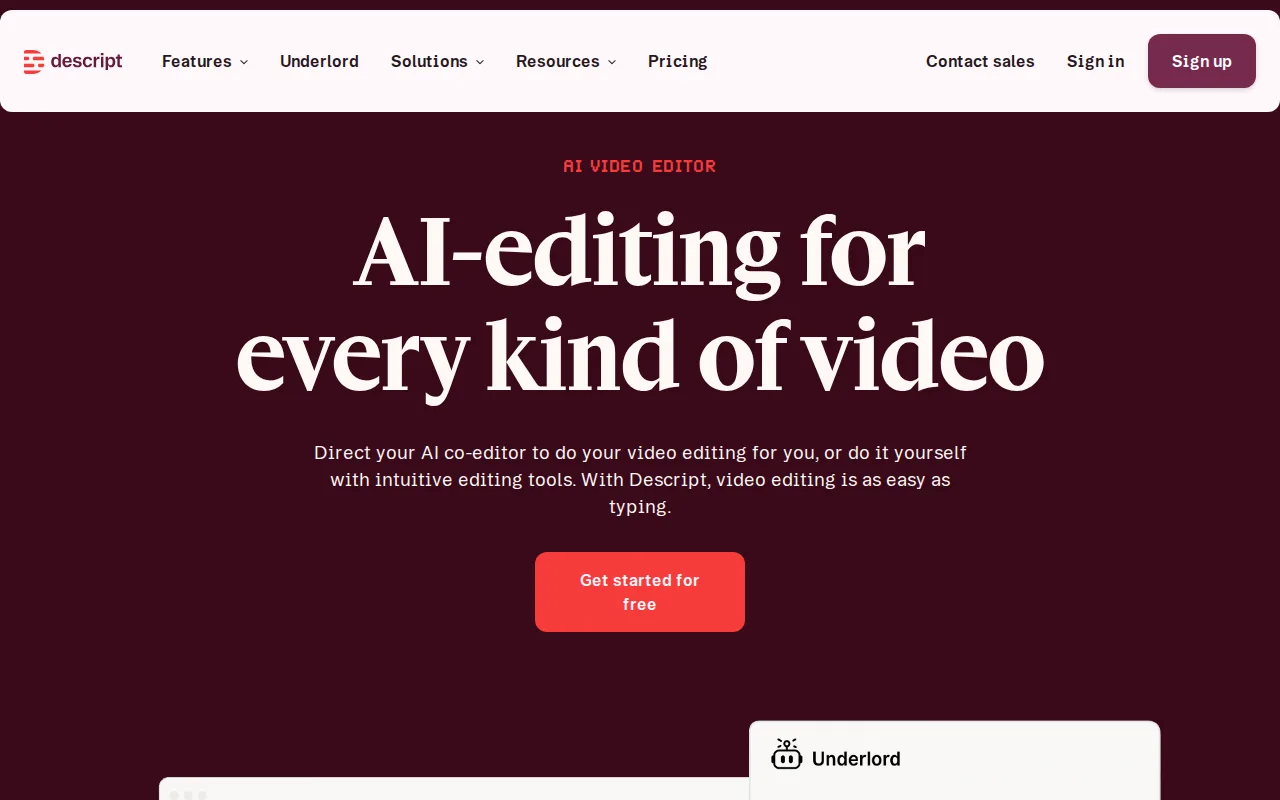
Descript is the best Filmora alternative for podcasters, YouTubers, and marketing teams who want to cut video and audio by editing a text transcript instead of scrubbing a timeline the way Filmora's drag-and-drop editor requires. Descript's Underlord AI powers filler-word removal, Studio Sound audio cleanup, and Overdub voice cloning that fixes flubbed lines without a re-record, capabilities beyond Filmora's text-to-video and caption tools. Descript's free plan includes 60 minutes of media per month and 720p export, and its Hobbyist tier starts at $24/month ($16/month billed annually), while it holds a 4.6/5 rating from 183 Capterra reviews and 4.4/5 from 41 Product Hunt reviews. Filmora is still the better choice for editors who need unlimited monthly editing time without hitting a metered cap: Descript's monthly media hours and AI credits are capped even on paid plans, unlike Filmora's unlimited free editing (albeit watermarked), and Descript has no native mobile app for editing, only for reviewing or recording on the go, while Filmora ships full iOS and Android editing apps.
Compared to Filmora: transcript-based editing where deleting text deletes the clip, Overdub voice cloning, but monthly media hours and AI credits are capped even on paid plans and there's no mobile editing app
Wins:Transcript-based editing makes basic cuts as fast as editing a text document, a different workflow than Filmora's timeline · Overdub voice cloning fixes misspoken lines without requiring a re-record · Translation and dubbing into 30 languages on the Business tier without third-party tools
Loses:Monthly media hours and AI credits are capped even on paid plans, unlike Filmora's unlimited (if watermarked) free editing · No native mobile app for editing, only for reviewing or recording on the go, unlike Filmora's iOS and Android editing apps · 4K export and watermark-free output require at least the $24/month Creator tier
Pros
- Transcript-based editing makes basic cuts as fast as editing a text document.
- Overdub voice cloning fixes misspoken lines without requiring a re-record.
- Free tier is usable for short projects (60 minutes/month, 720p export).
- Translation and dubbing into 30 languages on the Business tier without third-party tools.
Cons
- Monthly media hours and AI credits are capped even on paid plans, unlike unlimited-usage competitors.
- 4K export and watermark-free output require at least the Creator tier ($24/month annual).
- No native mobile app for editing, only for reviewing/recording on the go.
- AI credit consumption for advanced features (video generation, custom avatars) can outpace the monthly allotment on active projects.
Pricing: Free tier · paid from $24/mo — Free (60 min/month) or $24/month Hobbyist (10 hrs/month) vs Filmora's $49.99-59.99/year with no monthly hour cap (verified )
5Final Cut Pro — best Filmora alternative for professional and prosumer video editors on Mac who want a one-time-purchase alternative to Adobe Premiere Pro's monthly subscription
Final Cut Pro is the best Filmora alternative for Mac-based editors who want a professional editor bought once rather than Filmora's recurring annual subscription. Final Cut Pro costs a one-time $299.99 on the Mac App Store with no subscription at all, and its Magnetic Timeline automatically ripples and re-syncs surrounding clips as footage is trimmed, removing manual gap-closing that Filmora's more basic timeline doesn't automate. Final Cut Pro holds a 4.7/5 rating from 143 Capterra reviews, matching Filmora's own 4.5/5 rating closely while drawing on a smaller review sample. Filmora is still the better choice for editors on Windows or who want mobile editing: Final Cut Pro is Mac-only on desktop with no Windows or Linux version at all, unlike Filmora which runs on both Windows and Mac plus iOS and Android, and Final Cut Pro requires relatively recent macOS (15.6+) with Apple silicon, locking out older hardware that Filmora's lighter system requirements don't exclude.
Compared to Filmora: one-time $299.99 purchase with no subscription vs Filmora's recurring annual plans, Magnetic Timeline automation, but Mac-only with no Windows version
Wins:One-time $299.99 purchase for the Mac version with no recurring subscription fee, unlike Filmora's annual plans · Magnetic Timeline automatically re-syncs clips, speeding up common trim-and-insert edits Filmora handles more manually · Deep integration with Logic Pro for audio and other Apple creative apps
Loses:Mac-only on desktop; no native Windows or Linux version, unlike Filmora which runs on both Windows and Mac · Requires relatively recent macOS (15.6+) with Apple silicon, locking out older hardware Filmora's lighter requirements don't exclude · Smaller third-party plugin and template ecosystem than Filmora's 2.9-million-item Creative Assets library
Pros
- One-time $299.99 purchase for the Mac version with no recurring subscription fee.
- Magnetic Timeline automatically re-syncs clips, speeding up common trim-and-insert edits.
- Deep integration with Logic Pro for audio and other Apple creative apps.
- AI-assisted tools like Magnetic Mask and automatic captions reduce manual work.
Cons
- Mac-only on desktop; no native Windows or Linux version, unlike DaVinci Resolve or Premiere Pro.
- The iPad version is subscription-based ($12.99/month), inconsistent with the Mac version's one-time purchase.
- Requires relatively recent macOS (15.6+) and iPadOS (18.6+) with Apple silicon, locking out older hardware.
- Smaller third-party plugin and template ecosystem than Premiere Pro's, given Apple's more closed platform.
Pricing: From $2.99/mo — $299.99 one-time (Mac) vs Filmora's $49.99-59.99/year subscription or $79.99 perpetual license (verified )