2 Best Free Alternatives to darktable in 2026
By Noahlast updated pricing verified
Compared: free alternatives to darktable
| Alternative | Best for | Standout | Biggest weakness | Learning curve | Price |
|---|---|---|---|---|---|
| darktablereference | photographers who want a fully non-destructive, database-driven raw editing workflow on Linux, Windows, or macOS without paying an Adobe Lightroom subscription | A fully non-destructive, GPU-accelerated raw processing pipeline with a database-backed lighttable for organizing large photo libraries, built entirely by a volunteer photographer-developer community with no paid tier at all. | The dense, module-heavy interface has a steeper learning curve for photographers coming from more guided commercial tools, and darktable lacks the polish, tutorials, and plugin ecosystem of Adobe Lightroom. | Steep | Free |
| Adobe Lightroom | photographers who shoot in volume and want cloud-synced, non-destructive edits and AI-assisted culling across every device | Cloud-native catalog sync that carries the same edit history and organization across desktop, web, and mobile without manual export. | The base 1TB of cloud storage fills quickly for RAW shooters, and additional storage is a separate paid add-on on top of the subscription; Capterra reviewers also report lag and sync slowdowns once catalogs grow large. | Moderate | Free tier · paid from $11.99/mo |
| Affinity | designers and photographers who want Photoshop/Illustrator-level editing tools without paying a subscription, and don't need AI generative features | The full Vector, Pixel, and Layout studios are free with no feature restrictions, a direct reversal from Affinity's former one-time-purchase model and from Adobe's subscription pricing. | Generative AI tools (Fill, Expand, AI image/vector generation) require a separate Canva Pro subscription rather than being included, iPad support is still listed as coming soon rather than shipped, and there is no Linux version. | Moderate | Free tier · paid from $14.99/mo |
 darktable
 Adobe Lightroom
 Affinity
1.Adobe Lightroom — best darktable alternative for photographers who shoot in volume and want cloud-synced, non-destructive edits and AI-assisted culling across every device
Adobe Lightroom is the best darktable alternative for photographers who shoot in volume and want the same non-destructive edits to follow them from desktop to phone to a browser tab automatically. Where darktable's database lives on one machine, Lightroom's cloud catalog carries edit history and 1TB of storage across Windows, macOS, iOS, and Android the moment a photo imports, starting at $11.99/month billed annually. Lightroom holds a 4.8/5 rating from 327 Capterra reviews, a review base darktable's community-built listing has no equivalent for, since darktable carries no external ratings on file at all. Generative Remove and Assisted Culling triage large shoots automatically, cutting down manual work that darktable's dense, module-heavy interface leaves entirely to the photographer, a gap darktable's own listing concedes as its steeper learning curve. darktable remains the better choice for anyone who refuses to pay a recurring fee: Lightroom has no perpetual-license option and its $11.99-$19.99/month tiers never end, while darktable is fully free under GPL-3.0 with no subscription of any kind. Photographers on slow or metered connections should also weigh Lightroom's cloud-dependent workflow carefully, since darktable's local-only database works entirely offline with no sync requirement. For anyone who shoots in volume and wants automatic cross-device sync more than they want to avoid a subscription, Lightroom is the more capable, better-reviewed choice.
Compared to darktable: $11.99/month cloud-synced editing vs darktable's $0 local-only workflow, 4.8/5 rating from 327 Capterra reviews vs darktable's none on file, AI-assisted culling and Generative Remove vs darktable's fully manual module-based tools
Wins:Cloud catalog syncs edits and library automatically across Windows, macOS, iOS, and Android, unlike darktable's single-machine local database · 4.8/5 rating from 327 Capterra reviews, evidence darktable has none of on file · Generative Remove and Assisted Culling automate object removal and photo triage that darktable's interface requires doing manually, module by module
Loses:$11.99-$19.99/month subscription with no perpetual-license option, unlike darktable's permanently free GPL-3.0 license · Cloud-dependent workflow adds a sync requirement that darktable's fully offline, local-only database doesn't have · Base 1TB of cloud storage fills quickly for RAW shooters and additional storage costs extra, a limit darktable's local storage model doesn't impose
Pros
- Non-destructive, catalog-based editing that syncs across desktop, web, and mobile automatically.
- AI tools like Generative Remove and Assisted Culling cut down time spent on repetitive photo triage.
- Free mobile app covers basic editing without a subscription.
- Lightroom Classic (included) gives desktop-only photographers local file control instead of cloud storage.
Cons
- 1TB of included cloud storage fills up fast for photographers shooting RAW in volume; extra storage costs more.
- Performance and sync can lag with large catalogs, per user reviews.
- Cancelling an annual-billed-monthly plan within the first year can trigger an early termination fee.
- Full editing power requires understanding Lightroom's catalog model, which trips up first-time users.
Pricing: Free tier · paid from $11.99/mo — $11.99/month (Lightroom, annual) vs darktable's permanently free $0, no tier of any kind (verified undefined NaN, NaN)
2.Affinity — best darktable alternative for designers and photographers who want Photoshop/Illustrator-level editing tools without paying a subscription, and don't need AI generative features
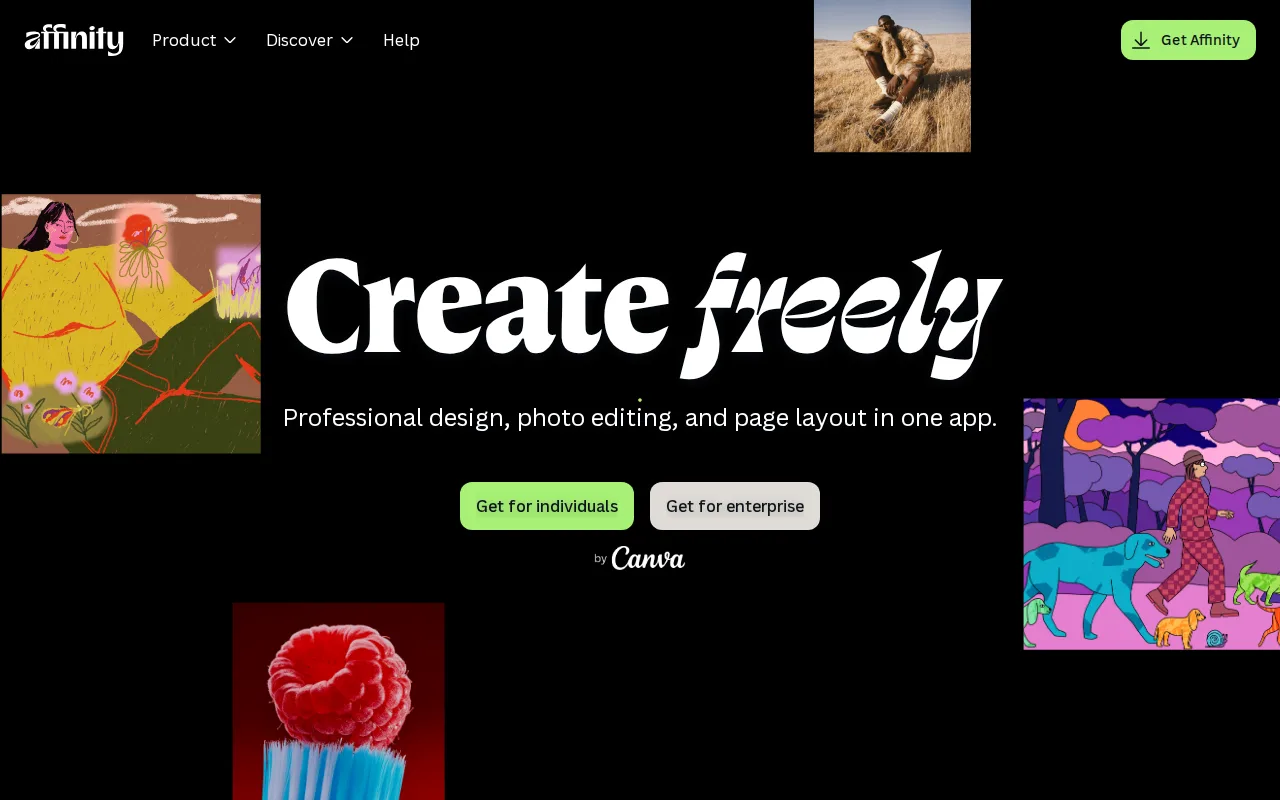
Affinity is the best darktable alternative for photographers and designers who want darktable's no-subscription philosophy but with a more guided, unified interface spanning vector, pixel, and layout editing in one app. Since Canva's acquisition, Affinity's core app is completely free for individuals, requiring only a free Canva account, matching darktable's own $0 price point while adding a moderate rather than steep learning curve, according to our listing data. Affinity Photo holds a 4.8/5 rating from 99 Capterra reviews, external validation darktable's own listing has none of since darktable carries no ratings on file at all. Affinity backs its free tier with Canva's infrastructure and update cadence rather than a volunteer community, a different reliability trade-off than darktable's photographer-developer-maintained project. darktable remains the better choice for photographers who specifically want a database-driven, non-destructive raw workflow: Affinity's studios are built around vector and layout work as much as photo editing, and its raw-development depth doesn't match darktable's dedicated lighttable-and-darkroom model built specifically for photography. Affinity also has no Linux version and its iPad app is still listed as coming soon rather than shipped, while darktable runs natively on Linux, Windows, and macOS. For anyone who wants a free, guided editing suite with a gentler learning curve than darktable's dense module stack, Affinity is the closer match.
Compared to darktable: $0 free core app matching darktable's own price vs a moderate rather than steep learning curve, 4.8/5 rating from 99 Capterra reviews vs darktable's none on file, vector/pixel/layout studios vs darktable's dedicated raw-photography lighttable-and-darkroom model
Wins:Free core app with no restrictions, matching darktable's own $0 price, but with a moderate rather than darktable's steep learning curve · 4.8/5 rating from 99 Capterra reviews, evidence darktable has none of on file · Backed by Canva's infrastructure and update cadence rather than a smaller volunteer community
Loses:No dedicated database-driven lighttable for organizing large raw libraries, unlike darktable's purpose-built photo-management model · No Linux version, unlike darktable's native Linux, Windows, and macOS support · Generative AI features require a separate paid Canva Pro subscription ($14.99/month), a cost darktable never introduces for any feature
Pros
- Full professional design suite (vector, raster, layout) free with no time limit or feature gate on the core tools.
- Requires only a free Canva account, no credit card, to unlock everything in the base app.
- Backed by Canva's infrastructure and update cadence rather than a small independent studio.
- Optional Canva Pro AI features integrate directly inside the same app rather than requiring a separate tool.
Cons
- Generative AI features are gated behind a paid Canva Pro subscription ($14.99/month or $119.99/year).
- No iPad app yet; it is listed as coming soon rather than available.
- No Linux support.
- The 2026 rebrand merging three separate apps into one changes workflows for users of the older per-app Affinity Designer/Photo/Publisher versions.
Pricing: Free tier · paid from $14.99/mo — $0 free core app, same as darktable's $0; optional Canva Pro AI add-on runs $14.99/month with no equivalent paid tier in darktable at all