5 Best Alternatives to CryptPad for Windows in 2026
By Noahlast updated pricing verified
Compared: CryptPad alternatives that run on Windows
| Alternative | Best for | Learning curve | Price |
|---|---|---|---|
| CryptPadreference | privacy-conscious teams, schools, and nonprofits that want real-time collaborative document editing without a provider that can read their content, and who are willing to trade some polish for end-to-end encryption | Moderate | Free |
| Google Workspace | businesses, schools, and startups standardizing on browser-based email and real-time collaborative documents instead of desktop Office software | Low | From $7/mo |
| Microsoft 365 | individuals and families who want the full desktop-grade Office apps plus generous cloud storage and Copilot AI synced across multiple devices, rather than free browser-only Office | Low | From $9.99/mo |
| Nextcloud | organizations that want a self-hosted, data-sovereign alternative to Google Workspace or Microsoft 365 for file sync, groupware, and video conferencing | Moderate | Free |
| Proton Drive | privacy-focused individuals and small teams who want end-to-end encrypted cloud storage with a genuinely usable free tier and open-source, independently-audited clients | Low | Free tier · paid from $4.99/mo |
| OnlyOffice | organizations that need Microsoft Office-compatible editing but want the option to self-host on their own servers under an open-source license | Moderate | Free tier · paid from $20/mo |
 CryptPad
 Google Workspace
 Microsoft 365
 Nextcloud
 Proton Drive
 OnlyOffice
1Google Workspace — best CryptPad alternative for businesses, schools, and startups standardizing on browser-based email and real-time collaborative documents instead of desktop Office software
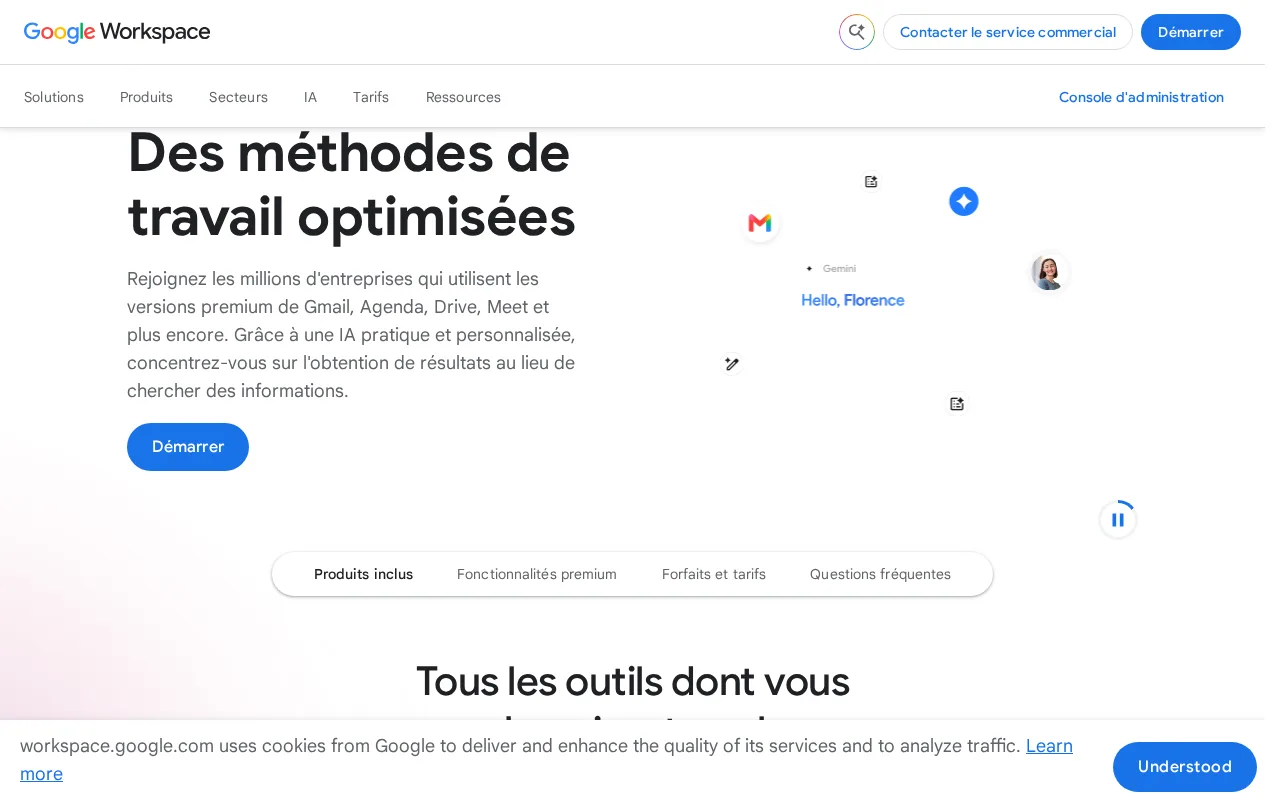
CryptPad and Google Workspace both offer real-time collaborative editing of documents, spreadsheets, and presentations, but Google Workspace ships as a fully managed SaaS suite with Gmail, Drive, and Meet bundled in, and its UI responsiveness and collaboration polish are more mature than CryptPad's, which itself lists that gap as a known weakness against mainstream suites. Google Workspace holds a 4.7/5 rating from over 17,600 Capterra reviews, by far the deepest evidence base of any tool compared here, and Business Starter costs $7/user/month billed annually with Gemini AI writing and summarization bundled into every paid tier. The honest tradeoff is the entire reason CryptPad exists: Google Workspace has no end-to-end, client-side encryption at all, meaning Google's own servers can technically read stored content, unlike CryptPad's design where even CryptPad's own administrators cannot read stored data as long as the code is unmodified, and Google Workspace has no self-hosted or on-premise option for teams that need full data control. Privacy-conscious teams, schools, or nonprofits that specifically need content the provider itself cannot read are better served by CryptPad.
Compared to CryptPad: fully managed SaaS with more polished real-time collaboration and the deepest review base here (4.7/5 from 17,600+ Capterra reviews), but no end-to-end encryption at all and no self-hosted option, unlike CryptPad's client-side encrypted, self-hostable design.
Wins:Fully managed SaaS with Gmail, Drive, Meet, and Calendar bundled under one admin console · 4.7/5 rating from over 17,600 Capterra reviews, the deepest evidence base of any tool compared here · More polished real-time collaboration UI than CryptPad's own product lists as a known gap for itself
Loses:No end-to-end, client-side encryption at all; Google's servers can technically read stored content, unlike CryptPad's zero-knowledge design · No self-hosted or on-premise option at all, unlike CryptPad's free, self-hostable AGPL-3.0 core · No official native Linux desktop client
Pros
- Real-time collaborative editing across Docs, Sheets, and Slides with automatic saving.
- Gemini AI features are bundled into every paid tier rather than sold as a separate add-on.
- Tight integration across Gmail, Drive, Calendar, and Meet under one admin console.
- Transparent, published per-user pricing with no mandatory onboarding fee.
Cons
- Offline and power-user editing features lag behind Microsoft 365's desktop Excel and Word.
- No official native Linux desktop client for Drive sync.
- Google Meet participant caps and storage limits are hard-capped per tier, forcing plan upgrades.
- Lowest advertised per-user price requires annual billing; flexible monthly billing costs about 20% more.
Pricing: From $7/mo — Google Workspace Business Starter is $7/user/month (billed annually) vs CryptPad's free self-hosting or free CryptPad.fr account (1GB storage)
2Microsoft 365 — best CryptPad alternative for individuals and families who want the full desktop-grade Office apps plus generous cloud storage and Copilot AI synced across multiple devices, rather than free browser-only Office
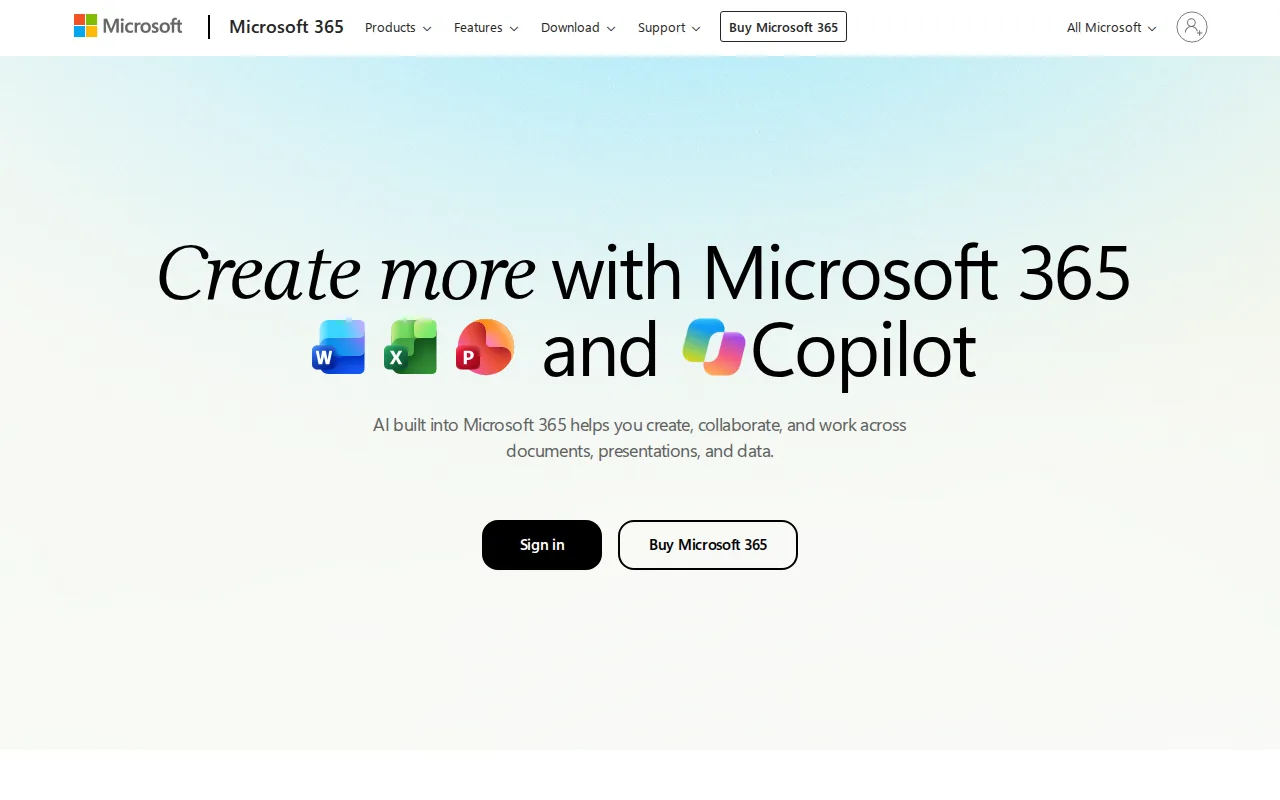
CryptPad and Microsoft 365 both let teams create and edit documents, spreadsheets, and presentations, but Microsoft 365 bundles the full desktop-grade Word, Excel, PowerPoint, and Outlook apps with Copilot AI assistance in every app, a depth of native desktop tooling CryptPad's browser-based, privacy-first editor doesn't target. Microsoft 365 Personal starts at $9.99/month with 1TB of cloud storage per person, and it holds a 4.6/5 rating from 14,143 Capterra reviews, versus CryptPad, which has no external rating on file in this data. The honest tradeoff is exactly what CryptPad is built to avoid: Microsoft 365 has no end-to-end, client-side encryption, so Microsoft's own systems can technically access stored content for features like Copilot AI, unlike CryptPad's zero-knowledge design, and Microsoft 365 has no self-hosted option at all or ongoing free tier, requiring an indefinite subscription to keep desktop app access. Privacy-conscious users or teams that specifically want a provider that cannot read their content are better served by CryptPad.
Compared to CryptPad: full desktop-grade Word, Excel, PowerPoint, and Outlook apps with Copilot AI built in, a much larger review base (14,143 Capterra reviews), but no end-to-end encryption and no self-hosted or ongoing free option, unlike CryptPad's zero-knowledge, self-hostable design.
Wins:Full desktop-grade Word, Excel, PowerPoint, and Outlook apps, not just a browser-based editor · Copilot AI assistance is built into every app rather than sold separately · 4.6/5 rating from 14,143 Capterra reviews, external evidence CryptPad doesn't have on file
Loses:No end-to-end, client-side encryption; Microsoft's systems can technically access stored content, unlike CryptPad's zero-knowledge design · No self-hosted or on-premise option at all, unlike CryptPad's free, self-hostable AGPL-3.0 core · No ongoing free tier; the only one-time-purchase path (Office Home 2024, $179.99) lacks Copilot and never gets feature upgrades
Pros
- Bundles full-featured desktop and web apps (Word, Excel, PowerPoint, Outlook, OneNote) in one subscription.
- Generous cloud storage — 1TB per person, up to 6TB pooled on Family and Premium.
- Copilot AI assistance is built into Word, Excel, PowerPoint, and Outlook rather than sold separately.
- Family and Premium plans cover up to 6 people under a single subscription.
Cons
- No ongoing free tier; canceling the subscription removes access to the desktop apps entirely.
- The only one-time-purchase option (Office Home 2024, $179.99) lacks Copilot and never gets feature upgrades.
- Advanced Copilot AI agents require the $19.99/month Premium tier, a $10-20/month jump over Personal.
- Reviewers cite setup and admin complexity, especially for business deployments.
Pricing: From $9.99/mo — Microsoft 365 Personal is $9.99/month with no ongoing free tier vs CryptPad's free self-hosting or free CryptPad.fr account (1GB storage) (verified )
3Nextcloud — best CryptPad alternative for organizations that want a self-hosted, data-sovereign alternative to Google Workspace or Microsoft 365 for file sync, groupware, and video conferencing
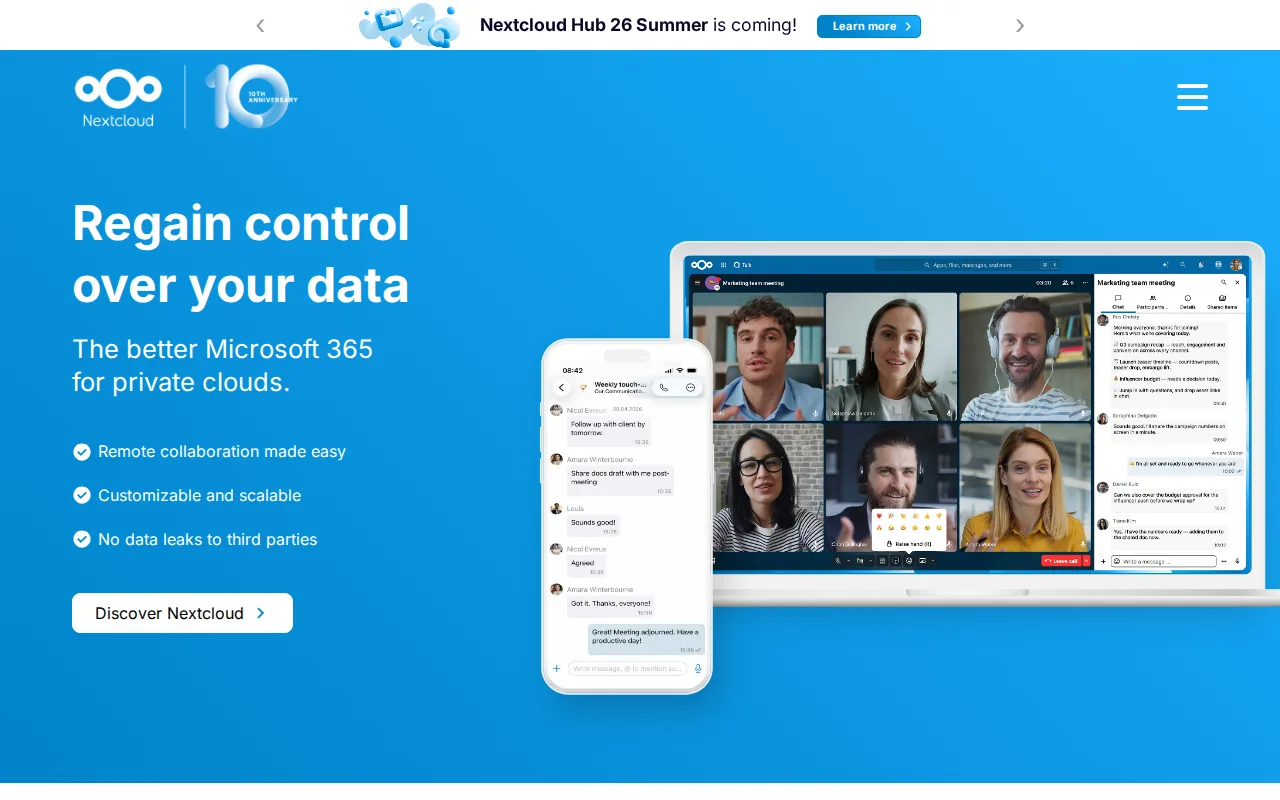
CryptPad and Nextcloud are both open-source, self-hostable products built for organizations that want data sovereignty instead of a SaaS suite, but Nextcloud bundles file sync, Talk video conferencing, groupware, and workflow automation into one platform, a broader scope than CryptPad's document-editing focus, and its LibreOffice-based Office app can even use Collabora Online as an editing backend. Nextcloud's Community edition is free to self-host with no user limit, matching CryptPad's free, self-hostable AGPL-3.0 core, and it holds a 4.6/5 rating from 443 Capterra reviews, external evidence CryptPad has none of in this data. The honest tradeoff is encryption depth: Nextcloud's document editing does not carry CryptPad's end-to-end, client-side encryption across every document type, since Nextcloud's server can typically read file content unless additional end-to-end encryption apps are configured, unlike CryptPad's design where even CryptPad's own administrators cannot read stored content. Nextcloud's enterprise support pricing also requires a 100-user minimum to get a published rate. Privacy-conscious users who specifically need every document type end-to-end encrypted by default are better served by CryptPad.
Compared to CryptPad: bundles file sync, Talk video conferencing, groupware, and workflow automation into one self-hosted platform, a 4.6/5 rating from 443 Capterra reviews, but document editing doesn't carry CryptPad's end-to-end, client-side encryption across every document type by default.
Wins:Bundles file sync, video conferencing (Talk), groupware, and workflow automation into one self-hosted platform, not just document editing · 4.6/5 rating from 443 Capterra reviews, external evidence CryptPad has none of in this data · Scales from a single Raspberry Pi to installations serving tens of millions of users
Loses:Document editing doesn't carry CryptPad's end-to-end, client-side encryption across every document type by default, since Nextcloud's server can typically read file content · Enterprise support pricing requires a 100-user minimum to get a published rate · The large number of optional apps can make initial setup more complex than CryptPad's more focused document suite
Pros
- Fully open source (AGPL-3.0) and free to self-host with no user limit on the Community edition.
- Bundles file sync, video conferencing, groupware, and document editing into one connected suite.
- Scales from a single Raspberry Pi to distributed installations serving tens of millions of users.
- Native apps across web, Windows, macOS, Linux, iOS, and Android.
Cons
- Enterprise support pricing starts at a 100-user minimum, with no published self-serve rate for smaller teams.
- Self-hosting the Community edition puts the burden of updates, backups, and uptime on the organization's own IT staff.
- Performance and app ecosystem depend heavily on the hosting hardware and configuration, unlike a fully managed SaaS suite.
- The large number of optional apps can make initial setup and configuration more complex than a single-purpose file-sync tool.
Pricing: Free — Nextcloud Community is $0 self-hosted, same as CryptPad's free self-hosting; Nextcloud's Standard enterprise tier starts around €71.29/user/year for 100+ users (verified )
4Proton Drive — best CryptPad alternative for privacy-focused individuals and small teams who want end-to-end encrypted cloud storage with a genuinely usable free tier and open-source, independently-audited clients
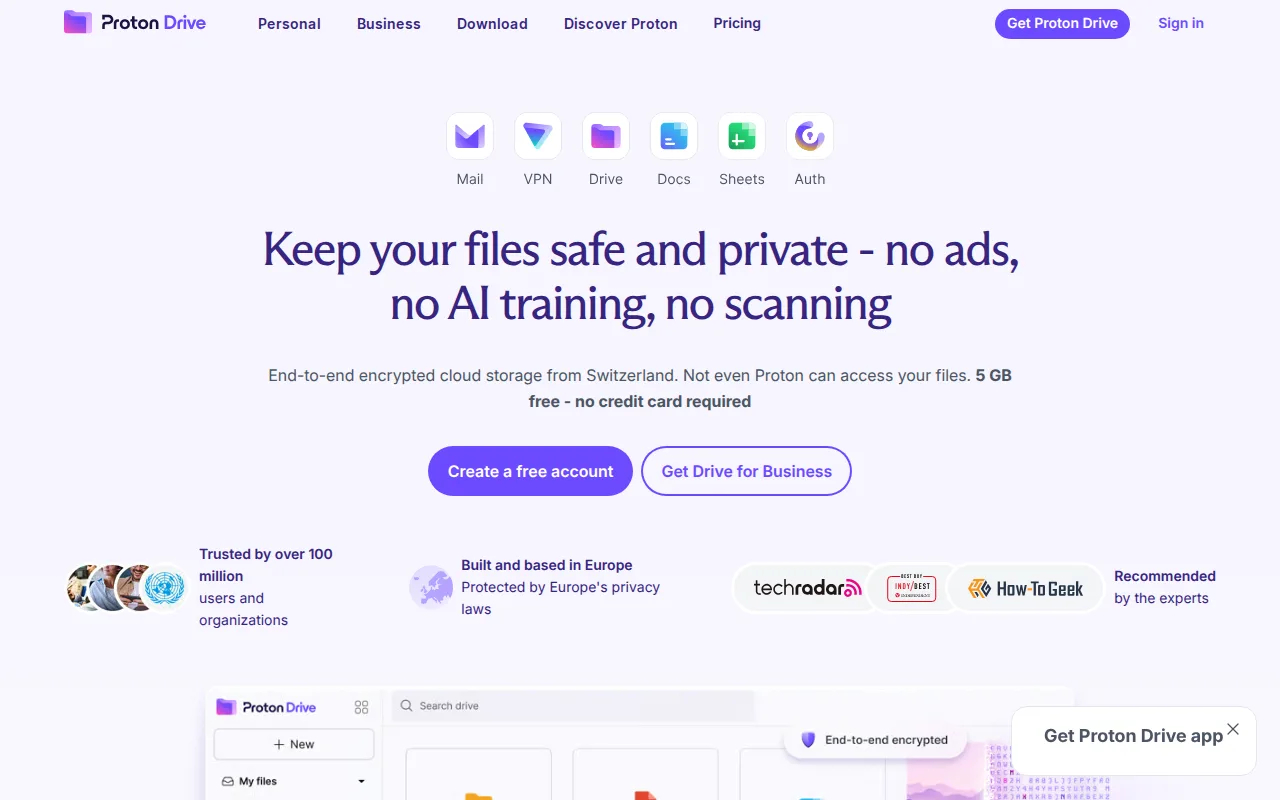
CryptPad and Proton Drive both encrypt content client-side so the provider itself cannot read it, the closest privacy model match in this comparison, but Proton Drive's free tier gives 5GB of storage plus Proton Docs and Proton Sheets at $0 with a more polished, dedicated desktop sync client for Windows and macOS than CryptPad's browser-only product. Proton Drive's client source code is open source (GPL-3.0) on GitHub and independently audited, matching CryptPad's own open-source (AGPL-3.0) transparency, and Drive Plus costs $4.99/month for 200GB, cheaper per-gigabyte than most competitors. The honest tradeoff is document-suite breadth: Proton Drive's collaborative editing (Proton Docs and Sheets) is narrower than CryptPad's full suite of documents, spreadsheets, presentations, kanban boards, forms, whiteboards, and code editing, and Proton Drive has no external rating on file in this data, the same gap CryptPad has. Teams that need CryptPad's broader kanban, forms, and whiteboard tools alongside encrypted documents are better served by CryptPad.
Compared to CryptPad: the same client-side, end-to-end encryption model, a more polished free tier (5GB) with dedicated desktop sync clients, but a narrower document suite (Docs and Sheets only) versus CryptPad's kanban, forms, whiteboard, and code-editing tools.
Wins:Dedicated desktop sync clients for Windows and macOS, unlike CryptPad's browser-only product · 5GB free tier with automatic mobile photo and video backup and collaborative albums · Open-source (GPL-3.0), independently audited client code, matching CryptPad's own AGPL-3.0 transparency
Loses:Narrower document suite: only Proton Docs and Proton Sheets, versus CryptPad's documents, spreadsheets, presentations, kanban boards, forms, whiteboards, and code editor · No external rating on file in this data, the same gap CryptPad itself has · Best per-dollar value requires the pricier $12.99/month Proton Unlimited bundle rather than Drive alone
Pros
- Files are end-to-end encrypted client-side, so Proton cannot read stored content.
- Client source code is open source (GPL-3.0) and independently audited.
- 5 GB free tier is more generous than most end-to-end encrypted competitors.
- Based in Switzerland, subject to strict Swiss privacy law rather than US or EU data requests.
Cons
- Lost passwords can't be recovered by Proton for end-to-end encrypted content without a saved recovery kit.
- Free tier storage (5 GB) is modest compared to Google Drive's 15 GB free tier.
- Best value per dollar requires the pricier Proton Unlimited bundle rather than a Drive-only plan.
Pricing: Free tier · paid from $4.99/mo — Proton Drive Free is 5GB at $0, then Drive Plus at $4.99/month for 200GB, vs CryptPad's free self-hosting or free CryptPad.fr account (1GB storage) (verified )
5OnlyOffice — best CryptPad alternative for organizations that need Microsoft Office-compatible editing but want the option to self-host on their own servers under an open-source license
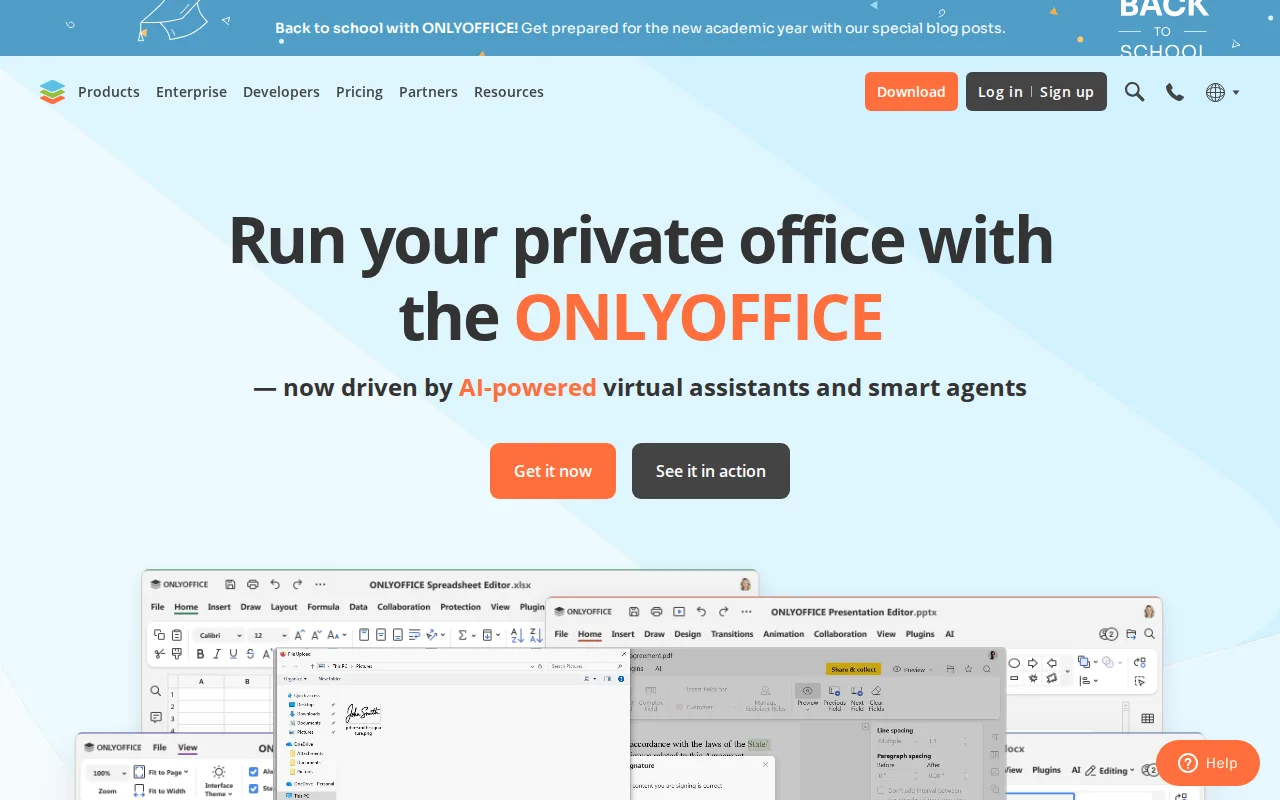
CryptPad and OnlyOffice are both open-source, self-hostable office products offering an on-premise alternative to Google Workspace or Microsoft 365, but OnlyOffice's DocSpace pricing charges only for admin seats ($20/admin/month, discounted from $30) while unlimited regular users join free, a cost structure CryptPad's own pricing doesn't use. OnlyOffice is distributed under AGPL 3.0, the same license family as CryptPad's own AGPL-3.0, and it holds a 4.5/5 rating from 324 Capterra reviews plus notable deployments at UNESCO and the Red Cross, external evidence CryptPad has none of in this data. The honest tradeoff is encryption depth and format fidelity: OnlyOffice's document editing does not carry CryptPad's end-to-end, client-side encryption by default, since server-side processing is how OnlyOffice renders Microsoft Office formats with high fidelity, and reviewers report formatting fidelity issues on complex documents with heavy macros regardless. Privacy-conscious teams that specifically need every document type end-to-end encrypted, even from the server operator, are better served by CryptPad.
Compared to CryptPad: DocSpace charges only for admin seats with unlimited free regular users, a 4.5/5 rating from 324 Capterra reviews, but document editing doesn't carry CryptPad's end-to-end, client-side encryption by default.
Wins:DocSpace charges only for admin seats, with unlimited regular users invited free · 4.5/5 rating from 324 Capterra reviews and notable deployments at UNESCO and the Red Cross · 40+ third-party integrations and native apps across Windows, macOS, Linux, iOS, and Android
Loses:Document editing doesn't carry CryptPad's end-to-end, client-side encryption by default, since server-side processing renders Microsoft Office formats · Reviewers report formatting fidelity issues on complex documents with heavy macros or advanced layout · Business Cloud pricing is per-admin rather than per-user, taking more effort to compare against CryptPad's model
Pros
- AGPL 3.0 source code available on GitHub; fully self-hostable for organizations that need to keep data on-premises.
- DocSpace charges only for admin seats, with unlimited regular users invited free.
- Native apps across Windows, macOS, Linux, iOS, and Android, plus 40+ third-party integrations including Nextcloud and Moodle.
- Real-time co-editing with character-level change tracking and built-in AI content tools.
Cons
- Complex documents with advanced Word/Excel formatting or macros can lose fidelity when opened in ONLYOFFICE.
- Enterprise on-premises pricing is not published; requires a sales conversation.
- Per-admin pricing model on Business Cloud takes more effort to compare against per-user competitors.
- DocSpace's interface is less polished than Google Workspace or Notion for non-technical teams.
Pricing: Free tier · paid from $20/mo — OnlyOffice Business Cloud is $20/admin/month with unlimited free users vs CryptPad's free self-hosting or free CryptPad.fr account (1GB storage) (verified )