2 Best Free Alternatives to Coda in 2026
By Noahlast updated
Compared: free alternatives to Coda
| Alternative | Best for | Standout | Biggest weakness | Learning curve | Price |
|---|---|---|---|---|---|
| Codareference | Teams that want to replace a mix of wiki, spreadsheet, and lightweight internal-tool software with one doc-based workspace, e.g. a product team building a roadmap, OKR tracker, and meeting hub in the same file. | Tables embedded directly inside a document behave like a database: the same table can power a calendar view, a kanban board, and an AI-generated summary column, all synced from one dataset, inside what still reads as a normal doc. | Coda bills by 'doc maker' rather than by simple per-seat pricing, which is cheaper for teams with many read-only viewers but makes it hard to predict costs as more people need edit rights; the pricing page itself is JavaScript-rendered with no plan numbers visible without running the app, and the ongoing rebrand to 'Superhuman Docs' adds uncertainty about whether current plans, limits, and support channels will carry over unchanged. | Steep | Pricing not verified |
| Notion | Teams that want to consolidate scattered docs, wikis, and lightweight project trackers into one linked workspace, and are willing to spend time designing their own database structure. | Custom Agents and Notion Agent, which can complete multi-step tasks using context pulled from Notion pages, connected apps (Slack, GitHub, Google Drive), and the web, billed at $10 per 1,000 Notion credits after a free trial. | Free and Plus plans only give trial access to Notion AI features (chat, meeting notes, research mode); full AI usage requires the Business plan at $20/member/month or separate Notion credits for Custom Agents and Workers, which adds an unpredictable usage-based cost on top of the seat price. | Steep | Free tier · paid from $10/mo |
| Airtable | Small-to-midsize teams that need a relational database with a spreadsheet UI to run project trackers, content calendars, or lightweight CRMs without writing code. | Bases behave like a real relational database (linked records across tables) while looking and feeling like a spreadsheet, so non-technical users can model structured data without SQL. | Costs scale per editor seat, so a 20-person team on the Business plan pays $45/user/month billed annually ($900/month) just to give everyone edit rights, and the Free plan's record and attachment caps push active teams into a paid tier quickly. | Moderate | Free tier · paid from $20/mo |
 Coda
Coda Notion
 Airtable
1.Notion — best Coda alternative for teams that want to consolidate scattered docs, wikis, and lightweight project trackers into one linked workspace, and are willing to spend time designing their own database structure.
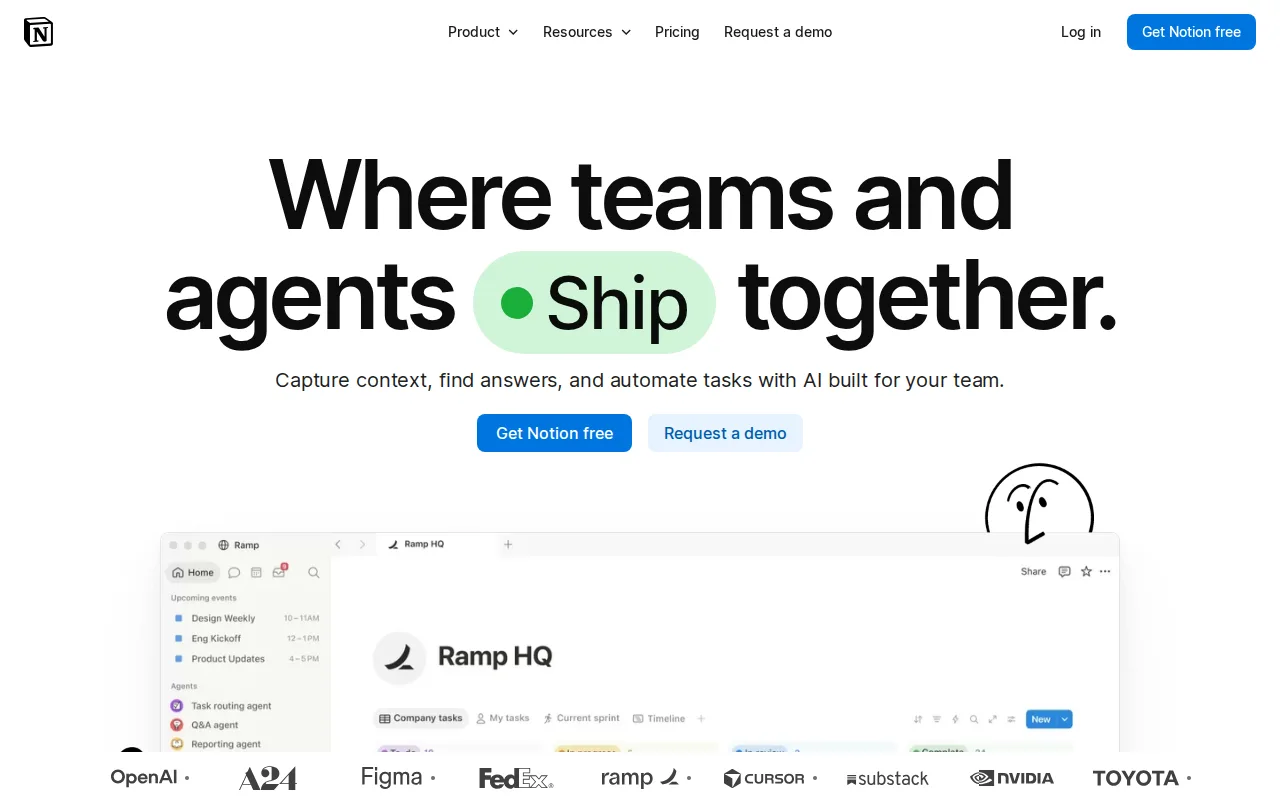
Notion is the best Coda alternative for teams that want the same docs-plus-databases canvas with a price they can budget before signing up. Notion publishes per-member pricing as static text — Free, Plus at $10 per member/month, Business at $20, and custom Enterprise — while Coda's pricing page is JavaScript-rendered and exposes no plan numbers without running the app, which Coda's own listing names as a weakness. Both products put structured data inside pages: Notion's databases are blocks with grid, board, calendar, and gallery views, layered with Notion Agent, AI Meeting Notes, and Enterprise Search. Notion also ships a native Linux desktop client alongside web, Windows, macOS, iOS, and Android, where Coda covers every platform except Linux, and Notion is not mid-rebrand — Coda is transitioning to Superhuman Docs under Superhuman, which is owned by Grammarly. Coda is still the better choice for teams with many read-only viewers. Coda bills by doc maker rather than per seat, so a 20-person team with three builders pays for three, while 20 Notion members on Plus cost $200/month. Notion's meaningful AI also requires the $20/member/month Business plan, and Custom Agents bill separately at $10 per 1,000 Notion credits.
Compared to Coda: published per-member prices of $10 and $20 where Coda's pricing page shows no plan numbers, a native Linux desktop client Coda doesn't ship, and a stable product name while Coda rebrands to Superhuman Docs
Wins:Publishes per-member pricing as static text — Free, $10 Plus, $20 Business — where Coda's pricing page exposes no plan numbers without running its app · Native Linux desktop client on top of web, Windows, macOS, iOS, and Android; Coda covers every platform except Linux · Not mid-rebrand, where Coda is transitioning to Superhuman Docs under Superhuman (owned by Grammarly) with plan and support continuity unresolved
Loses:Bills every member at $10-$20 per month, where Coda charges only doc makers, so a 20-person team with three builders pays far less on Coda than $200/month on Notion Plus · Meaningful AI (Notion Agent, AI Meeting Notes, Enterprise Search) requires the $20/member/month Business plan, and Custom Agents bill on top at $10 per 1,000 credits · No equivalent to Coda's 600+ Packs pulling Slack, Jira, Google Calendar, and Figma into a doc — Notion connects through its public API, webhooks, and one-way syncs — and offline reaches only recently viewed or favorited pages
Pros
- Single tool covers docs, wikis, databases, and basic project tracking, reducing tool-switching
- Free plan supports unlimited pages and blocks for solo use, with only multi-member workspaces hitting block limits
- Deep customization through nested pages, linked databases, and templates
- Public API, webhooks, and 1-way database syncs (Jira, GitHub, Asana) for connecting external tools
Cons
- Per-member pricing on paid tiers ($10-$20/month) gets expensive fast for larger teams compared to flat-fee tools
- Offline support is limited to recently viewed or favorited pages on paid plans rather than full offline access
- Flexible block-and-database model has a steep learning curve for teams used to fixed-structure apps
- Meaningful AI features (Notion Agent, Enterprise Search, AI Meeting Notes) require the $20/month Business plan or higher
Pricing: Free tier · paid from $10/mo — Notion Plus at $10 per member/month and Business at $20, both published as static text, vs Coda, which publishes no plan price without a JavaScript-rendered session and bills by doc maker instead (verified undefined NaN, NaN)
2.Airtable — best Coda alternative for small-to-midsize teams that need a relational database with a spreadsheet UI to run project trackers, content calendars, or lightweight CRMs without writing code.
Airtable is the best Coda alternative for teams whose data has outgrown tables inside a document. Airtable bases behave like a real relational database — linked records across tables plus grid, kanban, calendar, gallery, and Gantt views over the same records — while still reading as a spreadsheet, and Airtable reports more than 500,000 organizations on the product, with HyperDB on Enterprise Scale handling record counts in the hundreds of millions. Coda's tables live inside a doc, which is the whole point of Coda but also its ceiling. Airtable publishes its prices openly: Free, Team at $20 per user/month, and Business at $45, both billed annually, where Coda's pricing page shows no plan numbers without a JavaScript-rendered session. Airtable's learning curve is rated moderate against Coda's steep. Coda is still the better choice for teams that want writing and data in the same file, and for teams with many viewers. Airtable charges per editor seat, so 20 editors on Business cost $900/month while Coda bills only doc makers. Airtable's free tier also caps records and attachments per base, and the base sits apart from whatever document explains it — exactly the split Coda exists to remove.
Compared to Coda: linked records across relational tables rather than tables inside a doc, published prices of $20 and $45 per user/month where Coda shows none, but per-editor billing at $900/month for 20 Business seats where Coda charges only doc makers
Wins:Bases are a real relational database with linked records across tables, scaling to record counts in the hundreds of millions on the HyperDB Enterprise Scale tier · Publishes Team at $20 and Business at $45 per user/month billed annually as static text, where Coda's pricing page shows no plan numbers without running its app · Learning curve is rated moderate against Coda's steep, and Airtable reports more than 500,000 organizations using the product
Loses:Charges per editor seat: 20 editors on Business cost $900/month, while Coda bills only the people who actually build docs · The base sits apart from whatever document explains it, removing the text-and-data-in-one-file arrangement Coda is built around · Free and Team tiers cap records and attachments per base, and SSO, advanced RBAC, and unlimited workspaces require custom-quoted Enterprise Scale
Pros
- Relational linking between tables goes well beyond what a flat spreadsheet like Google Sheets can do
- Built-in automations, interfaces, and reporting reduce the need for separate tools for simple internal apps
- Free plan is usable for individuals and very small teams before any payment is required
- Native integrations with Slack, Google Drive, Salesforce, Jira, and Zendesk plus a documented REST API for custom work
Cons
- Per-editor seat pricing gets expensive fast once a team grows past a handful of active editors
- Free and Team tiers cap records and attachments per base, forcing upgrades as data volume grows
- Enterprise-grade features (SSO, advanced RBAC, unlimited workspaces) are locked behind custom-quoted Enterprise Scale pricing
- Complex bases with many linked tables and automations can become hard to navigate for new users
Pricing: Free tier · paid from $20/mo — Airtable Team at $20 per user/month and Business at $45, both billed annually and published openly, vs Coda, which publishes no plan price and bills by doc maker (verified undefined NaN, NaN)