1 Best Open-Source Alternatives to Clip Studio Paint in 2026
By Noahlast updated
All 5 Clip Studio Paint alternatives
Compared: open-source alternatives to Clip Studio Paint
| Alternative | Best for | Standout | Biggest weakness | Learning curve | Price |
|---|---|---|---|---|---|
| Clip Studio Paintreference | illustrators, manga/comic artists, and 2D animators who need a large customizable brush library, panel/speech-bubble tooling, and either a one-time desktop purchase or cross-platform subscription including iPad and Android | Manga- and comic-specific production tools — automatic panel layout, speech bubble templates, screentones — combined with a professional animation timeline in EX, features most general-purpose painting apps like Procreate or Krita don't include. | Licensing is split confusingly across platform and payment model: perpetual one-time licenses only exist on Windows/Mac, while iPad, iPhone, and Android users are locked into a subscription with no buy-once option, and reviewers rate its feature depth (4.1/5 on Capterra) noticeably ahead of its ease of use (also 4.1/5), reflecting a real learning curve for the full Studio Mode toolset. | Moderate | From $4.99/mo |
| Krita | digital painters, comic artists, and concept artists who want a full-featured, no-cost illustration tool with a brush engine built specifically for freehand painting rather than photo editing | A brush engine and canvas toolset (rotation, mirroring, stabilizers, wraparound mode) purpose-built for freehand digital painting, on par with paid tools like Clip Studio Paint, at zero cost. | Krita is focused on painting and illustration, not photo editing or precise vector/print production work, so it lacks the CMYK color management, RAW photo support, and print-ready export tooling found in Photoshop or Affinity Photo. | Moderate | Free |
 Clip Studio Paint
 Krita
Krita1.Krita — best Clip Studio Paint alternative for digital painters, comic artists, and concept artists who want a full-featured, no-cost illustration tool with a brush engine built specifically for freehand painting rather than photo editing
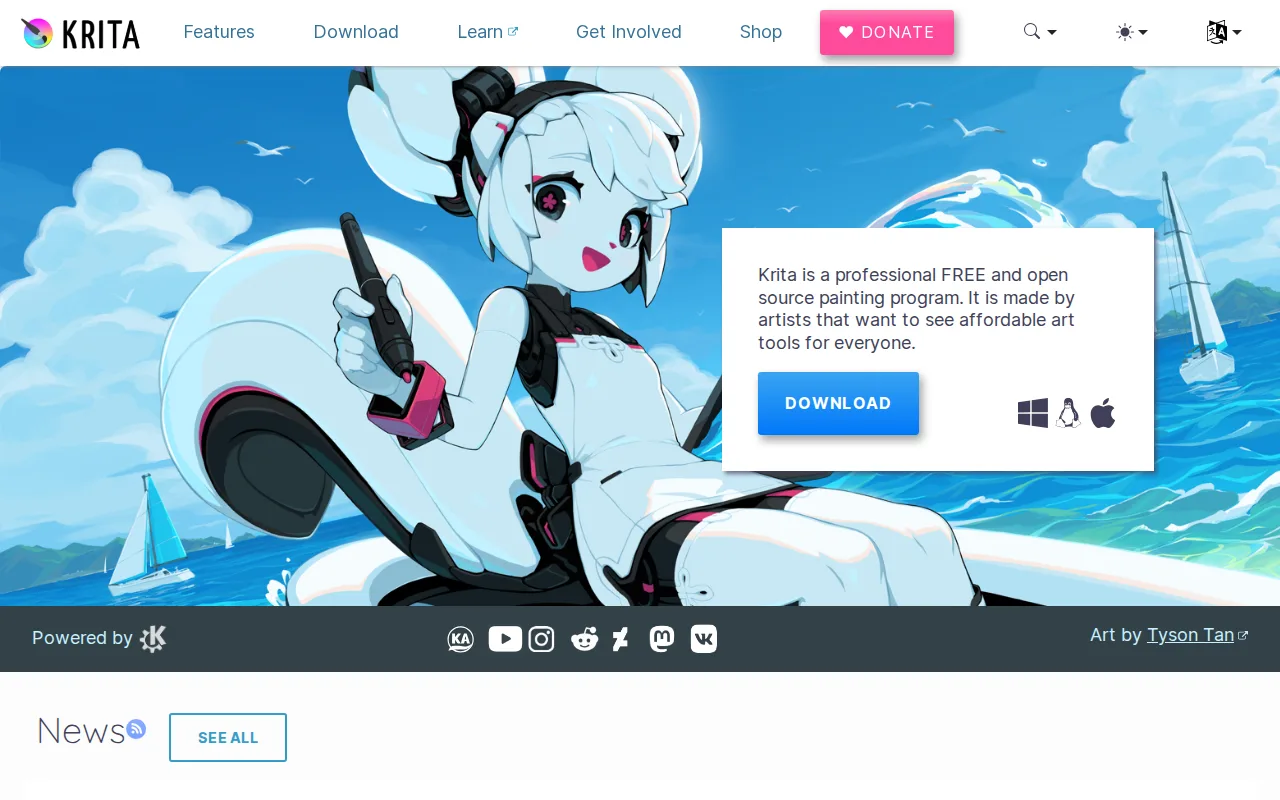
Krita is the best Clip Studio Paint alternative for illustrators who want a full-featured painting tool with no cost at all, unlike Clip Studio Paint's PRO ($49.99 one-time or $4.99/month) and EX ($219.99 one-time or $8.99/month) tiers. Krita is fully free and open source under the GPL-3.0 license, maintained by the KDE community with funding from the nonprofit Krita Foundation, and the direct download from krita.org carries no feature restrictions of any kind. Krita holds a 5/5 rating, though from just 1 Product Hunt review, a far thinner sample than Clip Studio Paint's own 4.7/5 from 68 Capterra reviews and 4.4/5 from 55 G2 reviews. Krita runs natively on Linux in addition to Windows and macOS, a platform Clip Studio Paint's Windows/Mac/iOS/Android reach doesn't include. Clip Studio Paint is still the better choice for manga and comic artists who need mobile editing and sequential-art tools: Krita has no official mobile app for iOS or Android at all, unlike Clip Studio Paint's iPad, iPhone, and Android editions, and Krita is focused on painting rather than manga production, lacking Clip Studio Paint's automatic panel layout, speech bubble templates, and screentones.
Compared to Clip Studio Paint: completely free and open source (GPL-3.0), native Linux support, but a 5/5 rating from just 1 review and no manga-specific tools or mobile app
Wins:Completely free and open source under GPL-3.0, with no feature restrictions of any kind, vs Clip Studio Paint's paid PRO/EX tiers · Native Linux support, a platform Clip Studio Paint's Windows/Mac/iOS/Android reach doesn't include · Maintained by the KDE community with nonprofit Krita Foundation funding, an independent development model
Loses:5/5 rating rests on just 1 Product Hunt review, a far thinner sample than Clip Studio Paint's 4.7/5 from 68 Capterra and 4.4/5 from 55 G2 reviews · No official mobile app for iOS or Android at all, unlike Clip Studio Paint's iPad, iPhone, and Android editions · Focused on painting rather than manga production, lacking Clip Studio Paint's automatic panel layout, speech bubble templates, and screentones
Pros
- Completely free with no feature paywall, unlike most professional-grade painting software.
- Brush engine and stabilizers are purpose-built for freehand illustration and comic work.
- Open-source (GPL-3.0) with an active community and regular release cadence.
- Built-in animation timeline supports basic frame-by-frame animation without a separate tool.
Cons
- Not designed for photo editing or retouching; lacks RAW support and CMYK color management for print work.
- Smaller plugin and brush-marketplace ecosystem than Photoshop or Clip Studio Paint.
- No official mobile app for iOS/Android, unlike Procreate or Clip Studio Paint.
- Some advanced features (vector tools, text handling) are less polished than in dedicated design software.
Pricing: Free — Free, with no paid tier of any kind, vs Clip Studio Paint's $49.99-$219.99 one-time or $4.99-$8.99/month subscription tiers (verified undefined NaN, NaN)