3 Best Free Alternatives to Canva in 2026
By Noahlast updated
Compared: free alternatives to Canva
| Alternative | Best for | Standout | Biggest weakness | Learning curve | Price |
|---|---|---|---|---|---|
| Canvareference | marketers, small business owners, and social media managers who need on-brand graphics fast without hiring a designer or learning Illustrator or Photoshop | The template-first workflow combined with Magic Resize, which reformats one design across dozens of platform-specific sizes automatically. | Designs can't be exported as editable source files (no .psd or .ai export), so work started in Canva is effectively locked into Canva, and premium templates and the full content library sit behind the Pro paywall. | Low | Free tier · paid from $18/mo |
| Figma | design and product teams that need real-time multiplayer editing and a shared design-to-development handoff, from solo freelancers on the free tier up to large enterprises managing design systems across many teams | True real-time multiplayer editing across design, prototyping, whiteboarding (FigJam), and dev handoff (Dev Mode), all in the same browser-based file with no manual save or merge conflicts. | Figma requires an active internet connection for full functionality, and paid tiers are priced per seat by role (full/dev/collab), which reviewers say gets expensive to manage at scale; it also lacks native CMYK color profiles and 300dpi print export, so print-focused design work still requires a separate tool. | Moderate | Free tier · paid from $16/mo |
| Adobe Express | small business owners and social media marketers who need branded templates resized across multiple platforms without a full Creative Cloud subscription | AI Assistant (beta) lets a user type an edit request and Adobe Express applies it to the design while leaving untouched layers intact, combined with built-in Firefly generative AI and direct access to Creative Cloud brand assets without leaving the app. | The free plan caps generative AI credits and gates most templates and assets behind the $9.99/month Premium tier, and brand kits — needed to keep team designs consistent — require Premium or higher, so small teams often end up paying per license through the Teams plan (2-seat minimum) just to get consistent branding. | Low | Free tier · paid from $7.99/mo |
| VistaCreate | small business owners, freelancers, and social media managers who need quick template-based graphics without design training | Direct integration with Vista's print-on-demand service, letting a finished design be ordered as a physical printed product without leaving the editor. | Folded into the broader Vista/VistaPrint brand and now redirects through vista.com, which makes the product harder to find under its own name and puts it in the shadow of Canva, its much larger and more widely adopted direct competitor. | Low | Free tier · paid from $10/mo |
 Canva
Canva Figma
Figma Adobe Express
 VistaCreate
1.Figma — best Canva alternative for design and product teams that need real-time multiplayer editing and a shared design-to-development handoff, from solo freelancers on the free tier up to large enterprises managing design systems across many teams
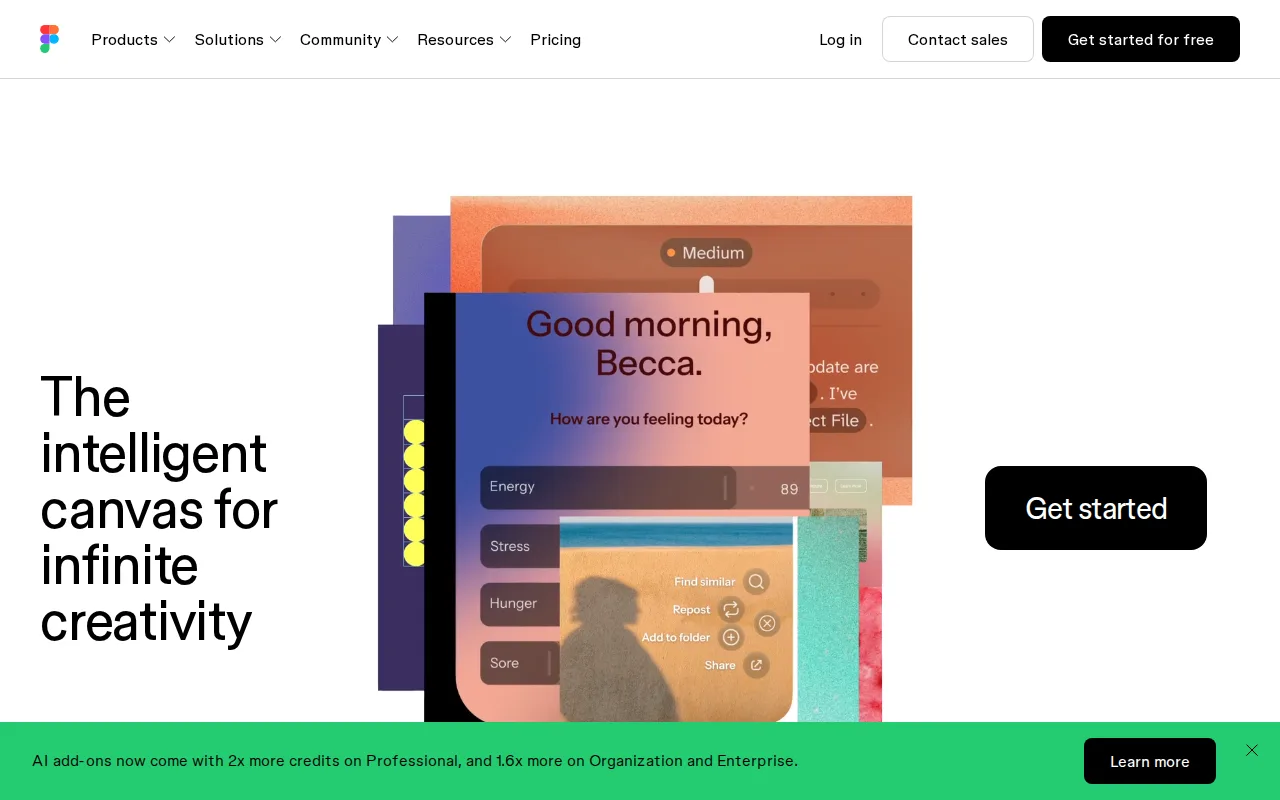
Figma is the best Canva alternative for design and product teams that need real-time multiplayer editing and a shared design-to-development handoff, rather than Canva's template-first, drag-and-drop workflow. Figma's Professional tier costs $16/month per full seat, below Canva Pro's $18/month ($144/year, about $12/month billed annually), and Figma reports that roughly 95% of the Fortune 500 use the product, a scale signal Canva's own listing doesn't quantify with a comparable figure. Figma holds a 4.7/5 rating matching Canva's own score, though from a much smaller sample of 874 Capterra reviews against Canva's 13,411. Figma's free Starter tier includes 150 AI credits per day (up to 500/month) and unlimited drafts, and Dev Mode gives engineers inspectable design specs, a workflow Canva's template-and-export model doesn't build around. Canva is still the better choice for non-designers who want fast, on-brand marketing graphics: Figma requires an active internet connection for full editing, has no native CMYK color profile or 300dpi print export (a gap Canva shares, since Canva also can't export to editable source files like .psd or .ai), and Figma's per-seat, per-role pricing (full/dev/collab) can get confusing and expensive for larger teams compared to Canva's flat per-seat Business plan at $25/user/month.
Compared to Canva: Professional at $16/month vs Canva Pro's $18/month, real-time multiplayer editing with Dev Mode handoff, but requires internet and lacks CMYK/print export
Wins:Professional tier costs $16/month per full seat, below Canva Pro's $18/month ($12/month billed annually) · Roughly 95% of the Fortune 500 use Figma, a scale signal Canva's own listing doesn't quantify · Dev Mode gives engineers inspectable design specs directly from the file, a handoff workflow Canva's template-and-export model doesn't build around
Loses:Requires an active internet connection for full editing; offline work is limited · No native CMYK color profile or 300dpi print export, a gap Canva shares since it also can't export to .psd or .ai · Per-seat, per-role pricing (full/dev/collab) can get confusing and expensive for larger teams compared to Canva's flat per-seat Business plan
Pros
- Real-time multiplayer collaboration works reliably even with many simultaneous editors in one file.
- Free Starter tier is genuinely usable for solo designers with unlimited drafts and basic AI credits.
- Dev Mode gives engineers direct, inspectable access to design specs, reducing handoff friction.
- Broad plugin and integration ecosystem plus FigJam and Slides extend it beyond pure UI design.
Cons
- Requires an internet connection for full editing; offline work is limited.
- No native CMYK color profile or 300dpi export, so print design work needs a separate tool.
- Per-seat, per-role pricing (full/dev/collab) can be confusing and adds up quickly for larger teams.
- Organization and Enterprise tiers are annual-billing only, reducing flexibility for smaller teams.
Pricing: Free tier · paid from $16/mo — Free Starter (3 collaborative files) or $16/month Professional (full seat) vs Canva's free plan or $18/month Pro ($12/month billed annually) (verified undefined NaN, NaN)
2.Adobe Express — best Canva alternative for small business owners and social media marketers who need branded templates resized across multiple platforms without a full Creative Cloud subscription
Adobe Express is included here because it's listed as a Canva alternative, and its own website URL points to adobe.com, tying it to the broader Adobe product family rather than a dedicated Adobe Express domain. Beyond its name and that Adobe affiliation, no pricing, feature list, platform support, or rating data for Adobe Express was captured in our listing data, so no direct comparative claims about cost, template library size, or user satisfaction can be made honestly. What can be said is that, like Canva, it competes in the template-driven design category rather than as a blank-canvas tool like Figma. Canva is the far better-documented choice on every axis our listing data actually covers: a published $18/month Pro price ($12/month billed annually), a 4.7/5 rating from 13,411 Capterra reviews, and a specific documented weakness (no .psd or .ai export), none of which our listing data can confirm or deny for Adobe Express.
Compared to Canva: named as a Canva alternative via its Adobe affiliation (adobe.com), but no independent pricing, feature, or rating data available in our listing data
Loses:No independent pricing, feature list, or rating data for Adobe Express was captured in our listing data, unlike Canva's published $18/month Pro price and 4.7/5 rating from 13,411 Capterra reviews · Website URL captured here (adobe.com) is Adobe's general domain rather than a dedicated Adobe Express page, limiting what can be verified
Pros
- Free tier available with no credit card required
- Combines social graphics, video editing, and basic document creation in one app instead of separate tools
- One-click resize turns a single design into versions for every social channel
- High app store ratings: 4.8/5 from 345.6K iOS reviews and 4.6/5 from 574K Android ratings
Cons
- Free plan's generative AI credits and premium asset library are limited, pushing active users toward the $9.99/mo Premium plan
- Brand kits, needed for consistent team branding, are locked to Premium and higher plans
- Teams pricing has a 2-seat minimum and rises from an introductory $4.99/mo per license to $7.99/mo per license after the first year
- Full AI image generation and Photoshop access require the pricier $19.99/mo Firefly Pro bundle rather than being included in standard Premium
Pricing: Free tier · paid from $7.99/mo (verified undefined NaN, NaN)
3.VistaCreate — best Canva alternative for small business owners, freelancers, and social media managers who need quick template-based graphics without design training
VistaCreate is the best Canva alternative for small business owners and freelancers who want the full template and asset library at a lower price, plus direct print-on-demand ordering. VistaCreate's Pro plan costs $10/month billed annually, close to half of Canva Pro's $12/month billed-annually rate ($18/month billed monthly), and adds 200,000+ templates and 170 million-plus assets, generative AI tools, and unlimited storage. VistaCreate holds a 4.6/5 rating from 439 Capterra reviews, a smaller sample than Canva's own 4.7/5 from 13,411 reviews but still a meaningfully sized one. Because VistaCreate is owned by Vista (formerly Vistaprint), a finished design can be ordered as a physical printed product directly from the editor, a print-on-demand integration Canva's own listing doesn't describe having. Canva is still the better choice for larger teams and brand-heavy workflows: VistaCreate's team collaboration caps out at 10 members, more restrictive than Canva Business's per-seat model at $25/user/month, and VistaCreate's rebrand into the broader Vista/VistaPrint ecosystem has made the product's own identity and standalone URL less clear, while Canva's much larger user base and brand recognition make it the safer default for most teams.
Compared to Canva: Pro plan at $10/month vs Canva Pro's $12/month (billed annually), direct print-on-demand ordering, but team collaboration caps at 10 members
Wins:Pro plan costs $10/month billed annually, below Canva Pro's $12/month billed-annually rate ($18/month billed monthly) · Direct print-on-demand integration through parent company Vista lets a finished design become a physical product without leaving the editor · Free Starter tier includes 100,000+ templates and 1 million-plus assets with no time limit
Loses:4.6/5 rating from 439 Capterra reviews, a much smaller sample than Canva's own 4.7/5 from 13,411 reviews · Team collaboration caps out at 10 members, more restrictive than Canva Business's per-seat model at $25/user/month · Rebrand into the broader Vista/VistaPrint ecosystem has made the product's own identity and standalone URL less clear
Pros
- Free tier includes 100,000+ templates and 1 million-plus assets with no time limit.
- Pro plan is priced well below Canva Pro at $10/month billed annually for the full asset library.
- One-click resizer adapts a single design across multiple social and print formats instantly.
- Direct print-on-demand integration through Vista turns a finished design into a physical product.
Cons
- Rebrand from Crello into the Vista/VistaPrint ecosystem has made the product's identity and standalone URL less clear.
- Asset library and brand recognition are both smaller than Canva's, its primary competitor.
- Team collaboration is capped at 10 members, limiting use for larger marketing teams.
- Generative AI tools are Pro-only, unavailable to free-tier users.
Pricing: Free tier · paid from $10/mo — Free Starter or $10/month Pro (billed annually) vs Canva's free plan or $18/month Pro ($12/month billed annually)