5 Best Alternatives to Bytesweep for macOS in 2026
By Noahlast updated
Of the 6 Bytesweep alternatives we track, 5 are available on macOS: DaisyDisk, WizTree, CCleaner and 2 more. Each entry below keeps its full comparison from the main list.
Compared: Bytesweep alternatives that run on macOS
| Alternative | Best for | Learning curve | Price |
|---|---|---|---|
| Bytesweepreference | Mac and Linux developers whose drives keep filling with Xcode, Docker, and node_modules caches and who want to see and clear them without paying a yearly cleaner subscription. | Low | From $5 one-time |
| DaisyDisk | Mac users who need to visually locate large files and free up storage on an internal or external drive without manually browsing folders | Low | Pricing not verified |
| WizTree | Windows and macOS users who need to quickly find and clear large files or folders eating up local disk space, especially on NTFS drives. | Low | Free tier · paid from $25 one-time |
| CCleaner | Windows or Mac users who want to reclaim disk space, clear browser/app junk, and keep device drivers updated without manually hunting for updates | Low | Free tier · paid from $44.95/yr |
| CleanMyMac | Mac owners who want a single app to clear system junk, remove malware, and speed up performance without manually navigating Terminal or system folders. | Low | Free tier · paid from $9.95/mo |
| DeepCleanMac | Mac users on macOS 14 or later who need to reclaim disk space from caches and old app leftovers and want a one-time purchase under $10 instead of a subscription | Low | From $5/yr |
 Bytesweep
 DaisyDisk
 WizTree
 CCleaner
 CleanMyMac
 DeepCleanMac
1DaisyDisk — best Bytesweep alternative for mac users who need to visually locate large files and free up storage on an internal or external drive without manually browsing folders
Both are paid Mac disk visualizers that show where space went and delete from inside the map.
Pros
- Sunburst visualization makes it fast to spot which folders or file types are using the most disk space
- Drag-to-Collector workflow lets you queue many files across different folders and delete them in one action
- Mature, long-running product with a simple, focused interface rather than a bundled suite of unrelated system tools
- Works on internal drives, and (in the direct-download version) additional external and mounted volumes
Cons
- No Windows or Linux version, so it cannot help on non-Apple machines
- Full deletion functionality requires a paid license after the trial
- The Mac App Store build is sandboxed and more limited in what it can scan compared to the version sold directly from the developer
- Only analyzes and deletes files; it does not include broader system maintenance features like uninstallers or duplicate finders that some competing suites bundle in
Pricing: Pricing not verified
2WizTree — best Bytesweep alternative for windows and macOS users who need to quickly find and clear large files or folders eating up local disk space, especially on NTFS drives.
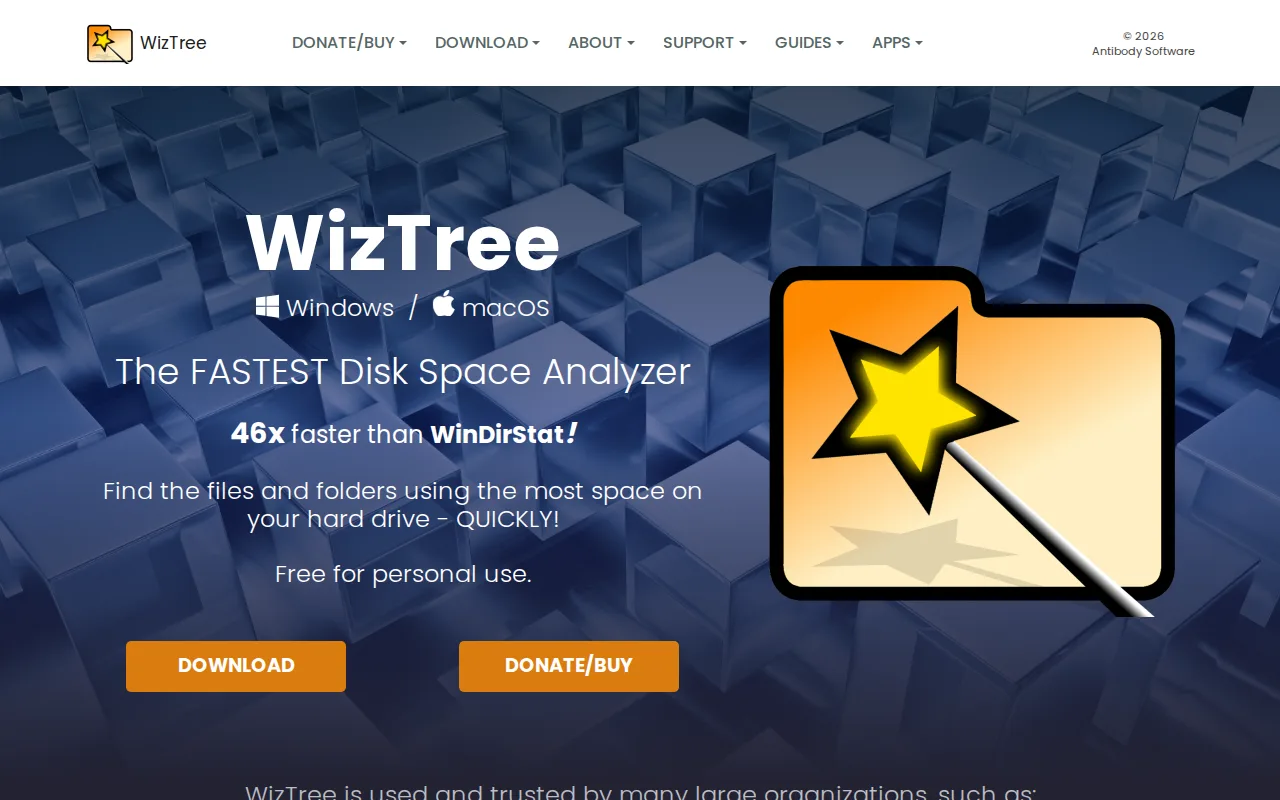
Both sell a fast whole-disk scan with a treemap view as the core product.
Pros
- Scans large NTFS drives in seconds by reading the Master File Table directly
- Free for personal use with no time limit
- Visual treemap plus sortable file list makes large files easy to spot
- Perpetual one-time license for commercial use instead of a recurring subscription
Cons
- Commercial use of any kind requires a paid supporter code, priced by staff count
- Supporter codes only include free upgrades for versions released within one year of purchase
- No Linux version
- Interface is utilitarian, not aimed at less technical users
Pricing: Free tier · paid from $25 one-time (verified )
3CCleaner — best Bytesweep alternative for windows or Mac users who want to reclaim disk space, clear browser/app junk, and keep device drivers updated without manually hunting for updates
Long-running consumer cleaner that does junk-file removal and duplicate finding in one desktop app.
Pros
- Free tier covers basic junk-file and browser cleaning with no cost
- Driver Updater and cloud-drive cleaning (Google Drive, OneDrive) are useful features rivals often charge more for
- Available across Windows, Mac, Android, and iOS under one brand
- 30-day money-back guarantee on paid plans
Cons
- Past malware-in-installer incident (2017) remains a trust concern for some IT buyers
- Real feature parity (driver updates, automation) requires a paid annual subscription, not the free version
- Multi-device pricing jumps from $44.95 for 1 device to $64.95 for 3-5 devices, which can feel steep for single extra devices
- Registry-cleaning utilities like this carry inherent risk of removing entries a user still needs if used carelessly
Pricing: Free tier · paid from $44.95/yr (verified )
4CleanMyMac — best Bytesweep alternative for mac owners who want a single app to clear system junk, remove malware, and speed up performance without manually navigating Terminal or system folders.
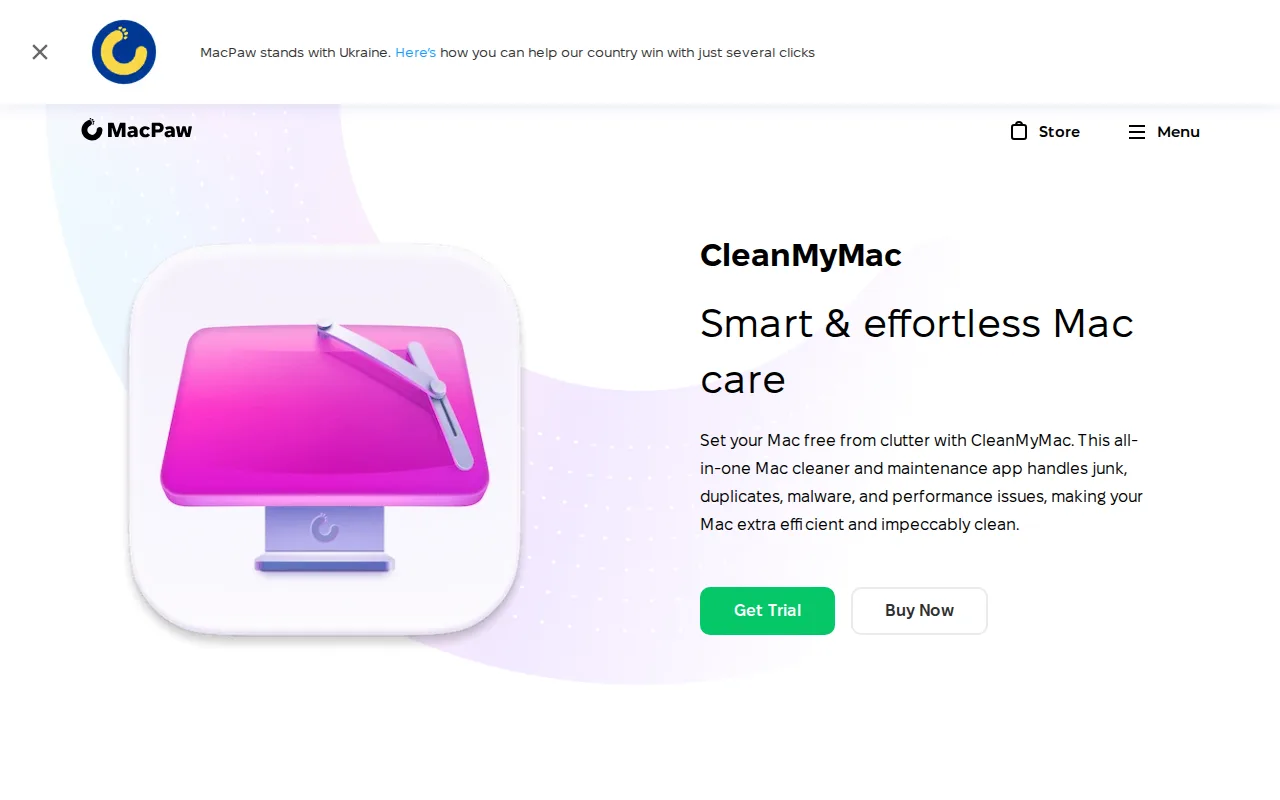
The incumbent paid Mac cleaner; it covers the same cache and leftover sweeping but on a subscription rather than a one-time price.
Pros
- Single interface covers junk removal, malware scanning, uninstalling, and duplicate-finding instead of needing separate utilities
- Notarized by Apple and backed by a 30-day money-back guarantee on annual plans
- One-time purchase option ($119.95 for one Mac) exists for users who refuse subscriptions
- 4.7-star rating across 3,327 reviews claimed on MacPaw's own product page
Cons
- Mac-only; there is no Windows version, so switching platforms means losing the tool entirely
- Pricing scales per Mac, so households or small teams with multiple machines pay significantly more (2 Macs: $63.95/year, 5 Macs: $127.95/year)
- Core cleaning tasks (deleting caches, uninstalling apps, finding duplicates) overlap with free built-in macOS tools and free third-party apps
- One-time license price ($119.95) is roughly 3x the first-year annual subscription cost, which can make the 'no subscription' option feel like a premium tax
Pricing: Free tier · paid from $9.95/mo (verified )
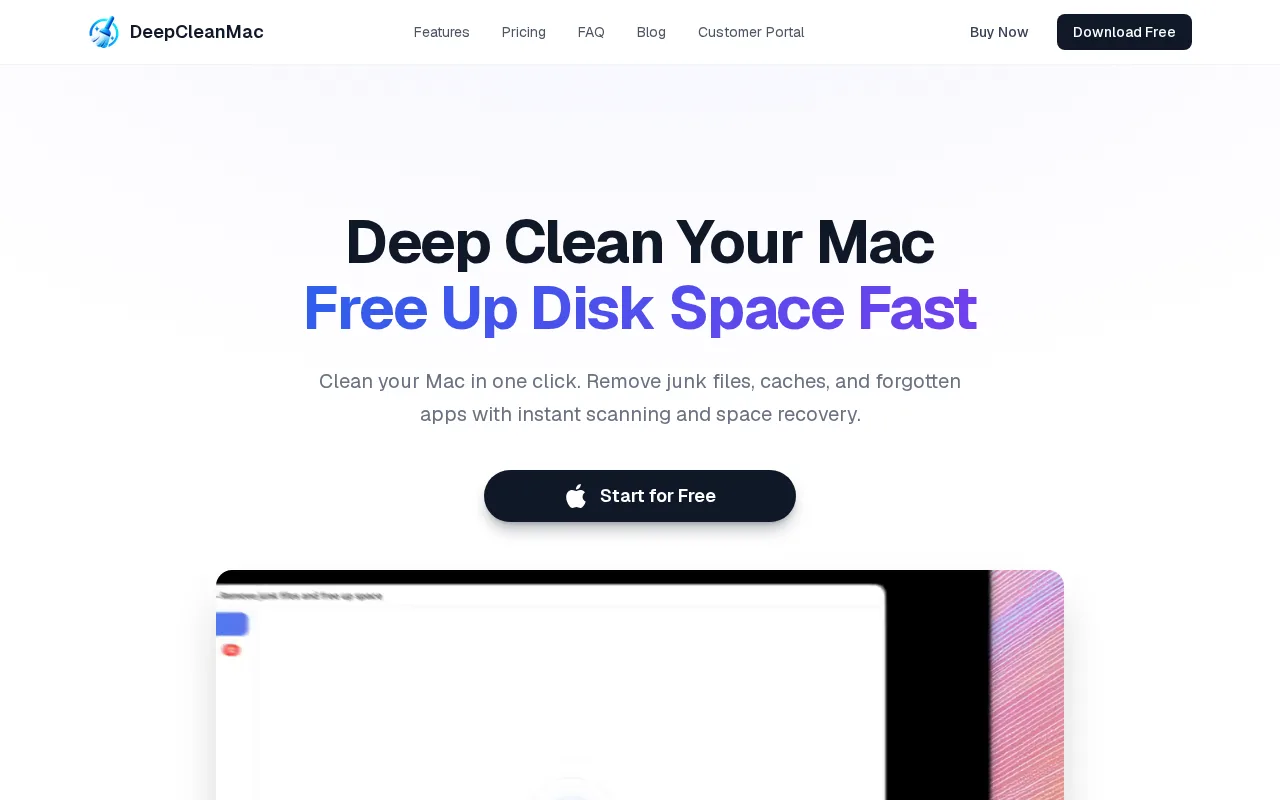
5DeepCleanMac — best Bytesweep alternative for mac users on macOS 14 or later who need to reclaim disk space from caches and old app leftovers and want a one-time purchase under $10 instead of a subscription
Pros
- Low price: $9 one time or $5 a year, with every feature in both plans
- Uninstaller removes preferences, caches, containers and support files along with the app
- Covers cleanup, updates, duplicates, disk usage and system health in one app
- Native app for both Apple Silicon and Intel Macs
- 14-day money-back guarantee
Cons
- One license per Mac, and the site lists no multi-seat discount
- Requires macOS 14 Sonoma or later, so older Macs are out
- The site doesn't say what the free download can do or how long it lasts
- Sold only as a direct DMG download, not through the Mac App Store
Pricing: From $5/yr