3 Best Free Alternatives to Box in 2026
By Noahlast updated pricing verified
Compared: free alternatives to Box
| Alternative | Best for | Standout | Biggest weakness | Learning curve | Price |
|---|---|---|---|---|---|
| Boxreference | mid-size and large enterprises that need compliance-grade file storage (HIPAA, FINRA, GDPR) plus AI-powered document workflows, not just file sync | Box AI layer for document summarization, structured data extraction from contracts and handwritten forms, and a drag-and-drop builder for automating multi-step business workflows like loan processing or onboarding. | Business plans require a minimum of 3 users, and Box's own pricing page shows the headline "from $5/user/month" without displaying exact per-tier dollar amounts as static text — the numbers only appear through an interactive calculator, making upfront comparison harder than with competitors like Dropbox. | Moderate | Free |
| Dropbox | individuals and teams who need dependable cross-device file sync and simple sharing links, especially teams already invoking Dropbox's large-file-transfer and version-history features | Selective sync and file-transfer links that handle files up to 250GB, combined with 175+ file-type previews and long version-history windows on paid plans. | Storage costs scale per user on team plans ($15-$24/user/month) rather than pooling cheaply, so growing teams or storage-heavy workflows (video, design assets) can see costs climb well past the advertised starting price, and reviewers note large-folder syncing can lag compared to lighter competitors. | Low | Free tier · paid from $9.99/mo |
| Google Drive | individuals and teams already using Google Docs, Sheets, and Slides who want real-time collaborative editing with simple cloud storage and sharing links | Native, real-time collaborative editing inside Google Docs, Sheets, and Slides directly from stored files, with no separate syncing step between storage and editing. | The 15GB free tier is shared across Drive, Gmail, and Google Photos rather than dedicated to file storage, so it fills up faster than competitors' storage-only free tiers, and some reviewers note bundled apps like Sheets feel feature-light compared to dedicated spreadsheet tools. | Low | Free tier · paid from $1.99/mo |
| OneDrive | households and businesses already paying for Microsoft 365 who want file storage that co-authors Word, Excel, and PowerPoint documents natively | Personal Vault, a PIN- or biometric-locked folder for sensitive files, combined with ransomware detection that can restore OneDrive to a version before an attack. | The free tier is capped at just 5GB (versus 15GB from Google Drive), there is no official native Linux desktop client, and meaningful storage requires paying for a Microsoft 365 subscription rather than buying storage alone. | Low | Free tier · paid from $1.99/mo |
 Box
Box Dropbox
 Google Drive
 OneDrive
1.Dropbox — best Box alternative for individuals and teams who need dependable cross-device file sync and simple sharing links, especially teams already invoking Dropbox's large-file-transfer and version-history features
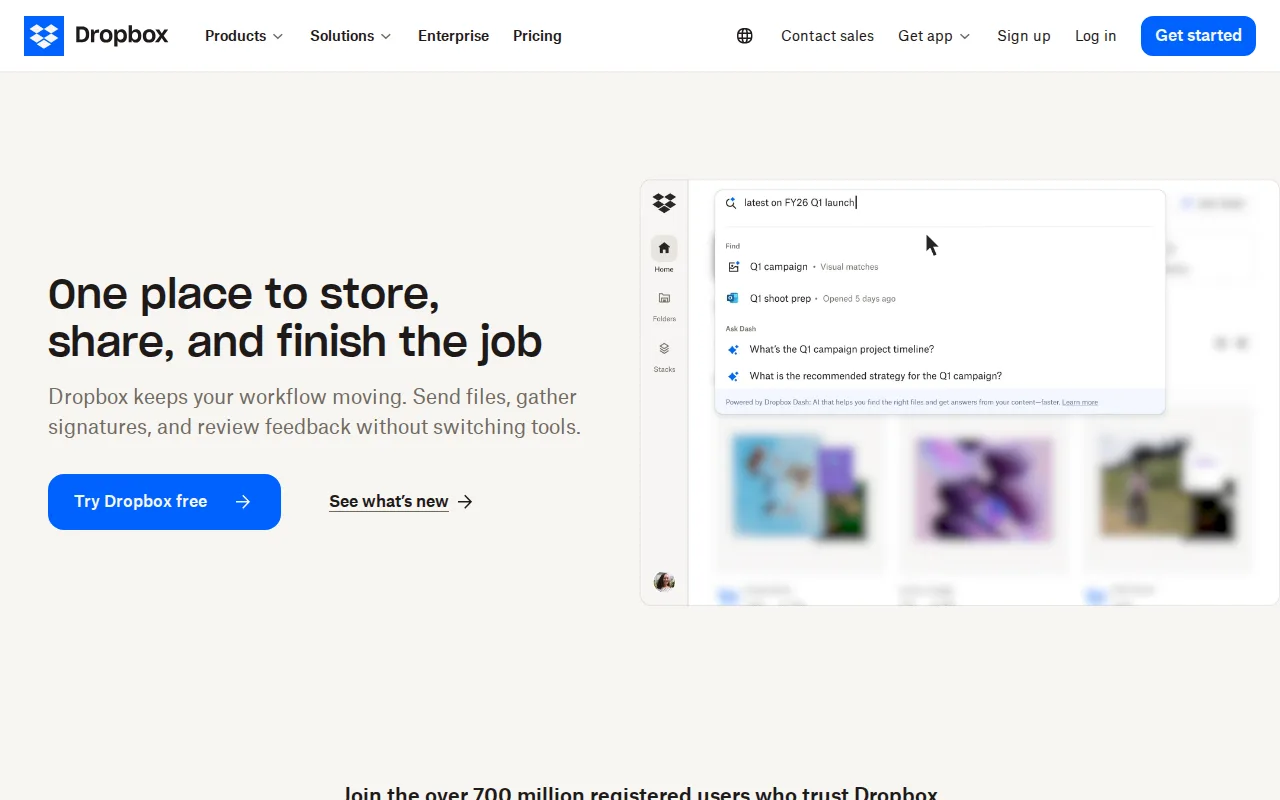
Dropbox is the best Box alternative for individuals and teams who want dependable cross-device file sync without Box's enterprise compliance overhead. Dropbox holds a 4.5/5 rating from 21,704 Capterra reviews, well ahead of Box's own 4.4/5 from 5,641 reviews, and serves more than 700 million registered users overall. Dropbox's Plus plan is $9.99/month for 2TB of personal storage, and its file-transfer links handle files up to 250GB, a size limit Box's own listing doesn't specify. Dropbox also ships a native Linux client, a platform Box doesn't support at all. Box is still the better choice for regulated industries: Box carries HIPAA, FINRA, and GDPR compliance support plus Box AI for document summarization and structured data extraction from contracts, capabilities Dropbox's listing doesn't detail to the same depth, and Box's Business plans advertise a lower headline entry price of $5/user/month against Dropbox's $15/user/month Standard team plan, though neither company displays every exact per-tier figure as static page text.
Compared to Box: 4.5/5 rating from 21,704 Capterra reviews vs Box's 4.4/5 from 5,641, native Linux client, but no HIPAA/FINRA/GDPR compliance depth or Box AI equivalent detailed
Wins:4.5/5 rating from 21,704 Capterra reviews, nearly 4x the sample behind Box's own 4.4/5 from 5,641 reviews · Native Linux client and file-transfer links up to 250GB, capabilities Box's own listing doesn't match · Plus plan at $9.99/month for 2TB of personal storage, more storage per dollar than Box discloses at the individual level
Loses:No HIPAA, FINRA, or GDPR compliance certifications detailed, unlike Box, which is built specifically for regulated-industry compliance · No equivalent to Box AI's document summarization and structured data extraction from contracts and forms · Standard team plan at $15/user/month runs above Box's advertised $5/user/month Business headline price, though Box doesn't show every exact per-tier figure as static text either
Pros
- Reliable cross-device sync with a simple, well-understood synced-folder model.
- File-transfer links support very large files (up to 250GB) without needing a separate tool.
- Long version history and file-recovery windows on paid tiers protect against accidental deletion or ransomware.
- Broad platform support and deep third-party integrations (Slack, Zoom, Adobe, Microsoft Office).
Cons
- Per-user team pricing ($15-$24/month) makes larger teams considerably more expensive than storage-only competitors.
- Free tier is limited to just 2GB, among the smallest of major cloud storage services.
- Syncing very large folders can be slower than expected, according to reviewer feedback.
- Advanced security and admin features (SSO, tiered admin) are locked behind the higher Advanced tier.
Pricing: Free tier · paid from $9.99/mo — Free (2GB) or $9.99/month Plus (2TB) for individuals; Standard team plan at $15/user/month vs Box's advertised $5/user/month Business headline (verified undefined NaN, NaN)
2.Google Drive — best Box alternative for individuals and teams already using Google Docs, Sheets, and Slides who want real-time collaborative editing with simple cloud storage and sharing links
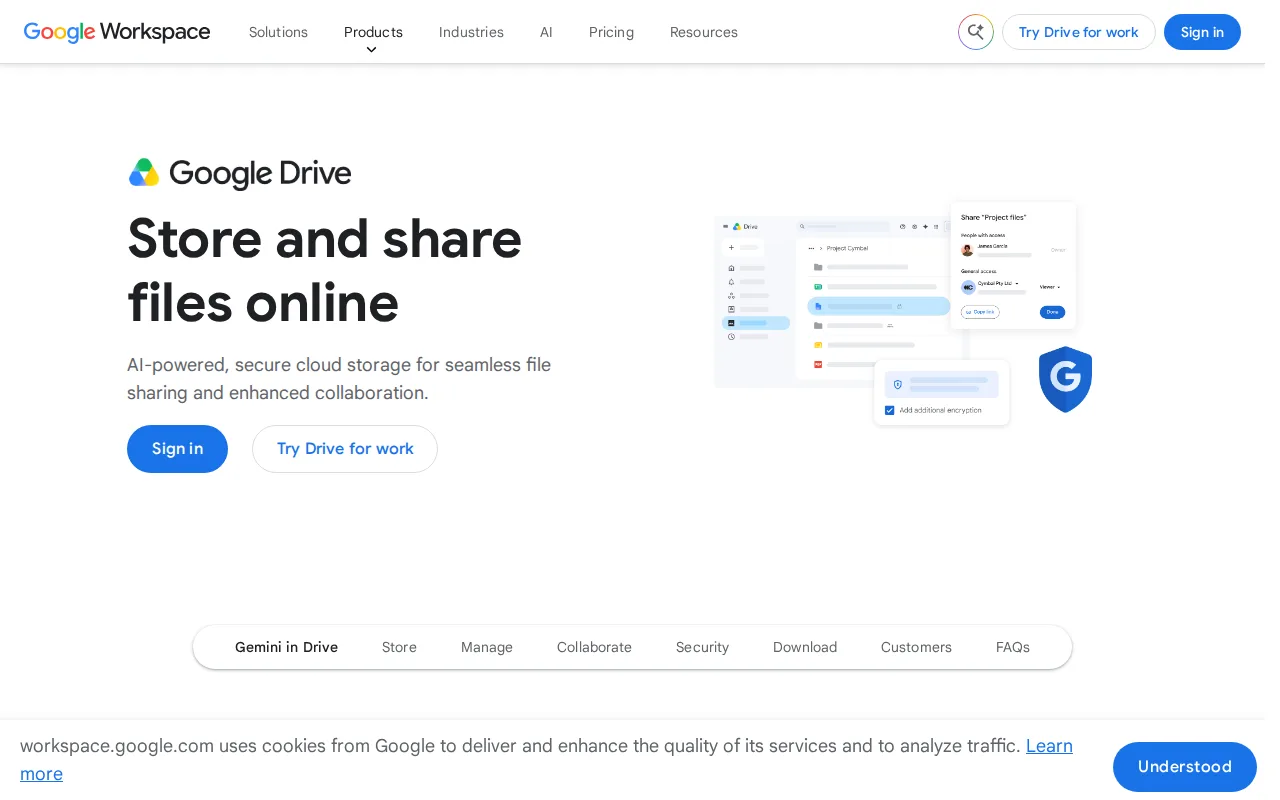
Google Drive is the best Box alternative for individuals and teams who want real-time collaborative editing built directly into stored files, rather than Box's file-storage-plus-workflow-automation model. Google Drive holds a 4.8/5 rating from 28,587 Capterra reviews, the highest and deepest-sampled score among Box's listed alternatives and well above Box's own 4.4/5 from 5,641 reviews. Every Google account gets 15GB of free storage, 50% more than Box's free Individual plan at 10GB, and additional storage through Google One starts at just $1.99/month for 100GB, with the 2TB tier at $9.99/month allowing storage to be shared with up to 5 family members. Google Docs, Sheets, and Slides open and edit stored files with real-time multiplayer collaboration, a workflow Box's own AI-and-automation tooling approaches differently. Box is still the better choice for regulated enterprises: Google Drive's business storage isn't sold standalone and requires a full Google Workspace subscription, while Box carries HIPAA, FINRA, and GDPR compliance support plus Box AI for contract data extraction that Google Drive's consumer-first listing doesn't detail, and Google Drive's free 15GB is shared across Gmail and Photos too, so it fills up faster than a dedicated storage allotment.
Compared to Box: 4.8/5 rating from 28,587 Capterra reviews vs Box's 4.4/5, 15GB free storage vs Box's 10GB, but no standalone business storage plan
Wins:4.8/5 rating from 28,587 Capterra reviews, well above Box's own 4.4/5 from 5,641 reviews · 15GB of free storage vs Box's 10GB free Individual plan, plus Google One add-on storage starting at $1.99/month for 100GB · Real-time multiplayer collaborative editing built directly into Docs, Sheets, and Slides from stored files
Loses:Business/team storage isn't sold standalone; it requires a full Google Workspace subscription, unlike Box's dedicated Business plans · No detailed compliance certifications (HIPAA, FINRA, GDPR) or contract-data-extraction AI feature to match Box AI · Free 15GB is shared across Drive, Gmail, and Photos, so it fills up faster than Box's dedicated 10GB storage allotment
Pros
- Real-time collaborative editing built directly into Docs, Sheets, and Slides from stored files.
- Google One storage plans are inexpensive relative to competitors, starting at $1.99/month for 100GB.
- Powerful in-document and in-file search across the entire Drive.
- 2TB plan allows sharing storage with up to 5 family members at no extra cost.
Cons
- Free 15GB storage is shared across Drive, Gmail, and Photos, so it fills up quickly with normal use.
- Some bundled apps (particularly Sheets) are described by reviewers as lacking features versus dedicated tools like Excel.
- Large file uploads can experience delays compared to some competitors.
- Business/team storage isn't sold standalone; it requires a full Google Workspace subscription.
Pricing: Free tier · paid from $1.99/mo — Free (15GB) or Google One from $1.99/month (100GB) up to $9.99/month (2TB) vs Box's free 10GB Individual plan and Business plans advertised from $5/user/month
3.OneDrive — best Box alternative for households and businesses already paying for Microsoft 365 who want file storage that co-authors Word, Excel, and PowerPoint documents natively
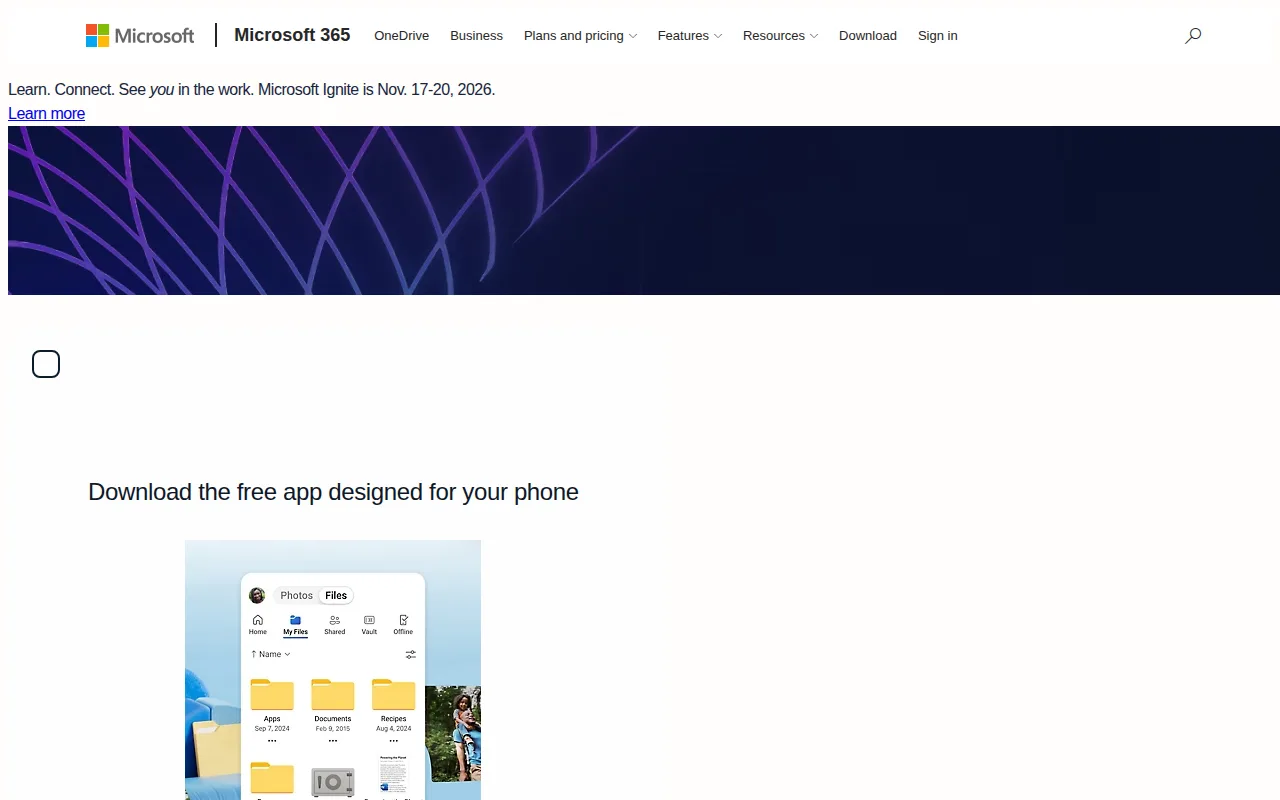
OneDrive is the best Box alternative for households and businesses already paying for Microsoft 365 who want file storage bundled with desktop Office apps rather than Box's standalone enterprise storage subscription. OneDrive's Microsoft 365 Personal plan costs $9.99/month billed annually and bundles 1TB of storage with desktop Word, Excel, PowerPoint, and Copilot access, a combination Box's own listing doesn't offer since Box sells storage without office-productivity apps included. OneDrive holds a 4.5/5 rating from 12,828 Capterra reviews, more review volume than Box's own 4.4/5 from 5,641 reviews. The Family plan splits up to 6TB across six people for $12.99/month, and Personal Vault adds a second authentication layer (PIN, fingerprint, or one-time code) for sensitive files, a feature Box's listing doesn't mention having an equivalent to. Box is still the better choice for regulated enterprises and Linux-using teams: OneDrive's free tier is capped at just 5GB, half of Box's own 10GB free Individual plan, OneDrive has no official native Linux client at all, and Box carries HIPAA, FINRA, and GDPR compliance support plus Box AI document extraction that OneDrive's consumer-and-Office-first listing doesn't detail to the same depth.
Compared to Box: 1TB bundled with Office apps at $9.99/month, 4.5/5 rating from 12,828 Capterra reviews, but no native Linux client and a smaller 5GB free tier
Wins:Microsoft 365 Personal bundles 1TB of storage with desktop Word, Excel, PowerPoint, and Copilot for $9.99/month, a combination Box's storage-only plans don't offer · 4.5/5 rating from 12,828 Capterra reviews, more volume than Box's own 4.4/5 from 5,641 reviews · Personal Vault adds a second authentication layer (PIN, fingerprint, or one-time code) for sensitive files
Loses:Free tier is capped at just 5GB, half of Box's own 10GB free Individual plan · No official native Linux desktop client at all · No detailed HIPAA, FINRA, or GDPR compliance certifications or Box AI-equivalent document extraction
Pros
- 1TB of storage bundled with a Microsoft 365 Personal subscription that also includes desktop Office apps.
- Personal Vault adds a second authentication layer for sensitive scanned documents and IDs.
- Real-time co-authoring in Word, Excel, and PowerPoint without leaving the desktop apps.
- Family plan splits up to 6TB across six people for $12.99/month.
Cons
- Free tier is only 5GB, well below competitors like Google Drive's 15GB.
- No official native Linux sync client.
- Full value requires a Microsoft 365 subscription, not just storage.
- Sync client has a history of user complaints about performance on large file libraries.
Pricing: Free tier · paid from $1.99/mo — Free (5GB) or $9.99/month Microsoft 365 Personal (1TB + Office apps) vs Box's free 10GB Individual plan and Business plans advertised from $5/user/month (verified undefined NaN, NaN)