5 Best Free Alternatives to Bolt in 2026
By Noahlast updated pricing verified
Compared: free alternatives to Bolt
| Alternative | Best for | Learning curve | Price |
|---|---|---|---|
| Boltreference | non-developers and rapid prototypers who want to generate and deploy a working full-stack app from a text prompt without installing a local dev environment | Low | Free tier · paid from $25/mo |
| Lovable | founders and product teams turning an idea into a working, deployable web app prototype through chat prompts, without writing the initial codebase by hand | Low | Free tier · paid from $25/mo |
| Replit | hobbyist builders, product managers, and small teams who want to turn natural-language prompts into deployed apps without setting up a local dev environment | Low | Free tier · paid from $20/mo |
| Cursor | software teams that want autonomous AI agents handling multi-file changes and PR reviews directly inside their editor and CI pipeline | Moderate | Free tier · paid from $20/mo |
| Windsurf | developers who want an agentic AI coding assistant and are open to using Cognition's Devin product line, since the standalone Windsurf editor no longer exists as an independent product | Moderate | Free |
| GitHub Copilot | developers already working inside GitHub-integrated IDEs (VS Code, JetBrains) who want inline AI code completions plus PR review and coding-agent features without switching tools | Low | Free tier · paid from $10/mo |
 Bolt
Bolt Lovable
 Replit
 Cursor
 Windsurf
 GitHub Copilot
1Lovable — best Bolt alternative for founders and product teams turning an idea into a working, deployable web app prototype through chat prompts, without writing the initial codebase by hand
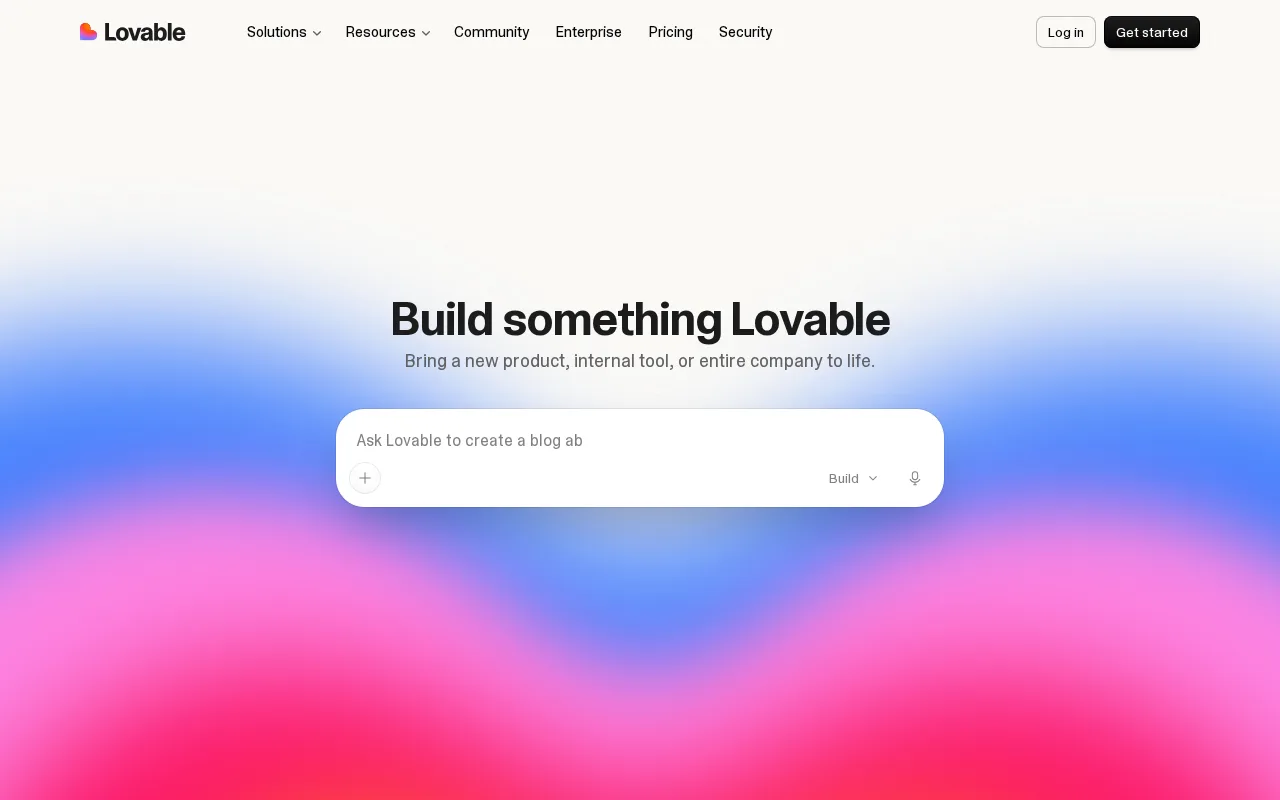
Lovable is the best Bolt alternative for founders and product teams who want an AI-generated app that ships as a real, exportable codebase with GitHub, Supabase, and Stripe integration built in, rather than staying locked to Bolt's own WebContainers runtime. Lovable's Free plan gives 30 build credits a month with no credit card required, and its Pro tier costs $25/month for 100 monthly credits, the same $25/month starting price as Bolt's own Pro plan. Lovable holds a 4.7/5 rating from 199 Product Hunt reviews, more than four times Bolt's own 46 Product Hunt reviews, plus a 4.5/5 from 6 Capterra reviews. Both platforms let unlimited collaborators work in the same workspace, but Lovable includes that on every tier including Free, while Bolt's free tier carries visible branding until upgrade. Bolt is still the better choice for anyone specifically drawn to zero-setup, in-browser WebContainers execution and unlimited databases even on the free tier: Lovable's credit-based billing can become expensive and hard to predict for heavy, iterative use, and complex or highly custom logic sometimes still requires dropping into manual code edits rather than pure prompting, similar to a limitation Bolt's own reviewers raise about token-metered pricing running out mid-project.
Compared to Bolt: real, exportable codebase with GitHub/Supabase/Stripe integration, matching $25/month Pro starting price, more than 4x the Product Hunt review volume (199 vs 46)
Wins:Generates a real, exportable codebase with GitHub, Supabase, and Stripe integration, rather than staying locked to a proprietary runtime · 4.7/5 rating from 199 Product Hunt reviews, more than four times Bolt's own 46 Product Hunt reviews · Unlimited workspace collaborators are included on every tier, including Free
Loses:Credit-based billing can become expensive and hard to predict for heavy, iterative use · Complex or highly custom logic sometimes still requires manual code edits rather than pure prompting · No in-browser WebContainers-style execution; Lovable's runtime model differs from Bolt's zero-setup, client-side dev environment
Pros
- Generates a working, deployable app from a natural-language prompt in minutes.
- Free tier is usable with no credit card required, giving 30 build credits a month.
- Produces a real, exportable codebase with GitHub, Supabase, and Stripe integration rather than a closed proprietary format.
- Unlimited workspace collaborators are included even on paid plans.
Cons
- Credit-based billing can become expensive and hard to predict for heavy, iterative use.
- Complex or highly custom logic sometimes still requires manual code edits rather than pure prompting.
- SSO and data-training opt-out are locked behind the $50/month Business tier.
- Web-only; no native desktop or mobile app for building.
Pricing: Free tier · paid from $25/mo — $25/month Pro (100 credits) vs Bolt's $25/month Pro (10M tokens) — same starting price, different metering unit
2Replit — best Bolt alternative for hobbyist builders, product managers, and small teams who want to turn natural-language prompts into deployed apps without setting up a local dev environment
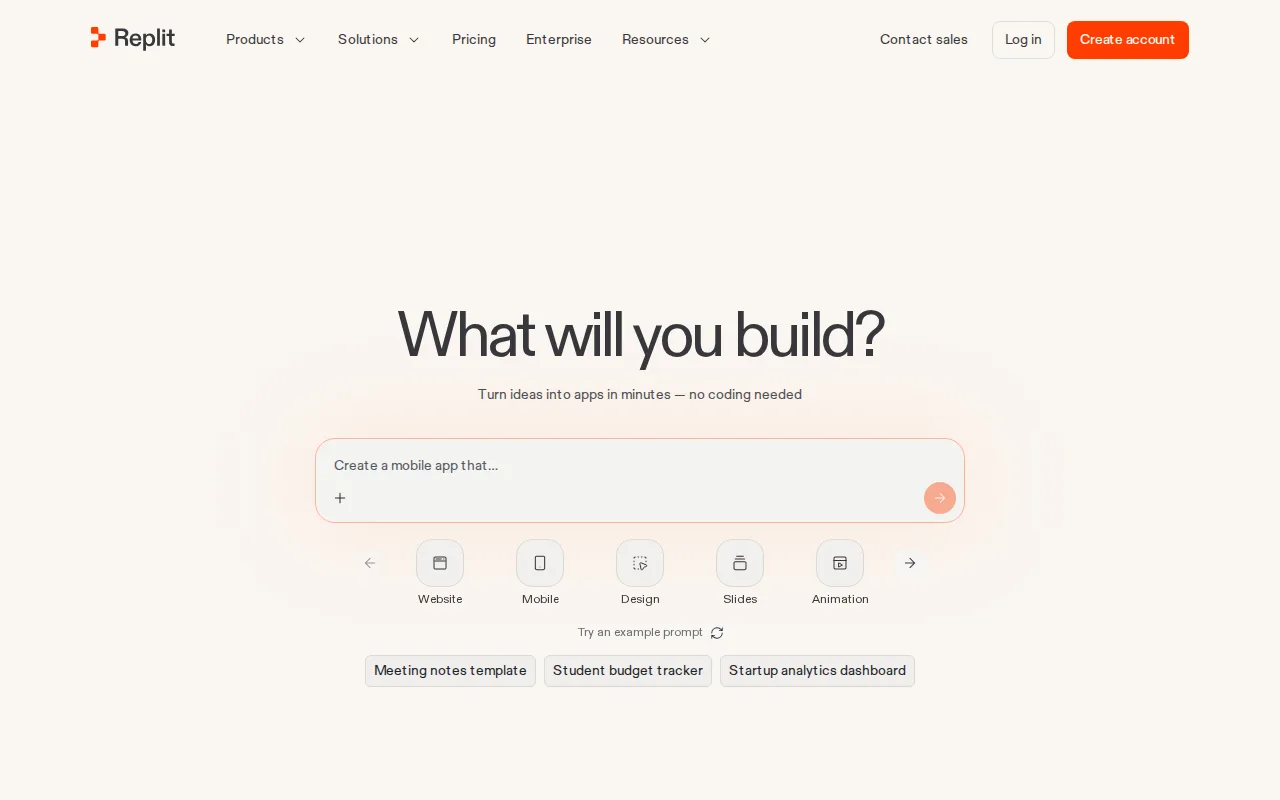
Replit is the best Bolt alternative for builders who want their generated app available on iOS and Android as well as the web, platforms Bolt's web-only product doesn't reach. Replit Core costs $20/month billed annually, cheaper than Bolt's $25/month Pro plan, and its AI Agent generates deployable code with authentication, a database, and hosting already configured, comparable to Bolt's own unlimited-databases-included approach. Replit holds a 4.4/5 rating from 159 Capterra reviews and 4.5/5 from 51 Product Hunt reviews, both larger review samples than Bolt's 46 Product Hunt reviews. Replit's Infinite Canvas and Replit Chat add visual and conversational iteration on top of the AI Agent, and it started as a full cloud IDE supporting dozens of languages, giving it a broader technical foundation than Bolt's browser-only WebContainers approach. Bolt is still the better choice for anyone who specifically wants Figma-to-app imports and true zero-setup WebContainers execution: Replit's AI Agent usage is metered on paid plans and can be consumed quickly on complex builds, and the jump from Core ($20/month) to Pro ($95/month annual) is a much steeper leap than Bolt's single $25-to-$30 step from Pro to Teams.
Compared to Bolt: available on iOS and Android, not just web, Core at $20/month vs Bolt's $25/month Pro, more review volume (159 Capterra + 51 Product Hunt vs Bolt's 46)
Wins:Ships apps for web, iOS, and Android, while Bolt is web-only · Core tier costs $20/month billed annually, cheaper than Bolt's $25/month Pro plan · 4.4/5 rating from 159 Capterra reviews and 4.5/5 from 51 Product Hunt reviews, both larger samples than Bolt's 46 Product Hunt reviews
Loses:No Figma-to-app import the way Bolt can bootstrap a project directly from a Figma design · AI Agent usage is metered on paid plans and can be consumed quickly on complex builds, similar to a complaint Bolt's own users raise · Jump from Core ($20/month) to Pro ($95/month annual) is a much steeper leap than Bolt's $25-to-$30 step from Pro to Teams
Pros
- AI Agent generates deployable code with authentication, database, and hosting already configured.
- No local setup required — the entire dev environment runs in the browser.
- Infinite Canvas and Replit Chat support visual and conversational iteration on a project.
- Over 100 integrations, including OpenAI, Stripe, and Google Workspace.
Cons
- AI Agent usage is metered on paid plans and can be consumed quickly on complex builds.
- Pro tier ($95/month annual) is a large jump from Core for teams that outgrow the base allowance.
- Browser-dependent workflow can be a constraint for developers who prefer a local IDE and offline work.
Pricing: Free tier · paid from $20/mo — $20/month Core (billed annually) vs Bolt's $25/month Pro (verified )
3Cursor — best Bolt alternative for software teams that want autonomous AI agents handling multi-file changes and PR reviews directly inside their editor and CI pipeline
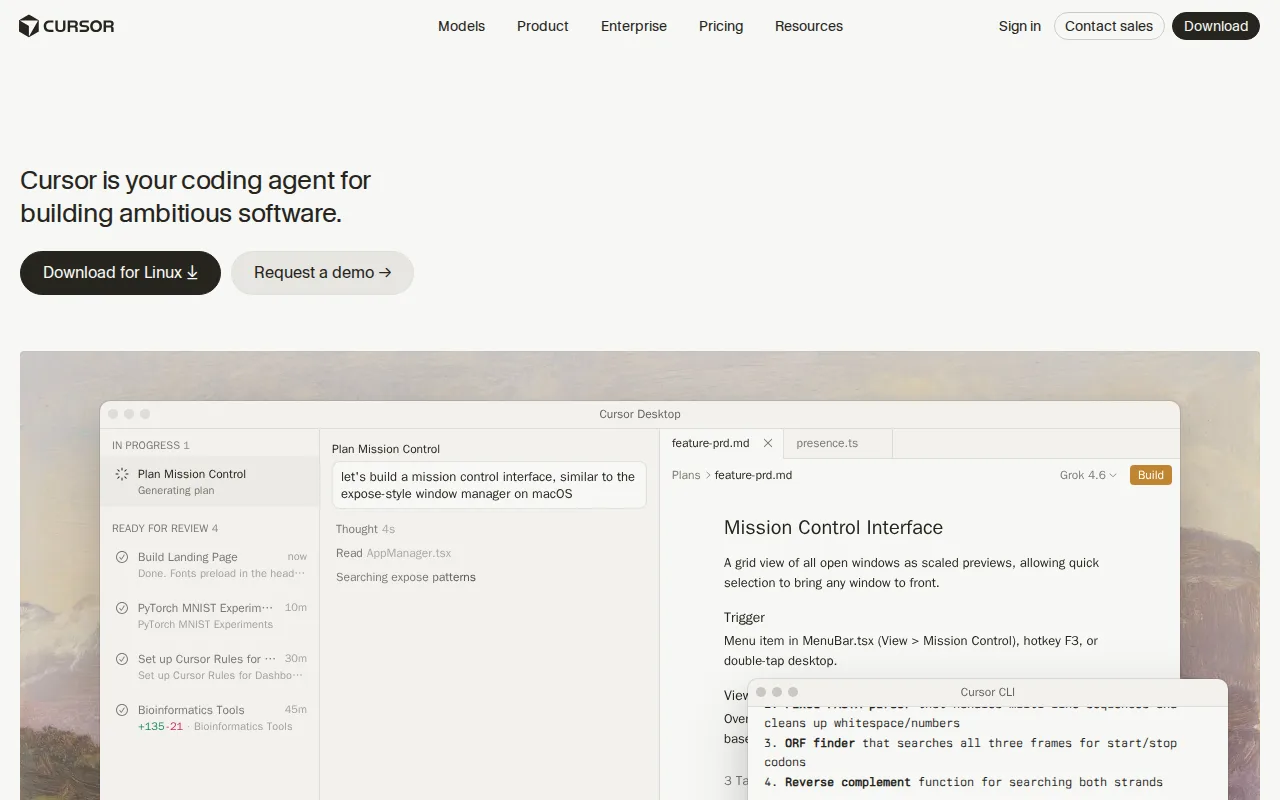
Cursor is the best Bolt alternative for developers who want a full desktop code editor with autonomous AI agents rather than Bolt's browser-only, no-code-leaning app generator. Cursor's Composer and autonomous agents can read a codebase, plan a multi-file change, write the code, run tests, and open a pull request with an adjustable autonomy slider, a depth of engineering control Bolt's prompt-to-app flow doesn't target. Cursor's free Hobby tier requires no credit card, and its cloud agents can run for hours or days independent of the local machine. This is a genuine category difference worth naming plainly: Cursor is a code editor for developers working in an existing codebase, not a hosted app builder with one-click databases and custom domains the way Bolt is built for non-developers and rapid prototypers. Bolt is still the better choice for anyone who specifically wants zero-setup, in-browser hosting with unlimited databases and no local installation at all: Cursor runs as a desktop app requiring local setup, has no built-in hosting or database provisioning the way Bolt bundles both into every plan, and its Pro tier at $20/month plus usage-based Bugbot charges can cost more unpredictably than Bolt's token-metered but flat-rate Pro plan.
Compared to Bolt: full desktop code editor with autonomous multi-file agents vs Bolt's browser-only no-code app generator, cloud agents run for hours or days, no built-in hosting or database
Wins:Composer and autonomous agents plan, write, test, and open pull requests with deep engineering control Bolt's prompt-to-app flow doesn't target · Cloud agents keep working on long tasks for hours or days independent of the local machine · Free Hobby tier requires no credit card to start
Loses:Requires local desktop installation and setup, unlike Bolt's zero-setup, fully in-browser WebContainers execution · No built-in hosting, database, or custom domain provisioning the way Bolt bundles all three into every plan · Pro tier at $20/month plus usage-based Bugbot charges can cost more unpredictably than Bolt's flat 10M-token Pro allowance
Pros
- Autonomous agents can plan, write, test, and open pull requests with minimal hand-holding.
- Multi-model support (Grok, Claude, Cursor's own Composer) avoids lock-in to a single AI provider.
- Cloud agents keep running on long tasks without tying up the developer's local machine.
- Free Hobby tier requires no credit card, making it easy to evaluate before paying.
Cons
- Usage-based charges on top of the subscription make total monthly cost harder to predict than a flat fee.
- Steep price jump from Pro ($20/month) to Ultra ($200/month) for teams needing higher Agent limits.
- Requires comfort delegating multi-file changes to an agent, a real workflow shift for developers used to manual review of every diff.
- No iOS or Android app; Cursor is desktop- and CLI-only.
Pricing: Free tier · paid from $20/mo — $20/month Pro (plus usage-based extras) vs Bolt's $25/month Pro (10M tokens, flat) (verified )
4Windsurf — best Bolt alternative for developers who want an agentic AI coding assistant and are open to using Cognition's Devin product line, since the standalone Windsurf editor no longer exists as an independent product

Windsurf is technically still listed as a Bolt alternative, but buyers should know upfront that the standalone Windsurf editor no longer exists: windsurf.com now redirects permanently to Cognition's devin.ai, and the product has been absorbed into Devin Desktop, described by Cognition as "the next generation of Windsurf, built around Devin Cloud." What carries over is Windsurf's original Cascade-style agentic Flows, which can plan and execute multi-step coding tasks across a codebase inside a VS Code-based interface, a different model from Bolt's browser-only, no-code app generation aimed at non-developers. A Free tier exists in Cognition's current Devin lineup, though specific usage limits weren't published on any page we could reach. Bolt is clearly the better choice for most buyers right now: Windsurf holds just a 3/5 rating from a single Capterra review, current per-tier pricing for Pro, Max, and Teams couldn't be independently verified due to repeated rate-limiting on Cognition's site during this research, and anyone signing up today is committing to Cognition's broader, differently-priced Devin ecosystem rather than the lightweight standalone editor Windsurf originally was, unlike Bolt's stable, independently-run product with transparently published pricing.
Compared to Bolt: inherits Cascade-style agentic Flows for multi-step coding tasks, but the standalone product no longer exists and current pricing can't be verified
Wins:Cascade-style agentic Flows can plan and execute multi-step coding tasks across a codebase inside a familiar VS Code-based interface · Now backed by Cognition's Devin Cloud infrastructure and Agent Command Center rather than a smaller standalone team · A free tier exists in the current Devin plan lineup for developers who want to try it before paying
Loses:The standalone Windsurf product no longer exists independently; windsurf.com redirects to devin.ai · Current per-tier pricing (Pro, Max, Teams) could not be independently verified due to repeated rate-limiting on Cognition's site, unlike Bolt's transparently published pricing · Holds just a 3/5 rating from a single Capterra review, far thinner and lower than Bolt's 4.5/5 from 46 Product Hunt reviews
Pros
- Agentic Cascade/Flow-style multi-step code editing carried over from the original Windsurf editor.
- Now backed by Cognition's Devin Cloud infrastructure and Agent Command Center rather than a smaller standalone team.
- A free tier exists in the current Devin plan lineup for developers who want to try it before paying.
- VS Code-based interface keeps the editing experience familiar to developers switching from VS Code or Cursor.
Cons
- The Windsurf brand and standalone product no longer exist independently; windsurf.com redirects to devin.ai.
- Current per-tier pricing (Pro, Max, Teams) was not publicly verifiable, making cost comparison against competitors difficult without visiting devin.ai directly.
- Users who chose Windsurf specifically for its smaller, independent-company positioning are now inside a larger, differently-focused product (Devin) built around autonomous agents rather than a lightweight editor.
Pricing: Free
5GitHub Copilot — best Bolt alternative for developers already working inside GitHub-integrated IDEs (VS Code, JetBrains) who want inline AI code completions plus PR review and coding-agent features without switching tools
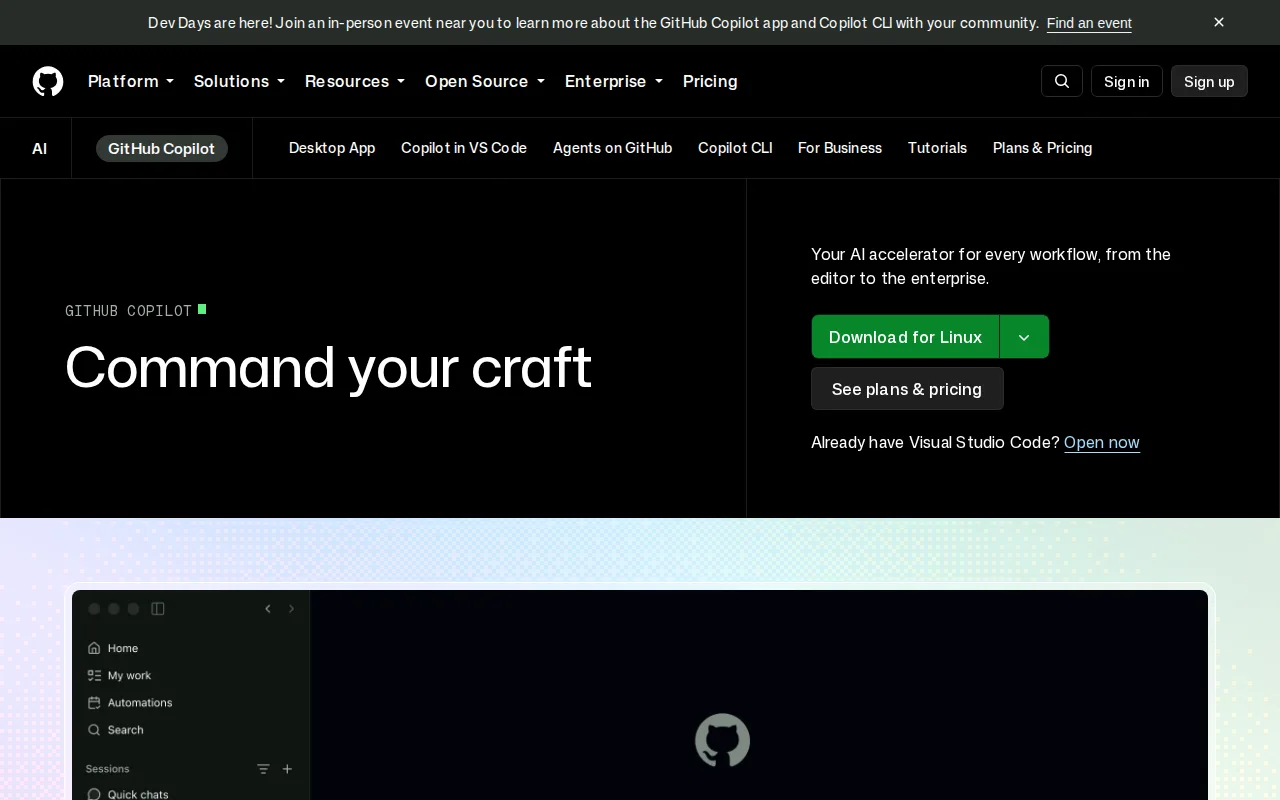
GitHub Copilot is the best Bolt alternative for developers who want AI assistance inside an existing IDE and codebase rather than Bolt's browser-based, prompt-to-full-app generation aimed at non-developers. This is a genuine category difference worth naming plainly: Copilot suggests completions, answers chat questions, and runs coding agents inside VS Code, JetBrains IDEs, and GitHub.com, but it doesn't generate and host a complete full-stack app with a database and custom domain the way Bolt does out of the box. Copilot's Free plan includes 2,000 completions and 50 chat requests a month at no cost, and its Pro tier at $10/month is cheaper than Bolt's $25/month Pro plan. Copilot holds a 4.5/5 rating from 50 Capterra reviews, a larger structured review sample than Bolt's Product Hunt-only rating. Bolt is still the better choice for non-developers and rapid prototypers who want a deployed, working app from a single prompt: Copilot has no built-in hosting, database provisioning, or custom domain support the way Bolt bundles all three into every plan, and its paid tiers now run on usage-based model credits on top of the per-seat price, which can make costs less predictable for developers used to Bolt's flat, token-metered Pro allowance.
Compared to Bolt: IDE-native completions and chat vs Bolt's browser-based full-app generation, Pro at $10/month vs Bolt's $25/month, no built-in hosting or database
Wins:Free plan includes 2,000 completions and 50 chat requests a month at no cost · Pro tier costs $10/month, well under Bolt's $25/month Pro plan · 4.5/5 rating from 50 Capterra reviews, a larger structured sample than Bolt's Product Hunt-only rating
Loses:No built-in hosting, database provisioning, or custom domain support, unlike Bolt bundling all three into every plan · Doesn't generate a complete full-stack app from a single prompt the way Bolt does for non-developers · Paid tiers run on usage-based model credits on top of the per-seat price, which can make costs less predictable than Bolt's flat token allowance
Pros
- Deep, first-party integration with GitHub.com, VS Code, and JetBrains IDEs.
- Free tier gives every GitHub user a meaningful number of completions with no subscription.
- Supports multiple AI models (including third-party models like Claude and Gemini) depending on plan.
- Coding agent and PR review features extend beyond simple autocomplete into automated code changes.
Cons
- Usage-based model credits on paid tiers make monthly costs harder to predict for heavy users.
- Not always reliable on complex logic or large codebases; generated code still needs careful review.
- Business and Enterprise pricing isn't listed directly on GitHub's public pricing page, requiring a sales conversation.
- Premium model access (like Opus on Pro+) consumes credits significantly faster than base models.
Pricing: Free tier · paid from $10/mo — $10/month Pro vs Bolt's $25/month Pro (verified )