4 Best Free Alternatives to Bear in 2026
By Noahlast updated pricing verified
Compared: free alternatives to Bear
| Alternative | Best for | Standout | Biggest weakness | Learning curve | Price |
|---|---|---|---|---|---|
| Bearreference | writers and students on Mac, iPhone, and iPad who want a fast markdown editor with tag-based organization instead of folders | Nested hashtag organization (#work/projects/2026) replaces folders entirely, and a single search bar filters by tag, title, or body text at once. | No Windows, Linux, Android, or web app — Bear only works if every device you use is an Apple device, so switching platforms means losing access to your notes app entirely. | Low | Free tier · paid from $2.99/mo |
| Notion | Teams that want to consolidate scattered docs, wikis, and lightweight project trackers into one linked workspace, and are willing to spend time designing their own database structure. | Custom Agents and Notion Agent, which can complete multi-step tasks using context pulled from Notion pages, connected apps (Slack, GitHub, Google Drive), and the web, billed at $10 per 1,000 Notion credits after a free trial. | Free and Plus plans only give trial access to Notion AI features (chat, meeting notes, research mode); full AI usage requires the Business plan at $20/member/month or separate Notion credits for Custom Agents and Workers, which adds an unpredictable usage-based cost on top of the seat price. | Steep | Free tier · paid from $10/mo |
| Obsidian | individuals building a long-lived personal knowledge base who want their notes to stay plain markdown files they can read, back up, and move without the app | Every note is a plain markdown file in a normal folder on the device, so the vault opens offline and instantly, syncs with whatever tool you already use, and remains readable if Obsidian ever disappears. | Obsidian is built around one person's local vault, so the things a team takes for granted cost extra or do not exist: real-time collaboration only arrives through paid shared vaults on Obsidian Sync, and there is no web version at all, which means a vault is unreachable from any machine where you cannot install the app. Getting the same notes onto a phone and a laptop also means $4-$8/user/month for Sync or assembling your own iCloud, Dropbox, or Git setup, since the free app ships no sync of its own. | Moderate | Free tier · paid from $4/mo |
| Evernote | Individuals who want to capture and search notes, scanned documents, and web clips across phone, desktop, and browser in one synced place | Web Clipper plus advanced search (Boolean, geographic, and filtered queries) across notes, scanned documents, and attachments | The free tier limits users to 50 notes total and syncing to only 1 device, which is restrictive enough that most people who rely on Evernote daily end up needing a paid plan within weeks | Moderate | Free tier · paid from $14.99/mo |
| Apple Notes | Apple users who want a free, preinstalled note app that syncs automatically across iPhone, iPad, and Mac without setting up a third-party account. | Deep OS integration: Quick Note from Control Center or Safari, Live Text search inside scanned or handwritten pages, and document scanning with automatic perspective correction, all built in without installing anything extra. | There is no native Windows or Android app. Cross-platform users are limited to the stripped-down iCloud.com web notes interface, and syncing photos or scanned documents quickly eats into the free 5GB iCloud storage shared across Mail, Photos, and backups, pushing users toward a paid iCloud+ plan. | Low | Free tier · paid from $0.99/mo |
 Bear
Bear Notion
 Obsidian
 Evernote
 Apple Notes
1.Notion — best Bear alternative for teams that want to consolidate scattered docs, wikis, and lightweight project trackers into one linked workspace, and are willing to spend time designing their own database structure.
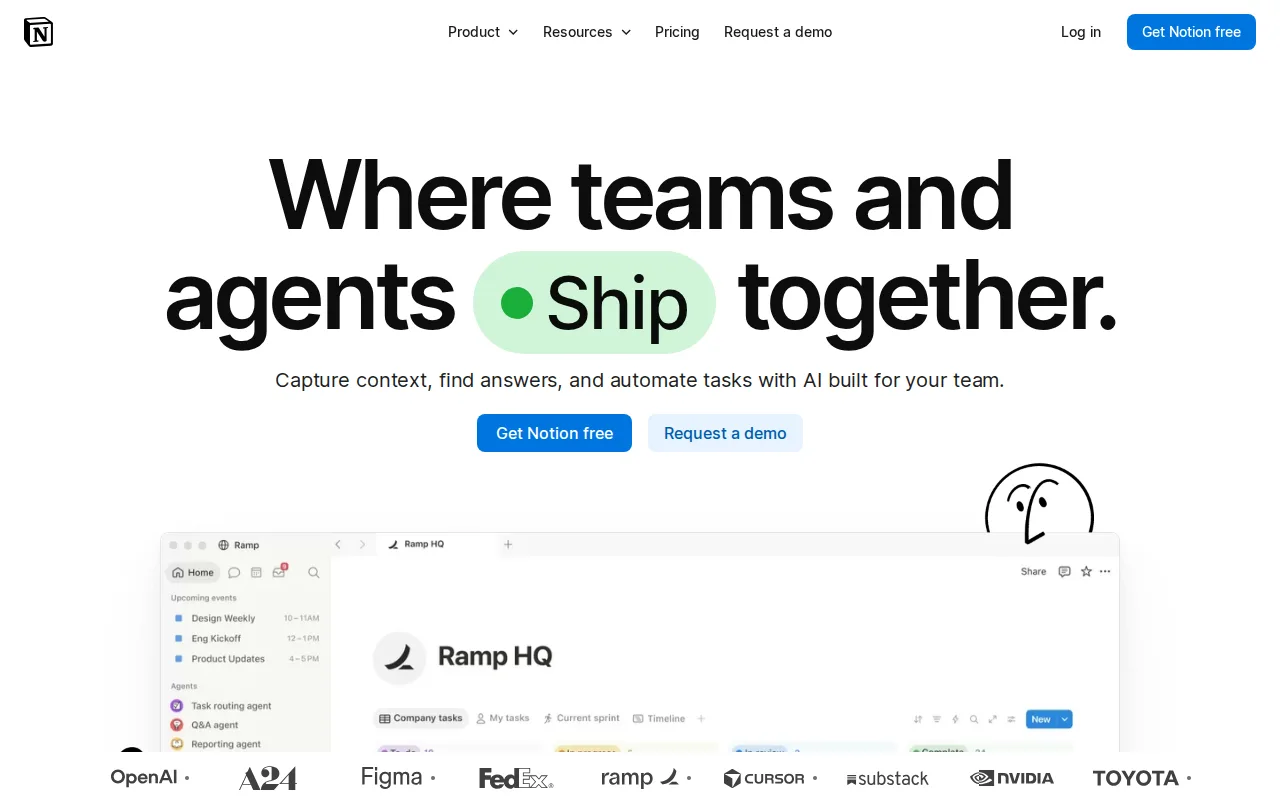
Notion is the best Bear alternative for anyone who needs more than notes — a combined docs, wiki, and lightweight project-tracking workspace that Bear's single-purpose markdown editor doesn't attempt. Notion's block-based editor and relational databases with rollups and multiple views serve as a company knowledge base or personal organizer, a scope well beyond Bear's nested-hashtag note organization. Notion holds a 4.7/5 rating from 6,100 G2 reviews and another 4.7/5 from 2,600 Capterra reviews, both far larger samples than Bear's own 34 Product Hunt reviews. Notion also runs on Windows, Linux via web, iOS, and Android in addition to macOS, unlike Bear, which is macOS- and iOS-only with no Windows, Linux, Android, or web client at all. Bear remains the better choice for anyone who specifically wants a fast, distraction-free markdown editor: Notion's performance degrades in large workspaces and its offline mode is unreliable, while Bear's free tier works entirely offline, and Bear Pro costs just $2.99/month against Notion's Plus tier at $10/month for users who outgrow the free plan.
Compared to Bear: docs, wiki, and relational-database project tracking that Bear's note-only scope doesn't attempt, 4.7/5 from 6,100 G2 reviews plus 2,600 Capterra reviews vs Bear's 34 Product Hunt reviews, available on Windows/Android/web unlike Bear's Apple-only platforms
Wins:Combines docs, wiki, and lightweight project tracking with relational databases, well beyond Bear's note-only, hashtag-organized scope · 4.7/5 from 6,100 G2 reviews plus another 4.7/5 from 2,600 Capterra reviews, both far larger samples than Bear's 34 Product Hunt reviews · Available on Windows, Android, and web in addition to macOS and iOS, unlike Bear which is macOS- and iOS-only
Loses:Performance degrades in large workspaces and offline mode is unreliable, unlike Bear's free tier which works entirely offline · Easy to over-engineer workspace structure, a complexity Bear's simple nested-hashtag system avoids entirely · Plus tier costs $10/month, more than three times Bear Pro's $2.99/month for a simpler feature set focused purely on notes
Pros
- Single tool covers docs, wikis, databases, and basic project tracking, reducing tool-switching
- Free plan supports unlimited pages and blocks for solo use, with only multi-member workspaces hitting block limits
- Deep customization through nested pages, linked databases, and templates
- Public API, webhooks, and 1-way database syncs (Jira, GitHub, Asana) for connecting external tools
Cons
- Per-member pricing on paid tiers ($10-$20/month) gets expensive fast for larger teams compared to flat-fee tools
- Offline support is limited to recently viewed or favorited pages on paid plans rather than full offline access
- Flexible block-and-database model has a steep learning curve for teams used to fixed-structure apps
- Meaningful AI features (Notion Agent, Enterprise Search, AI Meeting Notes) require the $20/month Business plan or higher
Pricing: Free tier · paid from $10/mo — Free tier plus Plus at $10/month vs Bear's free tier plus Bear Pro at $2.99/month ($29.99/year) (verified undefined NaN, NaN)
2.Obsidian — best Bear alternative for individuals building a long-lived personal knowledge base who want their notes to stay plain markdown files they can read, back up, and move without the app
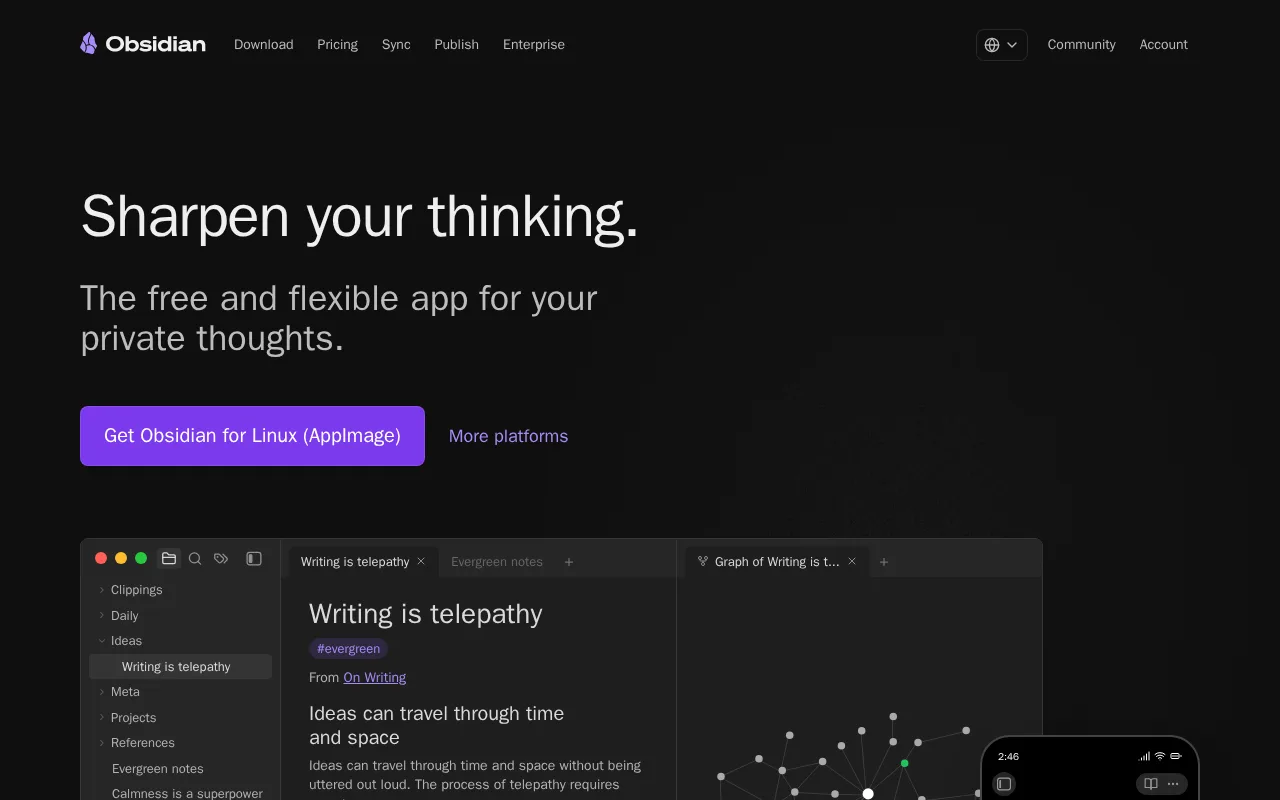
Obsidian is the best Bear alternative for writers who want to stay in plain markdown but need cross-platform support that Bear's Apple-only apps don't provide. Both apps center on a fast, local-first markdown editor, but Obsidian runs on Windows, macOS, Linux, iOS, and Android, versus Bear's macOS- and iOS-only availability with no Windows, Linux, or Android client at all. Obsidian holds a 4.8/5 rating from 500 Capterra reviews, considerably more evidence than Bear's own 34 Product Hunt reviews. Obsidian's 1,000+ community plugin ecosystem covers use cases from kanban boards to spaced repetition, well beyond Bear's built-in feature set of themes and export formats. Bear remains the better choice for anyone who wants nested-hashtag organization and a single-search-box workflow with a lower subscription cost: Obsidian has no native real-time collaboration, and its Sync add-on costs $4/month against Bear Pro's $2.99/month for iCloud sync, OCR search, and 28+ themes bundled together.
Compared to Bear: available on Windows, Linux, and Android unlike Bear's Apple-only apps, 4.8/5 from 500 Capterra reviews vs Bear's 34 Product Hunt reviews, 1,000+ community plugin ecosystem Bear's fixed feature set doesn't match
Wins:Runs on Windows, Linux, and Android in addition to macOS and iOS, unlike Bear which is macOS- and iOS-only · 4.8/5 rating from 500 Capterra reviews, considerably more evidence than Bear's 34 Product Hunt reviews · 1,000+ community plugin ecosystem covers use cases (kanban, spaced repetition) well beyond Bear's fixed feature set
Loses:No native real-time collaboration, and the Sync add-on costs $4/month separately, versus Bear Pro's $2.99/month bundling sync with OCR search and 28+ themes · No nested-hashtag, single-search-box organization system the way Bear replaces folders entirely · Commercial license costs $50/year for business use, an extra cost Bear's flat $2.99/month Pro subscription doesn't carry
Pros
- The app is free without limits and needs no account; notes are stored locally as plain markdown files in open formats, so there is no lock-in.
- 7,647 community plugins and 755 themes let the editor be reshaped for research, writing, task management, or visualization.
- Works fully offline on Windows, macOS, Linux, iOS, and Android, with no server round-trip to open a note.
- Obsidian states notes stay on the device and are inaccessible to the company, its apps collect no telemetry, and Obsidian Sync is AES-256 end-to-end encrypted.
- Paid products are optional services rather than a feature wall: Sync from $4/user/month, Publish from $8/site/month, and a commercial license the FAQ says is not required.
Cons
- There is no web version, so a vault is only reachable from a device where Obsidian is installed.
- Cross-device sync is a paid add-on from $4/user/month, or a do-it-yourself setup on iCloud, Dropbox, or Git.
- Real-time collaboration needs paid shared vaults on Obsidian Sync; there is no free multi-user editing.
- Obsidian's own apps are not open source — obsidian.md publishes open file formats plus public release and plugin repositories, but not the application source.
Pricing: Free tier · paid from $4/mo — Free personal tier plus a $4/month Sync add-on vs Bear's free tier plus Bear Pro at $2.99/month bundling sync, OCR search, and themes (verified undefined NaN, NaN)
3.Evernote — best Bear alternative for individuals who want to capture and search notes, scanned documents, and web clips across phone, desktop, and browser in one synced place
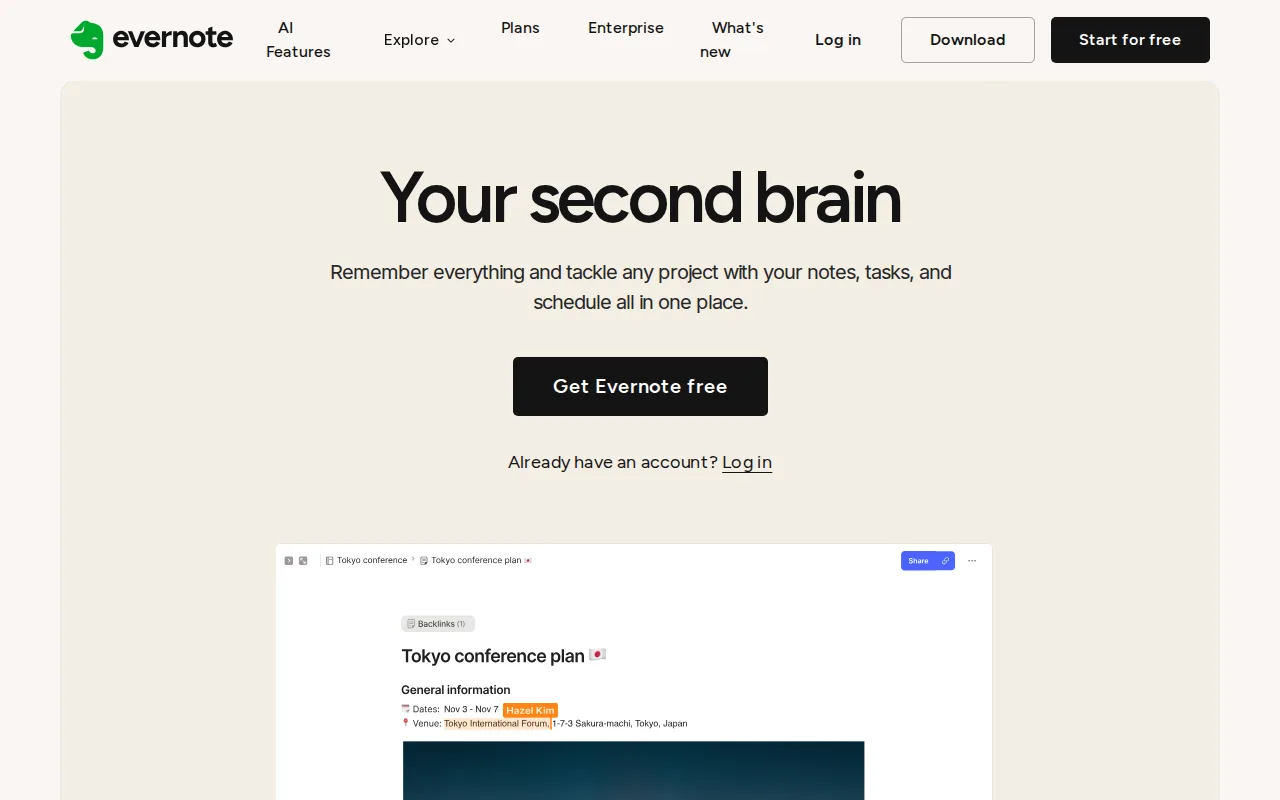
Evernote is the best Bear alternative for anyone who captures a lot of mixed media — clipped web pages, scans, photos — and needs to search inside all of it, a use case its best-in-class web clipper and OCR search cover more broadly than Bear's own OCR, which is limited to images and PDFs inside notes. Evernote holds a 4.4/5 rating from 2,000 G2 reviews and another 4.4/5 from 8,300 Capterra reviews, both far larger samples than Bear's own 34 Product Hunt reviews. Evernote runs on Windows, macOS, iOS, and Android plus the web, unlike Bear, which is macOS- and iOS-only. Both apps gate their more advanced capture and sync features behind a paid tier, but Evernote's Personal plan costs $14.99/month, well above Bear Pro's $2.99/month. Bear remains the better choice for anyone who wants a much cheaper subscription and a faster, distraction-free writing experience: Evernote's free tier is heavily restricted with constrained note counts, and reviewers note pricing has climbed sharply, while Bear's free tier works entirely offline with no note-count cap mentioned in its own listing.
Compared to Bear: best-in-class web clipper and OCR search across images, scans, and PDFs vs Bear's more limited in-note OCR, 4.4/5 from 2,000 G2 plus 8,300 Capterra reviews vs Bear's 34 Product Hunt reviews, available on Windows/Android/web unlike Bear's Apple-only platforms
Wins:Best-in-class web clipper and OCR search across clipped pages, scanned documents, and PDFs, broader than Bear's own OCR search limited to images and PDFs inside notes · 4.4/5 from 2,000 G2 reviews plus another 4.4/5 from 8,300 Capterra reviews, both far larger samples than Bear's 34 Product Hunt reviews · Available on Windows and Android plus the web, unlike Bear which is macOS- and iOS-only
Loses:Personal plan costs $14.99/month, roughly five times Bear Pro's $2.99/month for a narrower notes-and-capture feature set · Free tier is heavily restricted with constrained note counts, and reviewers report pricing has climbed sharply · No nested-hashtag, single-search-box organization; folder- and notebook-based structure closer to a traditional filing system than Bear's tag-first approach
Pros
- Strong OCR and document scanning for turning paper and PDFs into searchable notes
- Mature apps on Windows, Mac, iOS, Android, and web with reliable sync
- Web Clipper captures full articles, screenshots, and PDFs directly into notebooks
- AI features for meeting transcription, rewriting, and semantic search built into paid plans
Cons
- Free plan is capped at 50 notes and 1 device, far tighter than competitors like Google Keep or Notion's free tiers
- Notebook limits even on the paid Starter plan (20 notebooks) can feel restrictive for heavy users
- Pricing has risen substantially over the years, which has pushed some long-time users toward cheaper alternatives
- No fully offline-first, end-to-end encrypted note body by default outside of the in-note encryption feature on Mac and Windows
Pricing: Free tier · paid from $14.99/mo — $14.99/month (Personal) vs Bear's $2.99/month Bear Pro ($29.99/year)
4.Apple Notes — best Bear alternative for apple users who want a free, preinstalled note app that syncs automatically across iPhone, iPad, and Mac without setting up a third-party account.
Apple Notes is listed as a Bear alternative here, but we haven't published usable data for it: the product's name and website URL (apple.com) are on file, while tagline, description, pricing, platforms, license, ratings, and pros/cons aren't available. That means no honest comparison against Bear's own free tier and $2.99/month Bear Pro subscription can be made on price, feature depth, or user sentiment without inventing facts this listing doesn't support. What's independently verifiable is that Apple Notes is a real, pre-installed Apple product, distinct from a placeholder or defunct listing, and it's commonly grouped alongside Bear as an Apple-ecosystem note-taking option in industry discussion, not because any pricing or feature claim here has been confirmed. Bear remains the documented, verifiable choice in this pairing: it's confirmed freemium with a free offline tier and Bear Pro at $2.99/month, runs on macOS and iOS, and holds a 4.6/5 rating from 34 Product Hunt reviews, facts Apple Notes' empty listing cannot currently match or refute.
Compared to Bear: we haven't published pricing, platform, or rating data, so no verifiable feature or price comparison can be made beyond Bear's own confirmed free-plus-$2.99/month freemium listing
Loses:No pricing, platform, or license data on file, unlike Bear's fully documented free-plus-$2.99/month, macOS/iOS listing · No pros/cons or standout-feature data recorded, so no verifiable strength can be cited against Bear's documented nested-hashtag organization and offline-first free tier
Pros
- Free and already installed on every iPhone, iPad, and Mac, no signup beyond an existing Apple Account
- Notes can be locked individually with a password or Face ID/Touch ID
- Built-in document scanning, Apple Pencil handwriting recognition, and Live Text search across scanned and handwritten content
- Real-time collaboration and sharing with other Apple Account holders via iCloud
Cons
- No native Windows or Android client, only a limited iCloud.com web view
- No public API or plugin ecosystem, unlike Notion or Obsidian
- Weak backlinking and database features compared to dedicated PKM tools
- Free iCloud storage (5GB total, shared with Photos and backups) fills up fast once notes include images or scans
Pricing: Free tier · paid from $0.99/mo