2 Best Free Alternatives to Affinity Designer in 2026
By Noahlast updated pricing verified
All 4 Affinity Designer alternatives
Compared: free alternatives to Affinity Designer
| Alternative | Best for | Standout | Biggest weakness | Learning curve | Price |
|---|---|---|---|---|---|
| Affinity Designerreference | Mac and Windows users who want a full vector, raster, and page-layout design suite without any subscription cost | Combines vector, raster photo editing, and page layout in one free app with no in-app purchases or subscription for individuals | The standalone Designer, Photo, and Publisher products were discontinued in October 2025 and folded into a single app tied to a Canva account for sign-in and AI features, and a dedicated unified iPad app had still not shipped as of mid-2026, leaving iPad users on the older Designer 2 app in the meantime. | Moderate | Free |
| Inkscape | individuals and small studios who need a full-featured vector editor for logos, icons, and illustrations without paying for Adobe Illustrator or Affinity Designer | Fully free and open source under GPL 2.0-or-later with no paid tier at all, unlike most competitors that offer a limited free plan funneling toward a subscription. | Development is volunteer-driven rather than commercially funded, so feature releases move more slowly than paid competitors, and Inkscape lacks the advanced typography, color management (CMYK/Pantone), and industry-standard file compatibility that professional print and illustration workflows using Adobe Illustrator often require. | Moderate | Free |
| Lunacy | designers and non-designers who want a free, native desktop vector and UI design tool with built-in AI features instead of a browser-only or per-seat subscription app | Native free desktop app for Windows, macOS, and Linux with AI tools (background removal, upscaling, art generation) and Icons8's icon and illustration libraries built directly into the editor. | Full use of the built-in AI features and Icons8's premium asset library depends on Icons8's separate paid subscription, so the 'free' core app is really a funnel into a paid ecosystem for anyone using AI tools or premium assets at real volume; it also has a smaller plugin and community ecosystem than Figma. | Low | Free |
 Affinity Designer
 Inkscape
 Lunacy
1.Inkscape — best Affinity Designer alternative for individuals and small studios who need a full-featured vector editor for logos, icons, and illustrations without paying for Adobe Illustrator or Affinity Designer
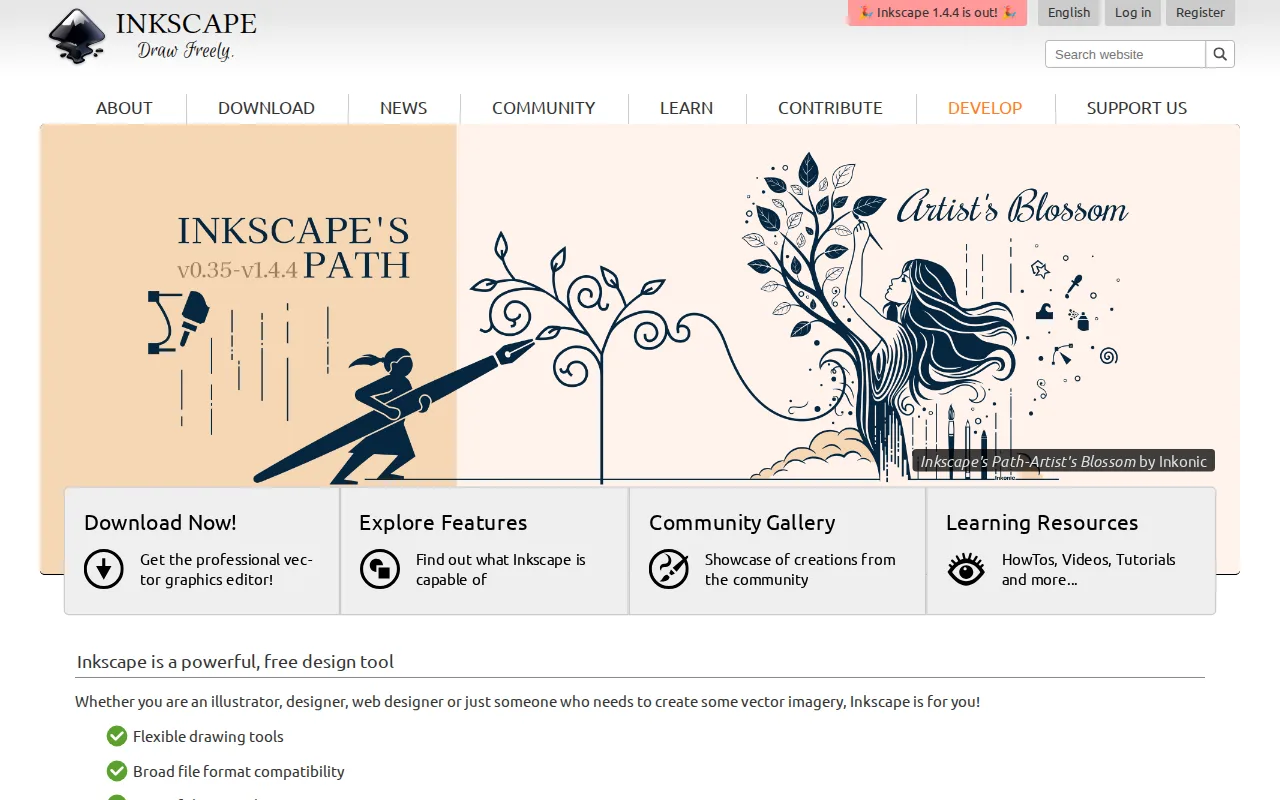
Inkscape is the best Affinity Designer alternative for anyone who wants a fully free, open-source vector editor that also runs natively on Linux, a platform Affinity Designer doesn't support. Both tools cost $0 with no subscription, but Inkscape is licensed under the GNU GPL 2.0 or later, meaning its source code can be freely audited, modified, and redistributed, unlike Affinity Designer's proprietary code. Inkscape holds a 4.4/5 rating from 518 Capterra reviews, close to Affinity Designer's own 455 reviews. Its native SVG file format, an open W3C standard, avoids the kind of proprietary format lock-in that a closed-source tool can carry. Affinity Designer remains the better choice for designers who need page layout and advanced photo editing bundled alongside vector tools, plus CMYK color management for print production: Inkscape has no CMYK mode or built-in Pantone support, no Layout or Photo studio equivalent, and its volunteer-driven development moves more slowly than Affinity Designer's Canva-backed release cadence.
Compared to Affinity Designer: fully open source (GPL 2.0-or-later) vs Affinity Designer's proprietary code, native Linux support Affinity Designer lacks, 4.4/5 from 518 Capterra reviews close to Affinity Designer's 455
Wins:Fully open source under GPL 2.0-or-later, so the code can be audited, modified, and redistributed, unlike Affinity Designer's proprietary app · Native Linux support in addition to Windows and macOS, a platform Affinity Designer doesn't cover · Native SVG format avoids proprietary file lock-in and works directly with web and browser workflows
Loses:No CMYK color mode or built-in Pantone support, a real limitation for print-production workflows that Affinity Designer's Photo and Layout studios address · No page-layout or advanced photo-editing studio equivalent to Affinity Designer's bundled Layout and Pixel tools · Volunteer-driven development means slower feature releases than Affinity Designer's Canva-backed roadmap
Pros
- Completely free with no paid tier, subscription, or feature paywall.
- Open source under GPL 2.0-or-later, so the code can be audited, modified, and redistributed.
- Native SVG format avoids proprietary file lock-in and works directly with web and browser workflows.
- Runs natively on Windows, macOS, and Linux with community-maintained AppImage, Flatpak, and Snap builds.
Cons
- No CMYK color mode or built-in Pantone support, a real limitation for print-production workflows.
- Volunteer-driven development means slower feature releases and less predictable roadmap than commercial competitors.
- Interface and performance are less polished than Adobe Illustrator or Affinity Designer, especially on very large or complex files.
- No official mobile or tablet app, unlike some paid vector editors that support iPad workflows.
Pricing: Free — $0, no paid tier, identical to Affinity Designer's $0 core-app pricing (verified undefined NaN, NaN)
2.Lunacy — best Affinity Designer alternative for designers and non-designers who want a free, native desktop vector and UI design tool with built-in AI features instead of a browser-only or per-seat subscription app
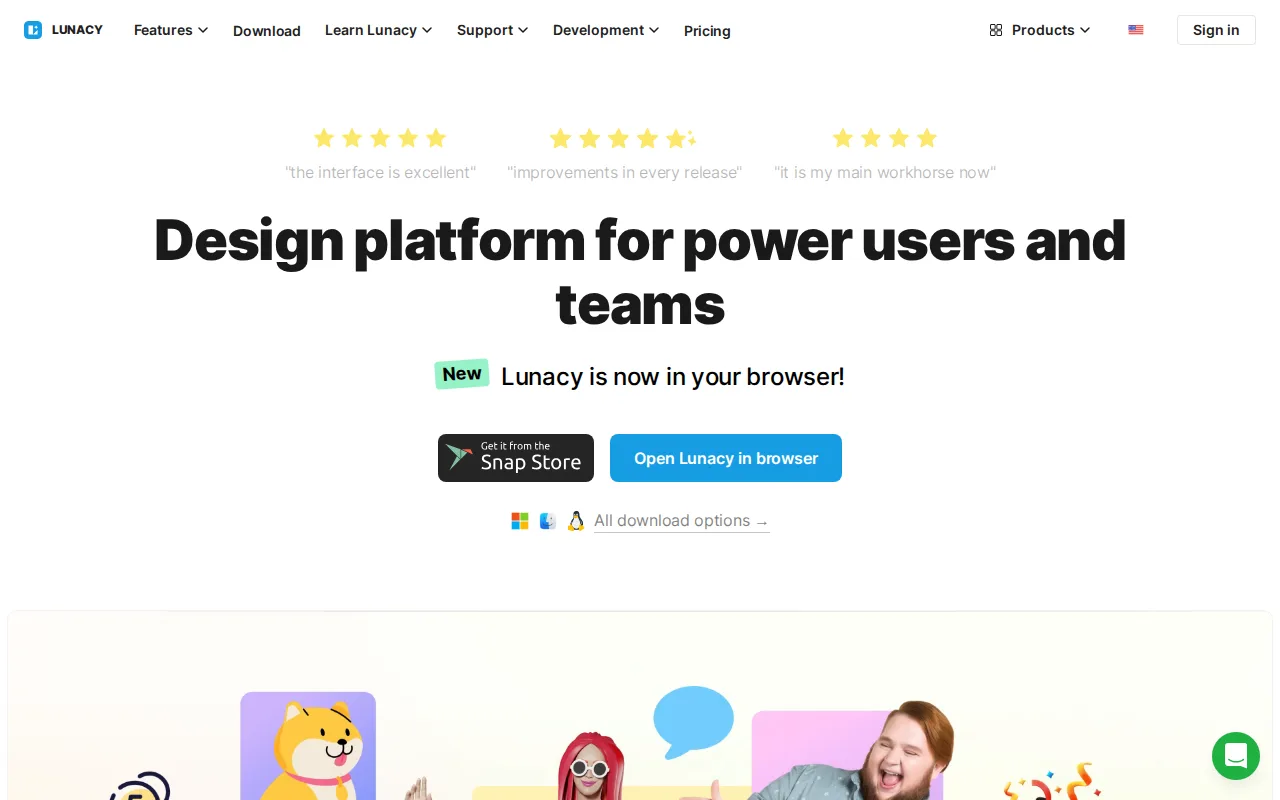
Lunacy is the best Affinity Designer alternative for designers who want free vector and UI design software with AI tools (background removal, upscaling, art generation) built directly into the editor. Like Affinity Designer, Lunacy's core editing functionality is free to download and use with no subscription required, and both apps run natively as desktop software rather than in a browser. Lunacy holds a 4.7/5 rating from 26 Capterra reviews, close to Affinity Designer's 4.7/5 rating but on a much smaller sample than Affinity Designer's 455 reviews. Lunacy also runs on Linux, a platform Affinity Designer doesn't support alongside its Mac and Windows apps, and gives in-app access to Icons8's icon, photo, and illustration libraries that Affinity Designer doesn't bundle. Affinity Designer remains the better choice for professional page-layout and print-production work: Affinity Designer bundles a dedicated Layout studio and CMYK-capable photo editing that Lunacy, built primarily as a UI/vector tool, doesn't match, and heavy use of Lunacy's AI features or premium assets requires a separate Icons8 subscription, unlike Affinity Designer's free-with-no-gate core editing.
Compared to Affinity Designer: built-in AI tools (background removal, upscaling, art generation) Affinity Designer doesn't include, native Linux support Affinity Designer lacks, same $0 core pricing model
Wins:Built-in AI tools (background removal, upscaling, avatar/art generation) without needing separate plugins, unlike Affinity Designer's core editor · Native Linux support in addition to Windows and macOS, a platform Affinity Designer doesn't cover · Direct in-app access to Icons8's icon, photo, and illustration libraries that Affinity Designer doesn't bundle
Loses:No dedicated page-Layout studio or CMYK-capable photo editing to match Affinity Designer's bundled Pixel, Vector, and Layout studios · Heavy AI-feature or premium-asset use requires a separate Icons8 subscription, while Affinity Designer's core editing has no such usage-based gate · Much smaller review base (26 Capterra reviews) than Affinity Designer's 455, giving less evidence behind its 4.7/5 score
Pros
- Free native desktop app for Windows, macOS, and Linux, unlike browser-only competitors.
- Built-in AI tools (background removal, upscaling, avatar/art generation) without needing separate plugins.
- Direct in-app access to Icons8's icon, photo, and illustration libraries.
- Low learning curve for users coming from Sketch- or Figma-style vector and UI tools.
Cons
- Heavy AI-feature or premium-asset use requires an Icons8 subscription, so the free tier has practical usage limits.
- Smaller plugin ecosystem and third-party integration support than Figma.
- Real-time multiplayer collaboration is less mature than Figma's, a common gap noted by design teams.
- Brand recognition and community resources are much smaller than for Figma or Sketch, meaning fewer tutorials and community templates.
Pricing: Free — $0 core app, same as Affinity Designer's $0 core-app pricing; higher-volume AI actions and premium assets require a separate Icons8 subscription