3 Best Free Alternatives to Adobe Photoshop in 2026
By Noahlast updated pricing verified
All 5 Adobe Photoshop alternatives
Compared: free alternatives to Adobe Photoshop
| Alternative | Best for | Standout | Biggest weakness | Learning curve | Price |
|---|---|---|---|---|---|
| Adobe Photoshopreference | photographers and designers who need pixel-level compositing, retouching, or AI-generated image edits beyond what non-destructive editors offer | Generative Fill and Generative Expand, which use Firefly and partner AI models to add, remove, or extend image content directly from a text prompt inside the layer stack. | Subscription-only with no perpetual license, a steep learning curve for anyone new to layers and masks, and heavy enough on CPU/GPU that Capterra reviewers report performance issues even on capable machines. | Steep | Free tier · paid from $19.99/mo |
| Affinity | designers and photographers who want Photoshop/Illustrator-level editing tools without paying a subscription, and don't need AI generative features | The full Vector, Pixel, and Layout studios are free with no feature restrictions, a direct reversal from Affinity's former one-time-purchase model and from Adobe's subscription pricing. | Generative AI tools (Fill, Expand, AI image/vector generation) require a separate Canva Pro subscription rather than being included, iPad support is still listed as coming soon rather than shipped, and there is no Linux version. | Moderate | Free tier · paid from $14.99/mo |
| GIMP | photographers, illustrators, and designers who want a full-featured, scriptable photo editor without paying a subscription or license fee | A scripting API in Python, C, C++, and Scheme lets users automate batch processing and build custom filters and plugins, backed by a large community library of scripts built up over the project's history. | No official vendor support: there is no paid support tier or SLA, so troubleshooting relies entirely on community forums and documentation, and the interface is widely considered less approachable for beginners than Photoshop or Affinity Photo. | Steep | Free |
| Photopea | students, social media creators, and small business owners who need Photoshop-style PSD editing without buying or installing desktop software | Native PSD, AI, XD, and Sketch file compatibility running entirely in the browser, so files stay local instead of uploading to a server. | As a single-developer, ad-supported project, Photopea lacks the cloud sync, version history, and dedicated customer support that a paid product like Photoshop offers, and performance on very large multi-layer files depends entirely on the user's device and browser. | Moderate | Free |
 Adobe Photoshop
 Affinity
 GIMP
GIMP Photopea
1.Affinity — best Adobe Photoshop alternative for designers and photographers who want Photoshop/Illustrator-level editing tools without paying a subscription, and don't need AI generative features
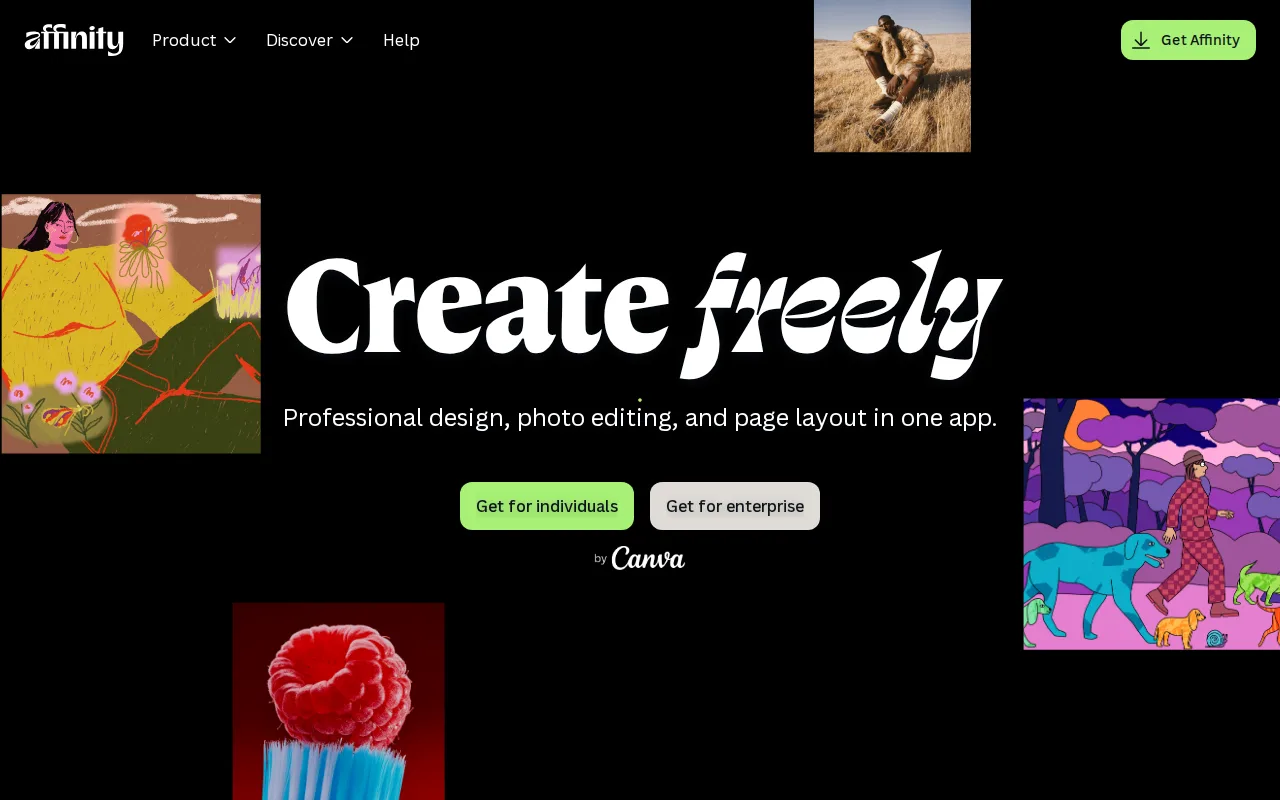
Affinity is the best Adobe Photoshop alternative for designers and photographers who want layer-based, pixel-level editing without paying an ongoing subscription. Since Canva's acquisition, Affinity's Vector, Pixel, and Layout studios are free for everyone with no restrictions on tools, customization, or export, requiring only a free Canva account, against Photoshop's $22.99/month single-app subscription. Affinity holds a 4.8/5 rating from 99 Capterra reviews, matching Photoshop's own 4.8/5 rating, though on a much smaller sample than Photoshop's 2,466 Capterra reviews. Optional AI features (Generative Fill, Generative Expand, AI image/vector generation) cost $14.99/month through Canva Pro, a fixed price against Photoshop's tiered generative-credit system bundled into its $22.99/month plan. Photoshop is still the better choice for designers who need cross-platform reach and deeper generative AI: Affinity has no iPad app yet, listing support as coming soon rather than shipped, while Photoshop already runs on iPad, Affinity has no Linux version, and its generative AI is gated behind a separate Canva Pro subscription rather than bundled into the core purchase the way Photoshop includes a monthly credit allowance.
Compared to Adobe Photoshop: free core app (Vector, Pixel, Layout studios) vs a $22.99/month subscription, matching 4.8/5 Capterra rating, optional AI at $14.99/month via Canva Pro
Wins:Vector, Pixel, and Layout studios are free with no restrictions on tools, customization, or export, vs Photoshop's $22.99/month single-app subscription · 4.8/5 rating from 99 Capterra reviews, matching Photoshop's own 4.8/5 rating · Optional Canva Pro AI features cost $14.99/month, a fixed price against Photoshop's tiered generative-credit system
Loses:No iPad app yet; support is listed as coming soon rather than shipped, while Photoshop already runs on iPad · No Linux version, and desktop support is limited to Windows and macOS · Rating sample of 99 Capterra reviews is far smaller than Photoshop's 2,466 Capterra reviews
Pros
- Full professional design suite (vector, raster, layout) free with no time limit or feature gate on the core tools.
- Requires only a free Canva account, no credit card, to unlock everything in the base app.
- Backed by Canva's infrastructure and update cadence rather than a small independent studio.
- Optional Canva Pro AI features integrate directly inside the same app rather than requiring a separate tool.
Cons
- Generative AI features are gated behind a paid Canva Pro subscription ($14.99/month or $119.99/year).
- No iPad app yet; it is listed as coming soon rather than available.
- No Linux support.
- The 2026 rebrand merging three separate apps into one changes workflows for users of the older per-app Affinity Designer/Photo/Publisher versions.
Pricing: Free tier · paid from $14.99/mo — $0 core app vs Photoshop's $22.99/month single-app plan; optional Canva Pro AI at $14.99/month
2.GIMP — best Adobe Photoshop alternative for photographers, illustrators, and designers who want a full-featured, scriptable photo editor without paying a subscription or license fee
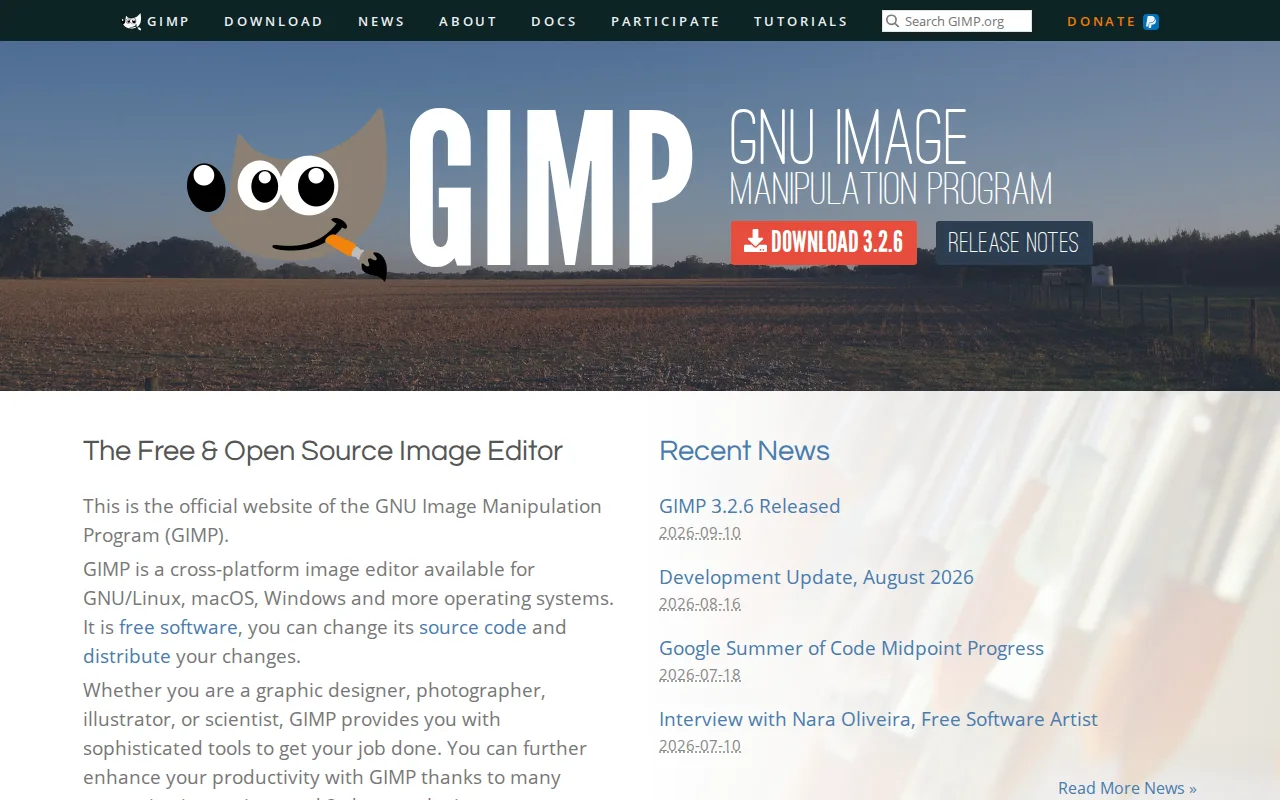
GIMP is the best Adobe Photoshop alternative for photographers, illustrators, and designers who want a full-featured, scriptable image editor without paying a subscription or license fee at all, unlike Photoshop's $22.99/month single-app plan. GIMP is licensed under the GPLv3 with its full source code public and freely modifiable, and it costs nothing to download, use, or redistribute, with no paid tier of any kind. Its scripting API in Python, C, C++, and Scheme lets users automate batch processing and build custom filters and plugins, backed by a large community library built up over the project's multi-decade history. GIMP runs on Linux, macOS, and Windows, covering a platform (Linux) Photoshop doesn't support at all. Photoshop is still the better choice for users who need generative AI tools and dedicated vendor support: GIMP has no equivalent to Photoshop's Generative Fill or Generative Expand, native .psd file compatibility is imperfect for complex layered files, and there is no official paid support tier or SLA, so troubleshooting relies entirely on community forums rather than the dedicated support a subscription like Photoshop's provides.
Compared to Adobe Photoshop: completely free and open source (GPLv3) vs a $22.99/month subscription, scriptable via Python/C/C++/Scheme, runs natively on Linux which Photoshop doesn't support
Wins:Completely free and open source under GPLv3, with no license fee, subscription, or usage limits, vs Photoshop's $22.99/month plan · Scripting API in Python, C, C++, and Scheme automates batch processing and custom filters · Runs natively on Linux, macOS, and Windows, covering a platform (Linux) Photoshop doesn't support at all
Loses:No equivalent to Photoshop's Generative Fill or Generative Expand AI tools · Native .psd file compatibility is imperfect for complex layered files · No official paid support tier or SLA; troubleshooting relies entirely on community forums and documentation
Pros
- Completely free with no license fee, subscription, or feature paywall.
- Fully cross-platform on Linux, macOS, and Windows with the same feature set on each.
- Scriptable via Python, C, C++, and Scheme for custom filters and batch automation.
- Open-source license means the software can be audited, modified, and redistributed without restriction.
Cons
- No official vendor support or SLA; help comes only from community forums and documentation.
- Interface and non-destructive editing workflow are less approachable for beginners than Photoshop or Affinity Photo.
- Native file compatibility with Photoshop's .psd format is imperfect for complex layered files.
- Smaller plugin and brush ecosystem than commercial competitors, despite community contributions.
Pricing: Free — $0 vs Photoshop's $22.99/month single-app plan (verified undefined NaN, NaN)
3.Photopea — best Adobe Photoshop alternative for students, social media creators, and small business owners who need Photoshop-style PSD editing without buying or installing desktop software
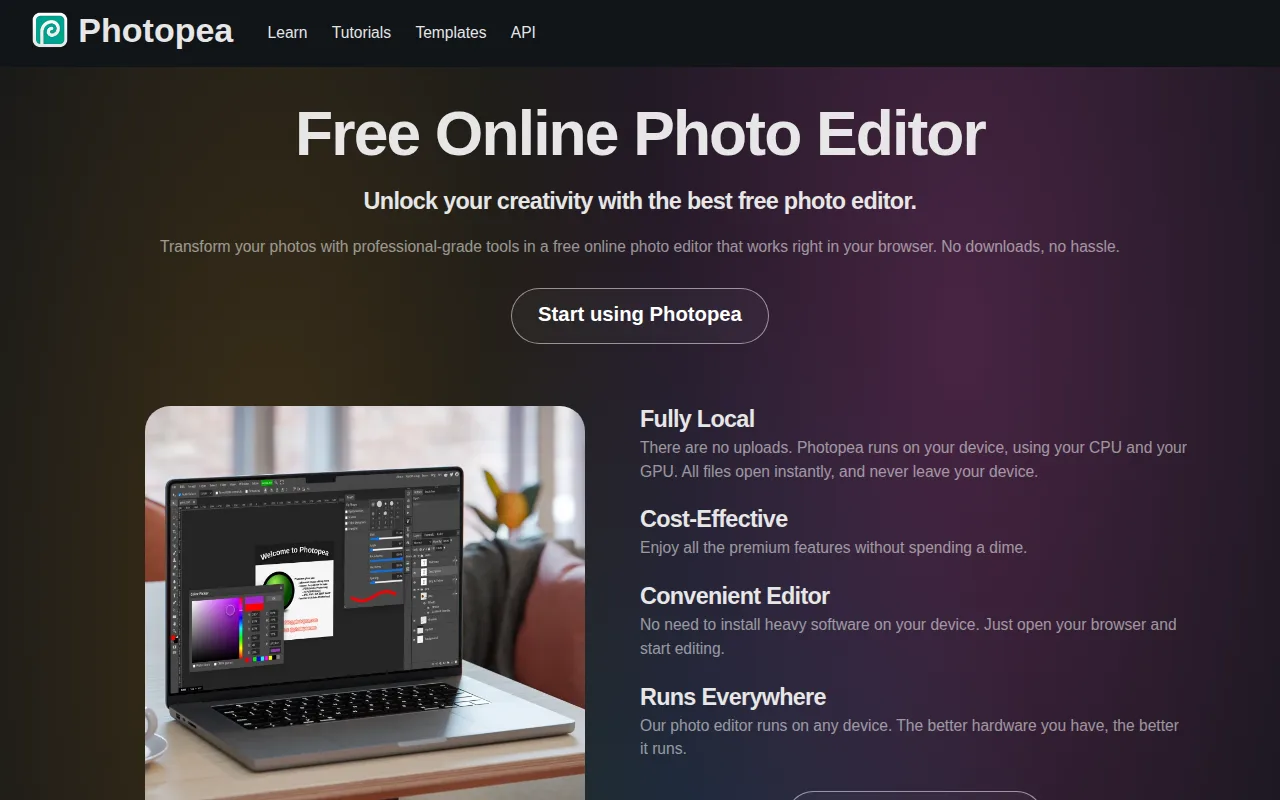
Photopea is the best Adobe Photoshop alternative for students, social media creators, and small business owners who need Photoshop-style layer editing without installing or paying for desktop software. Photopea runs entirely in the browser at photopea.com with no download, account, or cost required, and it opens and saves native PSD files alongside AI, XD, Sketch, and 40+ other formats, against Photoshop's $22.99/month subscription. Its toolset mirrors Photoshop's layer-based workflow — masking, blend modes, liquify, puppet warp, and adjustment layers — plus RAW photo support for CR2, CR3, NEF, ARW, and DNG files. Photopea holds a 4.5/5 rating from 113 Capterra reviews, a smaller sample than Photoshop's 2,466 Capterra reviews. Photoshop is still the better choice for professionals who need cloud sync, version history, and dedicated support: Photopea has no built-in cloud storage or version history across sessions, its editing performance on large, layer-heavy files depends entirely on the user's browser and device rather than optimized native code, and it's built and maintained largely by a single developer, so support channels are far more limited than a commercial vendor's.
Compared to Adobe Photoshop: free, browser-based editor vs a $22.99/month subscription, opens and saves native PSD files with no conversion, no cloud sync or version history
Wins:Runs entirely in the browser at no cost, with no download, account, or subscription, vs Photoshop's $22.99/month plan · Opens and saves native PSD, AI, and XD files with no conversion step · RAW photo format support (CR2, CR3, NEF, ARW, DNG) built in, at no cost
Loses:No built-in cloud storage or version history across sessions, unlike Photoshop's Creative Cloud integration · Editing performance on large, layer-heavy files depends on the user's browser and device rather than optimized native code · Built and maintained largely by a single developer, so support channels are far more limited than Photoshop's
Pros
- Opens and saves native PSD, AI, and XD files with no conversion step.
- Runs in any modern browser with no installation, account, or upload of files to a server required.
- Full layer-based editing toolset: masking, liquify, puppet warp, and adjustment layers.
- RAW photo format support (CR2, CR3, NEF, ARW, DNG) built in.
Cons
- No built-in cloud storage or version history across sessions.
- Editing performance on large, layer-heavy files depends on the browser and device, unlike a native desktop app.
- Built and maintained largely by a single developer, so support channels are more limited than a commercial vendor's.
- Interface closely mirrors Photoshop's, which can be dense for users who've never used Photoshop before.
Pricing: Free — $0 vs Photoshop's $22.99/month single-app plan (verified undefined NaN, NaN)