1 Best Open-Source Alternatives to Acuity Scheduling in 2026
By Noahlast updated pricing verified
All 5 Acuity Scheduling alternatives
Compared: open-source alternatives to Acuity Scheduling
| Alternative | Best for | Standout | Biggest weakness | Learning curve | Price |
|---|---|---|---|---|---|
| Acuity Schedulingreference | solo practitioners and small studios (salons, coaches, tutors, therapists) that need clients to self-book and pay online without phone-tag scheduling | HIPAA-compliant scheduling with a signed Business Associate Agreement on the Premium plan, letting healthcare and wellness practices book clients without a separate compliant system. | No free tier, only a 7-day trial, and HIPAA compliance, custom API access, and custom CSS are locked behind the $49/month Premium plan, which reviewers note is pricier than some scheduling-only competitors for what is a single-purpose tool. | Low | From $16/mo |
| Cal.com | individuals and technical teams who want an open-source, self-hostable Calendly alternative with API-level control over booking flows | The scheduling engine is genuinely self-hostable via Docker, with a fully open community fork (cal.diy, MIT-licensed) that strips out enterprise/commercial code entirely, giving teams a real self-hosted path rather than an open-source demo that funnels users to the paid cloud. | Self-hosting requires ongoing infrastructure maintenance and doesn't include Cal.com's managed support, while advanced features like SSO and fine-grained access control are gated behind the pricier Organizations and Enterprise tiers on the hosted product. | Moderate | Free tier · paid from $12/mo |
 Acuity Scheduling
 Cal.com
1.Cal.com — best Acuity Scheduling alternative for individuals and technical teams who want an open-source, self-hostable Calendly alternative with API-level control over booking flows
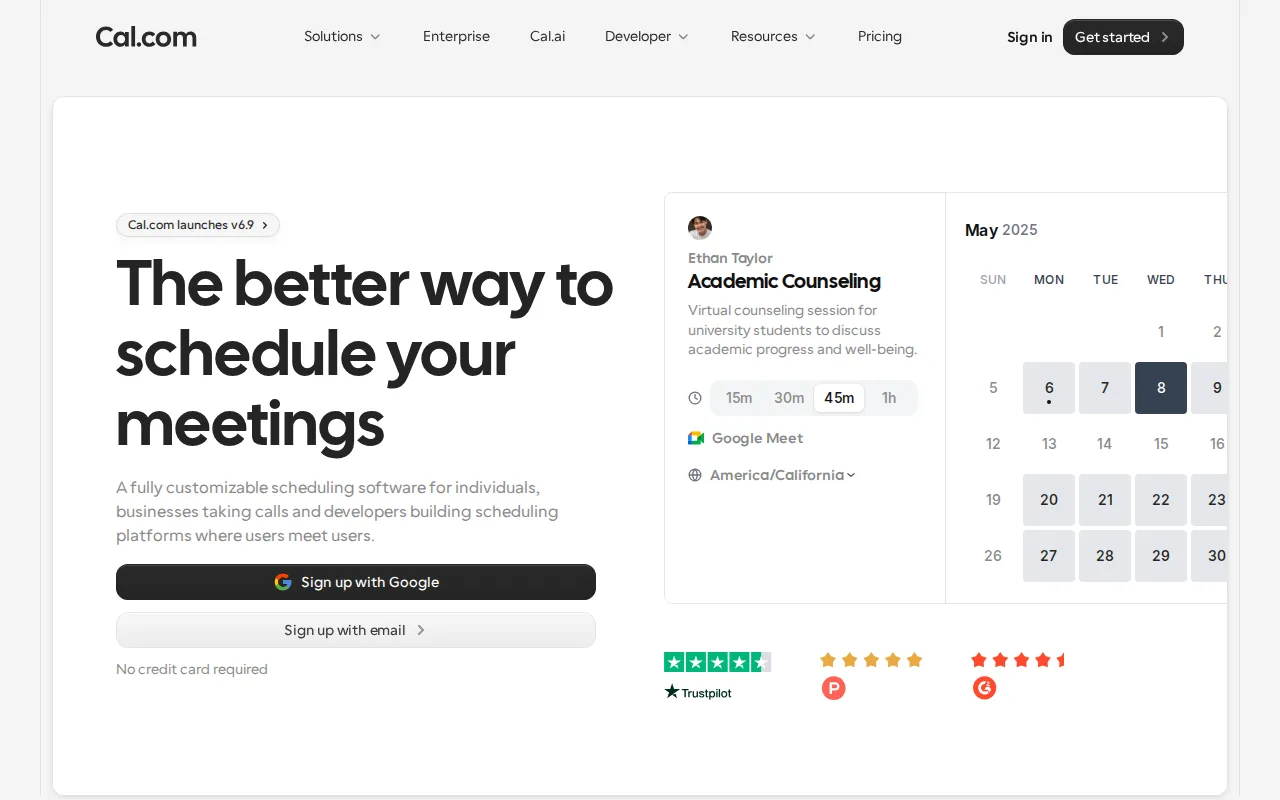
Cal.com is the best Acuity Scheduling alternative for individuals and technical teams who want an open-source, self-hostable scheduling platform instead of Acuity's closed, Squarespace-owned system. Cal.com's Free plan covers 1 user with unlimited event types and calendars, plus 100+ integrations, Stripe/PayPal payments, and Salesforce/HubSpot sync even at no cost, while Acuity Scheduling has no free tier at all, only a 7-day trial. Cal.com's scheduling engine is genuinely self-hostable via Docker, with a fully open MIT-licensed community fork (cal.diy) that strips out enterprise/commercial code entirely, letting organizations run their own booking infrastructure rather than depending on a vendor's cloud the way Acuity's closed platform requires. Cal.com holds a 4.8/5 rating from 85 Product Hunt reviews, and its Teams plan costs $12/user/month billed annually, cheaper than Acuity's $27/month Standard tier for up to 6 calendars. Acuity Scheduling is still the better choice for service businesses that want HIPAA-compliant booking with a signed BAA out of the box: Cal.com's self-hosting requires ongoing infrastructure maintenance and forgoes managed support, and its SSO and advanced access control are gated to the pricier Organizations and Enterprise tiers, unlike Acuity's Premium tier, which bundles HIPAA compliance directly.
Compared to Acuity Scheduling: genuinely self-hostable via Docker with a fully open MIT-licensed community fork, free tier with unlimited event types vs no free tier at all, Stripe/PayPal payments and Salesforce/HubSpot sync included free
Wins:Genuinely self-hostable via Docker, with a fully open MIT-licensed community fork (cal.diy) available · Free tier includes unlimited event types and calendars for 1 user, vs Acuity Scheduling's zero free tiers · Stripe/PayPal payment collection and two-way Salesforce/HubSpot sync are available even on the free plan
Loses:Self-hosting requires ongoing infrastructure maintenance and forgoes managed support Acuity provides as a hosted service · SSO and advanced access control are gated to the pricier Organizations and Enterprise tiers, unlike Acuity's Premium tier, which bundles HIPAA compliance directly · Much thinner review sample (85 Product Hunt reviews) than Acuity's 5,755 Capterra reviews
Pros
- Free tier includes unlimited event types and calendars for a single user, with no artificial feature caps.
- Genuinely self-hostable via Docker, with a fully open MIT-licensed community fork (cal.diy) available.
- 100+ integrations and two-way Salesforce/HubSpot sync are available even on the free plan.
- Built-in Stripe and PayPal payment collection at time of booking without a separate add-on.
Cons
- Self-hosting requires ongoing infrastructure maintenance and forgoes Cal.com's managed support and updates.
- SSO and advanced access control are gated to the pricier Organizations and Enterprise tiers.
- Team-oriented features require per-user billing ($12-28/user/month), which adds up faster than Calendly's flat team pricing at small seat counts.
- Self-hosted deployments can lag behind the hosted cloud product on the latest feature releases.
Pricing: Free tier · paid from $12/mo — $12/month Teams (per user, billed annually) vs Acuity's $27/month Standard (up to 6 calendars) — Cal.com is cheaper per user but priced per seat rather than per calendar (verified undefined NaN, NaN)