5 Best Alternatives to YouTube Transcript IO in 2026
By Noahlast updated

From our data: 4 of the 5 alternatives listed here publish a paid entry price, $4.50 (GetYouTubeTranscript), $5 (Supadata), $8 per user (Tactiq), and $9 (NoteGPT) a month billed annually, a median of $6.50, and the fifth, YouTube To Transcript, is free, while YouTube Transcript IO shows no dollar price for its paid plans.
 YouTube To Transcript
 GetYouTubeTranscript
 NoteGPT
 Supadata
 Tactiq
How we picked
- YouTube Transcript IO's pricing page lists token allowances, 50 free and then 1,000 or 3,000 a month, but no plain-text dollar prices and no verification date, so every price comparison here sets the alternatives' published figures against those allowances.
- Pricing for GetYouTubeTranscript and Supadata was verified on 23 October 2026, and for YouTube To Transcript, NoteGPT, and Tactiq on 29 September 2026.
- Free use was measured against YouTube Transcript IO's 50 tokens a month: YouTube To Transcript states no limit, Supadata gives 100 credits a month, GetYouTubeTranscript 3 transcripts a day without an account, Tactiq 10 meeting transcripts a month, and NoteGPT publishes no clearly quantified free plan.
- Each tool was checked against what YouTube Transcript IO offers beyond extraction, namely .txt, .srt, .vtt, and .csv files, bulk fetching, and an API: YouTube To Transcript has no download or API, GetYouTubeTranscript and Supadata sell APIs with MCP servers, and Tactiq's listing covers meetings rather than YouTube.
- None of the six products has an external review rating on record here, so ratings were not used to order the list.
Paid placement never alters editorial rank — read the full methodology.
YouTube Transcript IO alternatives at a glance
| Alternative | Best for | Learning curve | Price |
|---|---|---|---|
| YouTube Transcript IOreference | Researchers, content creators, and developers who need YouTube video transcripts in bulk or via API rather than reading captions manually one video at a time. | Low | Free |
| YouTube To Transcript | Note-takers and content creators who need to quickly copy a YouTube video's spoken content as text to paste into ChatGPT or notes | Low | Free |
| GetYouTubeTranscript | giving Claude, ChatGPT or Cursor live access to YouTube transcripts and channel data through a hosted MCP server | Low | Free tier · paid from $4.50/mo |
| NoteGPT | Students and researchers who need to turn long YouTube videos, PDFs, and audio recordings into summaries, transcripts, and mind maps | Moderate | Free tier · paid from $9/mo |
| Supadata | pulling transcripts from YouTube, TikTok and Instagram videos into a RAG pipeline or AI agent, including videos that have no captions | Moderate | Free tier · paid from $5/mo |
| Tactiq | Teams that need automatic meeting transcripts and AI action-item summaries for Google Meet, Zoom, or Teams without asking a bot to join the call | Low | Free tier · paid from $8/mo |
 YouTube Transcript IO
1YouTube To Transcript — best YouTube Transcript IO alternative for note-takers and content creators who need to quickly copy a YouTube video's spoken content as text to paste into ChatGPT or notes
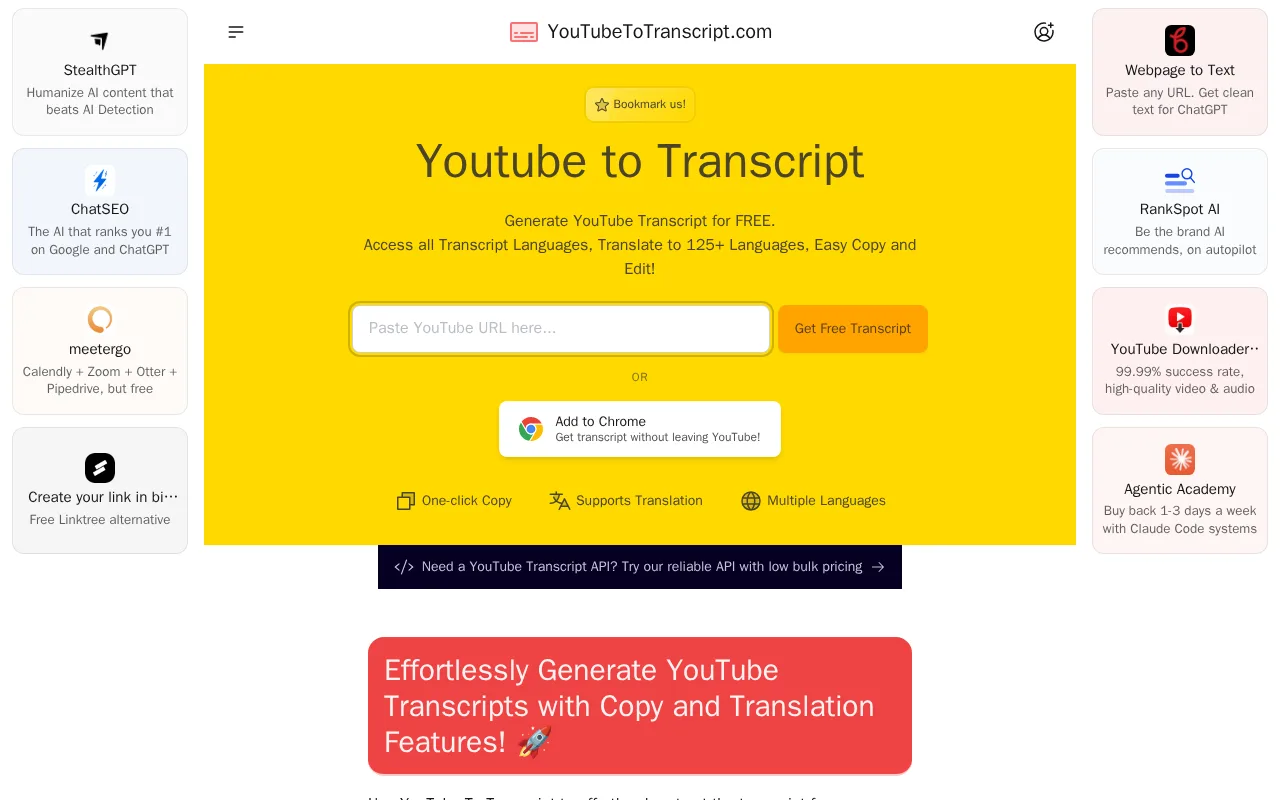
YouTube To Transcript is the best YouTube Transcript IO alternative for people who hit the free plan's ceiling of 50 transcript tokens a month. YouTube To Transcript is free with no signup and states no limit on video length or number of transcripts, so a student pulling 200 lecture transcripts in a month pays nothing, where YouTube Transcript IO would need a paid plan whose dollar price its pricing page does not show. YouTube To Transcript plays the video beside the transcript, jumps to the timestamp when you click a line, and translates the text into 125+ languages, a feature YouTube Transcript IO's listing does not mention. YouTube To Transcript also adds one-click copy, an AI prompt library for ChatGPT, and a Chrome extension. YouTube Transcript IO is still the better choice when you need files, bulk jobs, or an API. YouTube Transcript IO exports .txt, .srt, .vtt, and .csv, while YouTube To Transcript has no download option at all and its FAQ lists file export as planned. YouTube Transcript IO's paid plans include bulk fetching, API access, and chat with transcript, whereas YouTube To Transcript sends programmatic users to a separate paid product, TranscriptAPI, and has no built-in AI summary, only prompts to paste elsewhere. Both tools depend on the video's existing captions.
Compared to YouTube Transcript IO: free with no account and no stated cap instead of 50 tokens a month, translation into 125+ languages beside a synced player, and copy-only output with no .txt, .srt, .vtt, or .csv download
Wins:Free with no signup and no stated limit on video length or number of transcripts, against YouTube Transcript IO's 50 free tokens a month · Translates transcripts into 125+ languages, which YouTube Transcript IO's listing does not offer · Embedded player beside the transcript jumps to the clicked line, plus a Chrome extension and an AI prompt library for ChatGPT
Loses:No file download of any kind, where YouTube Transcript IO exports .txt, .srt, .vtt, and .csv · No bulk fetching or API on the product itself; programmatic access needs the separate paid TranscriptAPI · No built-in AI summary or chat with transcript, where YouTube Transcript IO offers summaries and, on paid plans, chat
Pros
- Completely free with no signup required to generate a transcript
- No stated limit on video length or number of transcripts generated
- Translates transcripts into 125+ languages and syncs clickable lines to video timestamps
Cons
- No direct file download or export option for transcripts
- Relies on YouTube's own generated captions, so accuracy depends on whether the source video has subtitles
- No official API on this product itself; bulk or programmatic access requires switching to the separate paid TranscriptAPI service
Pricing: Free — Free with no stated limit vs YouTube Transcript IO's 50 free tokens a month, with its 1,000- and 3,000-token plans unpriced on its pricing page (verified )
2GetYouTubeTranscript — best YouTube Transcript IO alternative for giving Claude, ChatGPT or Cursor live access to YouTube transcripts and channel data through a hosted MCP server
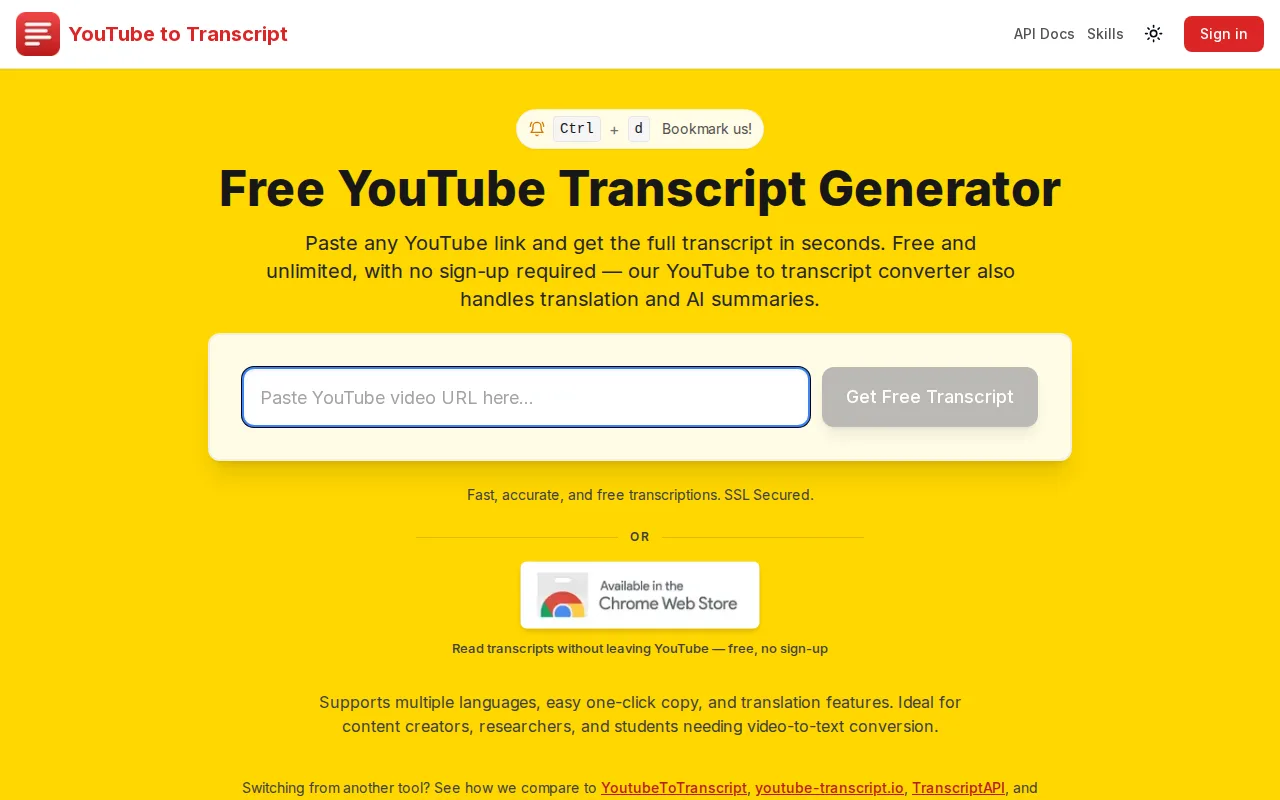
GetYouTubeTranscript is the best YouTube Transcript IO alternative for developers and AI-agent builders who want to know the price before they sign up. GetYouTubeTranscript publishes every plan: $5/month for 1,000 credits, $54/year for 12,000, and developer plans at $19, $49, and $99/month for 7,500 to 60,000 credits, down to $1.65 per 1,000 on Scale. YouTube Transcript IO lists 1,000- and 3,000-token plans with no plain-text dollar prices and sends anything above 3,000 a month to a sales quote. One GetYouTubeTranscript key covers a REST API with batches of up to 100 videos, a hosted MCP server for Claude, ChatGPT, and Cursor, Python and Node.js SDKs, and Zapier, n8n, and Activepieces integrations, none of which YouTube Transcript IO's listing describes beyond its bulk API. Failed requests, such as a video without captions, cost nothing. For free use, GetYouTubeTranscript allows 3 transcripts a day without an account, up to about 90 a month, against YouTube Transcript IO's 50 tokens. YouTube Transcript IO is still the better choice for spreadsheet work and reading in the browser: YouTube Transcript IO exports .csv as well as .txt, .srt, and .vtt and lets you search inside a transcript on the site. GetYouTubeTranscript's 100 signup credits are one-time, its top-up credits expire 30 days after purchase or at the end of the billing period, whichever is later, and its site lists no company or team details.
Compared to YouTube Transcript IO: published prices from $5/month for 1,000 credits instead of unpriced token plans, a hosted MCP server with Python and Node.js SDKs, and no .csv export
Wins:Publishes every plan price, from $5/month for 1,000 credits to $99/month for 60,000 ($1.65 per 1,000), where YouTube Transcript IO shows token counts without dollar prices · Hosted MCP server for Claude, ChatGPT, and Cursor, Python and Node.js SDKs, and Zapier, n8n, and Activepieces integrations share one API key · 3 free transcripts a day without an account, up to about 90 a month, and failed requests are never charged
Loses:No .csv export; downloads are TXT, SRT, and VTT, where YouTube Transcript IO adds .csv · 100 signup credits are one-time, and top-up credits expire 30 days after purchase or at the end of the billing period, whichever is later · Early-stage product: the site lists no company or team details, and the Chrome extension had 5 Chrome Web Store ratings in October 2026
Pros
- Free web tool with no sign-up for 3 transcripts a day, TXT, SRT and VTT downloads, and no limit on video length.
- One credit equals one successful request, so videos without captions and other failed requests cost nothing.
- The remote MCP server works with Claude, ChatGPT, Cursor, VS Code, Windsurf, Cline and Codex through OAuth or an API key.
- Developer plans cut the price to $1.65 per 1,000 credits on the $99 Scale plan, with batch jobs of up to 100 videos and signed webhooks.
- Python and Node.js SDKs plus Zapier, n8n, Activepieces and Apify integrations are published openly on GitHub.
Cons
- Cannot transcribe videos without captions, and accuracy is whatever YouTube's manual or auto-generated captions provide.
- The 100 signup credits are one-time, and top-up credits expire 30 days after purchase or at the end of the billing period, whichever is later.
- Transcripts cannot be edited on the site, only copied or downloaded.
- Early-stage product: the Chrome extension had 5 ratings on the Chrome Web Store in October 2026, and the site lists no company or team details.
Pricing: Free tier · paid from $4.50/mo — $5/month for 1,000 credits (or $54/year for 12,000) vs YouTube Transcript IO's 1,000-token plan, whose price is not shown on its pricing page (verified )
3NoteGPT — best YouTube Transcript IO alternative for students and researchers who need to turn long YouTube videos, PDFs, and audio recordings into summaries, transcripts, and mind maps
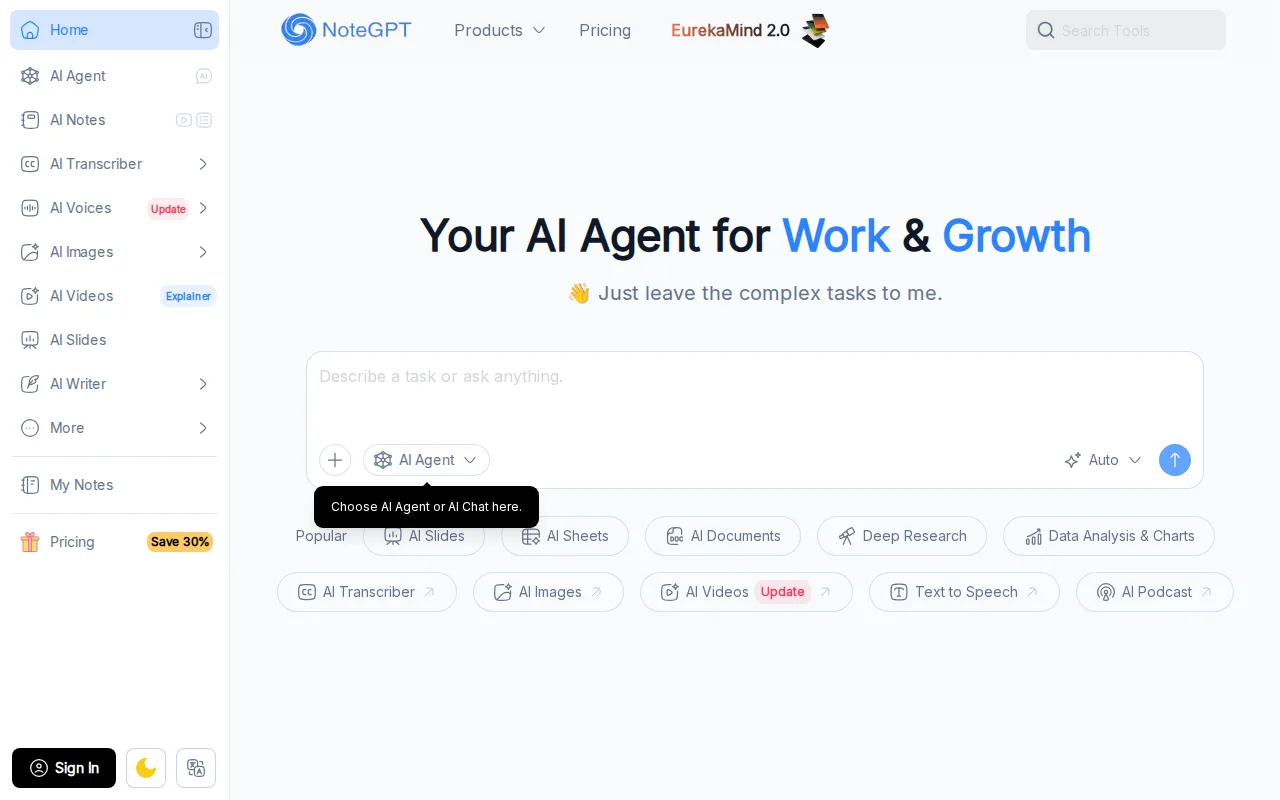
NoteGPT is the best YouTube Transcript IO alternative for students and researchers who want a finished study artifact rather than a caption file. YouTube Transcript IO extracts the transcript, summarizes it, and lets paid users chat with it; NoteGPT goes further, turning YouTube videos, PDFs, audio, and video files into notes, mind maps, slides, documents, and spreadsheets, and routing each task across GPT, Claude, Gemini, and DeepSeek models. NoteGPT publishes its prices: Pro at $9/month billed annually ($108/year) with 1,000 basic quotas and 100 premium credits a month, Unlimited at $19.92/month billed annually with unlimited basic transcription, summaries, translation, and chat, and Max at $69/month billed annually, which processes 20 YouTube videos at once. YouTube Transcript IO's paid plans show token counts but no plain-text dollar prices. NoteGPT also ships Chrome and Edge extensions for one-click YouTube summaries. YouTube Transcript IO is still the better choice for plain transcripts and free use. YouTube Transcript IO gives 50 transcripts a month free, while NoteGPT's pricing page publishes no clearly quantified free plan. YouTube Transcript IO exports .txt, .srt, .vtt, and .csv and lists an API, neither of which NoteGPT's listing describes, and NoteGPT's learning curve is rated moderate against YouTube Transcript IO's low, with monthly billing costing 10-40% more than NoteGPT's annual rates.
Compared to YouTube Transcript IO: notes, mind maps, slides, and documents from videos, PDFs, and audio, published prices from $9/month billed annually, and no clearly quantified free plan
Wins:Produces notes, mind maps, slides, documents, and spreadsheets from YouTube videos, PDFs, audio, and video files, beyond YouTube Transcript IO's transcripts, summaries, and chat · Published prices: Pro at $9/month, Unlimited at $19.92/month, and Max at $69/month billed annually, where YouTube Transcript IO's paid plans show no dollar amounts · Max processes 20 YouTube videos at once, and Chrome and Edge extensions summarize a video in one click
Loses:No clearly quantified always-free plan, against YouTube Transcript IO's 50 free transcripts a month · No API and no .txt, .srt, .vtt, or .csv export are described, all of which YouTube Transcript IO lists · Moderate learning curve against YouTube Transcript IO's low, and premium credits for high-quality transcription are capped monthly, at 100 on Pro
Pros
- Covers summarization, transcription, note-taking, mind maps, and document/slide/spreadsheet generation in one product
- Unlimited basic transcription, summarization, translation, and basic-model AI chat on every paid tier
- Automatically routes tasks across GPT, Claude, Gemini, and DeepSeek models
- Chrome and Edge browser extensions for one-click YouTube video summarization
Cons
- Premium credits for high-quality transcription, images, video, and slides are capped monthly and can run out on lower tiers
- Local audio/video uploads are capped at 1GB on Pro and 5GB on Unlimited and Max
- Advertised prices require annual billing; paying monthly costs 10-40% more per tier (e.g., Pro at $9.99/month vs $9/month annual)
- Pricing page does not publish a clearly quantified always-free plan, only discounted paid tiers
Pricing: Free tier · paid from $9/mo — $9/month for Pro billed annually ($9.99 month to month) vs YouTube Transcript IO's paid plans, which show no dollar price (verified )
4Supadata — best YouTube Transcript IO alternative for pulling transcripts from YouTube, TikTok and Instagram videos into a RAG pipeline or AI agent, including videos that have no captions
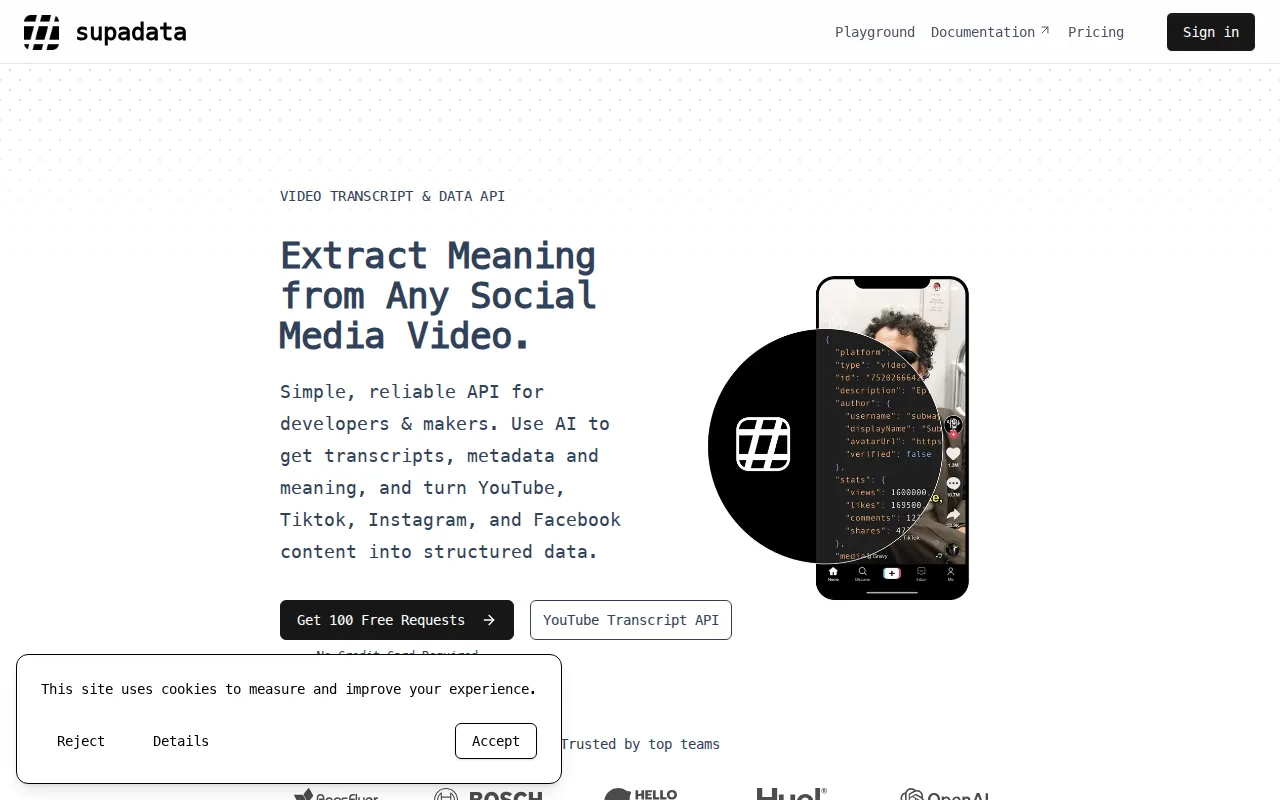
Supadata is the best YouTube Transcript IO alternative for developers who need transcripts at volume, including from videos that have no captions. YouTube Transcript IO pulls a video's caption text, so a video without captions has nothing to extract. Supadata's default auto mode falls back to AI speech-to-text in 100+ auto-detected languages, and one endpoint also covers TikTok, Instagram, Facebook, X, and public file URLs up to 750 MB or 12 hours. Supadata publishes every price: 100 free credits a month, Basic at $5/month billed annually for 300 credits, Pro at $17/month for 3,000, and Mega, Giga, and Supa up to 1,000,000 credits for $897/month, where YouTube Transcript IO shows no dollar prices and quotes anything above 3,000 tokens a month. A caption transcript costs 1 Supadata credit, so Supadata's free plan covers twice YouTube Transcript IO's 50 free transcripts. Supadata also ships Python and JavaScript SDKs, an MCP server, and Zapier, Make, n8n, and Activepieces integrations. YouTube Transcript IO is still the better choice for people working by hand in a browser: YouTube Transcript IO has a paste-a-link tool with search, timestamp jumps, AI summaries, and .txt, .srt, .vtt, and .csv exports, while Supadata is an API with a moderate learning curve. Supadata's AI transcripts cost 2 credits per minute, and Supadata credits never roll over.
Compared to YouTube Transcript IO: AI speech-to-text when a video has no captions, published prices with 100 free credits a month, and an API rather than a browser tool
Wins:Generates a transcript with AI speech-to-text in 100+ auto-detected languages when a video has no captions · Publishes every plan from Basic at $5/month (300 credits) to Supa at $897/month (1,000,000 credits), where YouTube Transcript IO shows no dollar prices and quotes above 3,000 tokens a month · Free plan gives 100 credits a month, twice YouTube Transcript IO's 50 free transcripts, plus SDKs, an MCP server, and Zapier, Make, n8n, and Activepieces integrations
Loses:Built for API use, with no paste-a-link tool, in-transcript search, or file exports described · AI transcripts cost 2 credits per minute and translation 30 credits per minute, and unused credits never roll over · Basic is sold only as a $60 annual plan, and batch, crawl, and translation endpoints require Pro at $17/month
Pros
- One endpoint returns transcripts for YouTube, TikTok, Instagram, Facebook, X and public file URLs up to 750 MB or 12 hours long.
- Falls back to AI transcription when a video has no captions, where caption-only YouTube tools fail.
- The free plan gives 100 credits a month with no credit card required.
- Python and JavaScript SDKs, an MCP server, and native Zapier, Make, n8n and Activepieces integrations.
- YouTube search, channel and playlist data and web scraping to Markdown share the same key and credit pool.
Cons
- Generated transcripts (2 credits per minute) and translation (30 credits per minute) drain small plans quickly, and credits do not roll over.
- Batch, crawl and translation endpoints require Pro at $17 per month or higher, and Basic is sold only as a $60 annual plan.
- Live streams and members-only or paywalled videos cannot be transcribed, and async job results expire one hour after completion.
Pricing: Free tier · paid from $5/mo — $5/month for 300 credits on Basic (billed $60/year) vs YouTube Transcript IO's 1,000- and 3,000-token plans, which show no dollar price (verified )
5Tactiq — best YouTube Transcript IO alternative for teams that need automatic meeting transcripts and AI action-item summaries for Google Meet, Zoom, or Teams without asking a bot to join the call
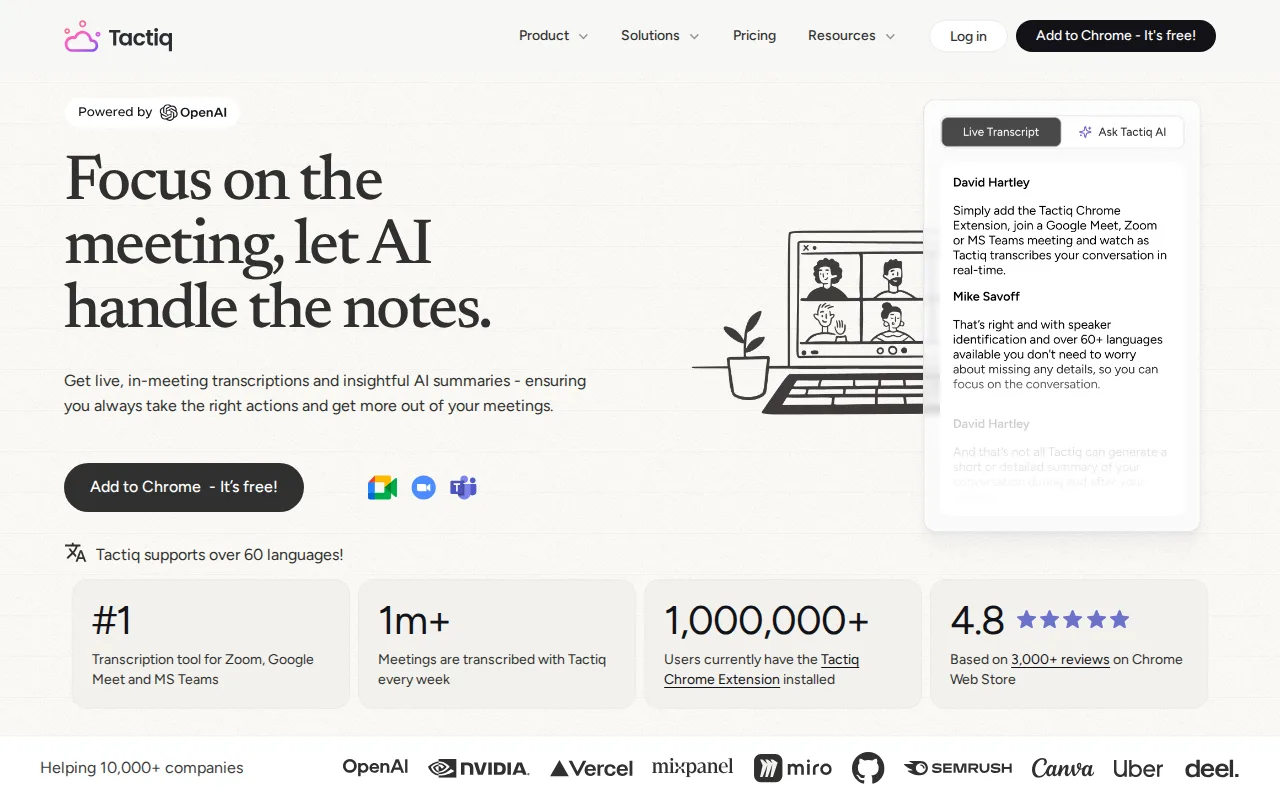
Tactiq is a YouTube Transcript IO alternative only for people whose videos are their own meetings rather than YouTube uploads. Tactiq's listing describes live transcription of Google Meet, Zoom, and Microsoft Teams calls in the browser, with no bot joining the call, and does not describe any YouTube transcript feature, so Tactiq does not replace YouTube Transcript IO for public videos. Within meetings, Tactiq covers 60+ languages, writes AI summaries, action items, and follow-up emails after each call, and pushes them into Slack, Notion, Linear, and HubSpot through its workflow builder. Tactiq runs as a Chrome extension, a web app, and a native Mac app, and lists SOC 2 Type II, ISO 27001, GDPR, and HIPAA compliance, which YouTube Transcript IO's listing does not mention. Tactiq also publishes its prices: Free with 10 transcripts and 5 AI credits a month, Pro at $8/user/month billed annually with unlimited transcripts, and Team at $16.67/user/month with unlimited AI credits. YouTube Transcript IO is the better choice for anything on YouTube and for free volume: YouTube Transcript IO's free plan covers 50 transcripts a month against Tactiq's 10, and YouTube Transcript IO offers bulk fetching and an API, while Tactiq's MCP and Claude Connector are a beta on the $29.17/user/month Business plan.
Compared to YouTube Transcript IO: live transcripts of Google Meet, Zoom, and Teams calls instead of YouTube videos, AI action items pushed to Slack, Notion, Linear, and HubSpot, and a free plan of 10 transcripts a month against 50
Wins:Transcribes live Google Meet, Zoom, and Microsoft Teams calls in 60+ languages with no bot joining · Published prices, from Pro at $8/user/month billed annually, where YouTube Transcript IO shows no dollar amounts · Native Mac app and SOC 2 Type II, ISO 27001, GDPR, and HIPAA compliance
Loses:Tactiq's listing describes no YouTube transcript feature, so Tactiq does not replace YouTube Transcript IO for YouTube videos · Free plan stops at 10 transcripts and 5 AI credits a month, against YouTube Transcript IO's 50 transcripts · No bulk fetching or API is described, and MCP access is a beta on the $29.17/user/month Business plan
Pros
- Live transcription works without a bot joining the meeting
- Supports over 60 languages
- Free tier requires no credit card and includes AI-generated insights
- AI workflow builder pushes meeting insights into Slack, Notion, Linear, and HubSpot
- SOC 2 Type II, ISO 27001, GDPR, and HIPAA compliance for enterprise buyers
Cons
- Free plan limited to 10 transcripts and 5 AI credits per month
- Unlimited AI credits only available from the Team plan at $16.67/user/month (annual billing)
- Monthly billing (non-annual) is not shown on the pricing page, making true month-to-month cost unclear
- No native Windows, iOS, or Android app listed, only a Chrome extension, web app, and native Mac app
Pricing: Free tier · paid from $8/mo — $8/user/month for Pro billed annually vs YouTube Transcript IO's paid plans, which show no dollar price (verified )
Which one is right for you?
- You regularly go past 50 transcripts a month and only need to read or copy themYouTube To Transcript
- You want a transcript translated and read it next to the playing videoYouTube To Transcript
- You are wiring YouTube transcripts into Claude, ChatGPT, or Cursor through MCPGetYouTubeTranscript
- You want to see a per-credit price before buying API accessGetYouTubeTranscript
- You turn lectures and PDFs into study notes, mind maps, and slidesNoteGPT
- Your pipeline needs transcripts for videos with captions turned off, or from TikTok and InstagramSupadata
- Your recordings are team calls on Google Meet, Zoom, or TeamsTactiq
Frequently asked questions
Is there a free alternative to YouTube Transcript IO?
- Yes — YouTube To Transcript is free with no signup and no stated limit, against YouTube Transcript IO's 50 free tokens a month, though YouTube To Transcript only copies text and has no file download. Supadata's free plan gives 100 API credits a month, and GetYouTubeTranscript allows 3 free transcripts a day without an account.
What is the closest alternative to YouTube Transcript IO?
- GetYouTubeTranscript is the closest match: both are paste-a-link web tools with AI summaries and an API for bulk transcripts. GetYouTubeTranscript publishes its prices, $5/month for 1,000 credits, and adds an MCP server, but exports TXT, SRT, and VTT without .csv.
Can YouTube To Transcript replace YouTube Transcript IO?
- Yes for reading and copying transcripts, since YouTube To Transcript is free with no stated limit, but not for files or bulk work. YouTube To Transcript has no download option, no API of its own, and no built-in AI summary.
How does YouTube Transcript IO's pricing compare with the alternatives?
- YouTube Transcript IO's paid plans cannot be compared directly, because its pricing page lists 1,000 and 3,000 tokens a month without plain-text dollar prices. The alternatives publish theirs: GetYouTubeTranscript $5/month for 1,000 credits, Supadata $5/month for 300 credits billed annually, Tactiq Pro $8/user/month billed annually, and NoteGPT Pro $9/month billed annually.
Which YouTube Transcript IO alternative works on videos without captions?
- Supadata, which falls back to AI speech-to-text when a video has no captions, at 2 credits per minute. YouTube Transcript IO, GetYouTubeTranscript, and YouTube To Transcript all read existing captions.
Is Tactiq a YouTube transcript tool?
- No, according to its listing: Tactiq transcribes live Google Meet, Zoom, and Microsoft Teams calls and describes no YouTube transcript feature. Tactiq fits this list only if the videos you need in text are your own meetings.