4 Best Free Alternatives to VistaCreate in 2026
By Noahlast updated
All 4 VistaCreate alternatives
Compared: free alternatives to VistaCreate
| Alternative | Best for | Standout | Biggest weakness | Learning curve | Price |
|---|---|---|---|---|---|
| VistaCreatereference | small business owners, freelancers, and social media managers who need quick template-based graphics without design training | Direct integration with Vista's print-on-demand service, letting a finished design be ordered as a physical printed product without leaving the editor. | Folded into the broader Vista/VistaPrint brand and now redirects through vista.com, which makes the product harder to find under its own name and puts it in the shadow of Canva, its much larger and more widely adopted direct competitor. | Low | Free tier · paid from $10/mo |
| Canva | marketers, small business owners, and social media managers who need on-brand graphics fast without hiring a designer or learning Illustrator or Photoshop | The template-first workflow combined with Magic Resize, which reformats one design across dozens of platform-specific sizes automatically. | Designs can't be exported as editable source files (no .psd or .ai export), so work started in Canva is effectively locked into Canva, and premium templates and the full content library sit behind the Pro paywall. | Low | Free tier · paid from $18/mo |
| Kittl | freelancers and small businesses producing branding, packaging, and merch designs who want AI generation tools built into a vector design editor | An 'AI Creative Suite' (image, vector, and video generation, background removal, upscaling, and vectorizing) built directly into the same canvas as manual vector editing, rather than sold as a separate tool. | The free plan carries no commercial usage rights at all, so any business use requires a paid subscription, and even the paid Pro/Expert commercial license caps out at 500,000 copies before requiring a separate Enhanced License. | Low | Free tier · paid from $14/mo |
| Adobe Express | small business owners and social media marketers who need branded templates resized across multiple platforms without a full Creative Cloud subscription | AI Assistant (beta) lets a user type an edit request and Adobe Express applies it to the design while leaving untouched layers intact, combined with built-in Firefly generative AI and direct access to Creative Cloud brand assets without leaving the app. | The free plan caps generative AI credits and gates most templates and assets behind the $9.99/month Premium tier, and brand kits — needed to keep team designs consistent — require Premium or higher, so small teams often end up paying per license through the Teams plan (2-seat minimum) just to get consistent branding. | Low | Free tier · paid from $7.99/mo |
| Fotor | individuals and small businesses who want browser-based photo editing with AI background/object removal and image generation, without a Photoshop-level learning curve | Combines traditional photo editing with generative AI tools (background removal, object removal, text-to-image via Flux/Gemini/Nano Banana models) in one browser-based editor with no watermarks even on the free plan. | AI generation credits and concurrent-generation limits are tight even on the paid Pro tier (10 concurrent generations), and the free plan's 512MB cloud storage cap is small for users who want to keep a working library of projects. | Low | Free tier · paid from $8.99/mo |
 VistaCreate
 Canva
Canva Kittl
Kittl Adobe Express
 Fotor
Fotor1.Canva — best VistaCreate alternative for marketers, small business owners, and social media managers who need on-brand graphics fast without hiring a designer or learning Illustrator or Photoshop
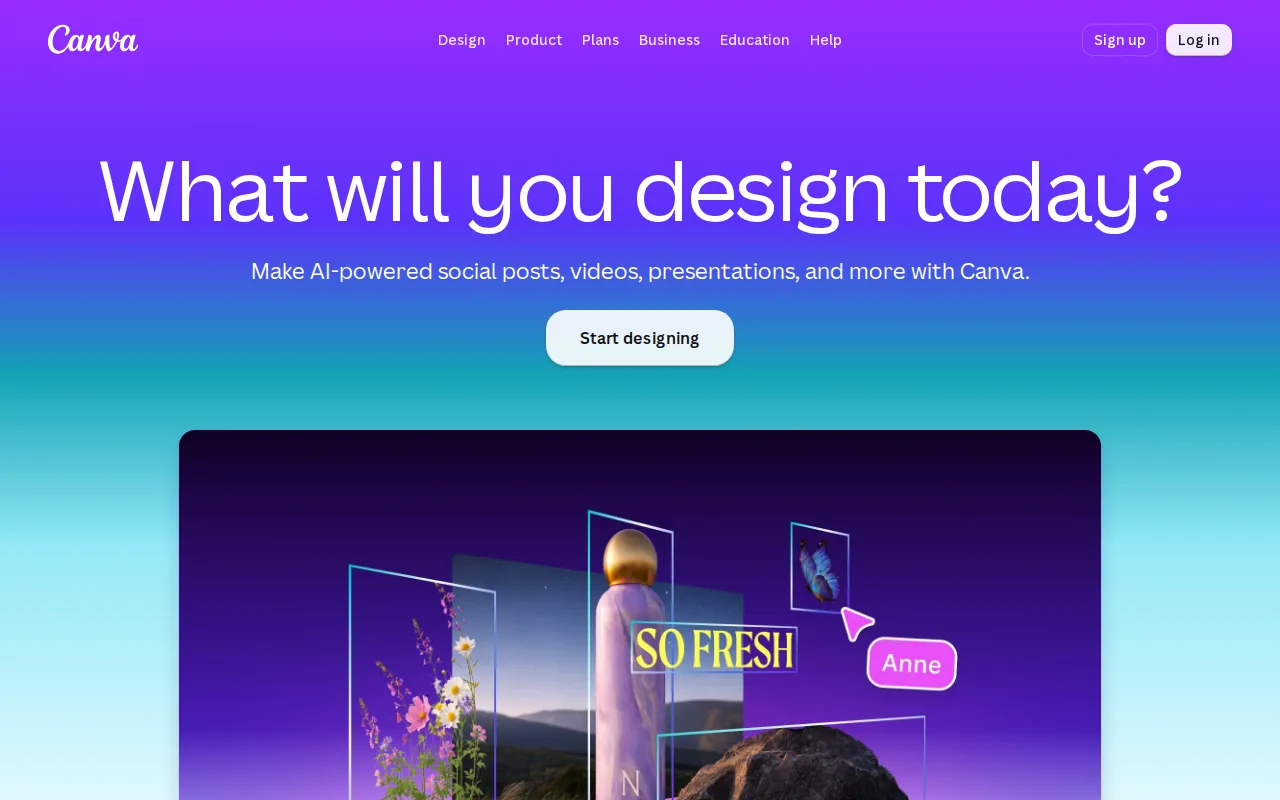
Canva is the best VistaCreate alternative for marketers, small business owners, and social media managers who want the widest possible template selection and the most third-party validation before committing. Canva's free plan includes more than 2 million templates, against VistaCreate's own Free Starter plan at 100,000-plus templates, and Canva holds a 4.7/5 rating from 13,411 Capterra reviews, far more than VistaCreate's own 439 Capterra reviews (recorded under its former Crello name) at 4.6/5. Canva Pro costs $18/month billed monthly, or about $12/month on the $144/year annual plan, both higher than VistaCreate Pro's $10/month annual price, but Canva adds Magic Resize, a background remover, and a 100GB content library at that tier. Canva also runs natively on Windows and macOS desktop apps in addition to web, iOS, and Android, one more platform pairing than VistaCreate's web, iOS, and Android coverage. VistaCreate remains the better choice for anyone who wants a cheaper Pro subscription and direct print-on-demand ordering: Canva designs can't be exported as editable .psd or .ai source files, locking work into Canva's own editor, while VistaCreate's Pro plan costs $8/month less and integrates directly with Vista's print-on-demand service to turn a finished design into a physical product without leaving the tool.
Compared to VistaCreate: 2M+ free templates vs VistaCreate's 100K+, 4.7/5 from 13,411 Capterra reviews vs VistaCreate's 4.6/5 from 439, Pro at $18/month ($12/month billed annually) vs VistaCreate's cheaper $10/month Pro plan
Wins:Free plan includes more than 2 million templates, well beyond VistaCreate's own 100,000-plus free templates · 4.7/5 rating from 13,411 Capterra reviews, a far larger sample than VistaCreate's 439 Capterra reviews (4.6/5, recorded under its former Crello name) · Native Windows and macOS desktop apps in addition to web, iOS, and Android, one more platform pairing than VistaCreate's coverage
Loses:No export to editable .psd or .ai source files, locking work into Canva's own editor, a restriction VistaCreate's listing doesn't carry · Pro plan costs $18/month billed monthly (about $12/month billed annually), more than VistaCreate Pro's flat $10/month annual price · No direct print-on-demand integration comparable to VistaCreate's built-in Vista print ordering for finished designs
Pros
- Template library and drag-and-drop editor let non-designers produce usable graphics in minutes.
- Magic Resize adapts one design to many platform-specific formats automatically.
- Business plan's brand kits and approval workflows keep team output on-brand without a design lead reviewing everything.
- Bundles docs, presentations, and a website builder alongside design, reducing the number of separate tools a small team needs.
Cons
- No export to editable source formats like .psd or .ai; designs are effectively locked to Canva's own editor.
- Most premium templates, stock assets, and AI features require the Pro or Business paid tier.
- Mobile app is noticeably more limited than the desktop/web editor.
- Some users report confusing billing transitions between the free trial and paid subscription.
Pricing: Free tier · paid from $18/mo — $18/month Pro ($12/month billed annually) vs VistaCreate's $10/month Pro plan
2.Kittl — best VistaCreate alternative for freelancers and small businesses producing branding, packaging, and merch designs who want AI generation tools built into a vector design editor
Kittl is the best VistaCreate alternative for freelancers and small businesses producing branding, packaging, and merch designs who want AI generation tools built directly into a vector editor, a combination VistaCreate's template-first workflow doesn't offer in the same way. Kittl holds a 4.8/5 rating on both Capterra (27 reviews) and Product Hunt (33 reviews), a smaller sample than VistaCreate's own 439 Capterra reviews at 4.6/5 but a higher score on both platforms it's rated on. Kittl's Pro plan costs $14/month billed annually ($19/month billed monthly), close to VistaCreate Pro's $10/month, and its pricing was independently verified on-site, while VistaCreate's own pricing carries no verification timestamp. Kittl's 'AI Creative Suite' bundles image, vector, and video generation, background removal, upscaling, and vectorizing directly into the same canvas as manual editing, and its client list includes Netflix, Uber, and Pentagram. VistaCreate remains the better choice for anyone who wants full commercial rights on the free tier and a larger content library at a lower Pro price: Kittl's free plan carries no commercial usage rights at all, unlike VistaCreate's free tier, and even Kittl's paid commercial license caps out at 500,000 copies before requiring a separate Enhanced License, a limit VistaCreate's own listing doesn't mention.
Compared to VistaCreate: 4.8/5 on both Capterra (27 reviews) and Product Hunt (33 reviews) vs VistaCreate's 4.6/5 from 439 Capterra reviews, Pro at $14/month (verified on-site) close to VistaCreate's $10/month, AI Creative Suite built into the vector editor vs VistaCreate's template-first workflow
Wins:4.8/5 rating on both Capterra (27 reviews) and Product Hunt (33 reviews), a higher score than VistaCreate's 4.6/5 from 439 Capterra reviews · Pricing was independently verified on-site, while VistaCreate's own listing carries no verification timestamp · AI image, vector, and video generation, background removal, upscaling, and vectorizing are built into the same canvas as manual editing
Loses:Free plan has no commercial usage rights at all, unlike VistaCreate's free tier · Even the paid Pro/Expert commercial license caps out at 500,000 copies before a separate Enhanced License is required · Web-only with no native iOS or Android app, unlike VistaCreate which ships apps on both
Pros
- AI image, vector, and video generation tools are built into the same editor as manual design work.
- Library of more than 1 million templates, fonts, photos, and graphics.
- Real-time collaboration lets multiple users edit a project together.
- Strong review scores: 4.8/5 on both Capterra (27 reviews) and Product Hunt (33 reviews).
Cons
- Free plan has no commercial usage rights; any business use requires upgrading to Pro or Expert.
- Commercial license on Pro and Expert plans caps out at 500,000 copies before an Enhanced License is required.
- Web-only, with no desktop or mobile app for offline design work.
- Small review sample sizes on Capterra (27) and Product Hunt (33) relative to larger competitors like Canva.
Pricing: Free tier · paid from $14/mo — $14/month Pro (billed annually, verified on-site) vs VistaCreate's $10/month Pro plan (unverified) (verified undefined NaN, NaN)
3.Adobe Express — best VistaCreate alternative for small business owners and social media marketers who need branded templates resized across multiple platforms without a full Creative Cloud subscription
Adobe Express is listed as a VistaCreate alternative here, but we have not yet published pricing or feature detail for it: the product's name and website URL (adobe.com) are on file, while tagline, description, pricing, platforms, license, ratings, and pros/cons are all unpublished. That means no honest comparison against VistaCreate's own $10/month Pro plan and 4.6/5 rating from 439 Capterra reviews can be made on price, feature depth, or user sentiment without inventing facts this listing doesn't support. What's independently verifiable is that Adobe Express is a real, active product tied to Adobe's own domain, not a placeholder or defunct listing, and it is commonly discussed alongside Canva and VistaCreate as a template-driven design tool, though that grouping comes from its inclusion in this alternative set rather than from any confirmed feature or pricing claim in our listing data. VistaCreate remains the documented, verifiable choice in this pairing: it's confirmed to offer a free Starter plan with 100,000-plus templates and 10GB storage, a $10/month Pro plan that adds the full 170 million-plus asset library, and a 4.6/5 rating from 439 Capterra reviews, facts Adobe Express's empty listing cannot currently match or refute.
Compared to VistaCreate: no pricing, platform, or rating data published yet for Adobe Express, so no verifiable feature or price comparison can be made beyond VistaCreate's own confirmed $10/month Pro plan and 4.6/5 rating from 439 Capterra reviews
Loses:No pricing, platform, or license data on file, unlike VistaCreate's fully documented $10/month Pro, free Starter, web/iOS/Android listing · No pros/cons or standout-feature data recorded, so no verifiable strength can be cited against VistaCreate's documented print-on-demand integration and 170M+ asset library
Pros
- Free tier available with no credit card required
- Combines social graphics, video editing, and basic document creation in one app instead of separate tools
- One-click resize turns a single design into versions for every social channel
- High app store ratings: 4.8/5 from 345.6K iOS reviews and 4.6/5 from 574K Android ratings
Cons
- Free plan's generative AI credits and premium asset library are limited, pushing active users toward the $9.99/mo Premium plan
- Brand kits, needed for consistent team branding, are locked to Premium and higher plans
- Teams pricing has a 2-seat minimum and rises from an introductory $4.99/mo per license to $7.99/mo per license after the first year
- Full AI image generation and Photoshop access require the pricier $19.99/mo Firefly Pro bundle rather than being included in standard Premium
Pricing: Free tier · paid from $7.99/mo (verified undefined NaN, NaN)
4.Fotor — best VistaCreate alternative for individuals and small businesses who want browser-based photo editing with AI background/object removal and image generation, without a Photoshop-level learning curve
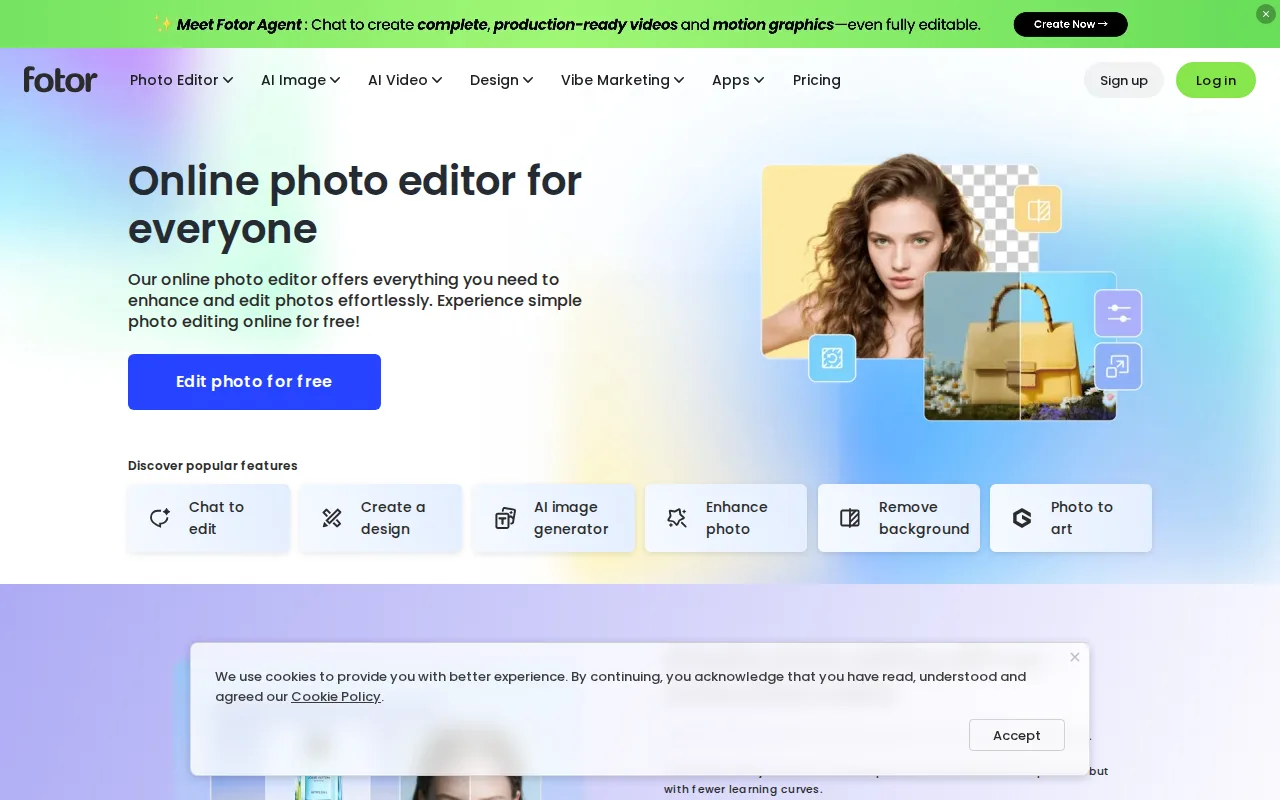
Fotor is the best VistaCreate alternative for individuals and small businesses who want browser-based photo editing with AI background and object removal built in, plus a free plan that exports without watermarks, something VistaCreate's own free tier doesn't specifically call out. Fotor's free Basic plan allows unlimited watermark-free exports, limited only by AI generation credits and a 512MB cloud storage cap, while VistaCreate's Free Starter plan offers 10GB of storage but gates its full asset library and generative AI tools behind the $10/month Pro plan. Fotor Pro costs $8.99/month ($39.99/year billed annually), undercutting VistaCreate Pro's $10/month, and Fotor Pro+ at $19.99/month ($89.99/year) adds batch editing and over 1 million stock photos. Fotor generates images using multiple AI models, including Flux, Gemini, and Nano Banana, and ships native apps for Windows, macOS, iOS, and Android, matching VistaCreate's iOS and Android coverage plus adding desktop apps. VistaCreate remains the better choice for anyone who specifically wants a template-first, ready-to-post design workflow with third-party review evidence behind it: Fotor has no external ratings on record at all, while VistaCreate holds a 4.6/5 rating from 439 Capterra reviews, and Fotor's storage caps (512MB free, 2GB on Pro) are tighter than VistaCreate's 10GB free-tier allowance.
Compared to VistaCreate: unlimited watermark-free exports on the free plan vs VistaCreate's Pro-gated full asset library, Pro at $8.99/month undercuts VistaCreate's $10/month, no external ratings on file vs VistaCreate's 4.6/5 from 439 Capterra reviews
Wins:Free plan allows unlimited watermark-free exports, unlike VistaCreate which gates its full 170M+ asset library and generative AI tools behind the $10/month Pro plan · Pro plan costs $8.99/month ($39.99/year billed annually), below VistaCreate Pro's $10/month · Generates images across multiple AI models (Flux, Gemini, Nano Banana) plus an AI Agent chat interface for guided editing
Loses:No external ratings recorded in our listing data, while VistaCreate holds a 4.6/5 rating from 439 Capterra reviews · Free-tier cloud storage caps at 512MB and Pro caps at 2GB, both tighter than VistaCreate's 10GB free-tier allowance · No direct print-on-demand integration comparable to VistaCreate's built-in Vista print ordering for finished designs
Pros
- Free plan allows unlimited exports with no watermarks, unusual among competing photo editors.
- AI background removal, object removal, and text-to-image generation built into the same editor as traditional tools.
- Native apps across web, Windows, macOS, iOS, and Android.
- Pro+ tier bundles over 1 million stock photos and multiple brand kits for teams doing recurring design work.
Cons
- Free plan caps cloud storage at 512MB and limits AI generation credits and concurrency.
- Pro tier's 10 concurrent generations and 1,000 AI Agent chats/month can feel restrictive for heavy AI users.
- AI Headshot and API/developer pricing are separate from the core Pro/Pro+ tiers, adding complexity to the pricing page.
- Less mature layer-based editing than Photoshop for users doing complex, multi-layer composites.
Pricing: Free tier · paid from $8.99/mo — $8.99/month Pro ($39.99/year annual) vs VistaCreate's $10/month Pro plan