2 Best Open-Source Alternatives to Syncthing in 2026
By Noahlast updated pricing verified
Compared: open-source alternatives to Syncthing
| Alternative | Best for | Standout | Biggest weakness | Learning curve | Price |
|---|---|---|---|---|---|
| Syncthingreference | privacy-conscious individuals and self-hosters who want continuous file sync across their own devices without routing data through a third-party cloud server | True peer-to-peer synchronization with no central server: files transfer directly between a user's own devices over an encrypted, authenticated connection, so no third party ever holds a copy. | There is no official iOS client because Apple's platform restrictions limit background sync behavior the way Syncthing's protocol needs, and setup across multiple machines requires more manual configuration (adding devices, sharing folders, handling network discovery) than a plug-and-play cloud service like Dropbox. | Moderate | Free |
| Nextcloud | organizations that want a self-hosted, data-sovereign alternative to Google Workspace or Microsoft 365 for file sync, groupware, and video conferencing | A full collaboration suite (files, Talk conferencing, groupware, LibreOffice-based document editing, workflow automation) that self-hosts as one open-source codebase instead of stitching together separate tools. | Enterprise pricing requires a 100-user minimum to get a published rate, so smaller organizations wanting official support and SLA guarantees have to contact sales rather than see a self-serve price, and self-hosting the Community edition means the organization is responsible for its own updates, backups, and server maintenance. | Moderate | Free |
| ownCloud | organizations that need full control over where their files are stored (self-hosted or EU-hosted) and want an open-source alternative to Dropbox or Google Drive for file sync and sharing | Fully self-hostable file sync and collaboration with an open-source Community edition that has no user limit, plus a rewritten Infinite Scale (oCIS) architecture for real-time collaborative editing at scale. | Paid Standard and Enterprise editions require a 25-user minimum and custom quoted pricing with no published rate card, and the transition between the legacy ownCloud 10 codebase and the newer Infinite Scale architecture means some deployments run on an older, less actively developed base. | Moderate | Free |
 Syncthing
 Nextcloud
 ownCloud
1.Nextcloud — best Syncthing alternative for organizations that want a self-hosted, data-sovereign alternative to Google Workspace or Microsoft 365 for file sync, groupware, and video conferencing
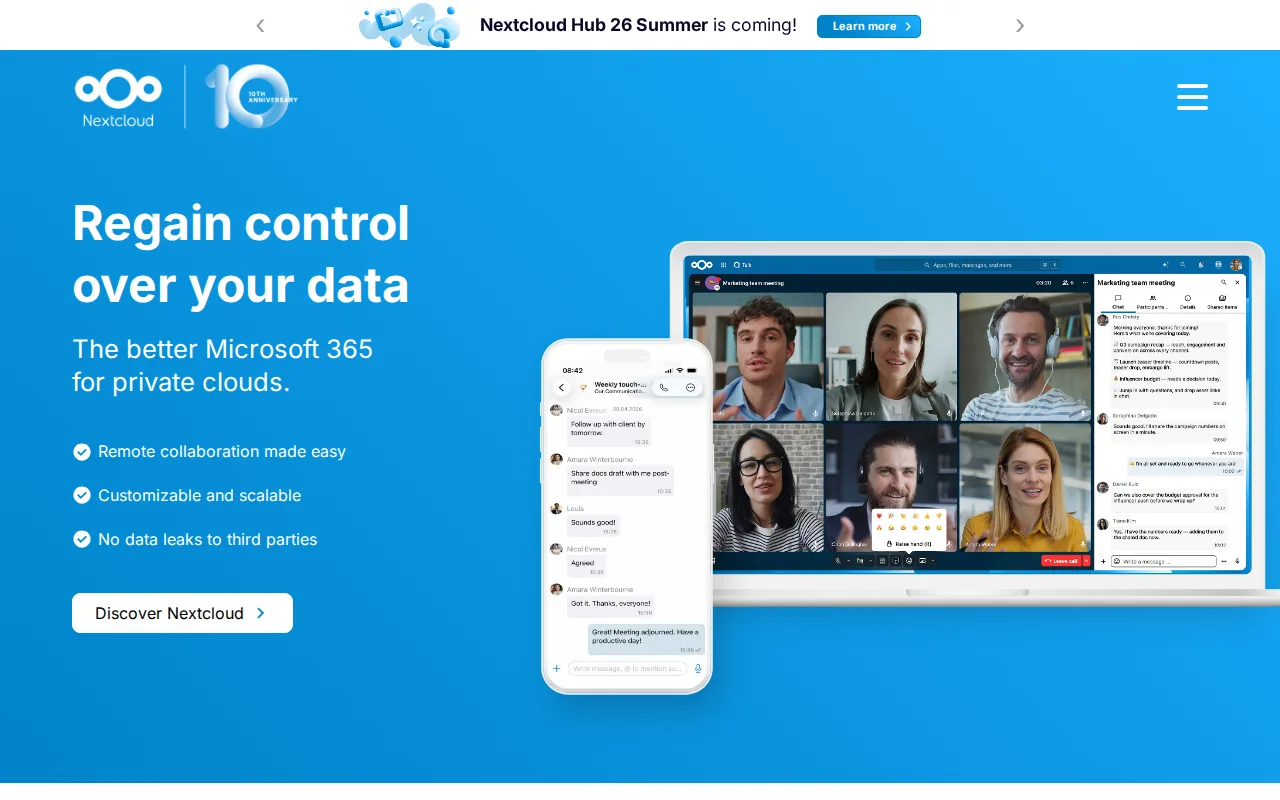
Nextcloud is the best Syncthing alternative for privacy-conscious users and organizations who want to keep full control of where their files live and are willing to run a central server rather than Syncthing's fully peer-to-peer, serverless model. Nextcloud's Community edition is free and open source under AGPL-3.0, self-hostable with no user limit, matching Syncthing's $0 price, but it bundles far more than file sync: Talk for video conferencing and chat, Calendar and Contacts groupware, and a LibreOffice-based Office app for real-time collaborative document editing, none of which Syncthing offers since Syncthing is a pure file-sync tool. Nextcloud holds a 4.6/5 rating from 443 Capterra reviews, a much larger sample than Syncthing's 5/5 from just 1 review. Paid Nextcloud enterprise tiers start around €71.29/user/year for organizations with 100 or more users that want SLA-backed support. Syncthing is still the better choice for anyone who specifically wants zero-server, direct device-to-device sync with no company able to see or store the data at any point: Nextcloud's Community edition still relies on a central server the organization must run and secure, unlike Syncthing's true peer-to-peer architecture where files transfer directly between devices with no server holding a copy.
Compared to Syncthing: full collaboration suite (Talk, groupware, document editing) vs pure file sync only, both free and open source but Nextcloud requires running a central server, 443 Capterra reviews vs Syncthing's single review
Wins:Bundles Talk video conferencing, groupware, and LibreOffice-based document editing alongside file sync, none of which Syncthing offers · 4.6/5 rating from 443 Capterra reviews, a far larger sample than Syncthing's 5/5 from just 1 review · Native apps across web, Windows, macOS, Linux, iOS, and Android, including iOS support Syncthing lacks officially
Loses:Still relies on a central server the organization must run and secure, unlike Syncthing's true peer-to-peer architecture where no server ever holds a copy of the data · Enterprise support pricing requires a 100-user minimum, with no published self-serve rate for smaller teams · The larger app ecosystem adds setup and configuration complexity beyond Syncthing's single-purpose file-sync focus
Pros
- Fully open source (AGPL-3.0) and free to self-host with no user limit on the Community edition.
- Bundles file sync, video conferencing, groupware, and document editing into one connected suite.
- Scales from a single Raspberry Pi to distributed installations serving tens of millions of users.
- Native apps across web, Windows, macOS, Linux, iOS, and Android.
Cons
- Enterprise support pricing starts at a 100-user minimum, with no published self-serve rate for smaller teams.
- Self-hosting the Community edition puts the burden of updates, backups, and uptime on the organization's own IT staff.
- Performance and app ecosystem depend heavily on the hosting hardware and configuration, unlike a fully managed SaaS suite.
- The large number of optional apps can make initial setup and configuration more complex than a single-purpose file-sync tool.
Pricing: Free — Free Community edition (self-hosted, no user limit), or enterprise tiers from €71.29/user/year (100+ users) vs Syncthing's entirely free, no-tier model (verified undefined NaN, NaN)
2.ownCloud — best Syncthing alternative for organizations that need full control over where their files are stored (self-hosted or EU-hosted) and want an open-source alternative to Dropbox or Google Drive for file sync and sharing
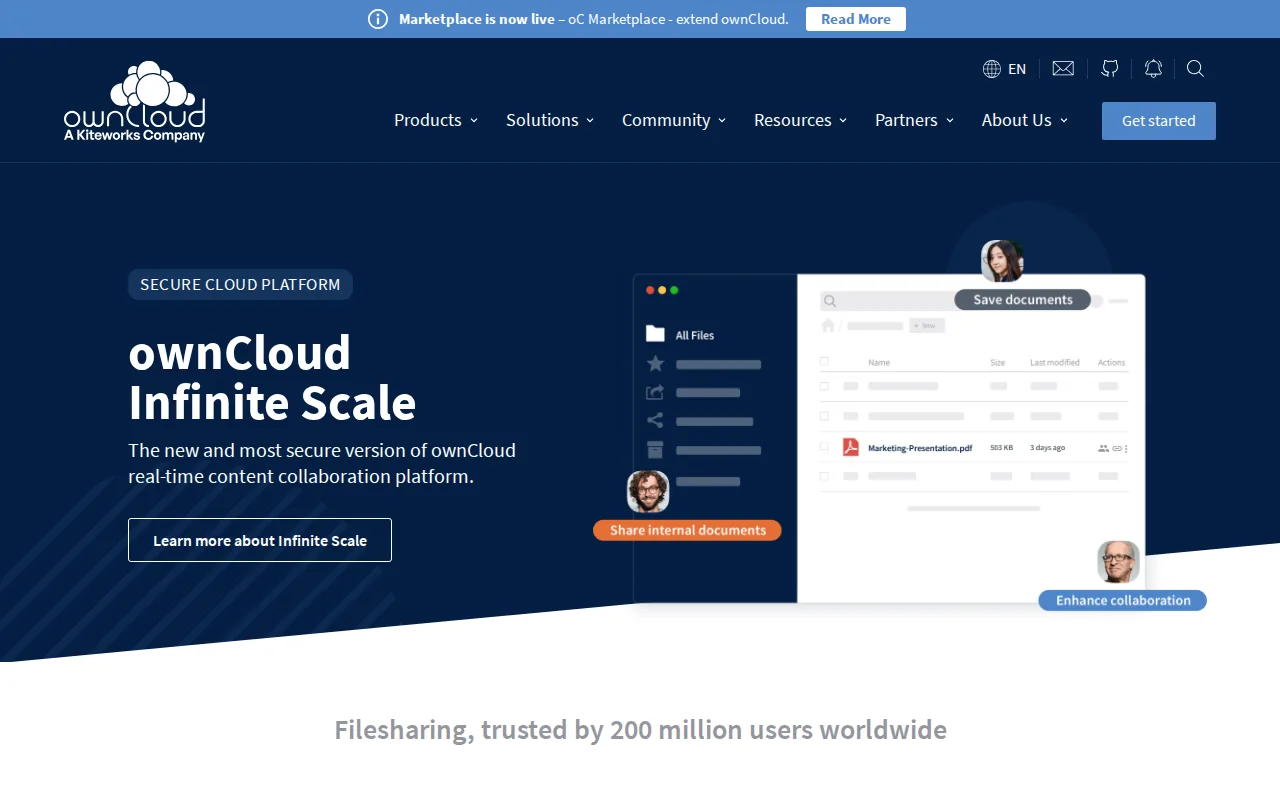
ownCloud is the best Syncthing alternative for organizations that want a self-hosted or EU-hosted file sync platform with no user limit on the free tier, an option closer to Syncthing's own commitment to keeping data under the user's control. ownCloud's Community edition is free, open source, and self-hostable with unlimited users, matching Syncthing's $0 price, and its ownCloud.online option offers Germany-hosted managed SaaS for teams that don't want to run their own servers, with volume pricing starting around €1.85/user/year for large deployments. ownCloud holds a 4.3/5 rating from 60 Capterra reviews, a larger sample than Syncthing's 5/5 from just 1 review. Paid Standard and Enterprise editions require a 25-user minimum and custom-quoted pricing rather than a published self-serve rate. Syncthing is still the better choice for individuals who want the simplest possible privacy model: ownCloud's Community edition still routes files through a central server the organization must maintain and secure, while Syncthing transfers files directly between a user's own devices with no server, self-hosted or otherwise, ever holding a copy.
Compared to Syncthing: free, unlimited-user self-hosting plus a Germany-hosted SaaS option vs Syncthing's device-only peer-to-peer model, 60 Capterra reviews vs 1, but still relies on a central server
Wins:Community edition is free, open source, and self-hostable with no user limit, plus a managed Germany-hosted SaaS option (ownCloud.online) for teams that don't want to self-host · 4.3/5 rating from 60 Capterra reviews, a larger sample than Syncthing's 5/5 from just 1 review · Native apps across web, Windows, macOS, Linux, iOS, and Android, including iOS support Syncthing lacks officially
Loses:Still routes files through a central server the organization must maintain and secure, unlike Syncthing's fully serverless, direct device-to-device architecture · Paid Standard and Enterprise editions require a 25-user minimum and custom-quoted pricing with no published rate card · Two parallel architectures (legacy ownCloud 10 and newer Infinite Scale) can make choosing a deployment path more confusing than Syncthing's single, stable codebase
Pros
- Community edition is free, open source, and self-hostable with no user limit.
- Full desktop and mobile client coverage: Windows, macOS, Linux, iOS, and Android.
- ownCloud.online offers Germany-hosted SaaS for teams that don't want to self-host.
- Infinite Scale (oCIS) architecture supports real-time collaborative document editing.
Cons
- Standard and Enterprise pricing is not published; both require a 25-user minimum and a sales quote.
- Support on the free Community edition is limited to community forums, with no SLA.
- Two parallel architectures (legacy ownCloud 10 and newer Infinite Scale) can make choosing a deployment path confusing.
- Self-hosting requires ongoing server maintenance and security patching that a fully managed cloud service doesn't.
Pricing: Free — Free Community edition (self-hosted, unlimited users), or ownCloud.online from ~€1.85/user/year (large deployments) vs Syncthing's entirely free, no-tier model (verified undefined NaN, NaN)