1 Best Open-Source Alternatives to Procreate in 2026
By Noahlast updated pricing verified
Of the 2 Procreate alternatives we track, 1 is open-source: Krita. Each entry below keeps its full comparison from the main list.
Compared: open-source alternatives to Procreate
| Alternative | Best for | Standout | Biggest weakness | Learning curve | Price |
|---|---|---|---|---|---|
| Procreatereference | professional and hobbyist digital artists working on iPad who want a one-time-purchase alternative to subscription tools like Photoshop or Fresco | A $12.99 one-time purchase that includes every future update with no subscription, paired with a physically-simulated brush engine and over 200 customizable brushes. | Procreate runs only on iPad and iPhone; there is no Windows, macOS, Android, or web version, and the app has no built-in cloud sync or real-time multi-user collaboration. | Moderate | From $5.99 one-time |
| Krita | digital painters, comic artists, and concept artists who want a full-featured, no-cost illustration tool with a brush engine built specifically for freehand painting rather than photo editing | A brush engine and canvas toolset (rotation, mirroring, stabilizers, wraparound mode) purpose-built for freehand digital painting, on par with paid tools like Clip Studio Paint, at zero cost. | Krita is focused on painting and illustration, not photo editing or precise vector/print production work, so it lacks the CMYK color management, RAW photo support, and print-ready export tooling found in Photoshop or Affinity Photo. | Moderate | Free |
 Procreate
 Krita
Krita1.Krita — best Procreate alternative for digital painters, comic artists, and concept artists who want a full-featured, no-cost illustration tool with a brush engine built specifically for freehand painting rather than photo editing
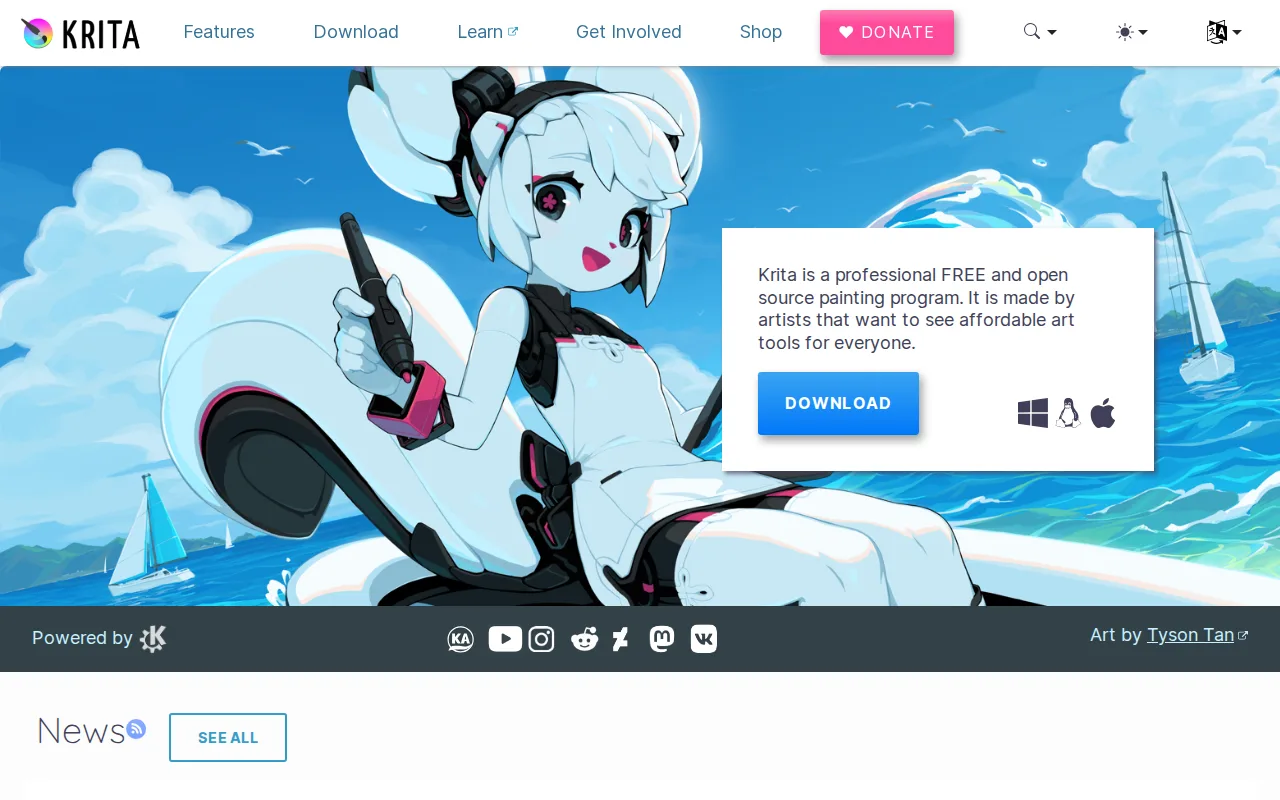
Free, open-source digital painting software available on Windows, macOS, and Linux for artists who want Procreate-like brush engines without buying an iPad.
Pros
- Completely free with no feature paywall, unlike most professional-grade painting software.
- Brush engine and stabilizers are purpose-built for freehand illustration and comic work.
- Open-source (GPL-3.0) with an active community and regular release cadence.
- Built-in animation timeline supports basic frame-by-frame animation without a separate tool.
Cons
- Not designed for photo editing or retouching; lacks RAW support and CMYK color management for print work.
- Smaller plugin and brush-marketplace ecosystem than Photoshop or Clip Studio Paint.
- No official mobile app for iOS/Android, unlike Procreate or Clip Studio Paint.
- Some advanced features (vector tools, text handling) are less polished than in dedicated design software.
Pricing: Free (verified undefined NaN, NaN)