1 Best Open-Source Alternatives to Notepad++ in 2026
By Noahlast updated pricing verified
Compared: open-source alternatives to Notepad++
| Alternative | Best for | Standout | Biggest weakness | Learning curve | Price |
|---|---|---|---|---|---|
| Notepad++reference | Windows users who want a fast, lightweight text/code editor for quick edits, log files, and scripting, without the overhead of a full IDE | Extremely low CPU and memory footprint compared to full IDEs, thanks to its Scintilla-based C++ core, while still supporting syntax highlighting for dozens of languages and a plugin ecosystem. | Windows-only with no official macOS or Linux build, and it lacks the language-server-based autocomplete, integrated terminal, and built-in Git integration that editors like VS Code provide out of the box. | Low | Free |
| Neovim | developers who already use Vim's modal editing and want built-in LSP, Tree-sitter, and Lua scripting without relying on third-party Vim plugins to add them | A built-in LSP client and native Tree-sitter integration ship in the core editor, so modern code intelligence and accurate syntax parsing don't require assembling and maintaining a plugin stack. | The learning curve is steep for anyone not already comfortable with Vim's modal, keyboard-driven editing model, and a productive setup still typically requires configuring a plugin ecosystem (completion, file trees, fuzzy finders) since the out-of-the-box experience is minimal by design. | Steep | Free |
 Notepad++
 Neovim
1.Neovim — best Notepad++ alternative for developers who already use Vim's modal editing and want built-in LSP, Tree-sitter, and Lua scripting without relying on third-party Vim plugins to add them
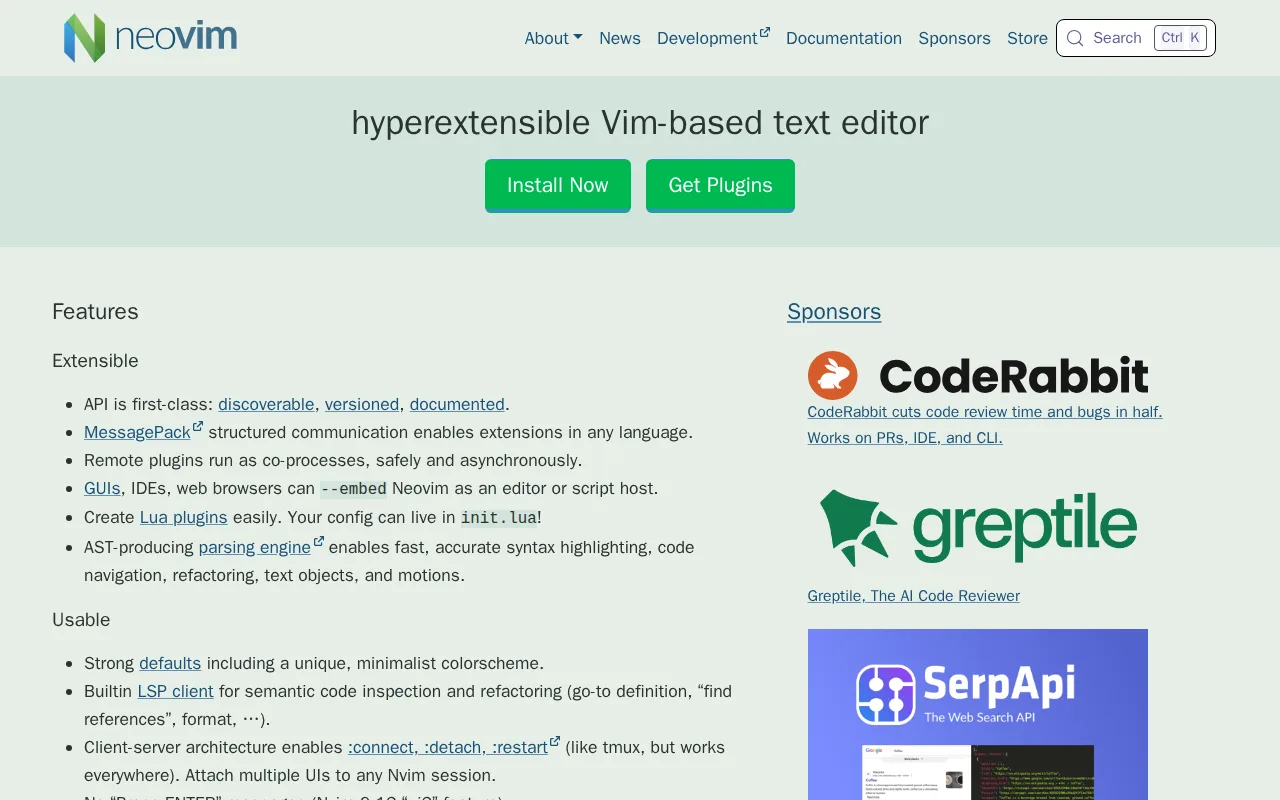
Neovim is the best Notepad++ alternative for developers who already know Vim's modal, keyboard-driven editing and want built-in LSP support and Tree-sitter parsing, rather than Notepad++'s point-and-click, mouse-friendly interface. Like Notepad++, Neovim is completely free with no paid tier, licensed under Apache 2.0 (versus Notepad++'s GPLv2), and it runs on Windows, macOS, and Linux, extending beyond Notepad++'s Windows-only build. Neovim holds a 5.0/5 rating from 7 Product Hunt reviews, a slightly larger sample than Notepad++'s own 5.0/5 from 2 reviews. Its built-in LSP client provides code completion, diagnostics, and go-to-definition without third-party plugins, and native Tree-sitter support gives more accurate syntax highlighting than the regex-based highlighting Notepad++ uses. Notepad++ is still the better choice for anyone who wants a genuinely low-effort, mouse-driven editor for quick log-file edits and scripting: Neovim's learning curve is steep for anyone not already comfortable with Vim's modal editing model, and its out-of-the-box experience is minimal by design, typically requiring a plugin configuration to become productive, while Notepad++ opens and edits files usefully with zero configuration.
Compared to Notepad++: a built-in LSP client and native Tree-sitter parsing ship in the core editor without third-party plugins, runs on macOS and Linux, not just Windows, learning curve is steep versus Notepad++'s low, mouse-driven model
Wins:Built-in LSP client provides code completion, diagnostics, and go-to-definition without third-party plugins, a capability Notepad++ doesn't ship natively · Native Tree-sitter support gives more accurate syntax highlighting and code navigation than Notepad++'s regex-based highlighting · Runs on macOS and Linux in addition to Windows, unlike Notepad++'s single-platform build
Loses:Steep learning curve for anyone not already familiar with Vim's modal editing and keybindings, versus Notepad++'s low, mouse-driven learning curve · Minimal out-of-the-box experience; a productive setup usually requires assembling and maintaining a plugin configuration, unlike Notepad++'s useful zero-configuration default · No official GUI beyond the terminal, while Notepad++ is a native Windows GUI application from first launch
Pros
- Built-in LSP client provides code completion, diagnostics, and go-to-definition without third-party plugins.
- Native Tree-sitter support gives more accurate syntax highlighting and code navigation than regex-based highlighting.
- Lua scripting and configuration alongside traditional Vimscript, with a large modern plugin ecosystem built around it.
- Completely free with no paid tier, and compatible with most existing Vim 8.x plugins.
Cons
- Steep learning curve for anyone not already familiar with Vim's modal editing and keybindings.
- Minimal out-of-the-box experience; a productive setup usually requires assembling and maintaining a plugin configuration.
- No official GUI beyond the terminal; graphical front-ends are separate community projects with varying maturity.
- Configuration in Lua (or Vimscript) has a real learning investment compared to GUI-based settings in editors like VS Code.
Pricing: Free — Both are entirely free with no paid tier (verified undefined NaN, NaN)