1 Best Open-Source Alternatives to MediBang Paint in 2026
By Noahlast updated
All 4 MediBang Paint alternatives
Compared: open-source alternatives to MediBang Paint
| Alternative | Best for | Standout | Biggest weakness | Learning curve | Price |
|---|---|---|---|---|---|
| MediBang Paintreference | manga and comic artists who want free screentones and brushes plus multi-artist Group Project collaboration across Windows, Mac, iPad, iPhone, and Android | Group Project collaboration lets separate artists work on story, drafts, line art, and screentones inside one shared file instead of emailing large PSDs back and forth. | MediBang Paint's brush engine, layer effects, and page/panel management are less advanced than Clip Studio Paint, the paid industry standard for manga production, and free cloud storage for cross-device sync and Group Project files is limited before it pushes heavier users toward a paid MediBang Premium subscription. | Moderate | Pricing not verified |
| Krita | digital painters, comic artists, and concept artists who want a full-featured, no-cost illustration tool with a brush engine built specifically for freehand painting rather than photo editing | A brush engine and canvas toolset (rotation, mirroring, stabilizers, wraparound mode) purpose-built for freehand digital painting, on par with paid tools like Clip Studio Paint, at zero cost. | Krita is focused on painting and illustration, not photo editing or precise vector/print production work, so it lacks the CMYK color management, RAW photo support, and print-ready export tooling found in Photoshop or Affinity Photo. | Moderate | Free |
 MediBang Paint
 Krita
Krita1.Krita — best MediBang Paint alternative for digital painters, comic artists, and concept artists who want a full-featured, no-cost illustration tool with a brush engine built specifically for freehand painting rather than photo editing
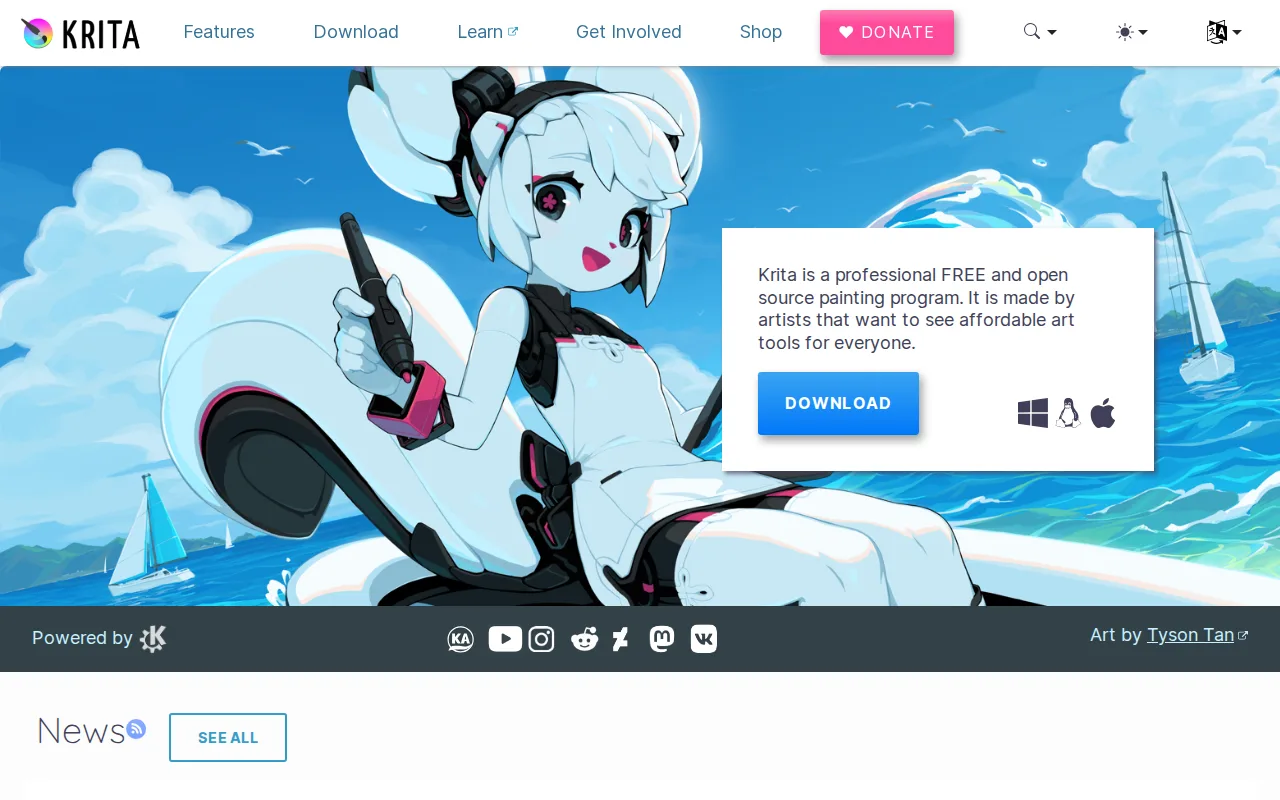
Krita is the best MediBang Paint alternative for artists who want a free painting app on Linux, or who want open-source software with no account and no paid upgrade path. Krita is released under the GPL-3.0 license by the KDE community and the nonprofit Krita Foundation, and the full application is free on Windows, macOS, and Linux with no feature restrictions; the paid copies sold on the Microsoft Store and Steam fund development and add nothing the free download lacks. MediBang Paint runs on Windows, macOS, iPad, iPhone, and Android but not Linux, and Krita closes exactly that gap, shipping as the default painting app on many Linux distributions. Krita's brush engine, canvas rotation, mirror tools, and stabilizers are built for freehand illustration, and a built-in animation timeline handles frame-by-frame work without a second app. MediBang Paint is still the better choice for artists working on tablets and phones or drawing with other people: Krita has no official iOS or Android app, no one-account cross-device sync, and no equivalent to MediBang Paint's Group Project shared files. Krita's bundled resource packs cover brushes, patterns, gradients, and textures rather than the 1,000+ manga screentones MediBang Paint includes, and Krita has only a single Product Hunt review on record.
Compared to MediBang Paint: a native Linux build that MediBang Paint does not offer, GPL-3.0 open-source code with no account and no paid tier, and no iOS or Android app where MediBang Paint ships iPad, iPhone, and Android editions
Wins:Runs natively on Linux, a platform MediBang Paint does not support, and ships as the default painting app on many Linux distributions · Fully open source under GPL-3.0 with no account, no paid tier, and no cloud-storage cap, where MediBang Paint's free sync storage is limited before a MediBang Premium subscription · Built-in frame-by-frame animation timeline plus canvas rotation, mirroring, stabilizers, and wraparound mode aimed squarely at freehand painting
Loses:No official iOS or Android app, while MediBang Paint ships iPad, iPhone, and Android editions · No one-account cross-device sync and no multi-artist shared-file mode like MediBang Paint's Group Project · Bundled resource packs cover brushes, patterns, gradients, and textures rather than the 1,000+ manga screentones MediBang Paint includes, and Krita has only one Product Hunt review on record
Pros
- Completely free with no feature paywall, unlike most professional-grade painting software.
- Brush engine and stabilizers are purpose-built for freehand illustration and comic work.
- Open-source (GPL-3.0) with an active community and regular release cadence.
- Built-in animation timeline supports basic frame-by-frame animation without a separate tool.
Cons
- Not designed for photo editing or retouching; lacks RAW support and CMYK color management for print work.
- Smaller plugin and brush-marketplace ecosystem than Photoshop or Clip Studio Paint.
- No official mobile app for iOS/Android, unlike Procreate or Clip Studio Paint.
- Some advanced features (vector tools, text handling) are less polished than in dedicated design software.
Pricing: Free — $0 with no paid tier, the same price as MediBang Paint, and with no cloud-storage cap pushing users toward a premium plan (verified undefined NaN, NaN)