4 Best Free Alternatives to Kodi in 2026
By Noahlast updated pricing verified
Compared: free alternatives to Kodi
| Alternative | Best for | Standout | Biggest weakness | Learning curve | Price |
|---|---|---|---|---|---|
| Kodireference | users with an existing local or networked media library (ripped discs, downloaded files, home video) who want a customizable, remote-friendly player rather than a subscription streaming service | A fully open skinning engine and add-on ecosystem that lets users restyle the entire interface and extend functionality, run by volunteer developers with no corporate owner or paid tier. | Kodi streams nothing itself and requires the user to organize and configure their own legal media sources; its permissive add-on system has also drawn recurring piracy controversy from unofficial third-party add-ons the XBMC Foundation does not endorse, which creates reputational baggage for a project that is otherwise entirely legitimate. | Moderate | Free |
| Jellyfin | self-hosters who want to stream their own media library without paying any subscription fee or relying on a company-owned platform | There is no paid tier, premium plan, or account requirement of any kind; every feature, including live TV and DVR, is free and the project has no commercial owner. | There is no official iOS or tvOS app maintained by the core project (iOS access relies on community clients like Swiftfin), and as fully self-hosted, community-supported software, users are responsible for their own server setup, updates, and troubleshooting with no paid support option to fall back on. | Moderate | Free |
| Plex | cord-cutters and home media collectors who self-host their own movie, TV, and music library and want to stream it to any device, alongside free ad-supported content | A single app that streams a user's own self-hosted media library and free licensed movies, TV, and live channels side by side, with Plex Pass adding hardware transcoding and offline downloads. | Running Plex well requires maintaining a personal server (a NAS, PC, or dedicated box) rather than just signing up for a subscription, and several premium features (remote streaming for other users, hardware transcoding) require an additional Plex Pass or Remote Watch Pass on top of that hardware investment. | Moderate | Free tier · paid from $1.99/mo |
| Stremio | users who want one unified interface for discovering and playing content from many sources via community addons instead of switching between multiple streaming apps | An open addon ecosystem that lets the community build and install catalogs for different content sources into one unified browsing and playback interface, rather than being locked to a single content library. | Stremio itself does not host or license any content; its value depends entirely on third-party community addons, which vary in reliability, legality, and availability by region, and the iOS/iPadOS experience is reduced-functionality (web-based) rather than a full native app due to Apple's platform restrictions. | Moderate | Free |
| Emby | people who already run a home server and want hardware-accelerated transcoding, DVR, and offline mobile downloads without switching to Jellyfin or Plex | A lifetime Premiere license ($119 one-time) unlocks hardware transcoding, DVR, and offline downloads permanently instead of requiring an ongoing subscription like Plex Pass | The server software is closed-source, unlike Jellyfin (a free, fully open-source fork of the same original codebase), which is the most common reason reviewers and privacy-conscious self-hosters pick Jellyfin instead of Emby. | Moderate | Free tier · paid from $4.99/mo |
 Kodi
Kodi Jellyfin
 Plex
Plex Stremio
 Emby
Emby1.Jellyfin — best Kodi alternative for self-hosters who want to stream their own media library without paying any subscription fee or relying on a company-owned platform
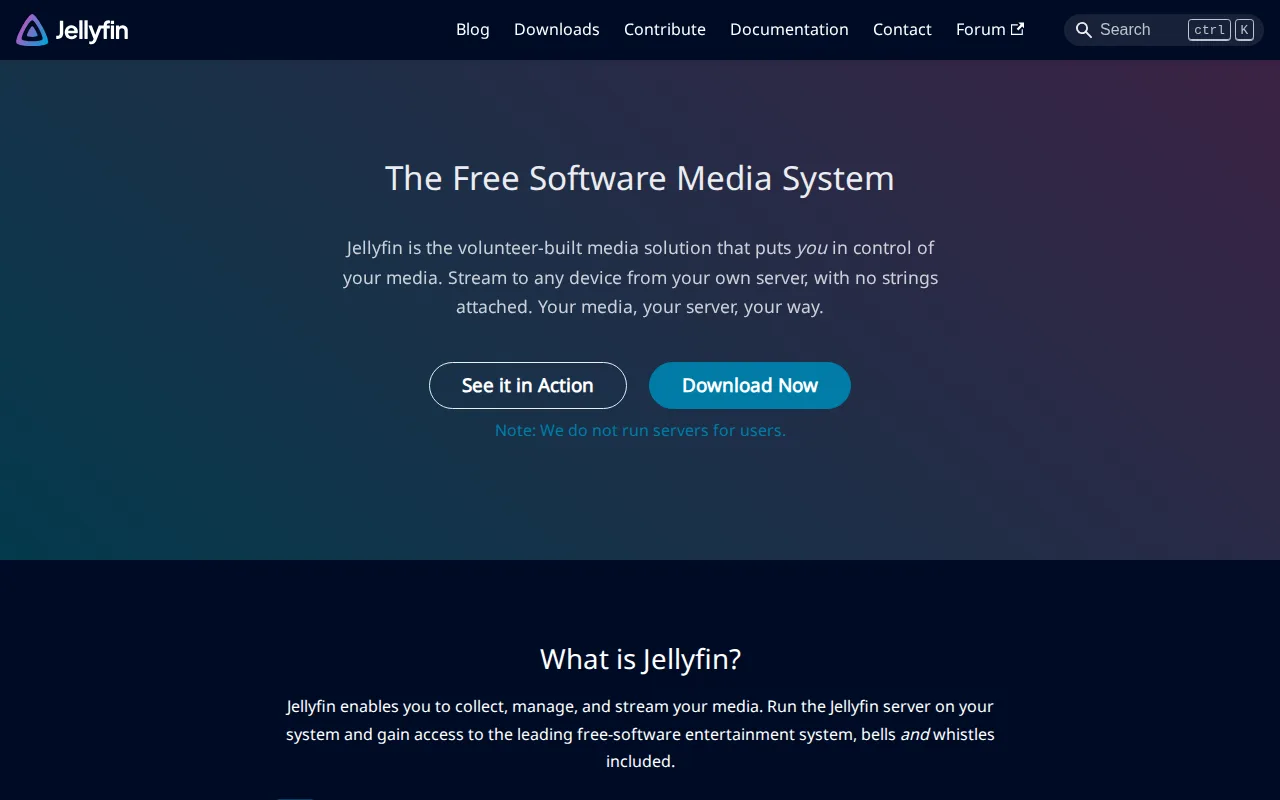
Jellyfin is the best Kodi alternative for self-hosters who want a personal streaming server rather than Kodi's local-player-and-add-on model, with zero cost at any tier. Both Jellyfin and Kodi are entirely free and open source under GPL-2.0 with no paid tier, account requirement, or corporate owner, and Jellyfin's pricing was verified on 2026-08-21, the same day as Kodi's own. Unlike Kodi, which is a local player that streams nothing itself and requires the user to configure their own media sources, Jellyfin runs as a self-hosted server that streams a personal library to client apps on other devices, including live TV with DVR recording, so it solves the multi-device access problem Kodi's single-machine model doesn't address directly. Jellyfin also runs on the same broad platform set as Kodi (web, Windows, macOS, Linux, Android, iOS) plus official Android TV support. Kodi remains the better choice for users who specifically want a customizable ten-foot interface with a full skinning engine for a single TV-connected device: Jellyfin has no official iOS or tvOS app from its core project (iOS access relies on community clients like Swiftfin), and self-hosting a Jellyfin server is a heavier setup than installing Kodi directly on one machine, with no paid support option to fall back on if something breaks.
Compared to Kodi: server-based streaming to multiple devices vs Kodi's single-machine local player, live TV and DVR support built in vs Kodi's add-on-dependent model, both fully free under GPL-2.0 with pricing verified the same day (2026-08-21)
Wins:Streams a personal library to client apps on other devices over the network, unlike Kodi's single-machine local playback model · Live TV and DVR recording are built into the core server, not dependent on third-party add-ons the way Kodi's extended functionality is · Official Android TV app alongside web, Windows, macOS, Linux, Android, and community-supported iOS clients
Loses:No official iOS or tvOS app from the core project; iOS access relies on community-maintained clients like Swiftfin · Self-hosting a server is a heavier initial setup than installing Kodi as a local application on one device · No paid support tier to fall back on, the same limitation Kodi itself carries as a volunteer-run project
Pros
- Completely free with no subscription, premium tier, or paid feature gating.
- Fully open source under GPL-2.0 with an active, transparent development community.
- No account requirement or phone-home telemetry to a third-party company.
- Supports live TV and DVR recording alongside standard on-demand media streaming.
Cons
- No official iOS/tvOS app from the core project; iOS users rely on community-maintained clients like Swiftfin.
- Self-hosting requires users to manage their own server hardware, updates, and remote-access configuration.
- No paid support tier means troubleshooting relies on community forums and documentation rather than a vendor.
- Transcoding performance depends entirely on the user's own hardware, unlike cloud-hosted competitors with managed infrastructure.
Pricing: Free — Both fully free, $0, verified 2026-08-21; no paid tier exists on either product (verified undefined NaN, NaN)
2.Plex — best Kodi alternative for cord-cutters and home media collectors who self-host their own movie, TV, and music library and want to stream it to any device, alongside free ad-supported content
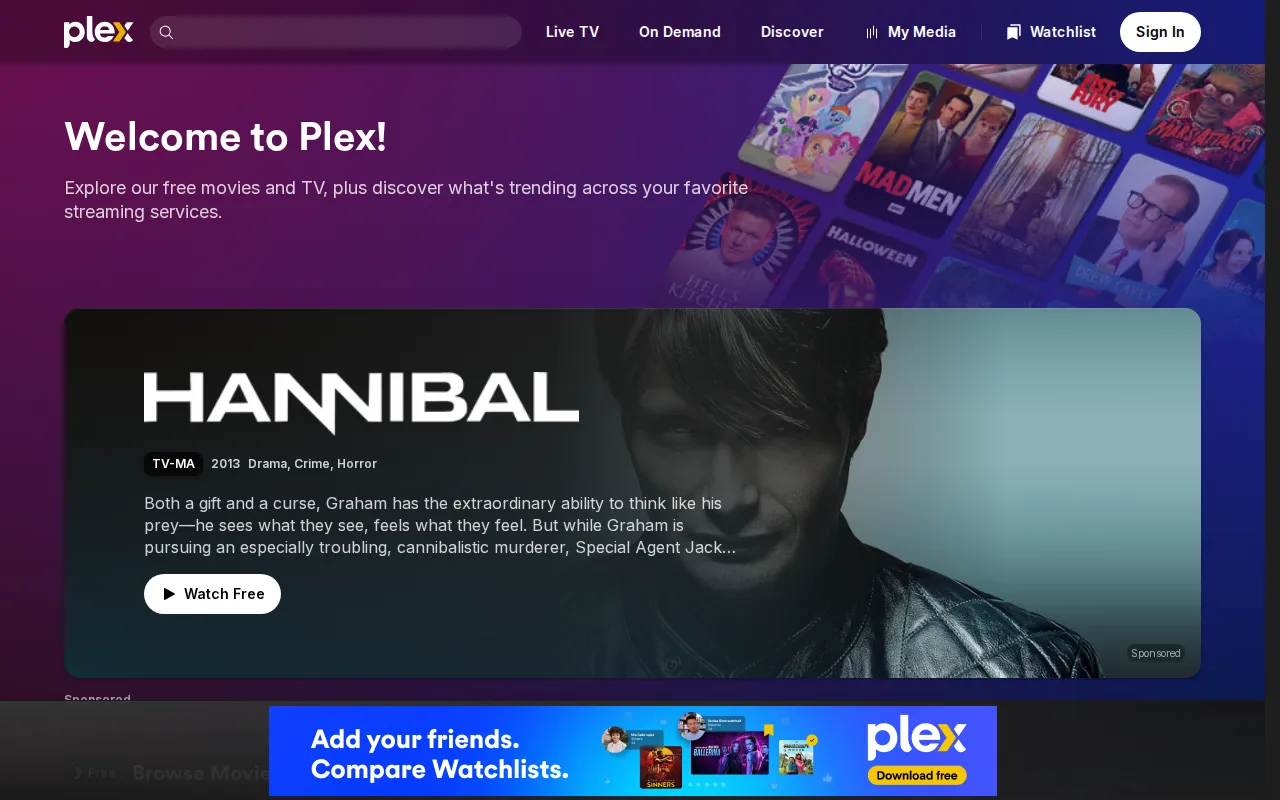
Plex is the best Kodi alternative for cord-cutters who want free ad-supported movies, TV, and live TV channels running alongside a self-hosted personal library, something Kodi's local-only player doesn't offer. Plex's free tier streams a personal library plus free licensed content and live TV at no cost, matching Kodi's own $0 price point, and Plex holds a 4.4/5 rating from 5 Product Hunt reviews, evidence Kodi itself has none of on file. Plexamp gives Plex a dedicated, well-regarded music player for the same library, and the optional Remote Watch Pass, at an introductory $1.99/month through June 1, 2026 (standard $2.99/month), adds remote streaming access for a low incremental cost rather than Kodi's need for the user to configure their own remote access. Kodi remains the better choice for users who want a fully open skinning engine and add-on ecosystem with no corporate owner at all: Plex requires maintaining server hardware just like Kodi's local setup does, but layers a freemium model on top where hardware transcoding and remote streaming for other users require an additional Plex Pass or Remote Watch Pass, costs Kodi's entirely free, volunteer-run model never introduces, and Plex's exact current Plex Pass price wasn't confirmed on its pricing page.
Compared to Kodi: free ad-supported movies, TV, and live channels alongside a personal library vs Kodi's local-only playback, 4.4/5 rating from 5 Product Hunt reviews vs Kodi's none on file, optional $1.99/month Remote Watch Pass vs Kodi's fully free remote-access-free model
Wins:Free tier includes ad-supported movies, TV shows, and live TV channels beyond just a personal library, which Kodi's local player doesn't provide · 4.4/5 rating from 5 Product Hunt reviews, evidence Kodi has none of on file · Plexamp gives a dedicated music player for the same library, alongside video
Loses:Remote streaming for other users and hardware transcoding require an additional Plex Pass or $1.99/month Remote Watch Pass, costs Kodi's fully free model never introduces · Exact current Plex Pass pricing was not displayed on the live pricing page · No fully open skinning engine or add-on ecosystem with no corporate owner, unlike Kodi's volunteer-run, fully open model
Pros
- Streams a self-hosted personal media library to phones, smart TVs, consoles, and the web from one app.
- Free tier includes ad-supported movies, TV shows, and live TV channels beyond just the personal library.
- Plexamp offers a dedicated, well-regarded music player for the same library.
- Lifetime Plex Pass option avoids an ongoing subscription for users who plan to stay long-term.
Cons
- Requires maintaining your own server hardware (NAS, PC, or dedicated device), unlike a pure streaming subscription.
- Remote streaming for anyone other than the server owner requires an extra paid pass (Remote Watch Pass or Plex Pass).
- Hardware transcoding for smooth playback on weaker devices is a Plex Pass-only feature.
- Current exact Plex Pass pricing was not displayed on the live pricing page, which reported a pricing widget load failure.
Pricing: Free tier · paid from $1.99/mo — Free tier at $0 matches Kodi; optional Remote Watch Pass from $1.99/month vs Kodi's entirely free, no-paid-tier model
3.Stremio — best Kodi alternative for users who want one unified interface for discovering and playing content from many sources via community addons instead of switching between multiple streaming apps
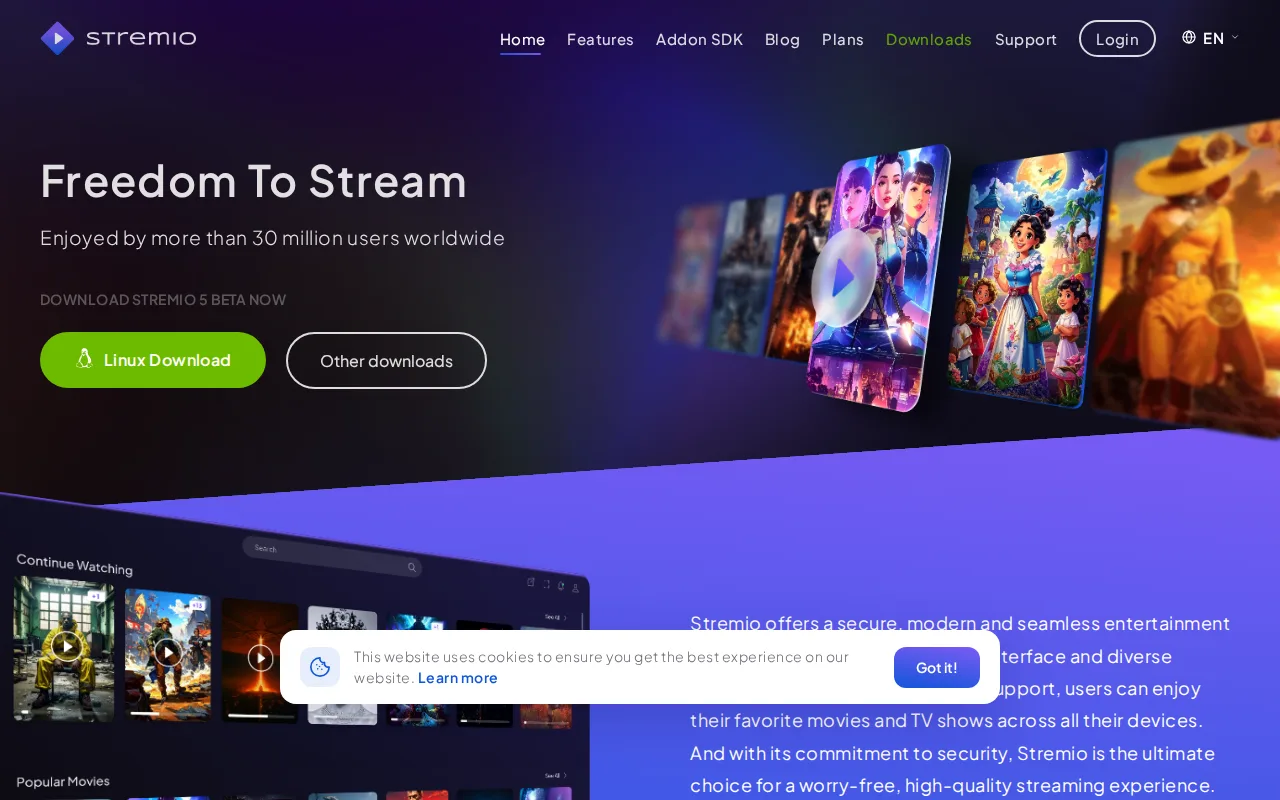
Stremio is the best Kodi alternative for users who want one unified interface for discovering and playing content from many sources via community addons, a similar model to Kodi's own add-on ecosystem but built around content discovery rather than a ten-foot local media library interface. Both Stremio and Kodi are free with no subscription required, and both are open source, though Stremio is GPL-3.0 versus Kodi's GPL-2.0. Stremio adds cross-device watch-progress sync and Guest Mode that avoids account-based data collection, features not described in Kodi's own listing. Stremio also supports HTTP links, torrent files, and magnet links for playback directly, while Kodi relies more heavily on its skinning engine and add-on system for library organization and metadata scraping rather than content aggregation itself. Kodi remains the better choice for users who specifically want a customizable ten-foot interface with a full skinning engine designed for TV remotes and their own local or networked media library: Stremio's iOS/iPadOS support is a reduced-functionality web app rather than a full native client due to Apple's platform restrictions, and its content availability and legality depend entirely on third-party community addons, which Kodi's listing flags as a similar but separately-noted piracy-controversy risk for its own unofficial add-ons.
Compared to Kodi: unified content-source aggregation via community addons vs Kodi's local library and skinning-engine focus, cross-device watch-progress sync and Guest Mode vs features not described in Kodi's listing, both free and open source (GPL-3.0 vs Kodi's GPL-2.0)
Wins:Cross-device watch-progress sync, a feature not described in Kodi's own listing · Guest Mode avoids account-based data collection, an explicit privacy feature Kodi's listing doesn't mention · Native support for HTTP links, torrent files, and magnet links for playback directly within the unified interface
Loses:iOS/iPadOS support is a reduced-functionality web app rather than a full native client, due to Apple's platform restrictions · Content availability and legality depend entirely on third-party community addons, a similar risk profile to Kodi's own unofficial add-on controversy · No dedicated ten-foot interface or skinning engine built specifically for TV-remote navigation the way Kodi's is
Pros
- Free core app with no subscription required for full addon and playback functionality.
- Unified interface for content discovery and playback across many addon-provided sources.
- Cross-device watch-progress sync and Chromecast support on desktop and mobile.
- Desktop shell and much of the codebase are open source (GPL-3.0) on GitHub.
Cons
- Content availability and legality depend entirely on third-party addons, not on Stremio itself, and quality varies widely.
- iOS/iPadOS support is a reduced-functionality web app rather than a full native client.
- No official iOS native app due to Apple platform restrictions on this kind of addon-based playback.
- Setup and addon configuration have a learning curve for users unfamiliar with the addon-based model.
Pricing: Free — Both fully free, $0, with no subscription required; Stremio's optional donation-based Supporter plan has no published price, similar to Kodi having no paid tier at all
4.Emby — best Kodi alternative for people who already run a home server and want hardware-accelerated transcoding, DVR, and offline mobile downloads without switching to Jellyfin or Plex
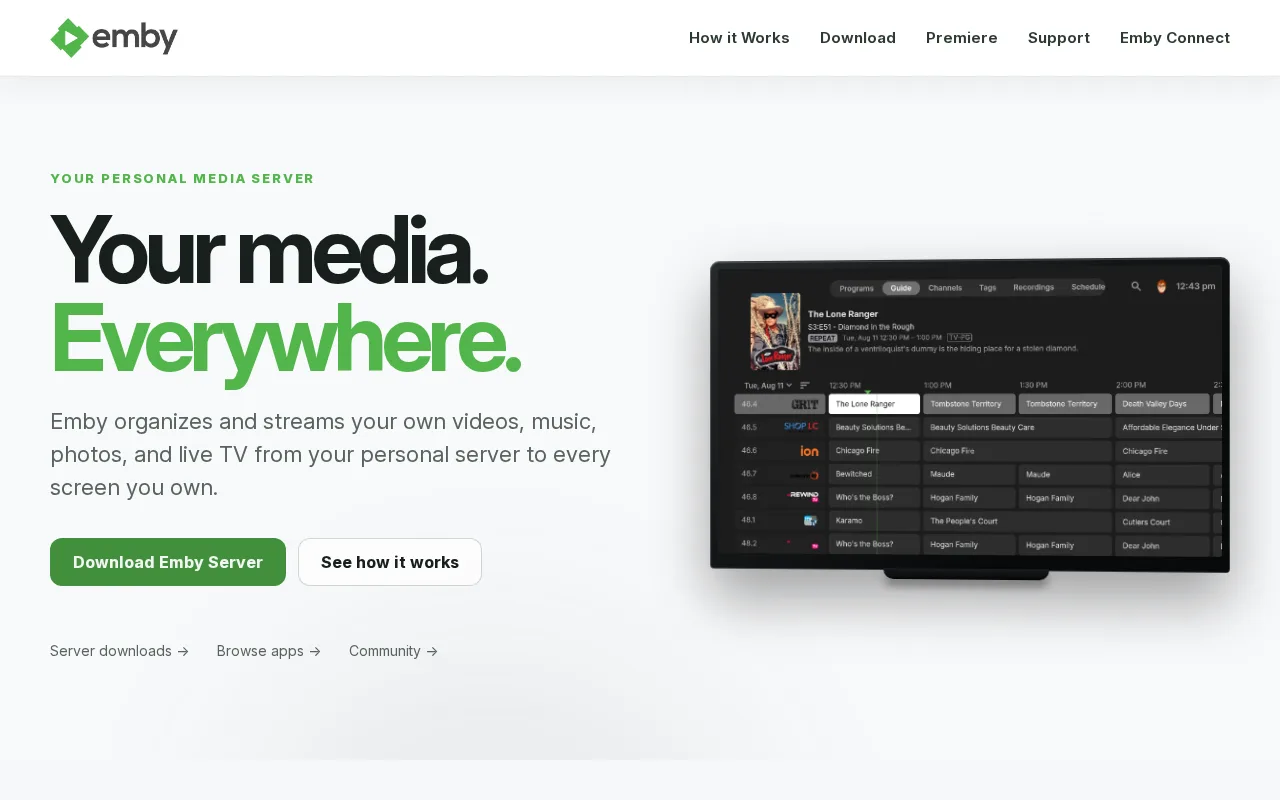
Emby is the best Kodi alternative for people who already run a home server and want hardware-accelerated transcoding, DVR, and offline mobile downloads through a one-time lifetime purchase rather than Kodi's fully feature-complete but add-on-dependent model. Emby's core server and apps are free, matching Kodi's $0 price point, and its optional Premiere subscription can be bought outright for $119 as a one-time lifetime license (or $4.99/month, $54/year) covering one household and up to 30 devices, verified on 2026-08-21, the same day as Kodi's own pricing check. Unlike Kodi, which streams nothing itself and requires the user to organize their own sources, Emby is a self-hosted server (like Jellyfin) that streams a personal library to phones, tablets, smart TVs, consoles, and streaming devices, with Premiere unlocking hardware-accelerated transcoding and DVR scheduling that Kodi's listing doesn't offer as built-in features. Kodi remains the better choice for anyone who wants a fully open, community-owned project with a complete skinning engine: Emby's server software is closed-source, unlike Kodi's GPL-2.0 codebase, and many of Emby's more useful features (offline downloads, hardware transcoding, DVR) sit behind the Premiere subscription or lifetime fee rather than being free by default the way Kodi's entire feature set is.
Compared to Kodi: self-hosted server streaming to multiple devices vs Kodi's single-machine local player, one-time $119 lifetime Premiere license vs Kodi's entirely free model, hardware-accelerated transcoding and DVR vs features not built into Kodi core
Wins:Self-hosted server streams a personal library to phones, tablets, smart TVs, consoles, and streaming devices, unlike Kodi's single-machine local playback · One-time $119 lifetime Premiere license permanently unlocks hardware transcoding, DVR, and offline downloads without an ongoing subscription · Broad client device support including Fire TV, Xbox, and PlayStation apps on the Premiere tier
Loses:Server software is closed-source, unlike Kodi's fully open GPL-2.0 codebase and community-owned project structure · Hardware transcoding, DVR, and offline downloads sit behind the Premiere subscription or lifetime fee rather than being free by default like Kodi's full feature set · No aggregate third-party rating could be confirmed for Emby, matching Kodi's own lack of external ratings on file
Pros
- Core server and streaming apps are free with no forced trial.
- Lifetime Premiere license ($119 one-time) avoids an ongoing subscription entirely.
- Hardware-accelerated transcoding and DVR scheduling are available to Premiere users.
- Broad device support: Windows, macOS, Linux server plus iOS, Android, Fire TV, Xbox, and PS4 clients.
Cons
- Server software is closed-source, unlike its direct competitor Jellyfin.
- Many of the more useful features (offline downloads, hardware transcoding, DVR) are locked behind the Premiere subscription or lifetime fee.
- Smaller and less consistently updated app ecosystem than Plex on some platforms.
- No aggregate rating could be confirmed on G2, Capterra, or Trustpilot, and Product Hunt shows zero reviews, so third-party sentiment is harder to verify than for Plex or Jellyfin.
Pricing: Free tier · paid from $4.99/mo — Core server free ($0) matches Kodi; optional Premiere from $4.99/month or $119 one-time lifetime, verified 2026-08-21, vs Kodi's entirely free, no-paid-tier model (verified undefined NaN, NaN)