2 Best Free Alternatives to Google Workspace in 2026
By Noahlast updated
All 4 Google Workspace alternatives
Compared: free alternatives to Google Workspace
| Alternative | Best for | Standout | Biggest weakness | Learning curve | Price |
|---|---|---|---|---|---|
| Google Workspacereference | businesses, schools, and startups standardizing on browser-based email and real-time collaborative documents instead of desktop Office software | Real-time multi-user editing across Docs, Sheets, and Slides with automatic saving, paired with Gemini AI writing and summarization built into every paid tier at increasing depth. | No official native Linux desktop client and more limited offline-editing depth than Microsoft 365's desktop apps; Meet participant caps and storage are hard-capped per tier, forcing upgrades for larger or heavier-usage teams. | Low | From $7/mo |
| Zoho Workplace | Small and midsize teams that want business email, office documents, chat, and video meetings from a single vendor at a lower per-seat cost than Google Workspace or Microsoft 365. | One subscription and one admin console cover email (Mail), documents (Writer, Sheet, Show), chat (Cliq), meetings (Meeting), and file storage (WorkDrive) instead of stitching together separate vendors. | Individual Zoho apps like Writer and Sheet have a smaller third-party integration ecosystem and less mature real-time co-editing and file-format fidelity than Google Docs/Sheets or Microsoft 365, which creates friction for teams with heavy Word or Excel workflows. | Moderate | Pricing not verified |
| Proton Mail | privacy-conscious individuals, journalists, and small teams who want end-to-end encrypted email with open-source, independently audited clients rather than a mainstream provider that can technically read stored mail | Zero-access encryption paired with open-source, independently audited client apps, so Proton itself cannot decrypt a Mail Plus or Unlimited inbox even under legal compulsion. | The free tier caps storage at just 1 GB and one address, and the higher-value Unlimited and Family tiers bundle VPN, Drive, and Pass features that email-only switchers may not need, pushing the effective per-mailbox cost above single-purpose providers like Fastmail. | Low | Free tier · paid from $3.99/mo |
 Google Workspace
 Zoho Workplace
 Proton Mail
1.Zoho Workplace — best Google Workspace alternative for small and midsize teams that want business email, office documents, chat, and video meetings from a single vendor at a lower per-seat cost than Google Workspace or Microsoft 365.
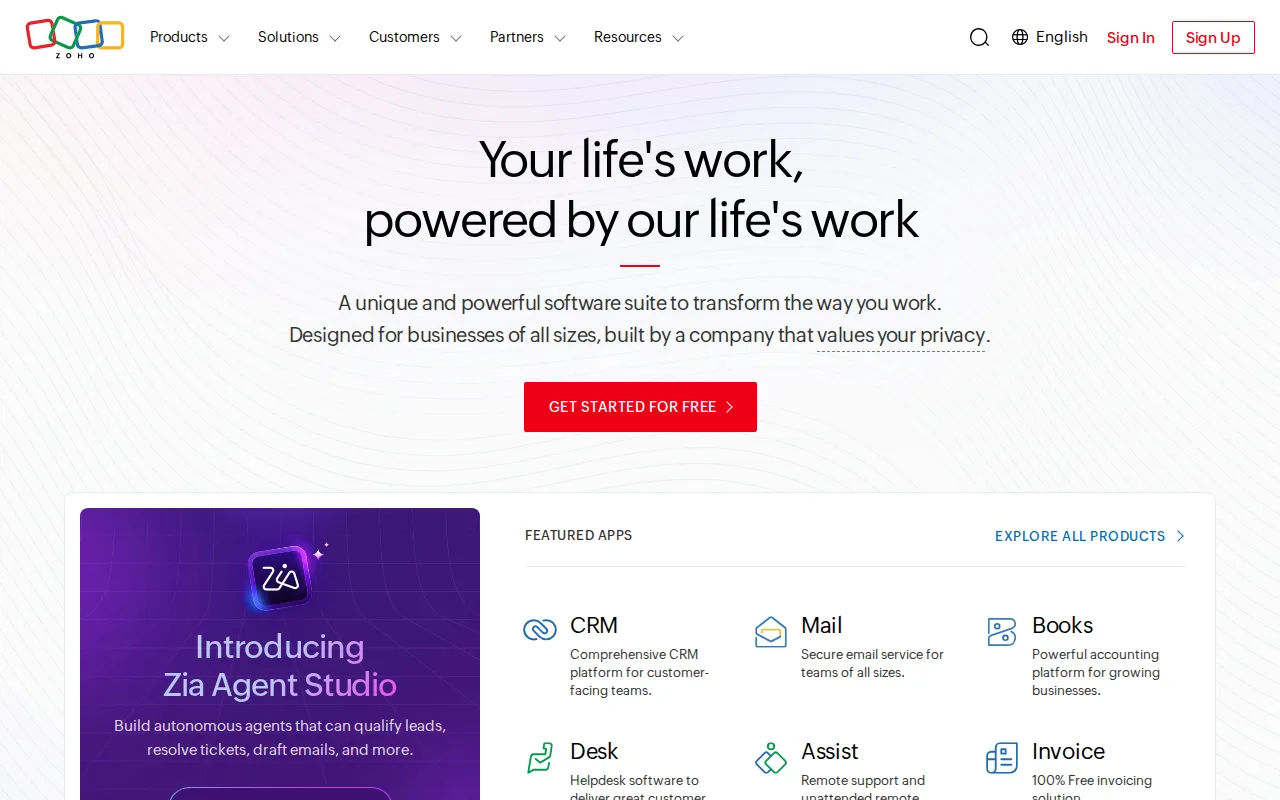
Zoho Workplace is the best Google Workspace alternative for small and midsize teams that want the whole bundle from one vendor and a free tier to start on. Where Google Workspace has no free plan and begins at $7/user/month on annual billing, Zoho Workplace offers a free tier, and one subscription covers business email (Mail), documents (Writer, Sheet, Show), team chat (Cliq), video meetings (Meeting), and file storage (WorkDrive). Zoho Corporation states it does not sell customer data and earns revenue from software license fees rather than advertising, and the suite sits inside a catalog of 55+ apps including CRM, Books, Desk, and Bigin, backed by more than 130 million users and 29 years in business. One caveat matters more than any feature here: Zoho Workplace's current pricing and storage limits could not be verified on Zoho's own site for this comparison, so there is no per-seat number to set against Workspace's published $7, $14, and $22 tiers. Confirm the figures on zoho.com before buying. Google Workspace is still the better choice for document-heavy teams. Writer, Sheet, and Show have less mature real-time co-editing and weaker file-format fidelity than Docs and Sheets for complex Word and Excel files, Zoho's third-party integration ecosystem is smaller, admins juggle several separate consoles rather than one, and Zoho Workplace has no external review rating on record against Workspace's 4.7/5 from 17,667 Capterra reviews.
Compared to Google Workspace: a free tier where Workspace has none, email, documents, chat, meetings, and storage from a single vendor positioned below Workspace at entry tiers, and pricing that could not be verified against Workspace's published $7, $14, and $22 per-user plans
Wins:Has a free tier, where Google Workspace has none and starts at $7/user/month on annual billing · One subscription covers Mail, Writer, Sheet, Show, Cliq chat, Meeting, and WorkDrive storage, and its listing positions it below Google Workspace and Microsoft 365 at entry tiers · No advertising-based business model: Zoho states it does not sell customer data and earns revenue from software license fees · Sits inside a catalog of 55+ Zoho apps (CRM, Books, Desk, Bigin) from a company with 29 years in business and 130 million+ users across its lineup
Loses:Current pricing and storage limits could not be verified on Zoho's site, so no per-seat cost can be compared against Workspace's published $7, $14, and $22 tiers · Writer, Sheet, and Show have less mature real-time co-editing and weaker file-format fidelity than Google Docs and Sheets on complex Word and Excel files · Smaller third-party integration and plugin ecosystem than Google Workspace, and admins juggle several separate consoles (Mail, WorkDrive, Cliq, Meeting) rather than one unified panel · Learning curve rated moderate against Google Workspace's low, and no external review rating on record against Workspace's 4.7/5 from 17,667 Capterra reviews
Pros
- Bundles email, docs, chat, video meetings, and cloud storage into one subscription and one admin console
- Generally priced below Google Workspace and Microsoft 365 at entry tiers
- No advertising-based business model; Zoho states it does not sell customer data
- Backed by Zoho's broader 55+ app catalog (CRM, Books, Desk, Bigin) for add-on needs
Cons
- Smaller third-party integration and plugin ecosystem than Microsoft 365 or Google Workspace
- Office document fidelity in Writer, Sheet, and Show can lag Microsoft Office for complex files
- Admins juggle several separate Zoho app consoles (Mail, WorkDrive, Cliq, Meeting) rather than one unified settings panel
- Current pricing and storage limits could not be verified on Zoho's site this session; confirm exact numbers before buying
Pricing: Pricing not verified — Zoho Workplace's current per-seat pricing and storage limits could not be verified for this comparison, so no figure can be set against Google Workspace's published $7, $14, and $22 per-user tiers; what is on record is that Zoho Workplace has a free tier and Google Workspace does not
2.Proton Mail — best Google Workspace alternative for privacy-conscious individuals, journalists, and small teams who want end-to-end encrypted email with open-source, independently audited clients rather than a mainstream provider that can technically read stored mail
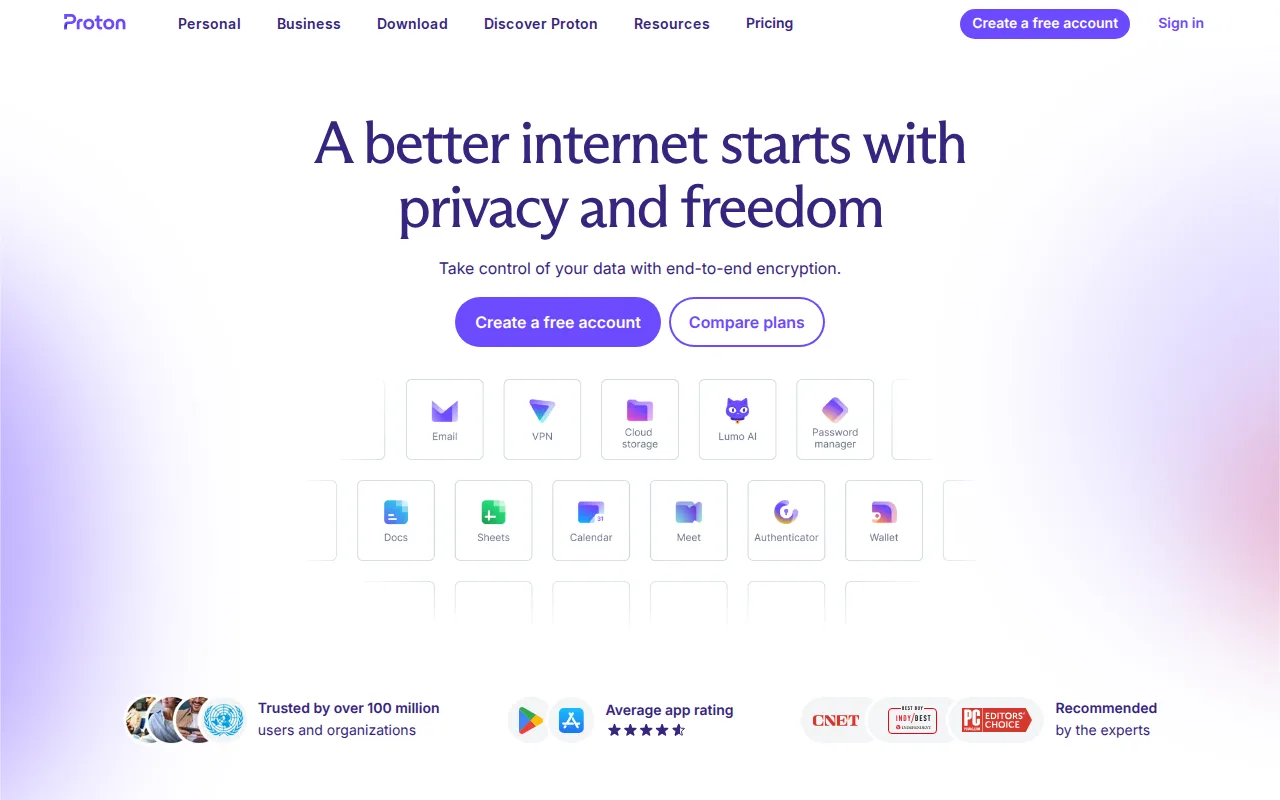
Proton Mail is the best Google Workspace alternative for people whose deciding factor is who can read the inbox. Proton Mail uses zero-access encryption, so Proton itself cannot decrypt message content on any paid plan, its client apps for web, Windows, macOS, Linux, iOS, and Android are open source and independently audited, it operates under Swiss jurisdiction outside US and EU data-sharing agreements, and signup requires no phone number. It is also cheaper than Google Workspace at the entry tier and has a free path Workspace does not: Proton Free gives 1GB (expandable to 1.5GB through onboarding tasks) and one address, and Mail Plus is $3.99/month billed annually (about $47.88/year) with 15GB, 10 hide-my-email aliases, and 1 custom domain, against Workspace Business Starter's $7/user/month. Proton Unlimited at $9.99/month annually pools 500GB across Mail, Drive, and Calendar and adds Proton VPN and Pass, and the Bridge app connects Mail Plus and above to Outlook or Apple Mail over IMAP. Proton lists a Linux client, which Google Workspace does not. Google Workspace is still the better choice for collaborative work. Proton Mail has no Docs, Sheets, Slides, or Meet equivalent and no real-time co-editing at all, Mail Plus's 15GB is half Workspace Business Starter's 30GB pooled per user, custom domain support starts at just 1 domain, and Proton holds 4.5/5 from 122 Capterra reviews against Workspace's 4.7/5 from 17,667.
Compared to Google Workspace: zero-access encryption that keeps Proton itself from reading message content, a free tier plus Mail Plus at $3.99/month billed annually against Workspace Business Starter's $7/user/month, and no Docs, Sheets, Slides, or Meet equivalent at all
Wins:Zero-access encryption means Proton cannot read message content on any paid plan, backed by open-source, independently audited clients and Swiss jurisdiction outside US and EU data-sharing agreements · Proton Free gives 1GB and one address at no cost, where Google Workspace has no free tier at all, and Mail Plus is $3.99/month billed annually against Workspace Business Starter's $7/user/month · Lists a native Linux client alongside web, Windows, macOS, iOS, and Android, covering the gap Workspace leaves with no official Linux desktop app · Proton Unlimited at $9.99/month annually pools 500GB across Mail, Drive, and Calendar and bundles Proton VPN and Pass, and no phone number is required to sign up
Loses:No Docs, Sheets, Slides, or Meet equivalent and no real-time collaborative editing, so it replaces Gmail and Calendar rather than the Workspace suite · Mail Plus includes 15GB against Google Workspace Business Starter's 30GB pooled per user, and the free tier is capped at 1GB and a single address · Custom domain support starts at just 1 domain on Mail Plus, fewer than business-focused competitors offer · Unlimited and Family bundle VPN, Drive, and Pass that email-only switchers may not need, raising the effective per-mailbox cost, and Proton holds 4.5/5 from 122 Capterra reviews against Workspace's 4.7/5 from 17,667
Pros
- Zero-access encryption means Proton cannot read message content on any paid plan.
- Open-source, independently audited client apps across web, desktop, iOS, and Android.
- No phone number required to sign up, and Swiss jurisdiction outside US/EU data-sharing agreements.
- Bridge app connects Proton Mail to standard IMAP clients like Outlook or Apple Mail on Mail Plus and up.
Cons
- Free tier is limited to 1 GB storage and a single email address.
- Higher tiers bundle VPN, Drive, and Pass, which raises the effective price for users who only want email.
- Custom domain support starts at just 1 domain on Mail Plus, fewer than some business-focused competitors.
Pricing: Free tier · paid from $3.99/mo — Free for 1GB and one address, then Mail Plus at $3.99/month billed annually ($4.99 monthly) for 15GB and 1 custom domain, vs Google Workspace Business Starter's $7/user/month annually for 30GB pooled per user