5 Best Alternatives to Google Search for Android in 2026
By Noahlast updated
All 6 Google Search alternatives
Compared: Google Search alternatives that run on Android
| Alternative | Best for | Standout | Biggest weakness | Learning curve | Price |
|---|---|---|---|---|---|
| Google Searchreference | anyone doing general web search who wants the broadest, most current index along with integrated Maps, Shopping, and AI Overviews, without paying anything | The largest and most frequently updated web index of any search engine, combined with Maps, Shopping, Flights, and AI-generated Overviews built directly into the results page. | Results pages are increasingly dominated by ads and AI Overviews above organic links, and search history is linked to a signed-in Google account for ad personalization by default unless a user opts into Incognito mode or disables activity tracking. | Low | Free |
| DuckDuckGo | privacy-conscious users who want tracker blocking and non-personalized search by default without paying, plus an optional bundle of VPN and identity protection for those who want it | Search results and ads are not built from a stored personal profile, and the browser blocks third-party trackers by default without requiring separate extensions or configuration. | Search result relevance and freshness can lag Google for niche, local, or highly current queries, since DuckDuckGo relies partly on licensed results from Bing and other sources rather than its own comprehensive index. | Low | Free tier · paid from $9.99/mo |
| Bing | users who want Microsoft's Copilot AI assistant integrated directly into search results, or who are already inside the Windows/Edge ecosystem | Copilot is built directly into the search results page, letting users ask follow-up questions and get AI-generated answers alongside traditional links without leaving Bing. | Bing holds a small fraction of Google's global search market share, so many location-specific and long-tail queries return thinner or less locally relevant results, and most publishers optimize their content for Google first. | Low | Free |
| Ecosia | privacy-conscious users who want a default search engine that funds reforestation instead of paying for search | Search-ad profits fund tree planting and climate projects directly, with Ecosia reporting over 230 million trees funded as of 2025 and publishing its financial results. | Search results are delivered through a Bing/Microsoft Advertising partnership rather than an independent index, so result quality and coverage track Bing's rather than a purpose-built search index, and Ecosia does not publish a per-query breakdown of how much of any given search funds tree planting. | Low | Free |
| Startpage | privacy-conscious users who want Google-quality search results without personalized ad tracking or search history logging | Delivers Google's own search results while stripping trackers and not storing IP addresses or search history, plus an Anonymous View proxy for opening results without revealing your identity to the destination site. | Startpage is not open source and its privacy claims cannot be independently audited the way an open-source alternative's can, and since 2019 majority ownership by adtech company System1 has drawn scrutiny from privacy advocates who question how the contextual-advertising business model is implemented behind the scenes. | Low | Free |
| Kagi | privacy-conscious individuals willing to pay for search who want ad-free, unpersonalized results and are frustrated with ad-heavy or SEO-spam-filled results from free search engines | A Fair Pricing Policy that automatically credits any month a subscriber doesn't use their plan toward the next billing cycle, unusual for a subscription product. | There is no ongoing free tier, only a one-time 100-search trial, so anyone who wants to keep using Kagi past the trial must pay at least $5/month, a real barrier compared to fully free competitors like Google, Bing, or DuckDuckGo. | Low | From $5/mo |
 Google Search
 DuckDuckGo
 Bing
Bing Ecosia
 Startpage
 Kagi
Kagi1.DuckDuckGo — best Google Search alternative for privacy-conscious users who want tracker blocking and non-personalized search by default without paying, plus an optional bundle of VPN and identity protection for those who want it
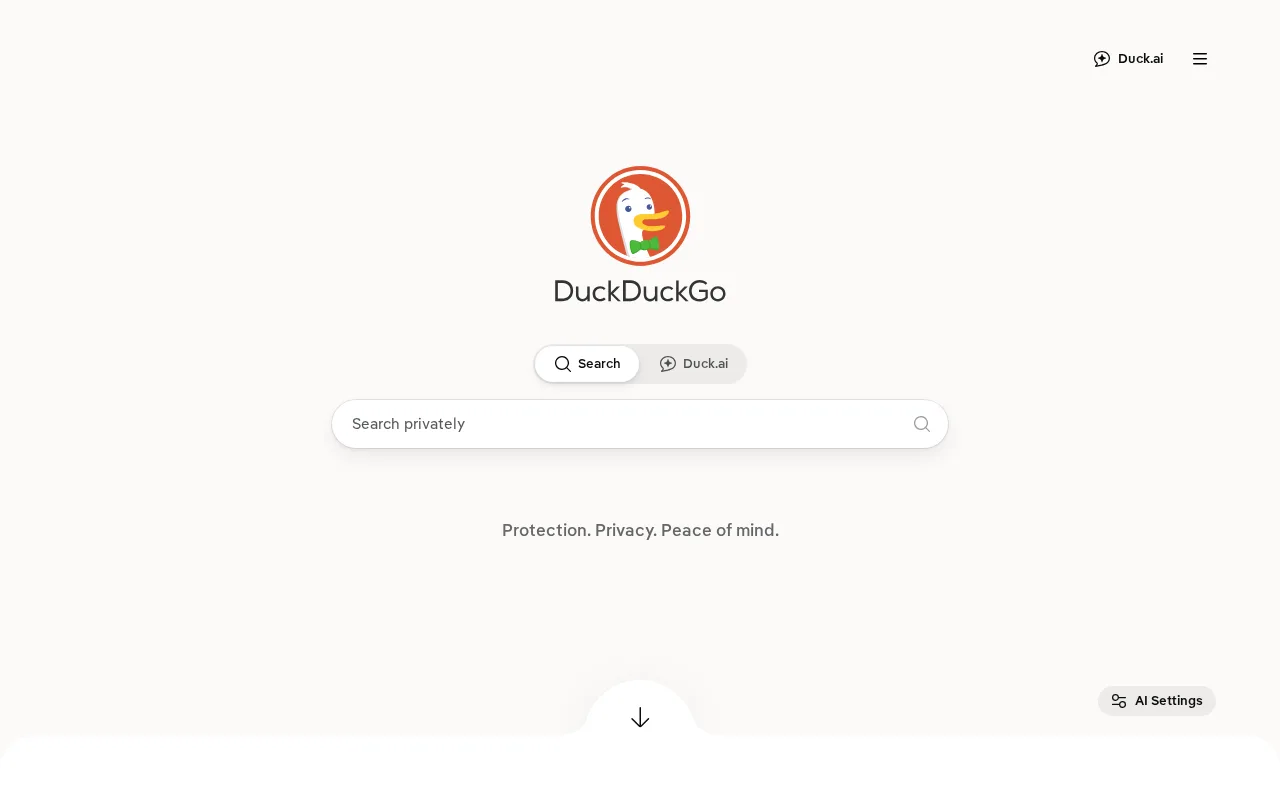
DuckDuckGo is the best Google Search alternative for privacy-conscious users who want tracker blocking and non-personalized search by default without paying anything. DuckDuckGo's core search engine and browser are free with no account required, and the browser blocks third-party trackers, cookies, and cross-site tracking scripts by default rather than requiring separate extensions. DuckDuckGo holds a 4.5/5 rating from 10 Capterra reviews, and its optional Privacy Pro subscription at $9.99/month bundles a no-logs VPN, personal information removal from 50+ data broker sites, and identity theft restoration into one subscription. Google Search is still the better choice for anyone who needs the broadest, most current index for niche, local, or fast-moving queries: DuckDuckGo relies partly on licensed results from Bing and other sources rather than its own comprehensive index, and Google Search's AI Overviews and Knowledge Graph surface direct answers that DuckDuckGo's smaller, less mature Duck.ai feature doesn't yet match.
Compared to Google Search: results and ads are not built from a stored personal profile, tracker blocking is on by default in the browser rather than an opt-in extension, an optional Privacy Pro subscription bundles VPN and identity protection into one $9.99/month plan
Wins:Search results and ads are not built from a stored personal profile, unlike Google Search's default ad-personalization · Tracker blocking is on by default in the DuckDuckGo browser, not an opt-in extension · Privacy Pro bundles a VPN, data broker removal, and identity restoration into one $9.99/month subscription instead of three separate tools
Loses:Search relevance for local, niche, or fast-moving queries can lag Google Search, since DuckDuckGo relies partly on licensed results from Bing · No equivalent to Google Search's AI Overviews or Knowledge Graph for direct on-page answers · Only 10 Capterra reviews captured, a much thinner review base than Google Search's dominant market position implies
Pros
- Core search engine and browser are free with no account or personal data required.
- Tracker blocking is on by default in the browser, not an opt-in extension.
- Privacy Pro bundles VPN, data broker removal, and identity restoration into one subscription instead of three.
- Non-personalized search avoids the filter-bubble effect of profile-based ranking.
Cons
- Search relevance for local, niche, or fast-moving queries can lag Google.
- Privacy Pro's VPN has fewer server locations than dedicated VPN providers.
- Duck.ai and other newer features are less mature than the core search product.
- Ad revenue model means search results still include contextual ads, even without tracking.
Pricing: Free tier · paid from $9.99/mo — Core search and browser free, same as Google Search; optional Privacy Pro adds $9.99/month for VPN and identity protection, a bundle Google Search doesn't offer
2.Bing — best Google Search alternative for users who want Microsoft's Copilot AI assistant integrated directly into search results, or who are already inside the Windows/Edge ecosystem
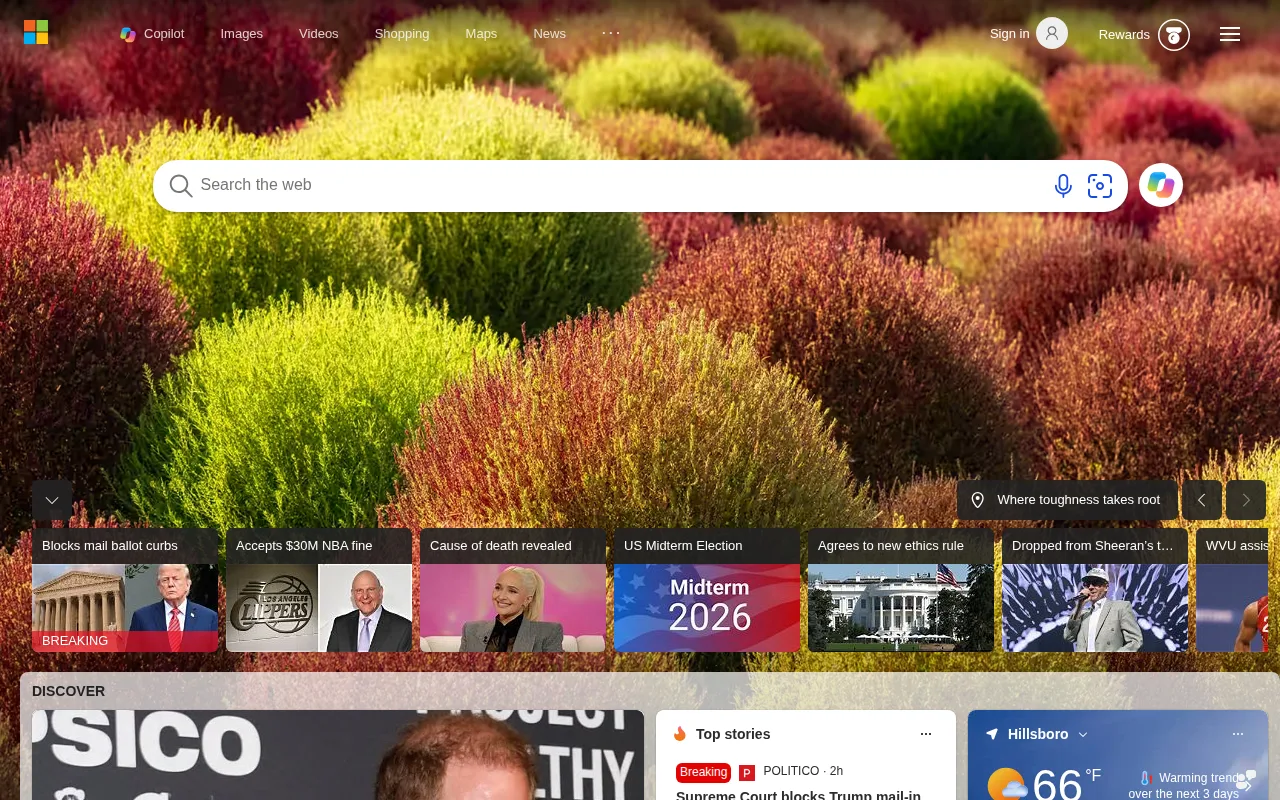
Bing is the best Google Search alternative for users who want Microsoft's Copilot AI assistant built directly into the search results page rather than a separate app or tab. Bing is free and ad-supported like Google Search, with no paid consumer tier, and Microsoft Rewards pays users points for everyday searches and Microsoft purchases, redeemable for gift cards and Xbox credit, a loyalty program Google Search doesn't offer. Bing is the default search provider across Windows, Microsoft Edge, and Microsoft 365 Copilot, so it needs no setup for users already in that ecosystem. Google Search is still the better choice for anyone who wants the broadest, most current web index: Bing holds a small fraction of Google's global search market share, so hyper-local and long-tail queries tend to return thinner results, and most publishers still optimize their content for Google first, which can affect result freshness and depth on Bing.
Compared to Google Search: Copilot AI assistant built directly into the results page, Microsoft Rewards pays points for everyday searches redeemable for gift cards and Xbox credit, default integration across Windows and Microsoft Edge with no setup
Wins:Copilot AI assistant is built directly into the search results page, letting users ask follow-up questions without leaving Bing · Microsoft Rewards pays points for everyday searches and purchases, redeemable for gift cards and Xbox credit, a program Google Search doesn't have · Default search engine in Windows and Microsoft Edge, requiring no setup for users already in that ecosystem
Loses:Holds a small fraction of Google Search's global market share, so hyper-local and long-tail queries return thinner results · Most publishers and SEO practices optimize for Google first, which can affect result freshness and depth on Bing · No external rating captured to compare against Google Search's dominant usage
Pros
- Copilot AI assistant is built into the search results page, not a separate app.
- Microsoft Rewards pays points for everyday searches, redeemable for gift cards and Xbox credit.
- Default search engine in Windows and Microsoft Edge, so no setup is required for Microsoft users.
- Free with no paid tier or account required to search.
Cons
- Small global market share compared to Google means thinner results for hyper-local and long-tail queries.
- Most publishers and SEO practices optimize for Google first, which can affect result freshness and depth on Bing.
- Ad-supported results include sponsored placements mixed with organic results.
Pricing: Free — Free and ad-supported, the same pricing model as Google Search — neither offers a paid consumer tier
3.Ecosia — best Google Search alternative for privacy-conscious users who want a default search engine that funds reforestation instead of paying for search
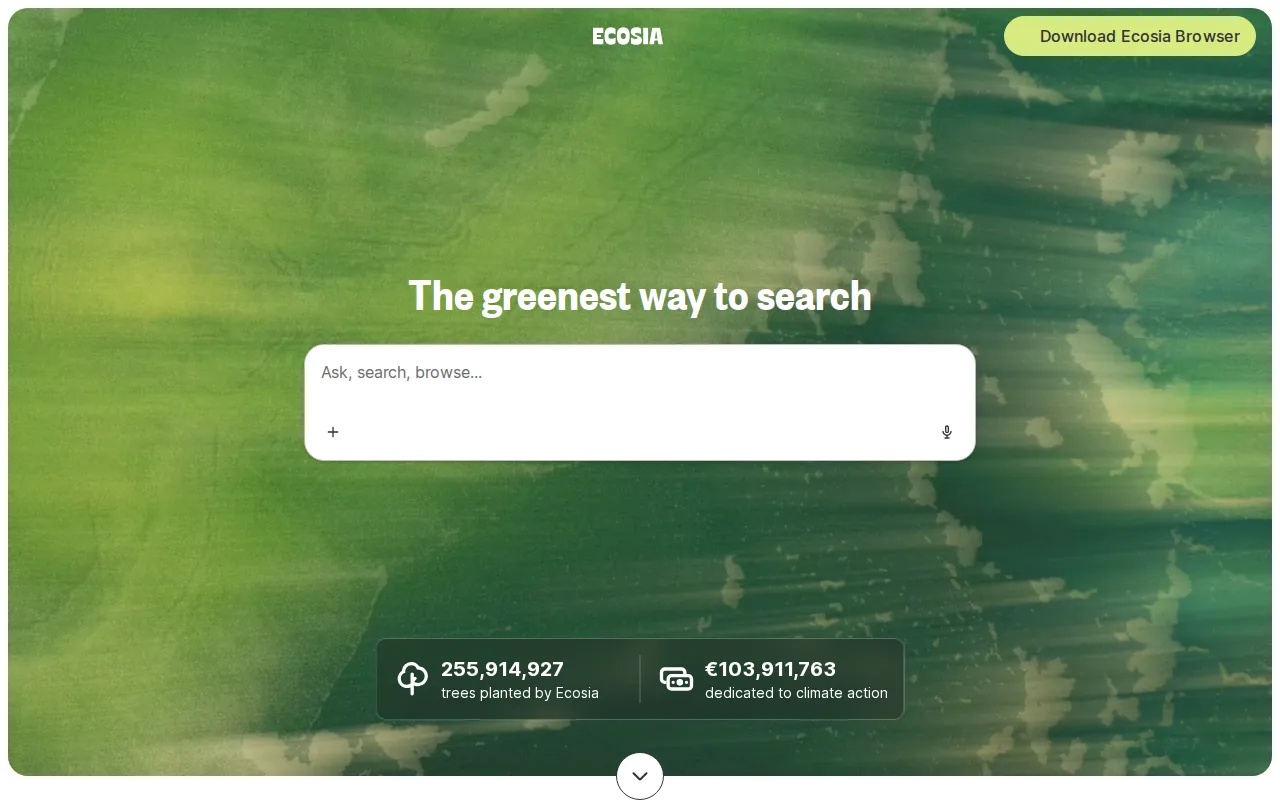
Ecosia is the best Google Search alternative for privacy-conscious users who want a default search engine that funds reforestation instead of just paying Google with their attention. Ecosia is entirely free with no subscription tier, delivered through a revenue-sharing partnership with Bing and Microsoft Advertising, and the company reports funding over 230 million trees planted as of 2025 while publishing its financial results publicly, including about EUR43.2 million in 2025 revenue. Ecosia is available as a website, browser extensions for Chrome, Firefox, Safari, and Edge, a standalone Chromium-based desktop browser launched in 2024, and iOS and Android apps. Google Search is still the better choice for anyone who wants the largest, most current independent index and integrated Maps, Shopping, and AI Overviews: Ecosia's search results are sourced through its Bing/Microsoft Advertising partnership rather than an independent index, so result quality and coverage track Bing's rather than a purpose-built search index, and Ecosia's own Chromium browser is a newer 2024 product with a smaller feature set than established browsers.
Compared to Google Search: search-ad profits fund tree planting and climate projects instead of shareholder returns, publishes its financial results and tree-planting counts publicly, no consumer tracking-based ad personalization
Wins:Search-ad profits fund tree planting and climate projects, with over 230 million trees funded as of 2025, instead of paying out to shareholders · Publishes its financial results (about EUR43.2 million in 2025 revenue) and tree-planting counts publicly, a transparency Google Search doesn't offer · Available as a standalone Chromium-based desktop browser (launched 2024) alongside browser extensions and mobile apps
Loses:Search results are sourced through a revenue-sharing partnership with Bing rather than an independent index, unlike Google Search's own index · No enterprise or advanced privacy tier; the product is a single free offering for all users · No external rating captured to compare against Google Search's dominant usage
Pros
- Entirely free with no subscription tier or paywalled features.
- Ad revenue funds tree planting and climate projects rather than shareholder payouts.
- Available as a website, browser extensions, a standalone Chromium browser, and iOS/Android apps.
- Publishes its financial results and tree-planting counts publicly rather than keeping them private.
Cons
- Search results are sourced through a revenue-sharing partnership with Bing rather than an independent index.
- No enterprise or advanced privacy tier; the product is a single free offering for all users.
- The standalone Ecosia browser is a newer 2024 product with a smaller feature set than established browsers like Chrome or Firefox.
- As a for-profit GmbH, Ecosia's tree-planting funding depends on continued ad revenue, which fluctuates with search ad market conditions.
Pricing: Free — Free with no subscription tier, matching Google Search's free model
4.Startpage — best Google Search alternative for privacy-conscious users who want Google-quality search results without personalized ad tracking or search history logging
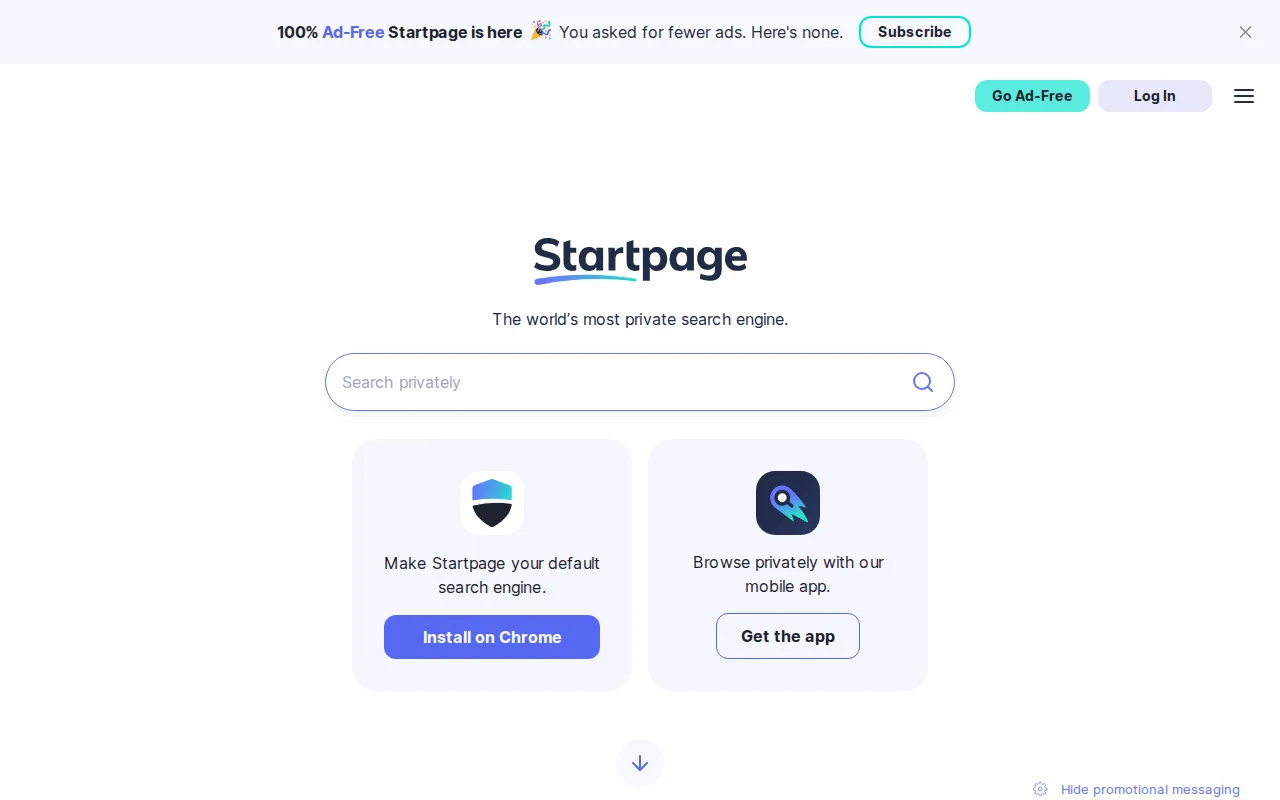
Startpage is the best Google Search alternative for privacy-conscious users who want Google-quality search results without Google's personalized ad tracking or search-history logging. Startpage delivers Google's own search results while stripping out trackers and not storing users' IP addresses or search history, and its Anonymous View feature lets users open results through a proxy so the destination website can't see their real IP address. Startpage is free for all users in 82 languages, funded by contextual (non-behavioral) advertising rather than a stored personal profile. Google Search is still the better choice for anyone who wants the full range of Google's own integrated features: Startpage relies on Google's index for its underlying results, so any Google-side biases or freshness gaps carry through, and Startpage doesn't offer Google Search's native Maps, Shopping, or AI Overviews integration since it strips out much of that layer to protect privacy.
Compared to Google Search: strips trackers and doesn't store IP addresses or search history from the same underlying Google results, Anonymous View proxy hides a user's IP from destination sites, funded by contextual rather than behavioral advertising
Wins:Strips trackers and doesn't store IP addresses or search history, while still returning Google's own search results · Anonymous View proxy lets users open search results without revealing their IP to the destination site, a feature Google Search doesn't offer · Ad targeting is based on contextual keywords rather than a stored behavioral profile
Loses:Relies entirely on Google's own index, so any Google-side biases or freshness gaps carry through to Startpage · Doesn't offer Google Search's native Maps, Shopping, or AI Overviews integration, since it strips out much of that layer · Not open source, so its no-logging claims can't be independently verified in code the way an open-source alternative's could
Pros
- Free to use with no paid tier required for full functionality.
- Returns Google-quality search results without Google's personalized tracking.
- Anonymous View proxy lets users open search results without revealing their IP to the destination site.
- Available in 82 languages with a long operating history dating back to 1998 as Ixquick.
Cons
- Not open source, so its no-logging claims cannot be independently verified in code.
- Majority ownership by adtech company System1 since 2019 has raised privacy-community concerns about the business model.
- Relies on Google's index, so search quality and any Google-side biases carry through to Startpage results.
- No dedicated business or enterprise tier; it is a consumer-only product.
Pricing: Free — Free with no paid tier, matching Google Search's free model
5.Kagi — best Google Search alternative for privacy-conscious individuals willing to pay for search who want ad-free, unpersonalized results and are frustrated with ad-heavy or SEO-spam-filled results from free search engines
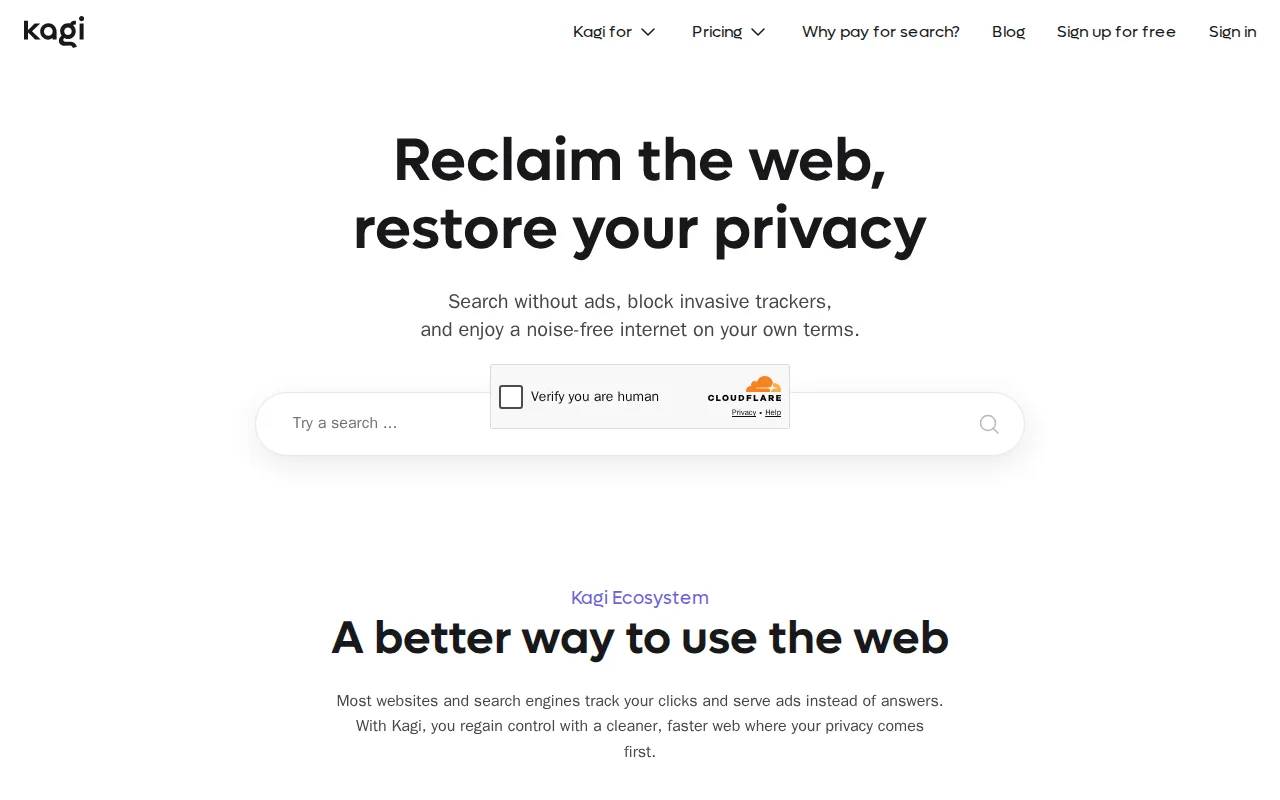
Kagi is the best Google Search alternative for privacy-conscious individuals willing to pay for search who want ad-free, unpersonalized results without the ad-heavy, SEO-spam-filled pages that free search engines can accumulate. Kagi sells search directly rather than running ads: Starter costs $5/month for 300 searches, Professional is $10/month for unlimited searches, and Ultimate is $25/month with Kagi Assistant Research mode and access to flagship AI models including Claude, GPT, Gemini, and DeepSeek variants. Kagi holds a 5/5 rating from 3 Product Hunt reviews, and its Fair Pricing Policy automatically credits unused months toward the next billing cycle, unusual for a subscription product. Google Search is still the better choice for anyone who doesn't want to pay for search at all: Kagi offers only a one-time 100-search trial rather than an ongoing free tier, so continued use after the trial requires at least $5/month, while Google Search remains completely free with no paid tier required for full functionality.
Compared to Google Search: no ads or ad-driven ranking manipulation in results, users can boost, lower, or block specific domains from their own results, Fair Pricing Policy credits unused subscription months automatically
Wins:No ads and no ad-driven ranking manipulation in search results, unlike Google Search's ad-supported model · Users can customize ranking by boosting, lowering, or blocking specific domains, a control Google Search doesn't expose · Fair Pricing Policy automatically credits unused subscription months toward the next billing cycle
Loses:No ongoing free tier, only a one-time 100-search trial, versus Google Search's fully free, unlimited access · Starter tier caps out at 300 searches/month, which heavy searchers will exceed quickly · As a smaller, paid search engine, index coverage and result freshness for niche or highly local queries can lag Google Search's
Pros
- No ads and no ad-driven ranking manipulation in search results.
- Users can customize ranking by boosting, lowering, or blocking specific domains.
- Kagi Assistant AI chat is bundled into paid plans rather than sold as a separate product.
- Fair Pricing Policy credits unused months automatically toward the next billing cycle.
Cons
- No ongoing free tier; the 100-search trial is one-time only, then a paid subscription is required.
- Starter tier caps out at 300 searches/month, which heavy searchers will exceed quickly.
- Access to the most capable Kagi Assistant features (Research mode, top AI models) requires the $25/month Ultimate tier.
- As a paid, smaller-scale search engine, index coverage and result freshness for niche or highly local queries can lag Google's.
Pricing: From $5/mo — $5/month Starter (300 searches/month) vs Google Search's free, unlimited access (verified undefined NaN, NaN)