3 Best Free Alternatives to Google Cloud Platform in 2026
By Noahlast updated
All 3 Google Cloud Platform alternatives
Compared: free alternatives to Google Cloud Platform
| Alternative | Best for | Standout | Biggest weakness | Learning curve | Price |
|---|---|---|---|---|---|
| Google Cloud Platformreference | developers and enterprises that need pay-as-you-go compute, managed databases, and AI/ML infrastructure (Vertex AI, BigQuery) without owning hardware, especially teams already invested in Google's data and analytics stack | BigQuery and Vertex AI give GCP a data-analytics and AI/ML depth that's tightly integrated with the rest of the platform, a differentiator from AWS and Azure for workloads centered on large-scale analytics or model training. | Pricing is entirely usage-based across 100+ services with no flat starting price, so estimating real monthly cost requires a calculator or careful monitoring, and unexpected usage spikes (a common complaint across all major clouds) can produce a surprise bill once the $300 trial credit and Always Free allowances are exhausted. | Steep | Free |
| DigitalOcean | developers and small engineering teams who want predictable, usage-based cloud pricing for VMs, Kubernetes, and managed databases without navigating AWS's pricing complexity | Simple, transparent per-second billing on Droplets starting at $4/month, combined with a newer AI infrastructure stack (GPU access, a 70+ model inference engine, and managed agent orchestration) on the same account. | Fewer regions and a smaller managed-service catalog than AWS, Azure, or Google Cloud, so teams with complex compliance, networking, or enterprise-integration needs often outgrow DigitalOcean and have to migrate to a hyperscaler. | Low | Free tier · paid from $4/mo |
| Cloudflare | developers deploying globally distributed apps and APIs who want to avoid cold starts and egress fees, without managing servers or containers | V8 isolates instead of containers mean Workers functions start with no cold-start delay, and R2 object storage charges zero egress fees, a direct contrast with AWS S3's bandwidth costs. | Building on Workers means adopting Cloudflare's own APIs for storage and data (R2, D1, KV, Hyperdrive) rather than standard interfaces like S3 or Postgres, which creates real migration friction if a team later needs to move off Cloudflare. | Moderate | Free tier · paid from $5/mo |
| AWS Amplify | teams already building on AWS who want Git-based hosting plus managed auth, data, and storage without assembling separate services | Provisions a full backend (Cognito authentication, data APIs, storage, functions) from a single TypeScript codebase alongside CI/CD hosting on CloudFront | Pricing spans multiple separately-billed AWS services (hosting, Cognito, AppSync, DynamoDB, Lambda), so total cost isn't visible on the Amplify pricing page alone, and the platform assumes comfort with AWS's console and IAM model rather than offering a simplified single-dashboard experience like Vercel or Netlify. | Moderate | Free tier · paid from $0.01/mo |
 Google Cloud Platform
 DigitalOcean
 Cloudflare
 AWS Amplify
1.DigitalOcean — best Google Cloud Platform alternative for developers and small engineering teams who want predictable, usage-based cloud pricing for VMs, Kubernetes, and managed databases without navigating AWS's pricing complexity
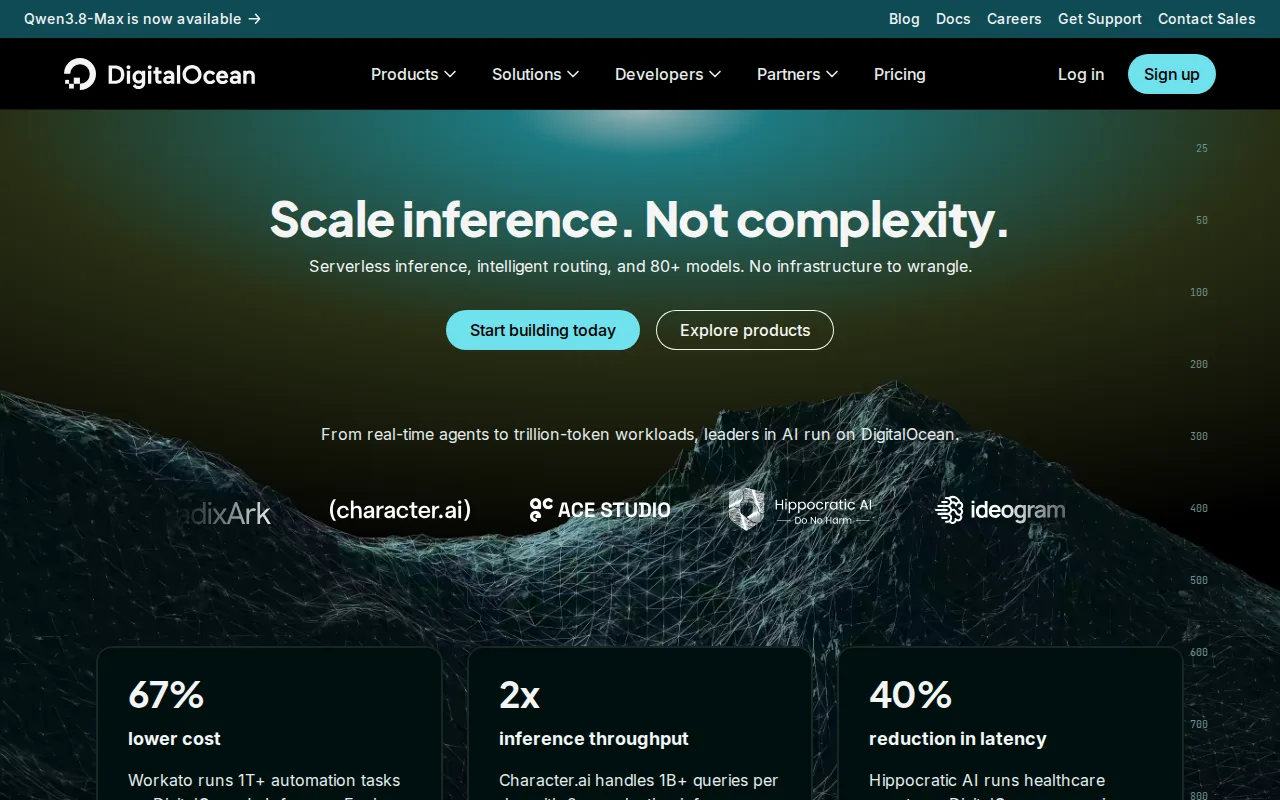
DigitalOcean is the best Google Cloud Platform alternative for developers and small teams who want predictable, easy-to-estimate cloud pricing instead of GCP's 100+ separately priced services. DigitalOcean Droplets start at $4/month with per-second billing and a 60-second minimum, a single transparent number compared to GCP's example e2-standard-2 compute rate of roughly $0.0335/hour that still requires a calculator to translate into a monthly total. DigitalOcean holds a 4.6/5 rating from 159 Capterra reviews, external validation GCP's own listing doesn't have at all. DigitalOcean's App Platform includes a genuine $0/month free tier for static sites and small apps, and its managed Kubernetes starts at $12/month with a free control plane, both structured more simply than GCP's Always Free tier, which caps a single e2-micro instance and 1TB/month of BigQuery queries rather than offering broad free allowances across services. GCP remains the better choice for teams needing the deepest service catalog: GCP's 100+ services span Compute Engine, GKE, Cloud Run, Spanner, and Vertex AI, a far wider portfolio than DigitalOcean's Droplets, App Platform, Kubernetes, and managed databases, and GCP's committed-use discounts for 1- and 3-year terms can undercut DigitalOcean's rates at large, predictable scale.
Compared to Google Cloud Platform: 4.6/5 rating from 159 Capterra reviews vs GCP's none on file, $4/month Droplets with simple per-second billing vs GCP's 100+ separately priced services, $12/month Kubernetes with a free control plane vs GCP's usage-metered GKE
Wins:4.6/5 rating from 159 Capterra reviews, evidence GCP has none of on file · Droplets start at $4/month with simple, transparent per-second billing, easier to estimate than GCP's per-vCPU-hour, per-GB, per-query-byte pricing spread across 100+ services · Managed Kubernetes includes a free control plane at $12/month, a cost GCP's GKE doesn't waive in the same way
Loses:Far fewer regions and a smaller managed-service catalog than GCP's 100+ services spanning compute, analytics, and AI/ML · No equivalent to BigQuery or Vertex AI for large-scale data analytics and model training, an area where GCP's stack goes far deeper · New-account credit is a modest $5 for 90 days, smaller than GCP's $300 trial credit over the same 90-day window
Pros
- Droplets start at $4/month with simple per-second billing, easier to predict than hyperscaler pricing.
- App Platform includes a genuine free tier, not just a time-limited trial.
- Managed Kubernetes includes a free control plane, a cost hyperscalers usually charge for.
- 4.6/5 rating from 159 Capterra reviews, with reviewers reporting largely positive sentiment.
Cons
- Far fewer regions and managed services than AWS, Azure, or Google Cloud, limiting fit for complex enterprise needs.
- The new-account credit is a modest $5 valid for 90 days, smaller than promotional credits some competitors offer.
- The AI infrastructure line (GPU access, inference engine) is newer and less proven than dedicated AI cloud providers.
- Support and SLA options are thinner than what enterprise customers get from the major hyperscalers.
Pricing: Free tier · paid from $4/mo — $4/month Droplets (per-second billing) vs GCP's per-service usage pricing (e.g. e2-standard-2 compute at roughly $0.0335/hour); DigitalOcean's App Platform free tier is broader for small apps than GCP's capped Always Free allowances (verified undefined NaN, NaN)
2.Cloudflare — best Google Cloud Platform alternative for developers deploying globally distributed apps and APIs who want to avoid cold starts and egress fees, without managing servers or containers
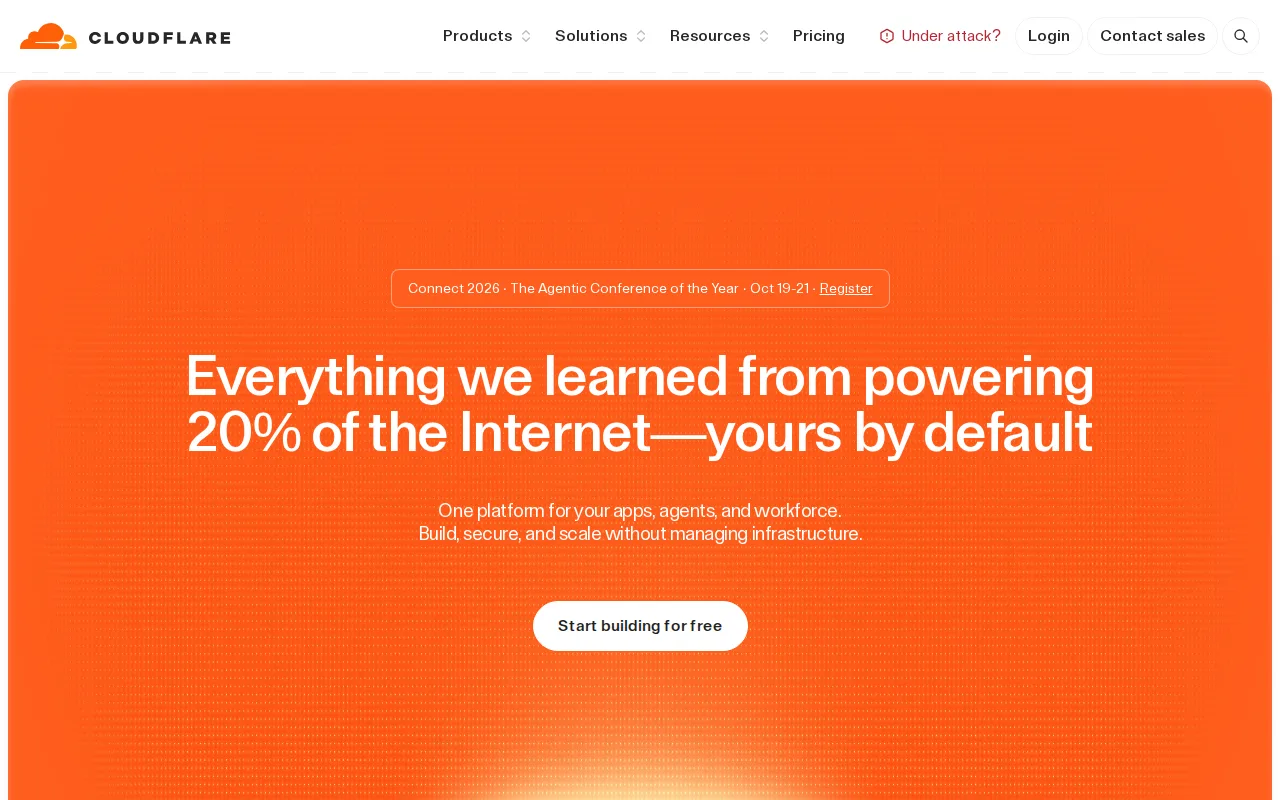
Cloudflare is the best Google Cloud Platform alternative for developers deploying globally distributed serverless apps who want zero cold starts and no egress fees, rather than GCP's container- and VM-based compute with per-GB data-transfer charges. Cloudflare Workers run across 330+ global data centers using V8 isolates instead of containers, eliminating cold-start delays that GCP's Cloud Run and Cloud Functions can experience on scale-from-zero invocations. Cloudflare holds a 4.7/5 rating from 524 Capterra reviews, the largest review sample of any alternative compared here and validation GCP's own listing doesn't have at all. Cloudflare's Free plan gives 100,000 Worker requests/day at $0, and the Paid plan starts at a $5/month minimum including 10 million requests, with no egress or bandwidth fees on Workers or R2 object storage, a direct contrast to GCP's per-GB egress charges on services like Cloud Storage. GCP remains the better choice for teams that need a permanently free VM instance or deep native analytics: GCP's Always Free tier includes one e2-micro Compute Engine instance and 1TB/month of BigQuery queries indefinitely, and Cloudflare's own APIs for storage and data (R2, D1, KV) create migration lock-in that GCP's more standard service interfaces (Cloud SQL, Cloud Storage) don't impose in the same way.
Compared to Google Cloud Platform: 4.7/5 rating from 524 Capterra reviews vs GCP's none on file, zero cold starts via V8 isolates vs GCP's container/VM-based Cloud Run and Cloud Functions, no egress fees on Workers/R2 vs GCP's per-GB data-transfer charges
Wins:4.7/5 rating from 524 Capterra reviews, the largest review sample of any alternative compared here and more than GCP's zero on-file ratings · V8 isolates eliminate cold-start delays that GCP's Cloud Run and Cloud Functions can experience on scale-from-zero invocations · No egress or bandwidth fees on Workers or R2 object storage, a direct contrast to GCP's per-GB data-transfer charges on services like Cloud Storage
Loses:No permanently free VM instance the way GCP's Always Free tier includes one e2-micro Compute Engine instance indefinitely · No native equivalent to BigQuery or Vertex AI for large-scale data analytics and AI/ML model training · Adopting R2, D1, and KV creates lock-in to Cloudflare's proprietary APIs, a migration friction GCP's more standard Cloud SQL and Cloud Storage interfaces don't impose in the same way
Pros
- No cold starts: V8 isolates start faster than container- or VM-based serverless competitors.
- No egress or bandwidth fees on Workers or R2 storage, unlike AWS Lambda plus S3.
- Generous free tier (100,000 requests/day) is enough for many small production apps.
- Tightly integrated storage and data products (R2, D1, KV, Hyperdrive) reduce the need for separate vendors.
Cons
- Adopting R2, D1, and KV creates lock-in to Cloudflare's proprietary APIs rather than portable standards like S3 or SQL over a generic driver.
- CPU-time-based billing on Workers is a less familiar pricing model than flat compute hours, making cost estimation harder for teams new to it.
- Pages' exact paid-tier ($) pricing isn't shown as static text on Cloudflare's limits documentation, only build-count and concurrency limits.
- Standard Worker invocations are capped at 5 minutes, unsuitable for genuinely long-running background jobs.
Pricing: Free tier · paid from $5/mo — Free plan gives 100,000 requests/day at $0, and Paid starts at a $5/month minimum for 10 million requests with no egress fees, versus GCP's per-service usage pricing plus per-GB egress charges (verified undefined NaN, NaN)
3.AWS Amplify — best Google Cloud Platform alternative for teams already building on AWS who want Git-based hosting plus managed auth, data, and storage without assembling separate services
AWS Amplify is the best Google Cloud Platform alternative for teams building full-stack web and mobile apps who want Git-based CI/CD hosting plus managed backend services (auth, data, storage, functions) provisioned from a single TypeScript codebase. Amplify holds a 4.8/5 rating from 8 Capterra reviews and 5/5 from 11 Product Hunt reviews, external validation Google Cloud Platform's own listing doesn't have at all. Both platforms are pay-as-you-go with a free allowance for new accounts: Amplify's AWS Free Tier gives 1,000 build minutes, 5GB CDN storage, and 15GB data transfer per month at $0 for the first 12 months, comparable in structure to Google Cloud's $300 trial credit valid for 90 days, though Amplify's free allowance runs four times longer. Amplify's backend toolkit provisions authentication through Cognito, data APIs, storage, and serverless functions from one codebase, letting teams build backend and frontend together rather than assembling GCP's separate Compute Engine, Cloud Functions, and Firestore services by hand. Google Cloud Platform remains the better choice for teams that need deep data-analytics and AI/ML infrastructure: GCP's BigQuery and Vertex AI give it a scale of native analytics and model-training tooling Amplify's application-focused platform doesn't attempt to match, and GCP's Always Free tier never expires, unlike Amplify's 12-month-limited AWS Free Tier allowance.
Compared to Google Cloud Platform: 4.8/5 rating from 8 Capterra reviews and 5/5 from 11 Product Hunt reviews vs GCP's none on file, backend toolkit (auth, data, storage, functions) from one codebase vs GCP's separately assembled services, 12-month AWS Free Tier vs GCP's 90-day $300 trial credit but permanent Always Free tier
Wins:4.8/5 rating from 8 Capterra reviews and 5/5 from 11 Product Hunt reviews, evidence GCP has none of on file · Provisions a full backend (Cognito auth, data APIs, storage, functions) from a single TypeScript codebase, rather than assembling separate GCP services by hand · AWS Free Tier gives 1,000 build minutes, 5GB storage, and 15GB transfer per month at $0 for 12 months, four times longer than GCP's 90-day $300 trial credit
Loses:GCP's Always Free tier never expires, while Amplify's AWS Free Tier allowance is limited to the first 12 months of a new account · BigQuery and Vertex AI give GCP data-analytics and AI/ML depth that Amplify's application-focused platform doesn't attempt to match · Backend services (Cognito, AppSync, DynamoDB, Lambda) are billed separately under their own AWS pricing, similar to GCP's own fully itemized per-service billing model
Pros
- Combines Git-based CI/CD hosting with a full backend toolkit (auth, data, storage, functions) provisioned from code.
- 12-month AWS Free Tier covers 1,000 build minutes, 5 GB storage, and 15 GB data transfer per month at no cost.
- No pay-per-seat pricing for team collaboration.
- Extends into any other AWS service as an application's needs grow.
Cons
- Backend services (Cognito, AppSync, DynamoDB, Lambda) are billed separately under their own AWS pricing, making total cost harder to estimate than flat-rate competitors.
- Learning curve is steeper for teams unfamiliar with AWS's console, IAM permissions, and service naming.
- Free tier build minutes and transfer allowances expire after 12 months.
- Fewer opinionated defaults than Vercel or Netlify, requiring more configuration for common frontend framework deployments.
Pricing: Free tier · paid from $0.01/mo — Both platforms are pay-as-you-go with a free starting allowance: Amplify's AWS Free Tier runs 12 months at $0, while GCP pairs a 90-day $300 trial credit with a smaller but permanent Always Free tier (verified undefined NaN, NaN)