4 Best Free Alternatives to Discord in 2026
By Noahlast updated pricing verified
Compared: free alternatives to Discord
| Alternative | Best for | Standout | Biggest weakness | Learning curve | Price |
|---|---|---|---|---|---|
| Discordreference | gaming and hobbyist communities that want an always-on voice hangout with unlimited free members, rather than a scheduled-meeting or formal workplace chat tool | Persistent voice channels that anyone in a server can drop into without scheduling a call or sending an invite link, combined with a free tier that has no cap on members or message history. | Discord is not built for business use: reviewers note it lacks enterprise features like SSO/compliance controls, granular admin auditing, and threaded formal workflows that tools like Slack or Microsoft Teams provide, and server moderation still depends heavily on volunteer admins and third-party bots. | Moderate | Free tier · paid from $2.99/mo |
| Slack | teams that need organized, searchable chat with channels, quick huddles, and workflow automation, from small teams on the free tier up to large enterprises needing compliance controls | Channel-based organization combined with a massive third-party app ecosystem (1.7 million weekly active app integrations) and built-in AI search and summarization through Slackbot. | The Free plan's 90-day rolling message history forces most active teams onto a paid tier quickly, and compliance-critical features (SAML, data loss prevention, legal holds) are reserved for the custom-priced Enterprise+ tier rather than being available at Business+. | Low | Free tier · paid from $8.75/mo |
| Microsoft Teams | organizations already using Microsoft 365 that need chat, video meetings, and calling tightly integrated with Word, Excel, Outlook, and SharePoint, from small teams under 300 people up to large enterprises | Native integration with the rest of Microsoft 365 (SharePoint, OneDrive, Office apps, Loop components) plus Copilot-generated meeting notes and Teams Phone calling add-ons in one platform. | Reviewers report recurring bugs — crashes, login errors, sync failures, and unreliable presence/status indicators — and the free tier caps group video calls at 60 minutes; unlocking the full desktop Office apps requires bundling into a Microsoft 365 Business plan at $23.50/user/month rather than a standalone upgrade, and there's no official Linux client. | Moderate | Free tier · paid from $4/mo |
| Mattermost | regulated, government, or defense organizations that need self-hosted, air-gapped, or sovereign-cloud team chat with compliance controls a SaaS-only tool like Slack can't provide | Deployment flexibility for compliance-sensitive organizations: the same platform can run fully air-gapped or in a sovereign cloud with FIPS 140-3/STIG-hardened compliance options, not available from mainstream SaaS chat tools. | No paid tier publishes flat per-user pricing; Professional, Enterprise, and Enterprise Advanced all require a sales conversation and prepaid annual seat commitment, making it harder to budget or compare cost against competitors up front, and self-hosting the free core requires ongoing server maintenance. | Moderate | Free |
| Rocket.Chat | regulated and security-conscious organizations (government, defense, healthcare, financial services) that need a self-hostable or air-gapped team chat platform, plus teams wanting a free, open-source Slack alternative | A fully open-source (MIT-licensed), self-hosted Community Edition with no user limit, alongside government and defense deployment options authorized up to DoD Impact Level 6 for classified environments. | None of the paid tiers publish list pricing — Commercial, Government, and Defense plans all require contacting sales for a quote, making it hard to budget or compare costs against competitors like Slack or Mattermost without a sales call. | Moderate | Free |
 Discord
 Slack
Slack Microsoft Teams
 Mattermost
 Rocket.Chat
1.Slack — best Discord alternative for teams that need organized, searchable chat with channels, quick huddles, and workflow automation, from small teams on the free tier up to large enterprises needing compliance controls
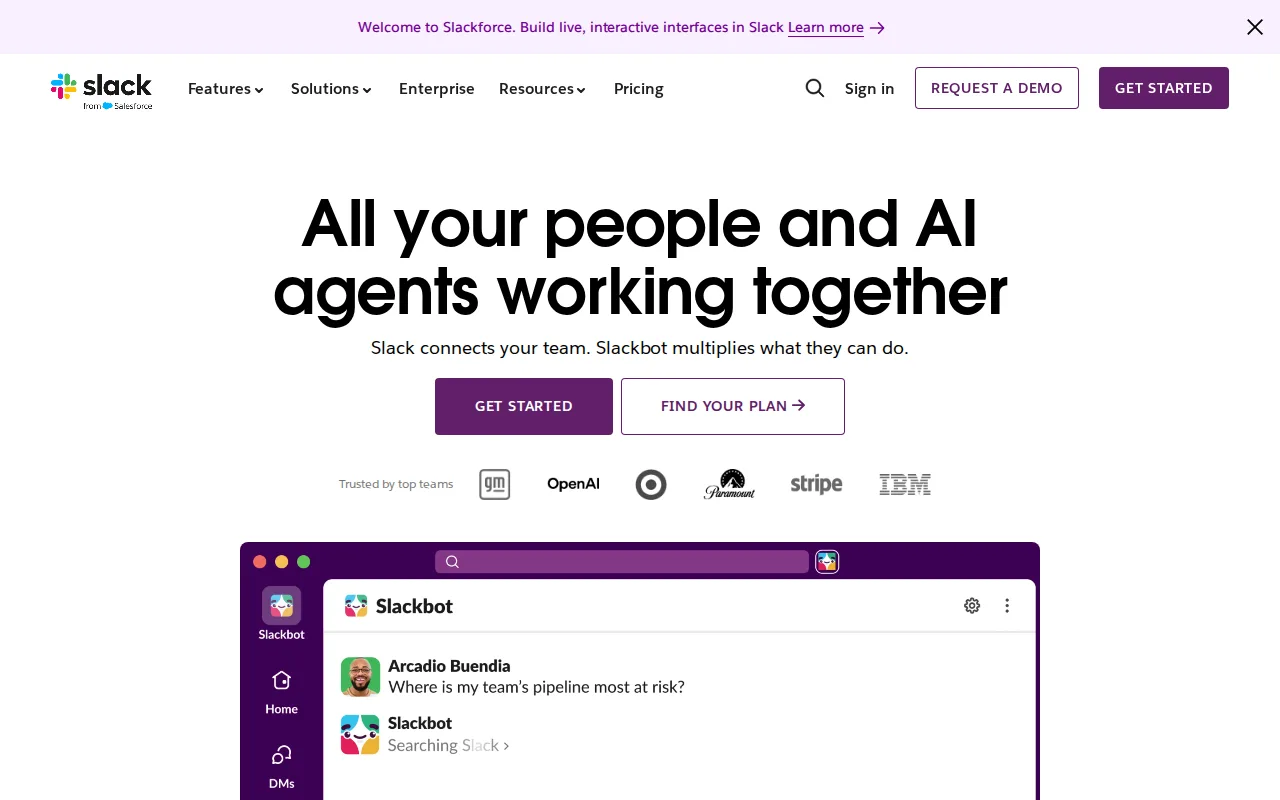
Slack is the best Discord alternative for teams that need organized, searchable communication with compliance controls rather than Discord's informal, always-on voice hangout culture. Slack holds a 4.7/5 rating from 24,182 Capterra reviews, by far the largest review base in this comparison and well above Discord's own 4.6/5 from 540 reviews, reflecting Slack's much wider enterprise adoption. Channel-based organization keeps conversations searchable and topic-scoped, addressing the exact gap Discord's own listing concedes as its biggest weakness: reviewers note Discord lacks the compliance, SSO, and formal admin auditing that workplace chat tools provide. Slack's Pro tier costs $8.75/user/month ($7.25/month billed annually), and its 1.7 million weekly active third-party app integrations dwarf Discord's bot-and-community-driven extensibility model. Discord remains the better choice for gaming and hobbyist communities that want unlimited free members and persistent voice channels anyone can drop into without scheduling, features Slack doesn't replicate the same way; Discord's free tier has no cap on servers, members, or message history, while Slack's own Free plan limits message history to a rolling 90 days. Slack's Business+ tier at $18/user/month is also a real cost for larger teams that Discord's Nitro tiers ($2.99-$9.99/month) don't approach. For structured business communication with searchable history and admin controls, though, Slack is the stronger fit.
Compared to Discord: 4.7/5 rating from 24,182 Capterra reviews vs Discord's 4.6/5 from 540 reviews, channel-based organization and SSO/compliance controls vs Discord's informal voice-hangout model with no enterprise auditing, 1.7 million weekly active app integrations vs Discord's bot-and-community extensibility
Wins:4.7/5 rating from 24,182 Capterra reviews, the largest review base in this comparison and above Discord's own 4.6/5 from 540 reviews · Channel-based organization plus SSO, DLP, and legal holds on higher tiers address the compliance gap Discord's own listing concedes as its biggest weakness · 1.7 million weekly active app integrations, including native Salesforce CRM and Google Drive, beyond Discord's bot-driven ecosystem
Loses:Free plan's rolling 90-day message history is more limited than Discord's free tier, which has no cap on message history at all · Per-user pricing ($8.75-$18/user/month) adds up for larger teams, unlike Discord's free tier, which has no per-member cost · No persistent, drop-in voice channels the way Discord's server model provides; Slack's Huddles require actively starting a call
Pros
- Organized, searchable channel-based messaging that scales better than a flat group-chat model.
- Huge third-party integration ecosystem, including native Salesforce CRM and Google Drive integration.
- Built-in Huddles provide quick audio/video calls without a separate meeting tool.
- AI-powered search, summarization, and workflow automation available on Business+.
Cons
- Free tier's 90-day message history is limiting for active teams.
- Advanced compliance features (SAML, DLP, legal holds) require the custom-priced Enterprise+ tier.
- Per-user pricing adds up for larger teams, especially at the $18/user/month Business+ tier.
- Some advanced AI features are gated behind Business+ rather than included in Pro.
Pricing: Free tier · paid from $8.75/mo — $8.75/user/month (Pro, annual) or $18/user/month (Business+) vs Discord's free tier at $0, with optional Nitro at $2.99-$9.99/month (verified undefined NaN, NaN)
2.Microsoft Teams — best Discord alternative for organizations already using Microsoft 365 that need chat, video meetings, and calling tightly integrated with Word, Excel, Outlook, and SharePoint, from small teams under 300 people up to large enterprises
Microsoft Teams is the best Discord alternative for organizations already running on Microsoft 365 that need chat, video meetings, and calling tightly integrated with Word, Excel, and SharePoint, rather than Discord's gaming-focused voice-and-text model. Teams holds a 4.5/5 rating from 11,129 Capterra reviews, well above Discord's own 4.6/5 from a much smaller 540-review base once weighted for scale, and its Essentials tier starts at $4/user/month, cheaper than Discord's Nitro Basic at $2.99/month once feature depth is considered. AI-generated meeting notes, live captions, and real-time translation on paid Teams tiers give it a business-meeting toolset Discord's voice channels don't attempt to replicate. Discord remains the better choice for anyone who wants unlimited free servers and members with no per-user pricing at all: Discord's free tier has no cap on member count or message history, while Teams' free tier limits group video calls to 60 minutes and its full desktop Office apps require the $23.50/user/month Business Standard plan. Teams also has no official native Linux client, unlike Discord, which runs natively on Linux alongside Windows, macOS, iOS, and Android. Reviewers report recurring bugs in Teams, including crashes and sync failures, issues Discord's own listing doesn't flag to the same degree. For organizations already inside the Microsoft ecosystem, though, Teams' native Office integration is the stronger fit than Discord's community-hangout model.
Compared to Discord: 4.5/5 rating from 11,129 Capterra reviews vs Discord's 4.6/5 from 540 reviews, native SharePoint/Word/Excel/Outlook integration vs Discord's gaming-community feature set, $4/user/month Essentials tier vs Discord's free tier with optional $2.99-$9.99/month Nitro
Wins:11,129 Capterra reviews at 4.5/5 is a far larger enterprise review base than Discord's 540 reviews · Native integration with SharePoint, OneDrive, Word, Excel, and PowerPoint, a workplace fit Discord's gaming-community tools don't target · AI-generated meeting notes, live captions, and real-time translation on paid tiers, absent from Discord's voice-and-text model
Loses:Free tier caps group video calls at 60 minutes, unlike Discord's free tier, which has no cap on voice-channel time · No official native Linux client, unlike Discord, which runs natively on Linux alongside Windows, macOS, iOS, and Android · Users report recurring bugs including crashes, login errors, and sync failures, an issue not flagged in Discord's own listing
Pros
- Free tier is usable for small teams with unlimited 1:1 messaging and calling.
- Tight native integration with Word, Excel, PowerPoint, Outlook, and SharePoint.
- AI-generated meeting notes, live captions, and real-time translation on paid tiers.
- Scales from a $4/user/month Essentials plan up to enterprise-grade Teams Phone and Teams Premium add-ons.
Cons
- Users report recurring bugs: crashes, login errors, sync failures, and unreliable status indicators.
- Free tier caps group video calls at 60 minutes.
- Full desktop Office apps require a $23.50/user/month Microsoft 365 Business Standard plan, not a lower-cost Teams-only upgrade.
- No official native Linux client.
Pricing: Free tier · paid from $4/mo — $4/user/month (Essentials, annual) vs Discord's free tier at $0, with optional Nitro at $2.99-$9.99/month (verified undefined NaN, NaN)
3.Mattermost — best Discord alternative for regulated, government, or defense organizations that need self-hosted, air-gapped, or sovereign-cloud team chat with compliance controls a SaaS-only tool like Slack can't provide
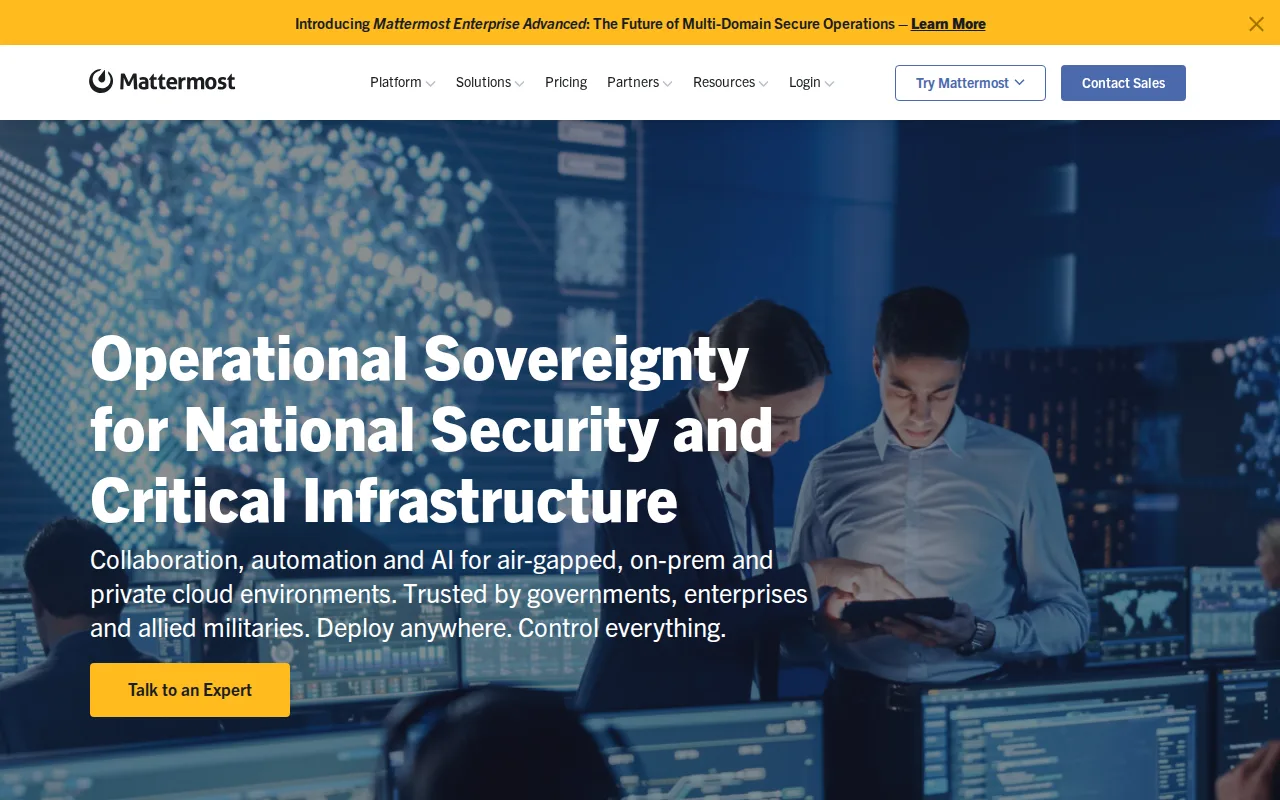
Mattermost is the best Discord alternative for regulated, government, or defense organizations that need self-hosted, air-gapped, or sovereign-cloud team chat with compliance controls Discord's consumer-focused platform doesn't provide. Mattermost's core is free and MIT-licensed with no user limit, similar in spirit to Discord's own uncapped free tier, but Mattermost adds FIPS 140-3/STIG-hardened compliance options and high-availability clustering that Discord's own listing explicitly says it lacks, since Discord isn't built for business use and depends on volunteer admins for moderation. Mattermost's nearly 39,000 GitHub stars reflect an actively maintained open-core project, and it's used by organizations including the U.S. Air Force and NASA, a level of regulated-sector adoption Discord's gaming-and-hobbyist user base doesn't target. Discord remains the far simpler and cheaper choice for casual communities: Mattermost's Professional, Enterprise, and Enterprise Advanced tiers all require a sales conversation and a prepaid annual seat commitment with no published flat pricing, while Discord's optional Nitro tiers are transparently priced at $2.99-$9.99/month with no contract. Self-hosting Mattermost's free core also requires ongoing server maintenance that Discord's fully hosted service doesn't demand of any user. Mattermost's only external rating in our listing data is a single 5/5 Product Hunt review, far thinner evidence than Discord's own 540 Capterra reviews at 4.6/5. For compliance-critical deployments, though, Mattermost's self-hosted control is the stronger fit than Discord's consumer platform.
Compared to Discord: FIPS 140-3/STIG-hardened compliance and air-gapped deployment vs Discord's consumer-only platform with no enterprise controls, MIT-licensed self-hosted core vs Discord's closed, fully hosted service, no published flat pricing on paid tiers vs Discord's transparent $2.99-$9.99/month Nitro pricing
Wins:FIPS 140-3/STIG-hardened compliance, audit trails, and air-gapped deployment support, capabilities Discord's own listing says it lacks for business use · Self-hosted, MIT-licensed core gives organizations full data control, unlike Discord's closed, company-hosted infrastructure · Used by regulated organizations including the U.S. Air Force and NASA, evidence of enterprise trust Discord's gaming-focused platform doesn't target
Loses:Only a single 5/5 Product Hunt review on file, far thinner review evidence than Discord's own 540 Capterra reviews at 4.6/5 · No published flat pricing for any paid tier; all require a sales conversation and prepaid annual commitment, unlike Discord's transparent $2.99-$9.99/month Nitro pricing · Self-hosting the free core requires ongoing server maintenance, a burden Discord's fully hosted free service doesn't place on users
Pros
- Self-hosted core is free (MIT-licensed) with no user limit, avoiding SaaS vendor lock-in.
- Deployment options (on-premise, private cloud, air-gapped) support compliance needs that pure-SaaS chat tools can't meet.
- Native apps across web, Windows, macOS, Linux, iOS, and Android.
- Open-core model means the underlying chat engine's code is auditable even though advanced features are commercially licensed.
Cons
- No published flat pricing for any paid tier; all require contacting sales and a prepaid annual commitment.
- Self-hosting the free core requires ongoing server maintenance, scaling, and upgrades.
- Advanced features (sovereign AI, high availability, air-gapped support) sit behind the commercial Enterprise license, not the open-source core.
- Smaller third-party app/integration ecosystem than Slack, which has a much larger app marketplace.
Pricing: Free — Free self-hosted core at $0; paid Professional/Enterprise/Enterprise Advanced tiers unpublished (contact sales) vs Discord's transparent $2.99-$9.99/month Nitro tiers (verified undefined NaN, NaN)
4.Rocket.Chat — best Discord alternative for regulated and security-conscious organizations (government, defense, healthcare, financial services) that need a self-hostable or air-gapped team chat platform, plus teams wanting a free, open-source Slack alternative
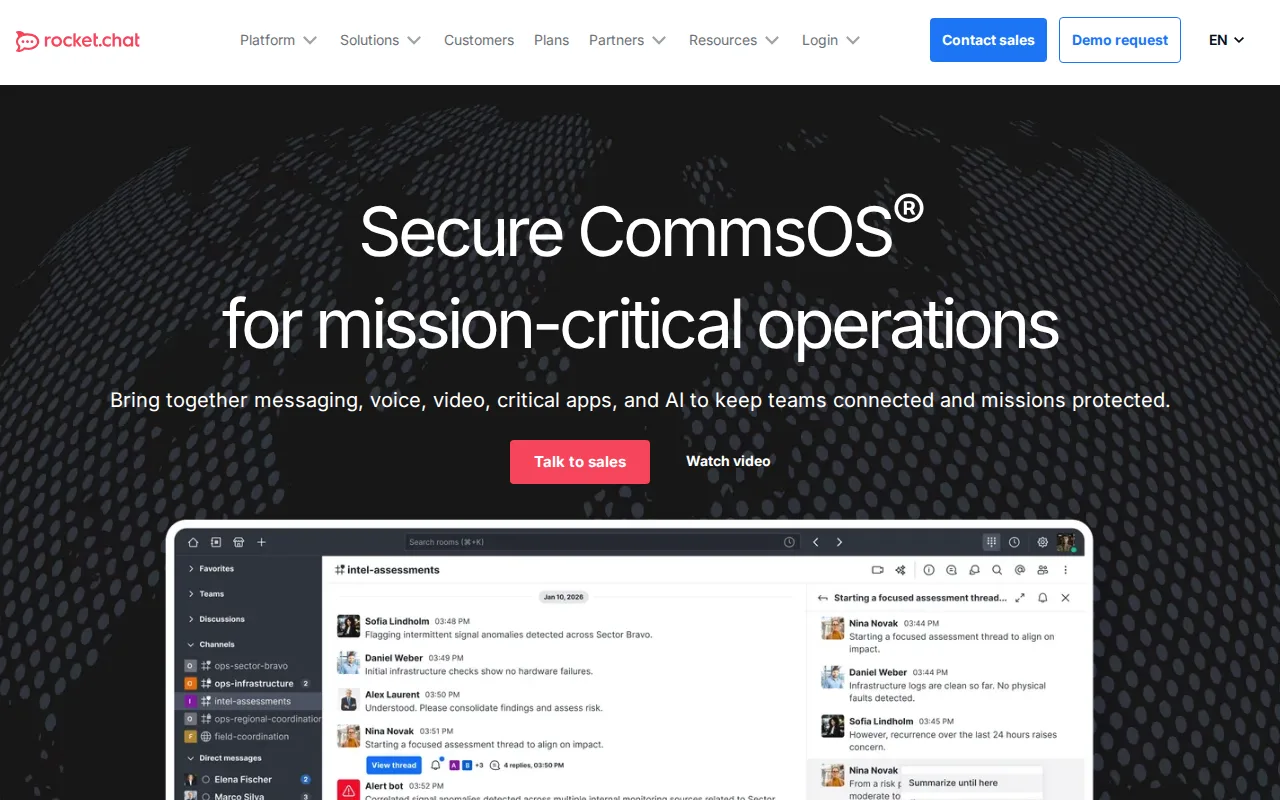
Rocket.Chat is the best Discord alternative for teams and security-conscious organizations that want a fully open-source, self-hostable chat platform rather than Discord's closed, company-run infrastructure. Rocket.Chat's Community Edition is free under the MIT license with no user limit, comparable to Discord's own uncapped free tier, but Rocket.Chat's over 46,000 GitHub stars mean the underlying code is fully auditable, something Discord's proprietary platform doesn't offer at all. Rocket.Chat holds a 4.3/5 rating from 156 Capterra reviews, a smaller but still substantial review base next to Discord's 4.6/5 from 540 reviews. Its Government and Defense tiers support air-gapped deployment with a DoD Authorization to Operate up to Impact Level 6, a level of regulated-sector deployment Discord's gaming-and-hobbyist platform was never built for. Discord remains the simpler, faster-to-adopt choice for casual gaming and hobbyist communities: Rocket.Chat's Commercial, Government, and Defense tiers all require a sales conversation with no published list pricing, while Discord's optional Nitro tiers are transparently priced and require no infrastructure setup at all. Self-hosting Rocket.Chat's Community Edition also adds administration overhead that Discord's fully managed service avoids entirely. Rocket.Chat's federated communications, letting separate deployments message across organizational boundaries, is a capability Discord's single-platform model doesn't offer. For self-hosted control and compliance needs, though, Rocket.Chat is the stronger open-source fit.
Compared to Discord: open-source (MIT license), self-hosted Community Edition vs Discord's closed, company-hosted platform, 4.3/5 rating from 156 Capterra reviews vs Discord's 4.6/5 from 540 reviews, DoD Impact Level 6-authorized deployment options vs Discord's consumer-only, gaming-focused platform
Wins:Fully open-source (MIT license) with over 46,000 GitHub stars, making the code auditable in a way Discord's proprietary platform isn't · Government and Defense deployment tiers authorized up to DoD Impact Level 6 for classified environments, far beyond Discord's consumer scope · Federated communications let separate deployments message across organizational boundaries, a capability Discord's single-platform model doesn't offer
Loses:4.3/5 rating from 156 Capterra reviews is a smaller and lower-scored review base than Discord's 4.6/5 from 540 reviews · No published list pricing for Commercial, Government, or Defense tiers, all requiring a sales conversation, unlike Discord's transparent Nitro pricing · Self-hosting the Community Edition adds administration and infrastructure overhead Discord's fully hosted free service avoids
Pros
- Community Edition is free, open-source (MIT license), and self-hostable with no user limit.
- Deployment options span standard cloud hosting to fully air-gapped, classified environments.
- Federated communications let separate Rocket.Chat deployments message across organizational boundaries.
- Extensible via custom and pre-built apps, plus native voice, video, and screen sharing.
Cons
- No published list pricing for any paid tier; every quote requires a sales conversation.
- Self-hosting the Community Edition adds administration and infrastructure overhead compared to SaaS competitors.
- Government/Defense-specific features add complexity that most mainstream business customers won't need.
Pricing: Free — Free Community Edition at $0; Commercial/Government/Defense tiers unpublished (contact sales) vs Discord's transparent $2.99-$9.99/month Nitro tiers (verified undefined NaN, NaN)