5 Best Alternatives to Bing for Web in 2026
By Noahlast updated
Compared: Bing alternatives that run on Web
| Alternative | Best for | Standout | Biggest weakness | Learning curve | Price |
|---|---|---|---|---|---|
| Bingreference | users who want Microsoft's Copilot AI assistant integrated directly into search results, or who are already inside the Windows/Edge ecosystem | Copilot is built directly into the search results page, letting users ask follow-up questions and get AI-generated answers alongside traditional links without leaving Bing. | Bing holds a small fraction of Google's global search market share, so many location-specific and long-tail queries return thinner or less locally relevant results, and most publishers optimize their content for Google first. | Low | Free |
| Google Meet | individuals and teams already using Gmail, Calendar, and Google Workspace who want video calls that launch directly from a calendar invite with no separate app install | Gemini-powered automatic note-taking, live meeting summaries, and real-time translation are built into paid tiers, generated directly inside the call rather than through a separate transcription add-on. | The free tier caps group calls at 60 minutes with no recording, and Google Workspace's plan-comparison page does not display exact per-user dollar prices without going through a purchase or sign-in flow, making cost comparison against Zoom or Microsoft Teams harder upfront. | Low | Free |
| DuckDuckGo | privacy-conscious users who want tracker blocking and non-personalized search by default without paying, plus an optional bundle of VPN and identity protection for those who want it | Search results and ads are not built from a stored personal profile, and the browser blocks third-party trackers by default without requiring separate extensions or configuration. | Search result relevance and freshness can lag Google for niche, local, or highly current queries, since DuckDuckGo relies partly on licensed results from Bing and other sources rather than its own comprehensive index. | Low | Free tier · paid from $9.99/mo |
| Brave Search | developers building AI or LLM applications who want search results from an independent index, priced per request, instead of reselling Google or Bing data | Runs on an independently crawled search index rather than reselling another provider's results, exposed through a per-request API purpose-built for grounding LLM answers with citations. | Consumer Brave Search Premium (the ad-free tier) doesn't publish its price on Brave's own help documentation, and as a smaller independent index it has less comprehensive long-tail and local search coverage than Google. | Low | Free tier · paid from $4/mo |
| Ecosia | privacy-conscious users who want a default search engine that funds reforestation instead of paying for search | Search-ad profits fund tree planting and climate projects directly, with Ecosia reporting over 230 million trees funded as of 2025 and publishing its financial results. | Search results are delivered through a Bing/Microsoft Advertising partnership rather than an independent index, so result quality and coverage track Bing's rather than a purpose-built search index, and Ecosia does not publish a per-query breakdown of how much of any given search funds tree planting. | Low | Free |
| Google Search | anyone doing general web search who wants the broadest, most current index along with integrated Maps, Shopping, and AI Overviews, without paying anything | The largest and most frequently updated web index of any search engine, combined with Maps, Shopping, Flights, and AI-generated Overviews built directly into the results page. | Results pages are increasingly dominated by ads and AI Overviews above organic links, and search history is linked to a signed-in Google account for ad personalization by default unless a user opts into Incognito mode or disables activity tracking. | Low | Free |
 Bing
Bing Google Meet
 DuckDuckGo
 Brave Search
 Ecosia
 Google Search
1.Google Meet — best Bing alternative for individuals and teams already using Gmail, Calendar, and Google Workspace who want video calls that launch directly from a calendar invite with no separate app install
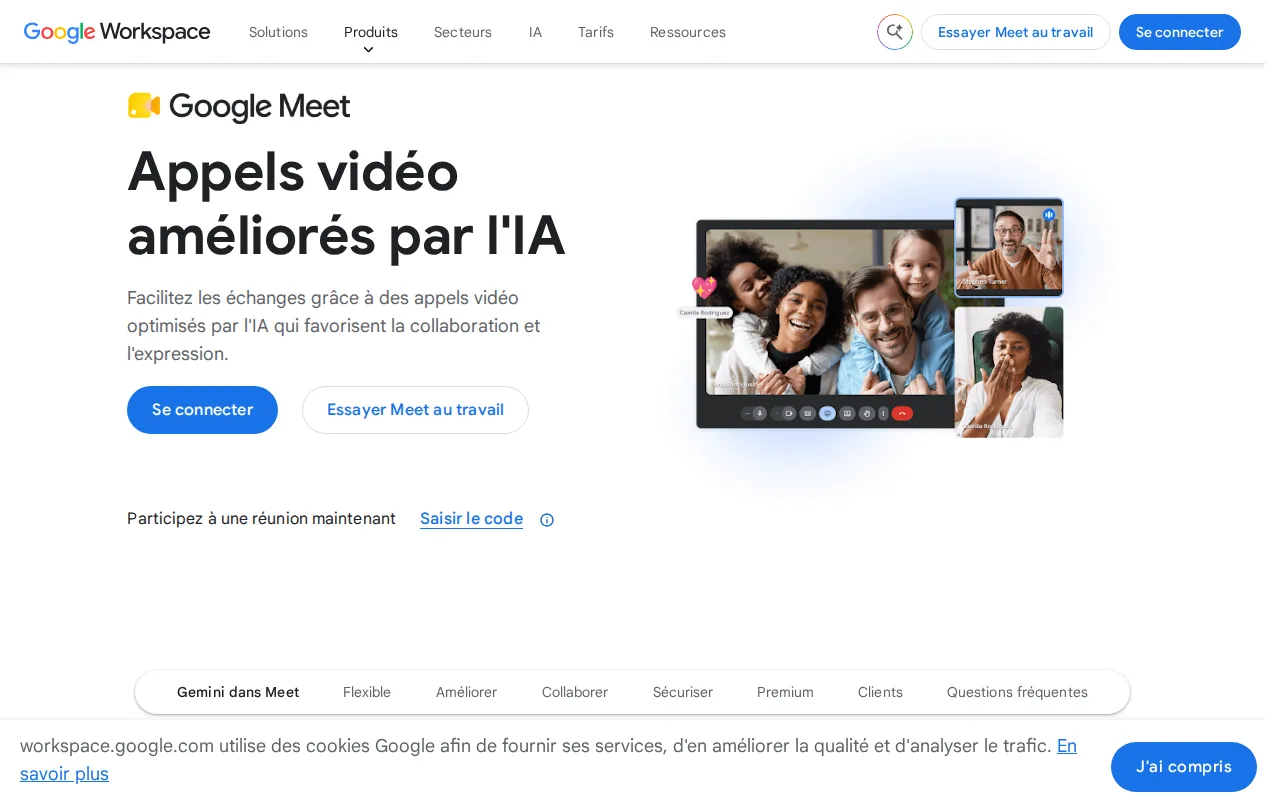
Google Meet is the best Bing alternative for users who want to step outside the Microsoft ecosystem entirely, replacing Bing's Windows/Edge-integrated search-and-Copilot experience with a Google Calendar-integrated video conferencing product instead. Google Meet's Free plan supports up to 100 participants and 60-minute group calls with Gemini-powered live captions and real-time translation available on paid tiers, features that, like Bing's Copilot, put a Microsoft-vs-Google AI assistant directly in front of the user, just for meetings rather than search. Both Bing and Google Meet's free tiers cost nothing, but Google Meet requires no setup for anyone already using Gmail and Calendar, the same way Bing requires no setup for Windows and Edge users. Bing is still the clearly better choice for anyone who actually wants a search engine: Google Meet is a video conferencing tool, not a search product, and it caps free group calls at 60 minutes with no recording, while Google Workspace's paid Business tiers that add recording don't display exact per-user dollar prices on their comparison page, a pricing-transparency gap Bing's simple free/ad-supported model doesn't have.
Compared to Bing: a video conferencing product, not a search engine, with Gemini AI features on paid tiers similar in spirit to Bing's Copilot, but no per-user pricing shown without a purchase flow
Wins:Free tier supports up to 100 participants for casual and small-team video calls, requiring no separate app install on desktop · Meetings launch directly from a Google Calendar invite with no setup, the same no-friction default Bing offers Windows and Edge users for search · Gemini-powered live captions, real-time translation, and automatic meeting notes on paid tiers
Loses:Not a search engine at all — serves an entirely different purpose than Bing, so it isn't a functional substitute for search · Free tier caps group calls at 60 minutes with no recording option · Google Workspace's Business tiers that add recording don't display exact per-user dollar prices without a purchase or sign-in flow
Pros
- Meetings launch directly from a Google Calendar invite with no separate app download required on desktop.
- Gemini features generate live captions, real-time translation, and automatic meeting notes on paid tiers.
- Free tier supports up to 100 participants, generous enough for most small-team or casual calls.
- Tight integration with Google Docs, Sheets, and Slides for in-meeting collaboration.
Cons
- Free tier caps group calls at 60 minutes and includes no recording option.
- No native Windows or macOS desktop app; runs only through the browser or mobile apps.
- Exact per-user pricing for Workspace Business Starter, Standard, and Plus is not shown on the plan-comparison page without starting a purchase flow.
- Meeting recording and Studio Sound require at least the Business Standard tier, not available on Business Starter.
Pricing: Free
2.DuckDuckGo — best Bing alternative for privacy-conscious users who want tracker blocking and non-personalized search by default without paying, plus an optional bundle of VPN and identity protection for those who want it
DuckDuckGo is the best Bing alternative for users who want search results that aren't personalized from a stored profile and a browser that blocks trackers by default, unlike Bing, which is free but ties search to a Microsoft account within Windows and Edge. DuckDuckGo holds a 4.5/5 rating from 10 Capterra reviews, and its core search engine and browser are free with no account required, matching Bing's no-cost model while adding tracker blocking Bing doesn't advertise. DuckDuckGo also ships native apps for Windows, macOS, and Linux in addition to web, iOS, and Android, a broader desktop footprint than Bing's web/iOS/Android reach. For users who want more, Privacy Pro bundles a VPN, data-broker removal, and identity restoration for $9.99/month ($99.99/year), a paid tier Bing has no equivalent of at any price. Bing is still the better choice for users who want the most current, comprehensive results on local and fast-moving queries: DuckDuckGo's own listing concedes that its relevance can lag Google (and by extension Bing, which shares underlying web-index scale challenges) partly because it relies on licensed results from other providers rather than a fully independent index of its own.
Compared to Bing: non-personalized search with default tracker blocking, native Windows/macOS/Linux apps, but relevance can lag on local and fast-moving queries
Wins:Search results and ads aren't built from a stored personal profile, and the browser blocks third-party trackers by default · Native apps for Windows, macOS, and Linux, a broader desktop footprint than Bing's web/iOS/Android reach · Privacy Pro bundles a VPN, data-broker removal, and identity restoration for $9.99/month, a combination Bing offers no equivalent of
Loses:Search relevance for local, niche, or fast-moving queries can lag, since results partly rely on licensed sources rather than a fully independent index · No AI assistant built directly into search results the way Bing built Copilot into its results page · 4.5/5 rating rests on only 10 Capterra reviews, a thin sample with no comparable rating volume on Bing's own listing to weigh it against
Pros
- Core search engine and browser are free with no account or personal data required.
- Tracker blocking is on by default in the browser, not an opt-in extension.
- Privacy Pro bundles VPN, data broker removal, and identity restoration into one subscription instead of three.
- Non-personalized search avoids the filter-bubble effect of profile-based ranking.
Cons
- Search relevance for local, niche, or fast-moving queries can lag Google.
- Privacy Pro's VPN has fewer server locations than dedicated VPN providers.
- Duck.ai and other newer features are less mature than the core search product.
- Ad revenue model means search results still include contextual ads, even without tracking.
Pricing: Free tier · paid from $9.99/mo — Search and browser free, same as Bing; optional Privacy Pro at $9.99/month ($99.99/year) for VPN and identity protection, which Bing doesn't offer
3.Brave Search — best Bing alternative for developers building AI or LLM applications who want search results from an independent index, priced per request, instead of reselling Google or Bing data
Brave Search is the best Bing alternative for developers and privacy-conscious users who want results from an independently crawled index rather than one repackaging another provider's data. Brave Search's consumer product is free with no account required, matching Bing's no-cost model, while its API charges $5 per 1,000 requests for the Search plan (50 queries/second, with $5 in free monthly credits included) and $4 per 1,000 requests plus $5 per million tokens for the citation-grounded Answers plan, a per-request pricing structure Bing doesn't publish an equivalent of. Brave Search's independence matters specifically because Bing itself is one of the providers other search engines (including Ecosia, per this same dataset) license results from, making Brave's own index a genuine alternative source rather than a Bing-adjacent one. Bing is still the better choice for most everyday consumer search: Brave Search's own listing concedes its smaller independent index means less comprehensive long-tail and local coverage than the major providers, and its consumer Premium ad-free tier doesn't disclose pricing on Brave's public help documentation, an information gap Bing's simple free/ad-supported model doesn't have.
Compared to Bing: independently crawled index rather than a licensed one, per-request API from $4-5 per 1,000 requests, but smaller long-tail and local coverage
Wins:Built on an independently crawled search index rather than reselling another provider's results · API pricing is per-request ($5/1,000 for Search, $4/1,000 for Answers) with citation-grounded answers designed for LLM applications, a product category Bing doesn't offer · Free consumer search requires no account and works in any browser, matching Bing's no-cost model
Loses:Smaller independent index means less comprehensive long-tail and local search coverage than Bing · Consumer Premium's ad-free tier price isn't disclosed on Brave's public help documentation · No official mobile app; accessed as a website rather than a dedicated search app, unlike Bing's iOS and Android apps
Pros
- Built on an independent search index rather than reselling Google or Bing results.
- API pricing is per-request ($5/1,000 for Search, $4/1,000 for Answers) rather than a flat seat-based subscription.
- Free consumer search requires no account and works in any browser.
- Answers API returns citation-grounded summaries designed for direct use in LLM-facing products.
Cons
- Smaller independent index means less comprehensive long-tail and local search coverage than Google.
- Brave Search Premium's ad-free tier price isn't disclosed on Brave's public help documentation.
- Answers API is capacity-limited to 2 queries/second versus 50 queries/second on the base Search plan.
- No official mobile app; it's accessed as a website rather than a dedicated search app.
Pricing: Free tier · paid from $4/mo — Consumer search free, same as Bing; API from $4-5 per 1,000 requests, which Bing has no published equivalent of (verified undefined NaN, NaN)
4.Ecosia — best Bing alternative for privacy-conscious users who want a default search engine that funds reforestation instead of paying for search
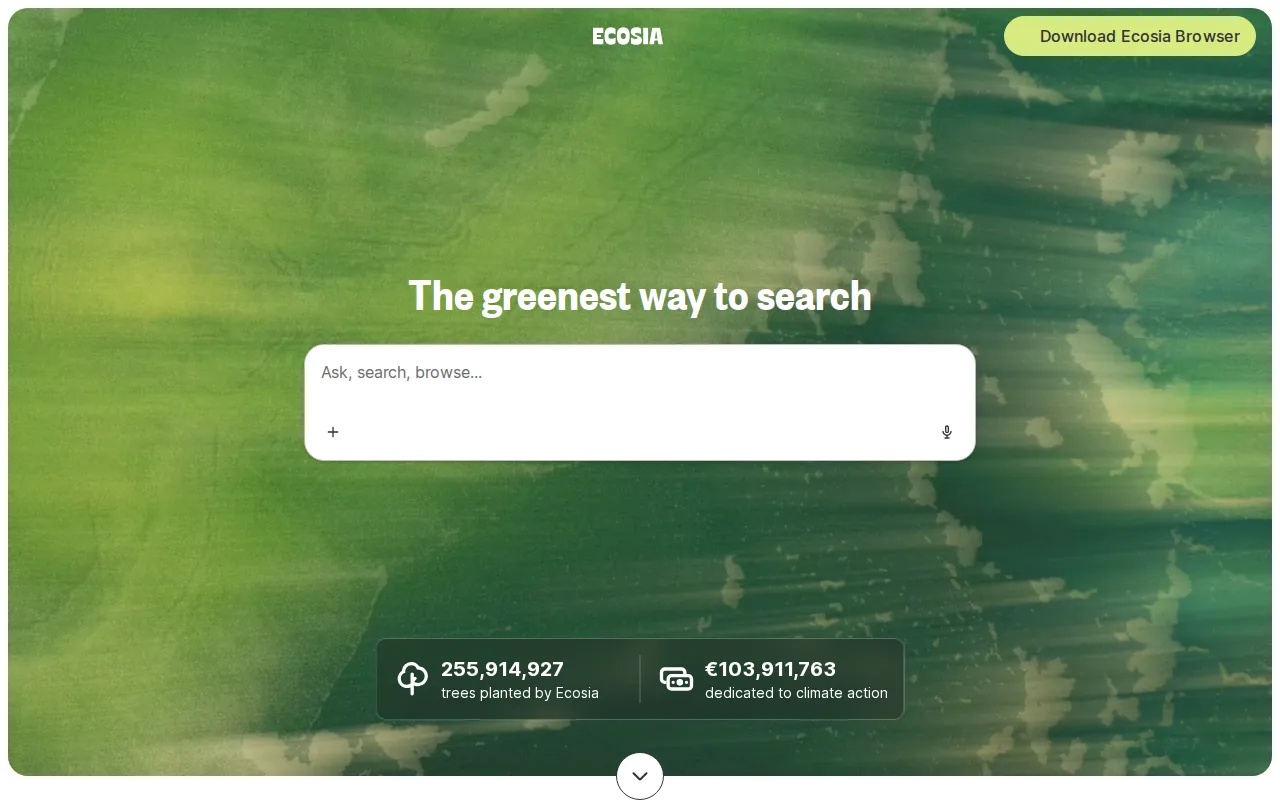
Ecosia is the best Bing alternative for users who want a search engine that funds reforestation with its ad revenue instead of pure shareholder returns, and notably Ecosia's own results and ads are delivered through a revenue-sharing partnership with Bing and Microsoft Advertising, meaning switching from Bing to Ecosia keeps a similar underlying result set while redirecting the ad revenue. Ecosia reports over 230 million trees funded as of 2025 and about EUR43.2 million in 2025 revenue, figures it publishes publicly, a transparency Bing's own listing doesn't offer. Ecosia is entirely free with no paid tier, matching Bing's no-cost model, and ships as a website, browser extensions for Chrome, Firefox, Safari, and Edge, a standalone Chromium desktop browser launched in 2024, and iOS and Android apps, a broader footprint than Bing's web/iOS/Android reach. Bing is still the better choice for users who want results from the primary source rather than a revenue-sharing partner: since Ecosia's search results are sourced through Bing and Microsoft Advertising rather than an independent index, result quality and coverage ultimately track Bing's own, and Ecosia's standalone browser (launched 2024) is newer and has a smaller feature set than Microsoft Edge.
Compared to Bing: same underlying Bing-powered results delivered through a revenue-sharing partnership, ad profits fund reforestation (230M+ trees as of 2025), but no independent index of its own
Wins:Ad revenue funds tree planting and climate projects, reporting over 230 million trees funded as of 2025, rather than routing profit to shareholders · Publishes its financial results (~EUR43.2 million 2025 revenue) and tree-planting counts publicly · Available as a website, browser extensions, a standalone Chromium browser, and iOS/Android apps, a broader footprint than Bing's web/iOS/Android reach
Loses:Search results are sourced through the same Bing/Microsoft Advertising partnership, so result quality and coverage track Bing's rather than an independent index · The standalone Ecosia browser, launched in 2024, is newer and has a smaller feature set than Microsoft Edge · No Copilot-equivalent AI assistant built into search results the way Bing built Copilot in
Pros
- Entirely free with no subscription tier or paywalled features.
- Ad revenue funds tree planting and climate projects rather than shareholder payouts.
- Available as a website, browser extensions, a standalone Chromium browser, and iOS/Android apps.
- Publishes its financial results and tree-planting counts publicly rather than keeping them private.
Cons
- Search results are sourced through a revenue-sharing partnership with Bing rather than an independent index.
- No enterprise or advanced privacy tier; the product is a single free offering for all users.
- The standalone Ecosia browser is a newer 2024 product with a smaller feature set than established browsers like Chrome or Firefox.
- As a for-profit GmbH, Ecosia's tree-planting funding depends on continued ad revenue, which fluctuates with search ad market conditions.
Pricing: Free
5.Google Search — best Bing alternative for anyone doing general web search who wants the broadest, most current index along with integrated Maps, Shopping, and AI Overviews, without paying anything
Google Search is the best Bing alternative for anyone doing general web search who wants the largest and most frequently updated index available, holding over 90% of global search market share against Bing's small minority share. Both are free with no consumer paid tier, but Google Search integrates Maps, Shopping, Flights, the Knowledge Graph, and AI-generated Overviews directly into results, the same category of AI-in-results feature Bing offers through Copilot. Because Google indexes more of the web more frequently, Bing's own listing notes that its long-tail and hyper-local queries return thinner results, a gap Google Search's 90%-plus market share reflects. Bing is still the better choice for users who want Microsoft's Copilot AI assistant built directly into results with follow-up conversational queries, and for anyone already inside the Windows or Edge ecosystem where Bing is the pre-configured default requiring no setup. Google Search's own results pages have also grown more ad- and AI-Overview-heavy over time, and Google ties search history to a signed-in account for ad personalization by default, a tracking model Bing shares but that neither company's listing quantifies precisely in our listing data.
Compared to Bing: over 90% global market share vs a small minority, Maps/Shopping/Flights integrated directly into results, but results pages carry more ad and AI-Overview real estate
Wins:Holds over 90% of global search market share, versus Bing's small fraction, meaning broader and fresher coverage especially for long-tail and hyper-local queries · Deep integration with Maps, Shopping, Flights, and the Knowledge Graph directly in results, matching or exceeding Bing's Copilot-in-results approach · Free with no paid tier required for full functionality, same as Bing
Loses:Results pages carry more ad and AI-Overview real estate above organic links than a decade ago · Search history is tied to a signed-in Google account and used for ad targeting by default, similar to Bing's own Microsoft-account model · No dedicated conversational AI assistant embedded the way Bing built Copilot directly into its results page
Pros
- Largest and most current web index of any mainstream search engine.
- Deep integration with Maps, Shopping, Flights, and the Knowledge Graph directly in results.
- Free with no paid tier required for full functionality.
- Default search provider across Chrome, Android, and most browsers, so no setup is needed.
Cons
- Results pages carry more ad and AI-Overview real estate above organic links than a decade ago.
- Search history is tied to a signed-in Google account and used for ad targeting by default.
- AI Overviews have been documented producing inaccurate or misleading summaries on some queries.
- No privacy-first mode without manually enabling Incognito or disabling Web & App Activity.
Pricing: Free