2 Best Free Alternatives to Avid Media Composer in 2026
By Noahlast updated
All 3 Avid Media Composer alternatives
Compared: free alternatives to Avid Media Composer
| Alternative | Best for | Standout | Biggest weakness | Learning curve | Price |
|---|---|---|---|---|---|
| Avid Media Composerreference | broadcast and studio post-production teams who need frame-accurate editing, dialogue search, and shared-storage collaboration across multiple editors | PhraseFind and ScriptSync let editors search spoken dialogue and align footage to a script, backed by MediaCentral/NEXIS shared-storage workflows for multi-editor collaboration. | No permanently free tier as of 2026, an interface built on decades-old editing conventions that new users find harder to learn than Premiere Pro or DaVinci Resolve, and a pricing structure spread across Standard/Ultimate subscriptions plus a separate perpetual-license path that makes total cost hard to compare at a glance. | Steep | From $199/yr |
| Adobe Premiere Pro | professional video editors and filmmakers who need frame-accurate multi-track editing, broadcast color grading, and Frame.io review workflows | Text-based editing and Media Intelligence, which let editors search and cut footage by transcript or spoken description instead of scrubbing the timeline manually. | Steep learning curve and heavy hardware demands compared to consumer editors, and cancelling an annual-billed-monthly plan within the first year can trigger an early termination fee tied to Adobe's 2024 $150 million FTC settlement. | Steep | Free tier · paid from $22.99/mo |
| DaVinci Resolve | colorists and post-production editors who want node-based, Hollywood-grade color grading and a full VFX/audio suite without paying a monthly subscription | A node-based color grading page used on major film and TV productions, bundled with editing, Fusion VFX, and Fairlight audio in one free application with no subscription required for professional-grade output. | The node-based, multi-page workflow has a steep learning curve for editors coming from layer-based tools like Premiere Pro or Final Cut Pro, and Resolve recommends at least 16GB of RAM, so it can lag on underpowered hardware. | Steep | Free tier · paid from $295 one-time |
 Avid Media Composer
 Adobe Premiere Pro
 DaVinci Resolve
1.Adobe Premiere Pro — best Avid Media Composer alternative for professional video editors and filmmakers who need frame-accurate multi-track editing, broadcast color grading, and Frame.io review workflows
Adobe Premiere Pro is the best Avid Media Composer alternative for editors who want text-based editing, AI-assisted tools, and Frame.io review workflows built into the same application. Premiere Pro's Generative Extend adds frames or ambient sound to a clip using AI, and Media Intelligence lets editors search and cut footage by transcript, capabilities that go beyond Avid's own dialogue-search tool, PhraseFind, which is limited to the pricier Ultimate tier. Premiere Pro holds a 4.7/5 rating from 573 Capterra reviews, far more than Avid Media Composer's own 11 reviews at 4.2/5. Premiere Pro's single-app plan starts at $22.99/month billed annually, well under Avid's Ultimate tier at $539.99/year (roughly $45/month). Avid Media Composer remains the better choice for broadcast and studio post-production teams that specifically need bin-based media management and MediaCentral/NEXIS shared-storage workflows for multiple editors working on the same project simultaneously: Premiere Pro has no direct equivalent to Avid's ScriptSync script-to-footage alignment, and Premiere Pro's own steep learning curve and heavy hardware demands remain a real tradeoff for teams moving off Avid's decades-old but still-standard broadcast workflows.
Compared to Avid Media Composer: text-based editing and Media Intelligence built in vs Avid's PhraseFind limited to its pricier Ultimate tier, 4.7/5 from 573 Capterra reviews vs Avid's 11, subscription from $22.99/month vs Avid's $539.99/year Ultimate tier
Wins:Text-based editing and Media Intelligence let editors search and cut footage by transcript, without needing Avid's pricier Ultimate tier for dialogue search · 4.7/5 rating from 573 Capterra reviews, far more evidence than Avid Media Composer's own 11 reviews · Generative Extend and object masking use AI to add frames or automate rotoscoping tasks Avid's toolset doesn't include
Loses:No direct equivalent to Avid's MediaCentral/NEXIS shared-storage workflow built specifically for multiple editors on the same broadcast project simultaneously · No ScriptSync-equivalent script-to-footage alignment tool that Avid's Ultimate tier includes · Subscription-only with no perpetual license, and cancelling an annual-billed-monthly plan within the first year can trigger an early termination fee
Pros
- Multi-track timeline and Color Mode grading tools built for professional finishing work.
- Text-based editing and Media Intelligence speed up rough cuts by searching footage like a transcript.
- Frame.io integration streamlines client review and approval directly from the timeline.
- Tight integration with After Effects and Audition for motion graphics and audio finishing.
Cons
- Steep learning curve; overkill for short-form social content compared to template-driven editors.
- Demanding on CPU/GPU, especially with multi-cam or high-resolution footage.
- Subscription-only, and cancelling an annual-billed-monthly plan within the first year can trigger an early termination fee.
- No perpetual license option for editors who prefer a one-time purchase.
Pricing: Free tier · paid from $22.99/mo — $22.99/month (single app, annual) vs Avid Media Composer's Ultimate tier at $539.99/year (about $45/month) or a Standard tier reported around $199/year (verified undefined NaN, NaN)
2.DaVinci Resolve — best Avid Media Composer alternative for colorists and post-production editors who want node-based, Hollywood-grade color grading and a full VFX/audio suite without paying a monthly subscription
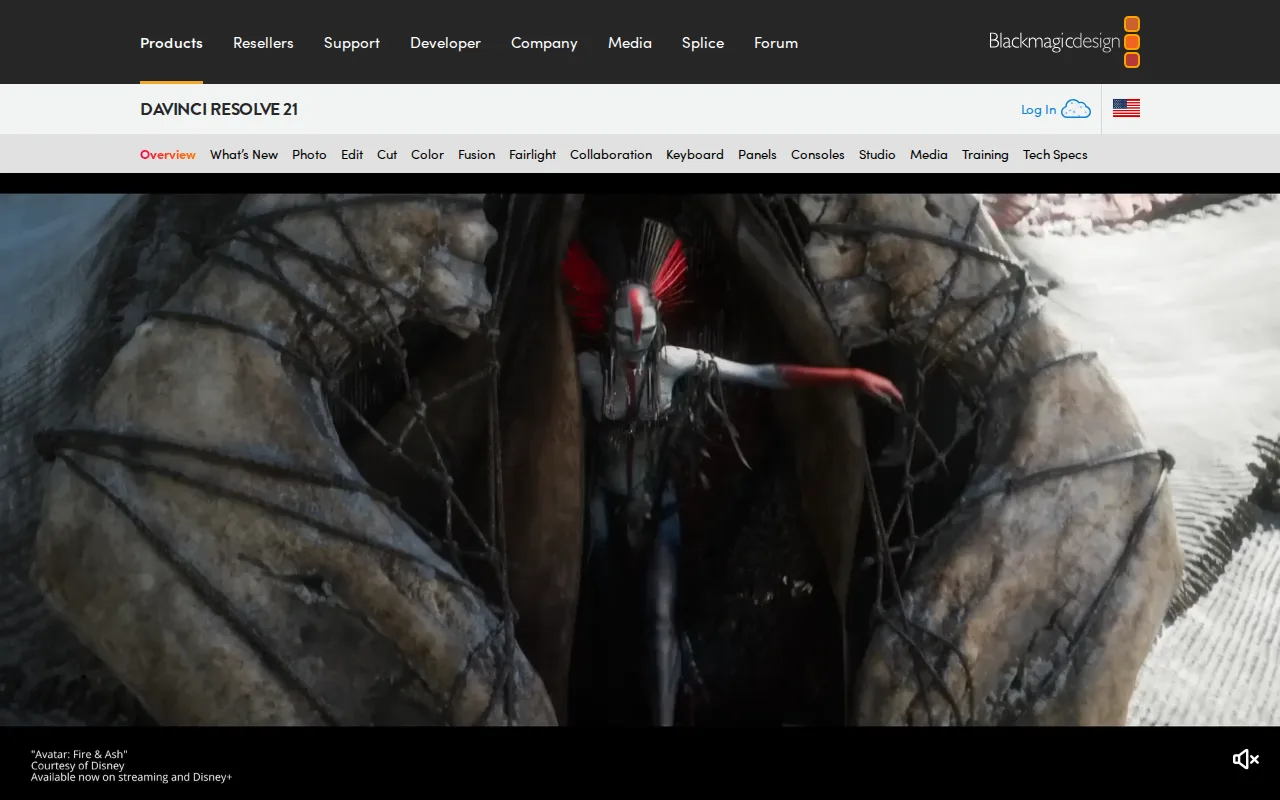
DaVinci Resolve is the best Avid Media Composer alternative for colorists and editors who want a professional-grade editor free of charge, with Hollywood-grade color grading built in. The free version supports editing up to Ultra HD 60fps in 8-bit with no subscription and no time limit, a stark contrast to Avid Media Composer, which has no permanently free tier at all and starts around $199/year even at its Standard subscription tier. DaVinci Resolve holds a 4.8/5 rating from 272 Capterra reviews, well above Avid Media Composer's own 4.2/5 from 11 reviews. Its node-based Color page is used industry-wide on major film and TV productions, and the one-time $295 Studio upgrade adds the Neural Engine AI tools, 10-bit video up to 120fps, and advanced noise reduction with no recurring subscription cost at all. Avid Media Composer remains the better choice for broadcast and studio teams that specifically need PhraseFind dialogue search, ScriptSync script alignment, and MediaCentral/NEXIS shared-storage collaboration built for large studio pipelines: DaVinci Resolve's node-based, multi-page workflow has a steep learning curve for editors coming from Avid's bin-based system, and it recommends at least 16GB of RAM to avoid lag.
Compared to Avid Media Composer: free professional-grade editing up to Ultra HD 60fps vs Avid's $199/year-plus subscription-only model, 4.8/5 from 272 Capterra reviews vs Avid's 4.2/5 from 11, one-time $295 Studio upgrade instead of an ongoing subscription
Wins:Free version is fully professional-grade, not a crippled trial, supporting Ultra HD 60fps 8-bit editing, unlike Avid Media Composer's fully paid model · 4.8/5 rating from 272 Capterra reviews, well above Avid Media Composer's 4.2/5 from 11 reviews · Studio upgrade is a one-time $295 purchase with no recurring subscription, cheaper over time than Avid's $539.99/year Ultimate tier
Loses:No equivalent to Avid's PhraseFind dialogue search or ScriptSync script-to-footage alignment tools · No MediaCentral/NEXIS-style shared-storage workflow built specifically for multiple editors on the same broadcast project simultaneously · Node-based, multi-page workflow has a steep learning curve for editors coming from Avid's bin-based editing system
Pros
- Free version is fully professional-grade, not a crippled trial, supporting Ultra HD 60fps 8-bit editing and grading.
- Studio upgrade is a one-time $295 purchase with no recurring subscription.
- Node-based color grading is used industry-wide on film and TV productions.
- Native support for Windows, macOS, and Linux in a single application.
Cons
- Steep learning curve for editors transitioning from layer-based tools like Premiere Pro.
- Recommends at least 16GB of RAM; performance lags on underpowered systems.
- Project database and media management model confuses users coming from simpler NLEs.
- Advanced AI features (Neural Engine) and higher bit depths/frame rates are locked behind the $295 Studio upgrade.
Pricing: Free tier · paid from $295 one-time — $0 free tier, or a one-time $295 Studio upgrade, vs Avid Media Composer's subscription pricing from roughly $199/year (Standard) to $539.99/year (Ultimate) (verified undefined NaN, NaN)