3 Best Free Alternatives to Adobe Express in 2026
By Noahlast updated pricing verified
All 3 Adobe Express alternatives
Compared: free alternatives to Adobe Express
| Alternative | Best for | Standout | Biggest weakness | Learning curve | Price |
|---|---|---|---|---|---|
| Adobe Expressreference | small business owners and social media marketers who need branded templates resized across multiple platforms without a full Creative Cloud subscription | AI Assistant (beta) lets a user type an edit request and Adobe Express applies it to the design while leaving untouched layers intact, combined with built-in Firefly generative AI and direct access to Creative Cloud brand assets without leaving the app. | The free plan caps generative AI credits and gates most templates and assets behind the $9.99/month Premium tier, and brand kits — needed to keep team designs consistent — require Premium or higher, so small teams often end up paying per license through the Teams plan (2-seat minimum) just to get consistent branding. | Low | Free tier · paid from $7.99/mo |
| Canva | marketers, small business owners, and social media managers who need on-brand graphics fast without hiring a designer or learning Illustrator or Photoshop | The template-first workflow combined with Magic Resize, which reformats one design across dozens of platform-specific sizes automatically. | Designs can't be exported as editable source files (no .psd or .ai export), so work started in Canva is effectively locked into Canva, and premium templates and the full content library sit behind the Pro paywall. | Low | Free tier · paid from $18/mo |
| VistaCreate | small business owners, freelancers, and social media managers who need quick template-based graphics without design training | Direct integration with Vista's print-on-demand service, letting a finished design be ordered as a physical printed product without leaving the editor. | Folded into the broader Vista/VistaPrint brand and now redirects through vista.com, which makes the product harder to find under its own name and puts it in the shadow of Canva, its much larger and more widely adopted direct competitor. | Low | Free tier · paid from $10/mo |
| Fotor | individuals and small businesses who want browser-based photo editing with AI background/object removal and image generation, without a Photoshop-level learning curve | Combines traditional photo editing with generative AI tools (background removal, object removal, text-to-image via Flux/Gemini/Nano Banana models) in one browser-based editor with no watermarks even on the free plan. | AI generation credits and concurrent-generation limits are tight even on the paid Pro tier (10 concurrent generations), and the free plan's 512MB cloud storage cap is small for users who want to keep a working library of projects. | Low | Free tier · paid from $8.99/mo |
 Adobe Express
 Canva
Canva VistaCreate
 Fotor
Fotor1.Canva — best Adobe Express alternative for marketers, small business owners, and social media managers who need on-brand graphics fast without hiring a designer or learning Illustrator or Photoshop
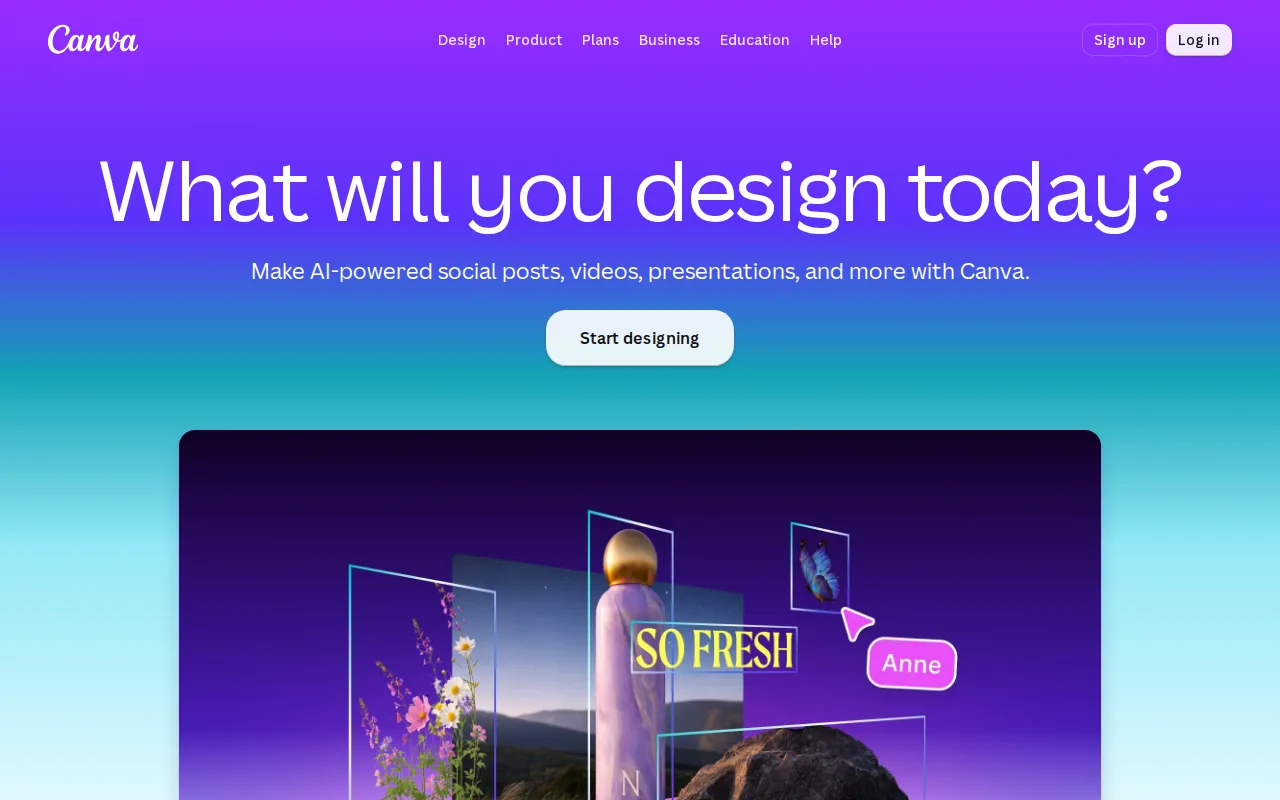
Canva is the best Adobe Express alternative for marketers and small teams who want the same template-first workflow plus real desktop apps and a deeper free plan. Canva's free tier includes 2M+ templates and 5GB of storage, while Adobe Express's free plan gates most premium templates and assets behind its $9.99/month Premium tier and caps generative AI credits. Canva runs natively on Windows and macOS as well as web, iOS, and Android; Adobe Express is browser-and-mobile only, with no desktop application at any price. Canva also carries the deepest review record on this page, 4.7/5 from 13,411 Capterra reviews, where Adobe Express has no external review-platform rating on record. Magic Resize covers the same one-click multi-format resizing Adobe Express is built around, and Canva Business at $25/user/month adds up to 100 brand kits, approval workflows, and template locking. Adobe Express is still the better choice on price and on Adobe interoperability. Canva Pro costs $18/month billed monthly ($144/year, about $12/month annually) against Adobe Express Premium at $9.99/month with no annual commitment, and Canva Business at $25/user/month is more than three times Adobe Express Teams at $7.99 per license. Canva also cannot export editable .psd or .ai source files, so work started in Canva stays in Canva, which matters if the rest of the pipeline is Creative Cloud that Adobe Express reads directly.
Compared to Adobe Express: native Windows and macOS desktop apps vs web-and-mobile-only reach, 2M+ templates on the free plan vs a free plan that gates most premium templates, a 4.7/5 rating from 13,411 Capterra reviews vs no external rating on record
Wins:Native Windows and macOS desktop apps; Adobe Express ships web, iOS, and Android only · Free plan includes 2M+ templates and 5GB of storage, where Adobe Express's free plan gates most premium templates and assets behind $9.99/month Premium · 4.7/5 from 13,411 Capterra reviews, the deepest external review record on this page; Adobe Express has no external rating on record
Loses:Canva Pro is $18/month against Adobe Express Premium at $9.99/month, and Canva Business is $25/user/month against Adobe Express Teams at $7.99 per license · No export to editable .psd or .ai files, so designs stay locked inside Canva's editor; Adobe Express reads Creative Cloud brand assets directly · No Photoshop at any tier; Adobe Express's $19.99/month Firefly Pro bundle adds Photoshop on web and mobile plus 4,000 Firefly credits
Pros
- Template library and drag-and-drop editor let non-designers produce usable graphics in minutes.
- Magic Resize adapts one design to many platform-specific formats automatically.
- Business plan's brand kits and approval workflows keep team output on-brand without a design lead reviewing everything.
- Bundles docs, presentations, and a website builder alongside design, reducing the number of separate tools a small team needs.
Cons
- No export to editable source formats like .psd or .ai; designs are effectively locked to Canva's own editor.
- Most premium templates, stock assets, and AI features require the Pro or Business paid tier.
- Mobile app is noticeably more limited than the desktop/web editor.
- Some users report confusing billing transitions between the free trial and paid subscription.
Pricing: Free tier · paid from $18/mo — $18/month for Canva Pro ($144/year, about $12/month annually) vs Adobe Express Premium at $9.99/month ($119.88/year)
2.VistaCreate — best Adobe Express alternative for small business owners, freelancers, and social media managers who need quick template-based graphics without design training
VistaCreate is the best Adobe Express alternative for small businesses that finish a design and then need it printed. VistaCreate is owned by Vista (formerly Vistaprint) and connects to Vista's print-on-demand service from inside the editor, so a flyer or business card can be ordered as a physical product without exporting a file; Adobe Express has no print-fulfillment path. VistaCreate's Free Starter plan is unusually substantial for a free tier: 100,000+ templates, 1 million-plus photos, videos, and vectors, and 10GB of storage, against an Adobe Express free plan that gates most premium templates and caps generative AI credits. VistaCreate Pro costs $10/month billed annually and opens up 200,000+ templates, the full 170 million-plus asset library, unlimited storage, generative AI tools, and HD downloads. That works out to $120 a year, twelve cents more than Adobe Express Premium's $9.99/month ($119.88/year), for considerably more storage. VistaCreate holds 4.6/5 from 439 Capterra reviews. Adobe Express is still the better choice for teams past ten people and for anyone who needs AI without paying. VistaCreate caps team collaboration at 10 members and restricts generative AI to Pro, while Adobe Express includes limited Firefly credits on its free tier and sells Teams licenses at $7.99 each with an Enterprise tier above that. VistaCreate is also web, iOS, and Android only, matching Adobe Express's missing desktop app rather than fixing it.
Compared to Adobe Express: direct Vista print-on-demand ordering from inside the editor, a free plan with 100,000+ templates and 10GB of storage vs a free plan that gates most premium templates, unlimited storage on a $10/month Pro plan vs Adobe Express Premium's $9.99/month
Wins:Print-on-demand ordering through Vista (formerly Vistaprint) from inside the editor; Adobe Express has no print-fulfillment path · Free Starter plan includes 100,000+ templates, 1M+ photos/videos/vectors, and 10GB of storage, where Adobe Express's free plan gates most premium templates and assets · Pro at $10/month billed annually includes unlimited storage and 170M+ assets for $120/year, effectively the same yearly cost as Adobe Express Premium's $119.88
Loses:Team collaboration is capped at 10 members; Adobe Express sells Teams licenses at $7.99 each and has an Enterprise tier above it · Generative AI tools are Pro-only, while Adobe Express includes limited Firefly credits even on its free plan · Only 439 Capterra reviews on record (4.6/5), a far thinner evidence base than Canva's 13,411 on the same platform
Pros
- Free tier includes 100,000+ templates and 1 million-plus assets with no time limit.
- Pro plan is priced well below Canva Pro at $10/month billed annually for the full asset library.
- One-click resizer adapts a single design across multiple social and print formats instantly.
- Direct print-on-demand integration through Vista turns a finished design into a physical product.
Cons
- Rebrand from Crello into the Vista/VistaPrint ecosystem has made the product's identity and standalone URL less clear.
- Asset library and brand recognition are both smaller than Canva's, its primary competitor.
- Team collaboration is capped at 10 members, limiting use for larger marketing teams.
- Generative AI tools are Pro-only, unavailable to free-tier users.
Pricing: Free tier · paid from $10/mo — $10/month billed annually ($120/year) vs Adobe Express Premium at $9.99/month billed monthly ($119.88/year)
3.Fotor — best Adobe Express alternative for individuals and small businesses who want browser-based photo editing with AI background/object removal and image generation, without a Photoshop-level learning curve
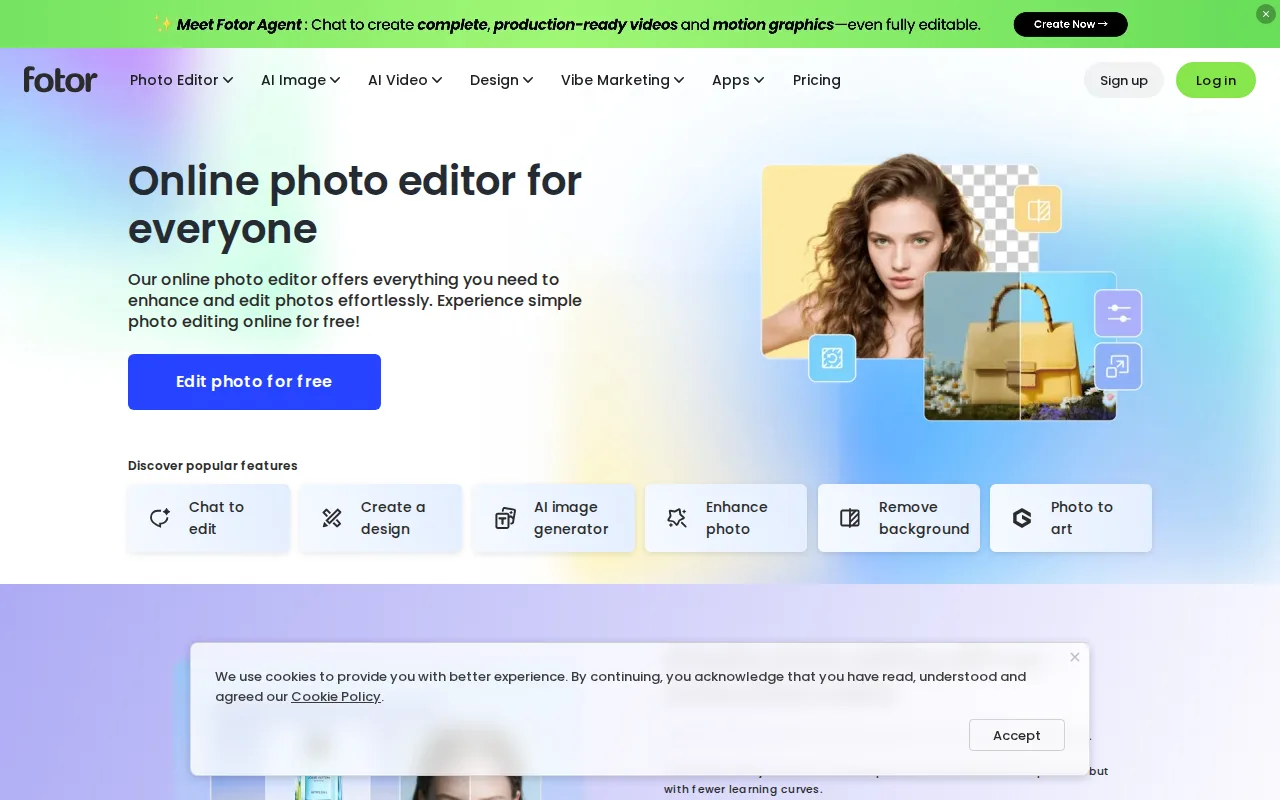
Fotor is the best Adobe Express alternative for people whose work is mostly photo editing with occasional social graphics. Fotor's free plan exports unlimited images with no watermark, the sharpest contrast with Adobe Express, whose free plan caps generative AI credits and gates most templates and assets behind $9.99/month Premium. Fotor pairs conventional editing (crop, filters, retouching, collage) with AI background removal, AI object removal, upscaling, and text-to-image generation backed by several models including Flux, Gemini, and Nano Banana, where Adobe Express routes all generation through Adobe Firefly alone. Fotor also ships native Windows and macOS desktop apps alongside web, iOS, and Android; Adobe Express has no desktop application. On price, Fotor Pro is $8.99/month or $39.99 billed annually, one third of Adobe Express Premium's $119.88 a year. Adobe Express is still the better choice for template-driven brand work. Fotor's free plan caps cloud storage at 512MB and allows one concurrent AI generation and two AI Agent chats, and multiple brand kits appear only on Fotor Pro+ at $19.99/month, where Adobe Express includes brand kits from $9.99/month Premium. Fotor also has no external review-platform rating on record, and its layer-based compositing is less mature than Photoshop, which Adobe Express bundles on web and mobile in its $19.99/month Firefly Pro plan.
Compared to Adobe Express: unlimited watermark-free exports on the free plan, native Windows and macOS apps vs web-and-mobile-only reach, Pro at $39.99/year against Adobe Express Premium's $119.88/year
Wins:Free plan exports unlimited images with no watermark; Adobe Express's free plan caps generative AI credits and gates most premium templates · Native Windows and macOS desktop apps on top of web, iOS, and Android; Adobe Express is web and mobile only · Fotor Pro costs $39.99/year on annual billing, one third of Adobe Express Premium's $119.88/year
Loses:Free plan caps cloud storage at 512MB with one concurrent AI generation and two AI Agent chats per month · Multiple brand kits require Fotor Pro+ at $19.99/month, while Adobe Express includes brand kits from $9.99/month Premium · No external review-platform rating on record, and no Creative Cloud or Photoshop access of the kind Adobe Express's $19.99/month Firefly Pro bundle provides
Pros
- Free plan allows unlimited exports with no watermarks, unusual among competing photo editors.
- AI background removal, object removal, and text-to-image generation built into the same editor as traditional tools.
- Native apps across web, Windows, macOS, iOS, and Android.
- Pro+ tier bundles over 1 million stock photos and multiple brand kits for teams doing recurring design work.
Cons
- Free plan caps cloud storage at 512MB and limits AI generation credits and concurrency.
- Pro tier's 10 concurrent generations and 1,000 AI Agent chats/month can feel restrictive for heavy AI users.
- AI Headshot and API/developer pricing are separate from the core Pro/Pro+ tiers, adding complexity to the pricing page.
- Less mature layer-based editing than Photoshop for users doing complex, multi-layer composites.
Pricing: Free tier · paid from $8.99/mo — Free with unlimited watermark-free exports, then Pro at $8.99/month or $39.99/year vs Adobe Express Premium at $9.99/month ($119.88/year)